For current cloud charges, refer to Sealos plan pricing. Upstream documentation may reference earlier billing models.
Deploy and Host Syncthing on Sealos
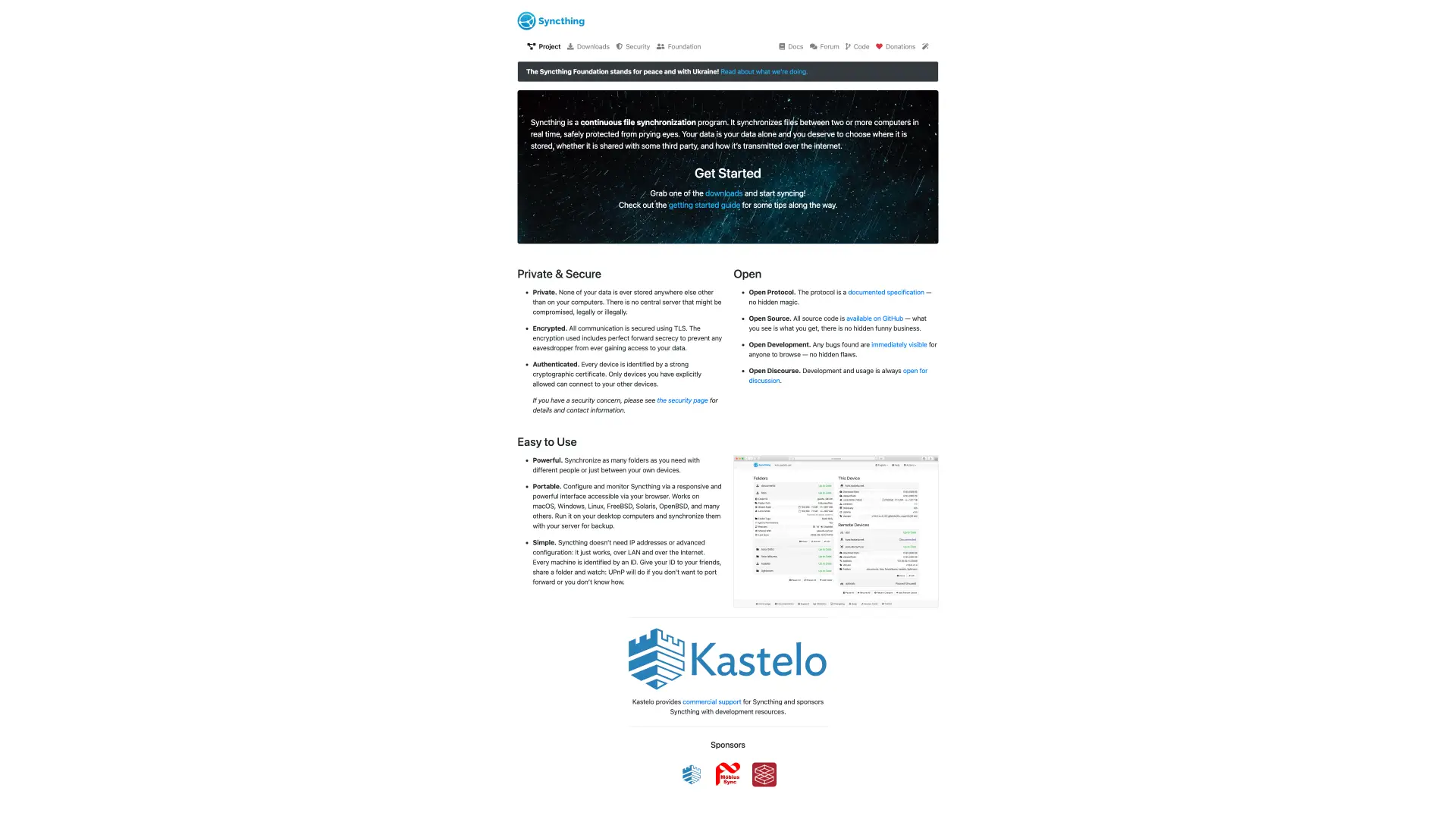
Syncthing is a continuous peer-to-peer file synchronization system with a browser-based administration interface. This template deploys Syncthing with persistent /var/syncthing storage and public HTTPS access on Sealos Cloud.
About Hosting Syncthing
Syncthing synchronizes files directly between devices and keeps device identity, configuration, and synchronized data in its local data directory. The Sealos template runs Syncthing as a StatefulSet so that /var/syncthing persists across restarts.
The web GUI is exposed through Sealos HTTPS ingress on port 8384. Sync ports are also defined on the internal Service, and remote devices can be added from the Syncthing GUI after deployment.
Common Use Cases
- Private file synchronization: Sync folders between trusted devices without a central SaaS account.
- Self-hosted backup workflows: Keep copies of important folders in a Sealos workspace.
- Cross-device sharing: Pair desktops, servers, and edge devices through Syncthing device IDs.
- Persistent sync node: Run a stable always-on node for personal or team synchronization.
Dependencies for Syncthing Hosting
The Sealos template includes the Syncthing container, StatefulSet, persistent volume, Service ports for GUI and sync traffic, HTTPS Ingress, and App resources.
Deployment Dependencies
Implementation Details
Architecture Components:
- Syncthing StatefulSet: Runs
syncthing/syncthing:2.1.1.
- Persistent Volume: Stores
/var/syncthing, including configuration, identity, and synced data.
- Service: Exposes GUI traffic on
8384 and sync traffic on 22000.
- Ingress and App Entry: Exposes the GUI through the generated Sealos HTTPS URL.
Configuration:
device_name sets the visible device name.STGUIADDRESS=0.0.0.0:8384 makes the web GUI reachable through Sealos Ingress.STNODEFAULTFOLDER=true starts without an automatic default sync folder.
License Information:
Syncthing is licensed under the MPL-2.0 License. This Sealos template provides deployment configuration for running Syncthing on Sealos Cloud.
Why Deploy Syncthing on Sealos?
Sealos is an AI-assisted Cloud Operating System built on Kubernetes that unifies deployment and operations. By deploying Syncthing on Sealos, you get one-click deployment, automatic HTTPS, persistent storage, resource controls, and Canvas-based updates for an always-on sync node.
Deployment Guide
- Open the Syncthing template and click Deploy Now.
- Configure
device_name if you want a custom visible device name.
- Wait for deployment to complete, typically 2-3 minutes. After deployment, you will be redirected to the Canvas. For later changes, describe your requirements in the AI dialog, or click the relevant resource cards to modify settings.
- Open the generated public URL.
- In the Syncthing GUI, set a GUI username and password when prompted by Syncthing.
- Add remote devices and folders from the Syncthing web interface.
Configuration
After deployment, configure Syncthing through:
- Syncthing GUI: Add devices, folders, credentials, and sync preferences.
- AI Dialog: Update environment variables or resource settings.
- Resource Cards: Adjust CPU, memory, and persistent storage from the Canvas.
- Persistent Volume: Keep
/var/syncthing to preserve the device ID.
Scaling
Syncthing usually runs as a single stable node because its device identity lives in persistent storage. Increase CPU, memory, or storage when synchronizing larger folders or more devices.
Troubleshooting
GUI asks for credentials
- Cause: Syncthing recommends protecting the externally reachable GUI.
- Solution: Set a GUI username and password from the Syncthing web interface.
Remote devices cannot connect
- Cause: Public peer-to-peer connectivity may require explicit device addresses or relay configuration.
- Solution: Add remote device addresses manually in the Syncthing GUI if automatic discovery is insufficient.
Device identity changes
- Cause: The persistent volume was removed or replaced.
- Solution: Keep the
/var/syncthing volume when updating the workload.
Additional Resources
License
This Sealos template is provided as deployment configuration for Sealos users. Syncthing itself is licensed under the MPL-2.0 License.