sealos.io
Jellyfin
Build production-ready storage templates with Sealos.

https://jellyfin.org/deploy now
Jellyfin
Storage
Free software media system for managing, streaming, and sharing movies, TV, music, and photos.

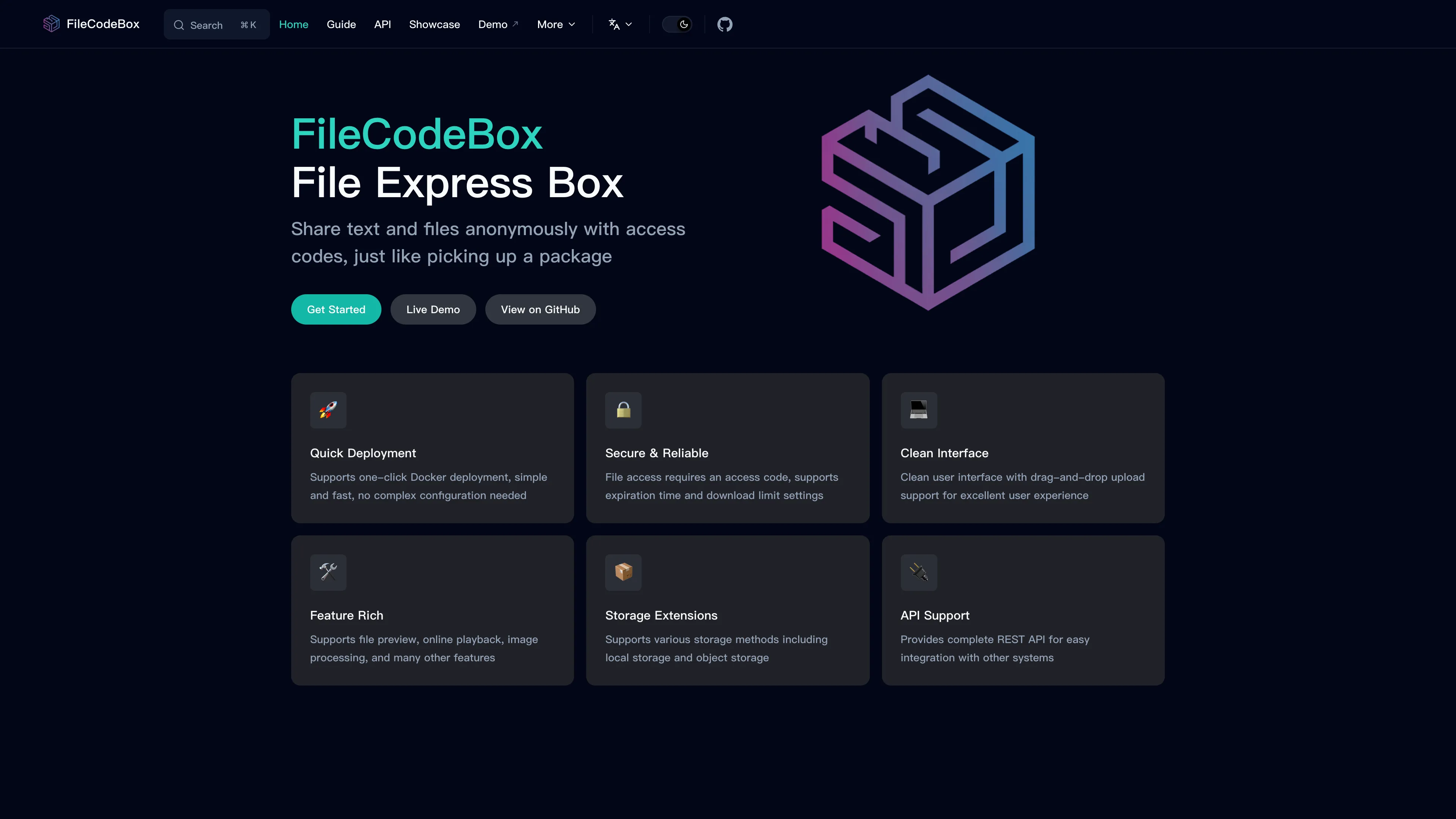
Lightweight anonymous text and file sharing service with access codes, admin management, and optional S3-compatible storage.
Launch in your Sealos workspace.
Start with the resources defined by the FileCodeBox template. Review CPU, memory, persistent storage, and network allocations for every service in Canvas. Capacity needs depend on your data and workload; monitor usage as they grow.
Template configuration and setupUse the application URL or connection details shown in Canvas. Follow the deployment guide for first-time account setup or client configuration, and keep generated credentials available for that step.
Sealos monthly plans include compute, memory, storage, and traffic. Size your plan for all deployed services. Software licenses and external AI or API services may have separate terms and charges. Confirm the applicable plan and optional charges in Cost Center.
Compare Sealos resource plansFor current cloud charges, refer to Sealos plan pricing. Upstream documentation may reference earlier billing models.
FileCodeBox is a lightweight anonymous text and file sharing service built with FastAPI and Vue. This template deploys FileCodeBox with persistent local storage by default and an optional Sealos Object Storage switch on Sealos Cloud.
FileCodeBox lets users share text snippets or files and receive an access code that recipients can use to retrieve the content. The public sharing flow supports guest uploads by default, while the /admin panel gives administrators dashboard metrics, file management, storage settings, and security controls.
This Sealos template runs FileCodeBox as a single StatefulSet with a persistent volume mounted at /app/data. The volume stores the SQLite database, local uploaded files, startup lock files, and runtime configuration, so shared content and admin settings survive restarts.
The template also exposes an optional enable_s3_storage switch. When enabled, Sealos provisions an ObjectStorageBucket and the template initializes FileCodeBox with its official S3-compatible settings, using proxied downloads for private bucket access.
The Sealos template includes the FileCodeBox container image, a StatefulSet, a persistent volume, a Kubernetes Service, an Ingress, and a Sealos App entry. When object storage is selected, the template also creates a Sealos ObjectStorageBucket and injects the generated S3 credentials into the application.
Architecture Components:
This template deploys the following services:
lanol/filecodebox on port 12345 and serves the web UI, sharing API, admin API, and background cleanup tasks.1Gi volume mounted at /app/data stores the SQLite database and local files.ObjectStorageBucket stores uploaded files through FileCodeBox's official S3-compatible storage settings.Configuration:
The template asks for:
admin_password: Initial password for the FileCodeBox /admin panel.enable_s3_storage: Enable Sealos Object Storage as FileCodeBox's S3-compatible file backend.On first startup, the container initializes FileCodeBox's SQLite settings row with the selected admin password and storage mode. Later changes made in the FileCodeBox admin panel are stored in /app/data/filecodebox.db.
License Information:
FileCodeBox is licensed under the GNU Lesser General Public License v3.0. This Sealos template is deployment configuration for FileCodeBox and does not change the upstream application license.
Sealos is an AI-assisted Cloud Operating System built on Kubernetes that unifies the application lifecycle from deployment to operations. By deploying FileCodeBox on Sealos, you get:
Deploy FileCodeBox on Sealos and run a small, self-hosted file sharing service with managed Kubernetes primitives underneath.
admin_password for the /admin panel.enable_s3_storage disabled to store uploaded files on the persistent volume mounted at /app/data, or enable it to provision a private Sealos Object Storage bucket and configure FileCodeBox to use S3-compatible storage.https://[your-app-url]/admin and sign in with the configured admin_password to view the dashboard, manage files, and adjust FileCodeBox settings.After deployment, you can configure FileCodeBox through:
/admin, sign in with the configured password, and update site settings, upload limits, storage settings, themes, and security options.For public services, review the upload size, upload rate limit, expiration modes, and admin password immediately after deployment. FileCodeBox stores admin configuration in SQLite, so changes persist on the /app/data volume.
To scale FileCodeBox on Sealos:
The default template uses one worker and a compact resource profile suitable for light sharing workloads. For larger files or sustained traffic, increase the resource limits and consider the object storage backend.
Use the admin_password entered during deployment and visit /admin directly. After changing the password in the admin panel, use the new password for future logins.
Review expired files from the admin panel and increase the StatefulSet storage volume from the Sealos resource card when you need more local capacity. Object storage is a better fit for larger file volume.
Open /admin, verify file_storage=s3, confirm the bucket configuration, and keep proxied downloads enabled for private Sealos Object Storage buckets.
This Sealos template is provided under the repository's template license. FileCodeBox itself is licensed under the GNU Lesser General Public License v3.0.
A shorter path from an app you want to an app you can run. Sealos brings deployment and ongoing operations into one place.
Start with a ready-made template. Review its configuration and launch from the Sealos console.
Run on managed infrastructure with built-in workload scheduling and recovery.
Give your application a public HTTPS endpoint with certificates managed for you.
Keep application data on persistent volumes across container restarts.
Adjust CPU, memory, and replicas from the console as your workload changes.
Sealos provisions the resources defined by your template and brings them together in your workspace.
Container workloads with configurable CPU, memory, and replicas.
An address for your app, with managed TLS certificates.
A database provisioned alongside your app when the template calls for one.
Storage for the files and data your application needs to keep.
Application settings and secrets configured in one place.
Inspect container logs and resource usage from the console.
Resources and their configuration vary by template. Review the deployment form for this app’s exact setup.
Explore more production-ready templates.
Build production-ready storage templates with Sealos.
Free software media system for managing, streaming, and sharing movies, TV, music, and photos.
Build production-ready storage templates with Sealos.

A community-driven file list and storage aggregation platform with WebDAV, offline downloads, and optional S3-compatible storage.
Build production-ready storage templates with Sealos.
Rclone is a command-line program to manage, sync, and serve files across cloud storage providers.