sealos.io
Jellyfin
Build production-ready storage templates with Sealos.

https://jellyfin.org/deploy now
Jellyfin
Storage
Free software media system for managing, streaming, and sharing movies, TV, music, and photos.

OCI-native container image registry with basic auth and optional S3-compatible object storage backend.
Launch in your Sealos workspace.
Start with the resources defined by the Zot Registry template. Review CPU, memory, persistent storage, and network allocations for every service in Canvas. Capacity needs depend on your data and workload; monitor usage as they grow.
Template configuration and setupUse the application URL or connection details shown in Canvas. Follow the deployment guide for first-time account setup or client configuration, and keep generated credentials available for that step.
Sealos monthly plans include compute, memory, storage, and traffic. Size your plan for all deployed services. Software licenses and external AI or API services may have separate terms and charges. Confirm the applicable plan and optional charges in Cost Center.
Compare Sealos resource plansFor current cloud charges, refer to Sealos plan pricing. Upstream documentation may reference earlier billing models.
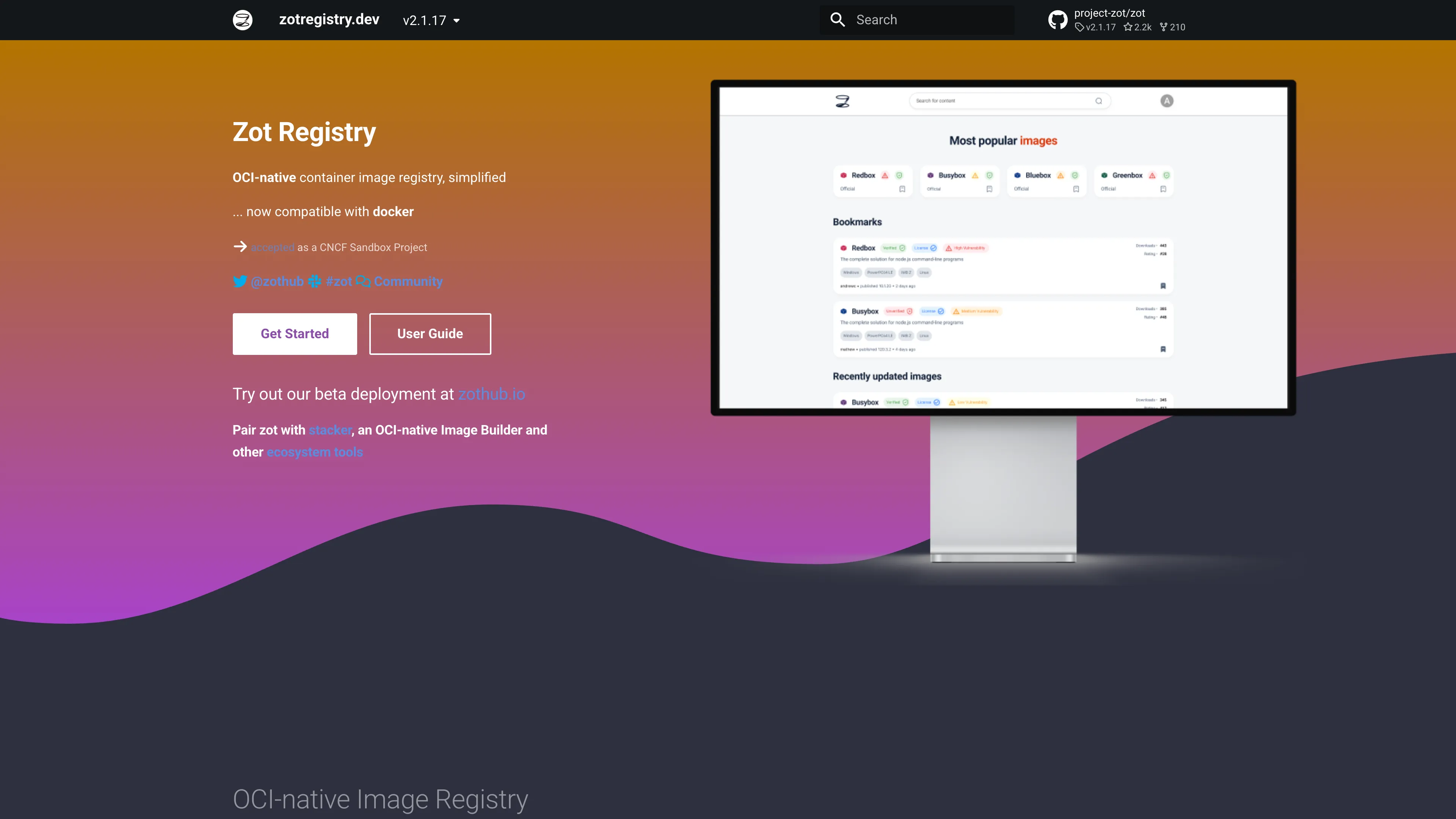
Zot Registry is an OCI-native container image registry for storing and distributing container artifacts. This template deploys Zot v2.1.14 on Sealos Cloud with built-in basic authentication and two storage backends: local filesystem or S3-compatible object storage.

Zot provides a lightweight OCI registry implementation with a web UI and registry APIs, making it suitable for private image hosting, edge distribution, and internal CI/CD artifact workflows. It supports standard Docker/OCI push and pull operations, while keeping operational complexity low.
This Sealos template supports two runtime profiles. In filesystem mode, Zot runs as a StatefulSet with persistent storage for registry data. In objectstorage mode, Zot runs as a Deployment backed by a Sealos ObjectStorage bucket, while still exposing the same public HTTPS endpoint and /v2/ API behavior.
The deployment enables basic auth and access-control policies by default, configures health probes (/livez, /readyz, /startupz), and publishes the service through Sealos-managed ingress with TLS.
The Sealos template includes all required dependencies for Zot runtime:
ghcr.io/project-zot/zot:v2.1.14)zot_storage_backend=objectstorage)zot_storage_backend=filesystem)Architecture Components:
This template deploys the following resources:
StatefulSet in filesystem modeDeployment in objectstorage mode5000 for Zot API and UIConfiguration:
app_name, app_hostfilesystem: persistent local registry data (1Gi PVC)objectstorage: S3-compatible backend with Sealos ObjectStorage credentialsread/create/update/delete to configured admin userhttps://<app_host>.<SEALOS_CLOUD_DOMAIN>https://<app_host>.<SEALOS_CLOUD_DOMAIN>/v2/License Information:
Zot is licensed under the Apache License 2.0.
Sealos is an AI-assisted Cloud Operating System built on Kubernetes, designed to simplify app delivery and operations. By deploying Zot on Sealos, you get:
Deploy Zot on Sealos and focus on shipping artifacts instead of managing infrastructure.
zot_storage_backend: filesystem or objectstoragezot_admin_userfilesystem: set zot_admin_passwordobjectstorage: set zot_admin_htpasswd_hash and optional zot_s3_regionhttps://<app_host>.<SEALOS_CLOUD_DOMAIN>/https://<app_host>.<SEALOS_CLOUD_DOMAIN>/v2/After deployment, you can configure Zot through:
| Parameter | Description | Required |
|---|---|---|
zot_storage_backend | Storage backend (filesystem or objectstorage) | Yes |
zot_admin_user | Admin username for basic auth | Yes |
zot_admin_password | Admin password (filesystem mode only) | Conditional |
zot_admin_htpasswd_hash | Admin htpasswd hash, not plain password (objectstorage mode only) | Conditional |
zot_s3_region | S3 region for object storage mode | Conditional |
To scale Zot resources:
Issue: Pod restarts immediately in object storage mode
Issue: UNAUTHORIZED when calling /v2/
Issue: Auth works in filesystem mode but not in object storage mode
zot_admin_htpasswd_hash was provided as plain text instead of hash.htpasswd -nB <user>).Issue: Push fails for large layers
This Sealos template follows the templates repository license policy. Zot itself is licensed under the Apache License 2.0.
A shorter path from an app you want to an app you can run. Sealos brings deployment and ongoing operations into one place.
Start with a ready-made template. Review its configuration and launch from the Sealos console.
Run on managed infrastructure with built-in workload scheduling and recovery.
Give your application a public HTTPS endpoint with certificates managed for you.
Keep application data on persistent volumes across container restarts.
Adjust CPU, memory, and replicas from the console as your workload changes.
Sealos provisions the resources defined by your template and brings them together in your workspace.
Container workloads with configurable CPU, memory, and replicas.
An address for your app, with managed TLS certificates.
A database provisioned alongside your app when the template calls for one.
Storage for the files and data your application needs to keep.
Application settings and secrets configured in one place.
Inspect container logs and resource usage from the console.
Resources and their configuration vary by template. Review the deployment form for this app’s exact setup.
Explore more production-ready templates.
Build production-ready storage templates with Sealos.
Free software media system for managing, streaming, and sharing movies, TV, music, and photos.
Build production-ready storage templates with Sealos.

A community-driven file list and storage aggregation platform with WebDAV, offline downloads, and optional S3-compatible storage.
Build production-ready storage templates with Sealos.
Rclone is a command-line program to manage, sync, and serve files across cloud storage providers.