Deploy and Host OpenCart on Sealos
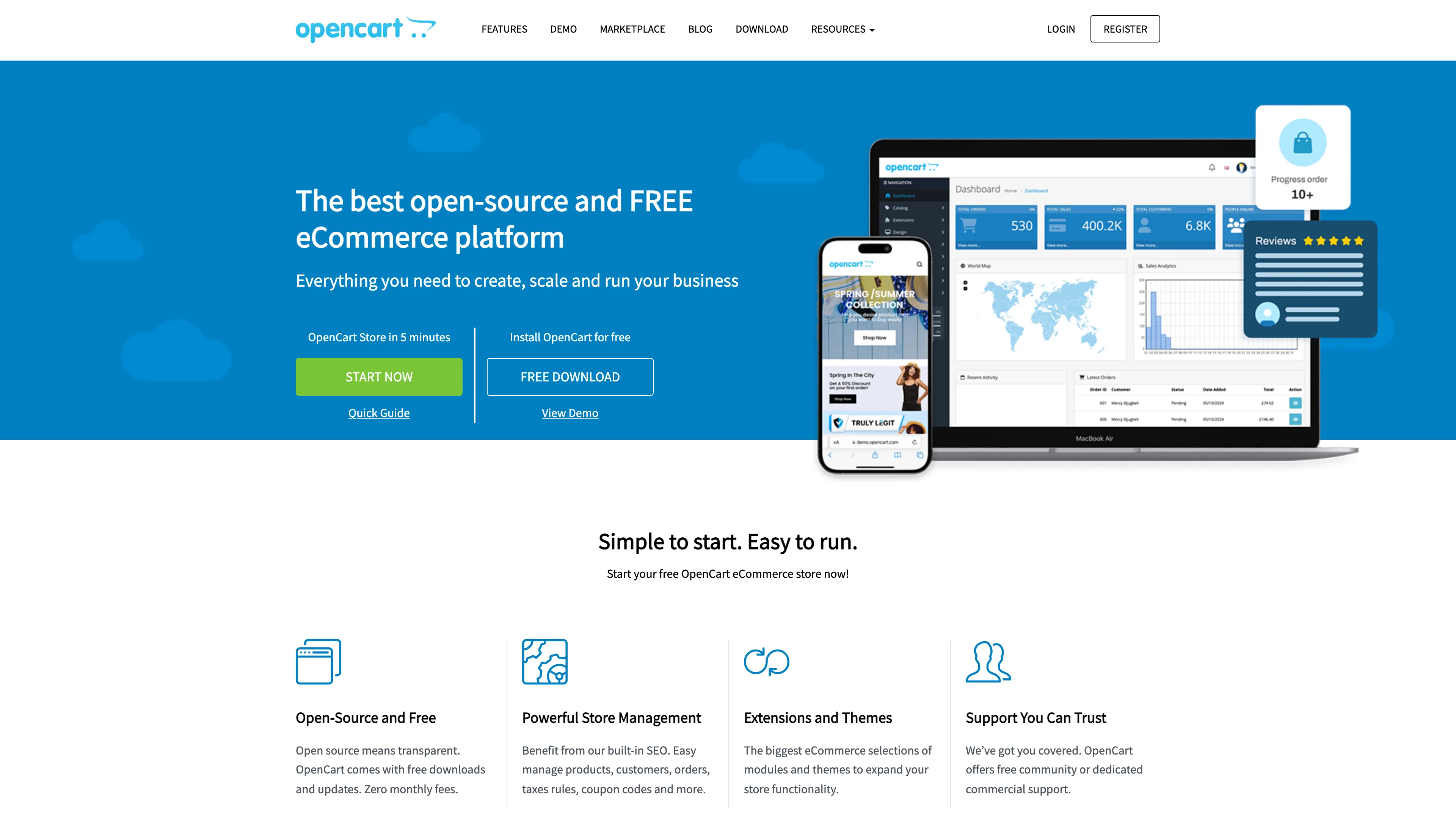
OpenCart is an open-source eCommerce platform for building and managing online stores. This template deploys OpenCart with managed MySQL, persistent storage, and HTTPS ingress on Sealos Cloud.

About Hosting OpenCart
OpenCart in this template runs as a Kubernetes StatefulSet and is preconfigured for automated first-time installation. During startup, the container applies your admin credentials, sets the public HTTPS URL, creates the application with a MySQL backend, and removes the installer path for a safer default setup.
The deployment also provisions a managed MySQL cluster through KubeBlocks, so database credentials are injected from Kubernetes secrets rather than hardcoded values. Sealos configures public HTTPS access, ingress routing, and persistent volumes for product images and OpenCart storage data.
Post-deployment operations are handled in Canvas. You can request changes through the AI dialog or modify resource cards directly for compute, storage, and networking updates.
Common Use Cases
- Online Retail Stores: Launch product catalogs, carts, and checkout flows for physical goods.
- Digital Product Shops: Sell downloadable products such as templates, plugins, or media assets.
- Regional Commerce Sites: Run localized storefronts with custom language, tax, and shipping rules.
- B2B Catalog Portals: Provide account-based access to wholesale pricing and product lists.
- Migration from Legacy Hosting: Move OpenCart workloads from shared hosting to Kubernetes-backed infrastructure.
Dependencies for OpenCart Hosting
This Sealos template includes all required dependencies: OpenCart runtime, managed MySQL, persistent volumes, service discovery, and HTTPS ingress.
Deployment Dependencies
Implementation Details
Architecture Components
This template deploys the following resources:
- OpenCart StatefulSet (
ghcr.io/yangchuansheng/opencart:4.1.0.3): Serves the storefront and admin UI over HTTP inside the cluster.
- Managed MySQL Cluster (
ac-mysql-8.0.30-1): Provisioned by KubeBlocks for relational data storage.
- Persistent Volume (
/var/www/html/image, 256Mi): Stores catalog images and uploaded media.
- Persistent Volume (
/var/www/storage, 256Mi): Stores application storage data, cache, and runtime files.
- Service + Ingress: Exposes OpenCart internally and publishes an HTTPS endpoint externally.
Configuration
The template exposes these deployment inputs:
OPENCART_USERNAME: Initial OpenCart admin username (default: admin)OPENCART_PASSWORD: Initial OpenCart admin password (required, 5-20 characters)OPENCART_ADMIN_EMAIL: Initial OpenCart admin email (default: [email protected])
Runtime behaviors:
- Auto-install is enabled (
OPENCART_AUTO_INSTALL=true).
- Installer cleanup is enabled (
OPENCART_REMOVE_INSTALLER=true).
- Admin path is set to
admincp (/admincp/).
- Database values are injected from
${app_name}-mysql-conn-credential secret keys.
- Default database and prefix are
opencart and oc_.
License Information
OpenCart is distributed by the OpenCart project under GNU GPL terms. Review the upstream repository and official site for complete licensing details.
Why Deploy OpenCart on Sealos?
Sealos is an AI-assisted Cloud Operating System built on Kubernetes that simplifies deployment and day-2 operations for production workloads. By deploying OpenCart on Sealos, you get:
- One-Click Deployment: Launch OpenCart and managed MySQL without manually writing Kubernetes manifests.
- Kubernetes Reliability Without Complexity: Run on a Kubernetes-native platform without deep cluster administration overhead.
- Persistent Storage Included: Keep product images and OpenCart runtime data durable across restarts.
- Secure Public Access: Get automatic HTTPS domain exposure with ingress and certificate management.
- Easy Customization: Use Canvas AI dialog and resource cards to adjust settings after deployment.
- Pay-as-You-Go Efficiency: Scale resources based on real store traffic and usage.
- Built-In Operations Surface: Manage app and database resources from one platform console.
Deploy OpenCart on Sealos and focus on store operations instead of infrastructure maintenance.
Deployment Guide
- Open the OpenCart template and click Deploy Now.
- Configure deployment parameters in the popup dialog:
OPENCART_USERNAMEOPENCART_PASSWORD (5-20 characters)OPENCART_ADMIN_EMAIL
- Wait for deployment to complete (typically 2-3 minutes). After deployment, you will be redirected to Canvas. For later changes, describe your requirements in the dialog to let AI apply updates, or click the relevant resource cards to modify settings.
- Access your application using the generated domain:
- Storefront:
https://<app-host>.<domain>/
- Admin Panel:
https://<app-host>.<domain>/admincp/
- Customer Registration:
https://<app-host>.<domain>/index.php?route=account/register
Configuration
After deployment, you can manage OpenCart through:
- AI Dialog: Request changes such as resource tuning, restart actions, or env updates.
- Resource Cards: Modify StatefulSet, Service, Ingress, and MySQL settings directly in Canvas.
- OpenCart Admin Panel: Sign in at
/admincp/ with the deployment username and password, then configure catalog, taxes, shipping, payment modules, and extensions.
- Customer Accounts: Buyers can create storefront accounts from
/index.php?route=account/register unless you disable registration in OpenCart settings.
Recommended post-deployment actions:
- Rotate admin credentials and enable strong password policies.
- Configure store profile, timezone, currency, and locale.
- Set email (SMTP) and payment/shipping integrations before going live.
- Review extension permissions and install only trusted modules.
Scaling
To scale your OpenCart deployment:
- Open your deployment in Canvas.
- Increase CPU and memory for the OpenCart StatefulSet when traffic or plugin load increases.
- Tune MySQL component resources if catalog queries or checkout operations become slow.
- Expand persistent volumes for image and storage paths as catalog assets grow.
This template is optimized for a single OpenCart application instance by default. Most production scaling starts with vertical scaling plus MySQL tuning.
Troubleshooting
Common Issues
Issue: Storefront returns database connection errors
- Cause: MySQL cluster is still provisioning or credentials are not ready.
- Solution: Wait until MySQL is ready, then confirm the app pod restarted with injected DB secret values.
Issue: Cannot open the admin page at /admin
- Cause: Admin route is configured as
/admincp in this template.
- Solution: Sign in via
https://<app-host>.<domain>/admincp/ using the OPENCART_USERNAME and OPENCART_PASSWORD values from deployment.
Issue: First load shows incomplete installation behavior
- Cause: Initial auto-install steps may still be running in the OpenCart container.
- Solution: Check pod logs and wait for initialization to finish before retrying login.
Issue: Product image uploads fail for larger files
- Cause: Upload limits may be lower than your media requirements.
- Solution: Increase related ingress and runtime limits through Canvas resource configuration.
Getting Help
Additional Resources
License
This Sealos template follows repository licensing terms. OpenCart itself is distributed under GNU GPL terms by the upstream project.