sealos.io
AFFiNE
Build production-ready tools templates with Sealos.

https://affine.pro/deploy now
AFFiNE
Tools
A privacy-focused, local-first, open-source workspace for notes, docs, whiteboards, and team knowledge management.

Schedule and manage social media publishing with Postiz on Sealos, including PostgreSQL, Redis, Temporal, and persistent storage for your publishing workspace.
Launch in your Sealos workspace.
Start with the resources defined by the Postiz template. Review CPU, memory, persistent storage, and network allocations for every service in Canvas. Capacity needs depend on your data and workload; monitor usage as they grow.
Template configuration and setupUse the application URL or connection details shown in Canvas. Follow the deployment guide for first-time account setup or client configuration, and keep generated credentials available for that step.
Sealos monthly plans include compute, memory, storage, and traffic. Size your plan for all deployed services. Software licenses and external AI or API services may have separate terms and charges. Confirm the applicable plan and optional charges in Cost Center.
Compare Sealos resource plansFor current cloud charges, refer to Sealos plan pricing. Upstream documentation may reference earlier billing models.
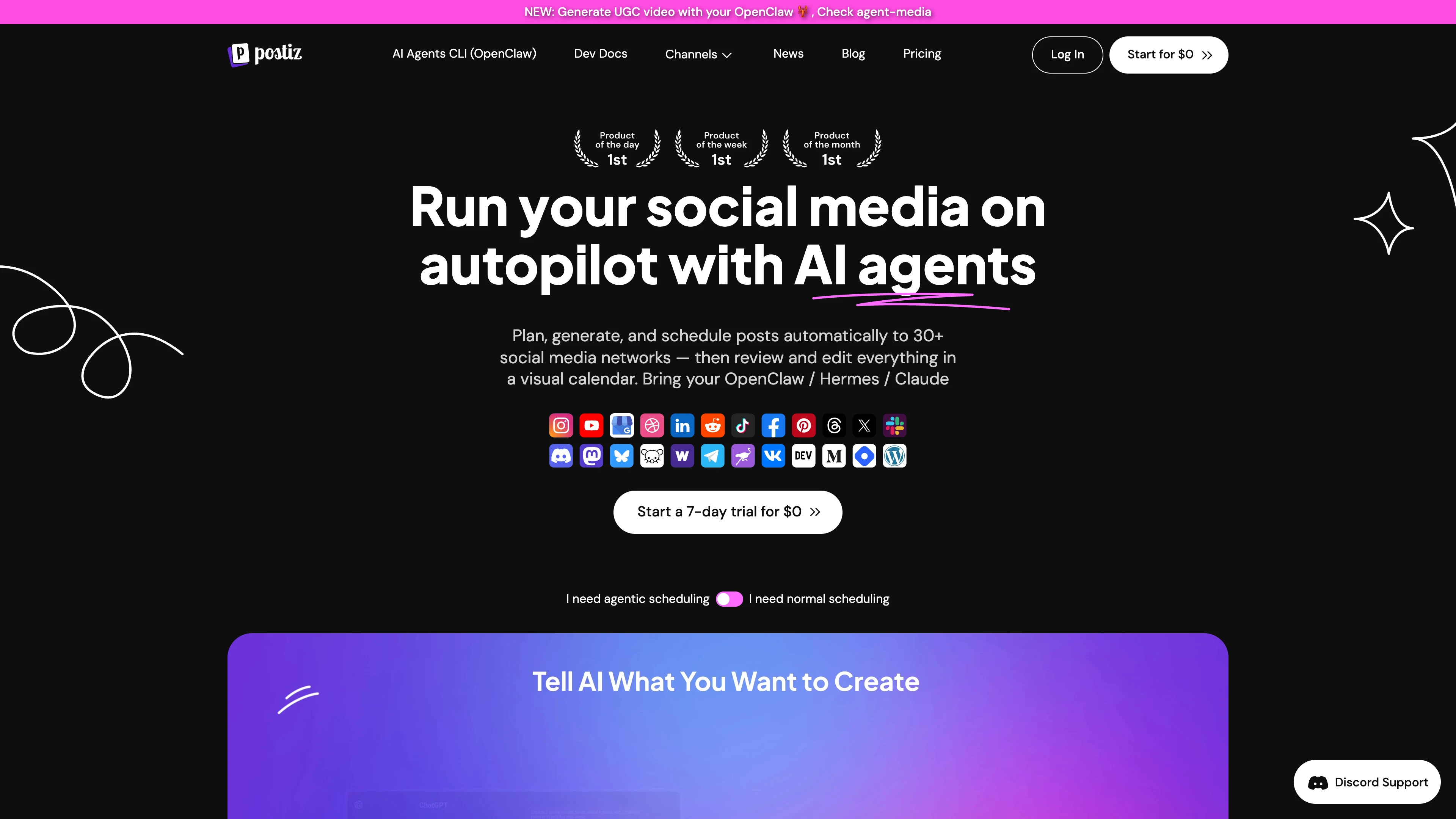
Postiz is an open source social media scheduling and management platform for planning, publishing, and tracking social posts. This template deploys Postiz with PostgreSQL, Redis, Temporal, Elasticsearch, and persistent storage on Sealos Cloud.
Postiz provides a self-hosted workspace for social media teams to schedule posts, manage channels, and coordinate publishing workflows. The Sealos template runs Postiz v2.22.1 with the bundled frontend, backend API, orchestrator, and Nginx gateway in the main application container.
The deployment also provisions PostgreSQL for application and Temporal metadata, Redis for queue and cache services, Temporal for workflow execution, Elasticsearch for Temporal visibility, and persistent volumes for uploads and runtime configuration. Sealos creates the public HTTPS endpoint, service discovery, database resources, and storage resources automatically.
This template is configured for a direct first-run setup: local email-and-password registration is enabled by default. The first account needs only an email address, password, and workspace name. OAuth providers, Resend, email verification, and password reset delivery remain optional follow-on integrations.
The Sealos template includes all required runtime dependencies: the Postiz application image, PostgreSQL 16.4, Redis 7.2, Temporal 1.28, Elasticsearch 7.17, persistent upload storage, and persistent configuration storage.
Architecture Components:
This template deploys the following services:
ghcr.io/gitroomhq/postiz-app:v2.22.1 and serves the web UI, API, Nginx gateway, and orchestrator through port 5000.postiz database before the app starts./uploads and application configuration at /config.Configuration:
The template automatically generates the app name, public hostname, and JWT secret. The app uses local storage by default and sets DISABLE_REGISTRATION=false, so the first user can register with an email address and password immediately after deployment.
Default service-to-service connections are configured through Kubernetes DNS and Sealos-provisioned database credentials. PostgreSQL connection limits are set conservatively so Postiz and Temporal can share the default database baseline.
Resource Profile:
| Component | CPU limit | Memory limit | Notes |
|---|---|---|---|
| Postiz app | 500m | 4096Mi | Covers Nginx, frontend, backend, and orchestrator in one container; 4 GiB is required for cold-start workflow bundle generation. |
| PostgreSQL | 500m | 512Mi | Uses the Sealos PostgreSQL database baseline. |
| Redis and Sentinel | 500m each | 512Mi each | Uses 1 CPU and 1Gi memory across both components. |
| Temporal | 100m | 256Mi | Cold-start tested with the default namespace and Postiz workflow traffic. |
| Temporal Elasticsearch | 100m | 1024Mi | Cold-start tested with a 256 MiB heap for Temporal visibility. |
| Initialization tasks | 100m | 128Mi | Covers PostgreSQL setup, dependency waiting, and Elasticsearch data ownership. |
License Information:
This Sealos template is provided as part of the Sealos templates repository. Postiz itself is licensed under the GNU Affero General Public License v3.0.
Sealos is an AI-assisted Cloud Operating System built on Kubernetes that unifies the entire application lifecycle, from development in cloud IDEs to production deployment and management. It is well suited for running modern SaaS tools, workflow systems, and multi-service applications. By deploying Postiz on Sealos, you get:
Deploy Postiz on Sealos and focus on social publishing workflows while Sealos manages the underlying infrastructure.
Postiz is a web application that requires a user account. This template enables local registration by default, so the first account can be created with an email address, password, and workspace or company name.
/auth. If you land on the login page instead, open /auth manually or use the sign-up option in the UI./auth/login and use the same email address and password.Use an email address as the username. Register that email in the current deployment before signing in. The registration page is /auth; the login page is /auth/login. GitHub OAuth, Google OAuth, X/Twitter API credentials, Resend, and email verification are optional later integrations.
After deployment, you can configure Postiz through:
Important default environment settings:
| Setting | Default | Purpose |
|---|---|---|
DISABLE_REGISTRATION | false | Allows local user registration. |
IS_GENERAL | true | Enables the general self-hosted Postiz experience. |
STORAGE_PROVIDER | local | Stores uploads on the mounted /uploads volume. |
TEMPORAL_NAMESPACE | default | Uses the default Temporal namespace created during deployment. |
The default local provider writes uploaded media to the /uploads persistent volume. Postiz v2.22.1 implements its cloud storage path around Cloudflare R2 endpoint construction. This template keeps local storage as the verified default and exposes only verified local-storage fields. Configure Cloudflare R2 directly from the upstream Postiz documentation when your deployment needs external object storage.
To scale or tune Postiz:
For small self-hosted workspaces, keep the default single-replica topology. Increase resources before connecting many channels, processing large media uploads, or running high-volume publishing workflows.
Allow about 8-10 minutes for the default cold start. Elasticsearch runs at its tested minimum CPU tier, and Postiz builds workflow bundles before opening the web endpoint.
Invalid user name or passwordCreate the account first on /auth. Direct login only works after the email address exists in the current Postiz deployment.
Check whether an email provider or verification setting was added after deployment. With the default template configuration, local users are activated immediately.
Confirm that the relevant social provider credentials are configured and that the channel has been connected from the Postiz UI.
Check the /uploads persistent volume and available storage capacity.
This Sealos template is provided as part of the Sealos templates repository. Postiz itself is licensed under the GNU Affero General Public License v3.0.
A shorter path from an app you want to an app you can run. Sealos brings deployment and ongoing operations into one place.
Start with a ready-made template. Review its configuration and launch from the Sealos console.
Run on managed infrastructure with built-in workload scheduling and recovery.
Give your application a public HTTPS endpoint with certificates managed for you.
Keep application data on persistent volumes across container restarts.
Adjust CPU, memory, and replicas from the console as your workload changes.
Sealos provisions the resources defined by your template and brings them together in your workspace.
Container workloads with configurable CPU, memory, and replicas.
An address for your app, with managed TLS certificates.
A database provisioned alongside your app when the template calls for one.
Storage for the files and data your application needs to keep.
Application settings and secrets configured in one place.
Inspect container logs and resource usage from the console.
Resources and their configuration vary by template. Review the deployment form for this app’s exact setup.
Explore more production-ready templates.
Build production-ready tools templates with Sealos.
A privacy-focused, local-first, open-source workspace for notes, docs, whiteboards, and team knowledge management.
Build production-ready tools templates with Sealos.

Google Chrome browser running in a LinuxServer.io Selkies container with a web-based desktop UI.
Build production-ready tools templates with Sealos.

Deploy the self-hosted DeeplX translation API on Sealos and connect applications to its HTTP endpoint. This independent gateway integrates with DeepL translation.