Deploy and Host Jellyfin on Sealos
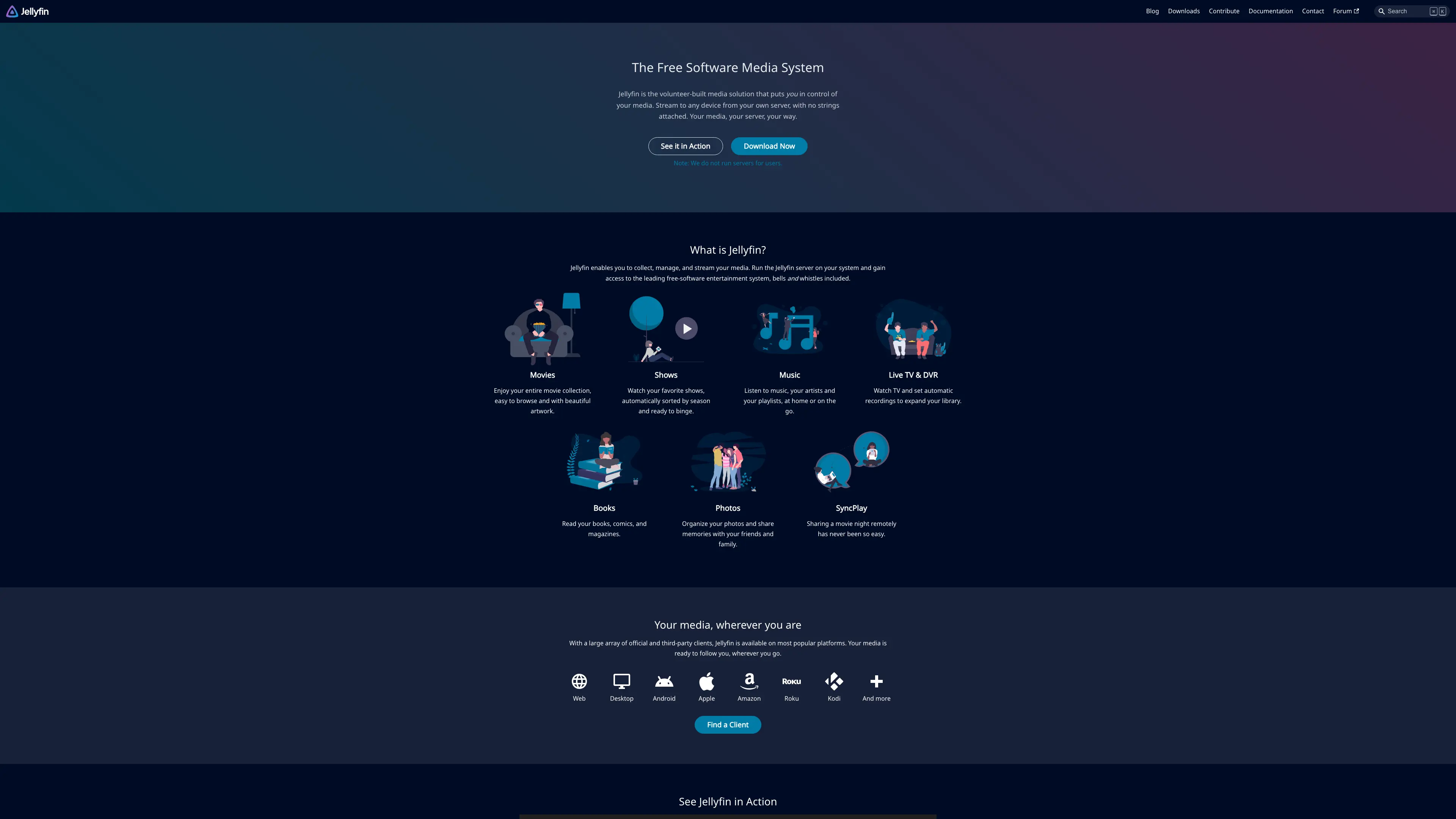
Jellyfin is a free software media system for managing, streaming, and sharing movies, TV, music, and photos. This template deploys Jellyfin 10.10.7 with persistent configuration, cache, media storage, and HTTPS ingress on Sealos Cloud.
About Hosting Jellyfin
Jellyfin provides a browser-based media server UI and streaming API. You can create the first administrator through the setup wizard, add media libraries, scan content, and stream media from the generated Sealos URL.
This Sealos template follows the official container deployment model with persistent /config, /cache, and /media paths. The default volumes start at 1Gi; expand them from the Sealos Canvas before importing a large media library.
Common Use Cases
- Personal Media Server: Organize and stream a personal media library.
- Family Media Library: Create users and share a curated library through one web UI.
- Private Video Archive: Store and browse self-managed videos from Sealos persistent storage.
- Music and Photo Browsing: Manage mixed media collections from a single app.
Dependencies for Jellyfin Hosting
The Sealos template includes Jellyfin, persistent volumes for configuration/cache/media, a Service, an Ingress, and an App launcher entry.
Deployment Dependencies
Implementation Details
Architecture Components
- Jellyfin Server: Runs the web UI and streaming service on port
8096
- Configuration Storage: Persistent
/config, sized at 1Gi
- Cache Storage: Persistent
/cache, sized at 1Gi
- Media Storage: Persistent
/media, sized at 1Gi
- Ingress: Exposes Jellyfin over HTTPS
Resource Allocation
| Component | CPU Request | CPU Limit | Memory Request | Memory Limit |
|---|
| Jellyfin | 20m | 200m | 25Mi | 256Mi |
Configuration
The template sets JELLYFIN_PublishedServerUrl to the generated Sealos HTTPS URL. Add media files to /media through later Sealos storage workflows or custom volume management.
License Information
Jellyfin is licensed under the GNU General Public License v2.0. This template follows the licensing policy of the Sealos templates repository.
Why Deploy Jellyfin on Sealos?
Sealos is an AI-assisted Cloud Operating System built on Kubernetes that simplifies deployment and operations. By deploying Jellyfin on Sealos, you get:
- One-Click Deployment: Launch Jellyfin with persistent storage and HTTPS from one template page.
- Persistent Media Paths: Keep configuration, cache, and media storage across restarts.
- Public Web Access: Open Jellyfin through an automatically generated secure URL.
- Simple Resource Changes: Adjust CPU, memory, and storage from the Sealos Canvas.
Deployment Guide
- Open the Jellyfin template and click Deploy Now.
- Review the generated parameters in the popup dialog and deploy.
- Wait for Jellyfin to become ready.
- Open the generated URL and complete the first-run wizard:
- Select display language
- Create the administrator account
- Add a media library using
/media
- Confirm remote access settings
- Sign in with the administrator account, scan the media library, and create another user if needed.
Configuration
Use the Jellyfin dashboard to manage libraries, users, metadata, plugins, transcoding settings, and access policies. Use the Sealos Canvas to resize persistent volumes or update resource limits.
Scaling
This template is designed for one Jellyfin instance with local persistent storage. Increase CPU and memory when library scans or streaming sessions need more headroom. Increase /media storage as your library grows.
Troubleshooting
Issue: Jellyfin needs more library or cache space
- Cause: Media metadata, artwork, and transcoding cache can grow quickly.
- Solution: Expand
/config, /cache, or /media from the Sealos Canvas before adding a large library.
Issue: No media appears after setup
- Cause: The media library path has no files yet.
- Solution: Add media to
/media, then rescan the library from the Jellyfin dashboard.
Additional Resources
License
This Sealos template follows the licensing policy of the templates repository. Jellyfin itself is licensed under GPL-2.0.