Deploy and Host InsForge on Sealos
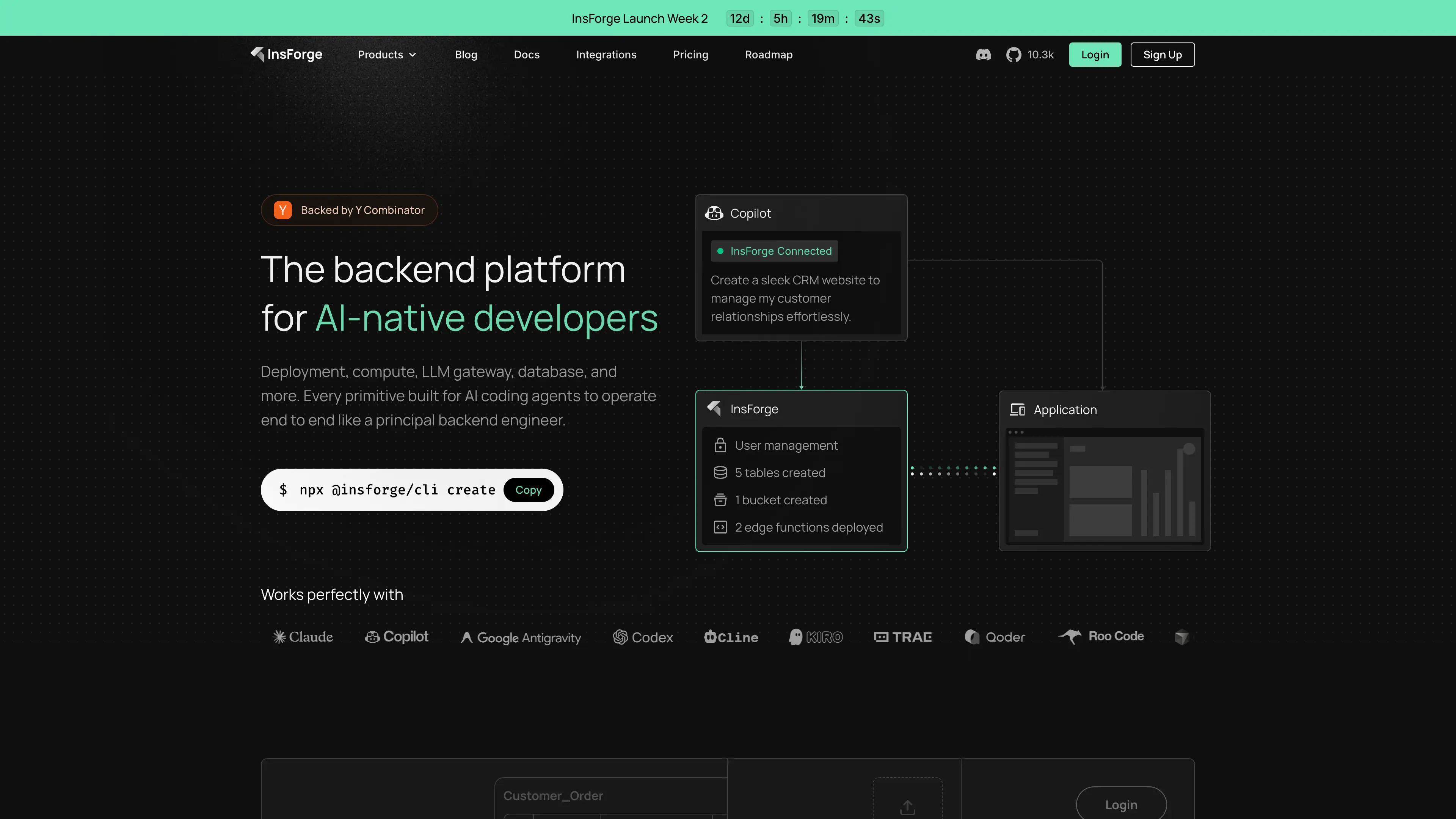
InsForge is an agent-native backend platform for building full-stack applications with database, authentication, storage, REST API, and function runtime capabilities. This Sealos template deploys InsForge v2.1.8 with PostgreSQL, PostgREST, and Deno Runtime as a ready-to-use backend stack.
About Hosting InsForge
InsForge on Sealos runs as a coordinated backend platform. The main InsForge service provides the dashboard, backend API, and authentication routes; PostgREST exposes PostgreSQL through a REST layer; Deno Runtime executes function workloads; and KubeBlocks PostgreSQL stores application data with persistent storage.
The template provisions the required database roles and extensions, prepares the PostgreSQL HTTP extension package, removes incompatible default monitoring extensions before InsForge migrations run, and exposes the dashboard through HTTPS Ingress. Sealos manages Kubernetes resources, networking, certificates, and persistent volumes so you can focus on application logic instead of infrastructure.
Common Use Cases
- Agent-native SaaS backends: Build backend services that AI coding agents can provision and operate.
- Supabase-style app foundations: Launch applications that need database, auth, storage, and REST APIs.
- Internal tools and automation: Deploy authenticated tools with server-side logic and durable data.
- Rapid MVP development: Start full-stack prototypes with a complete backend in minutes.
- AI workflow platforms: Combine API access, database state, and function runtime for AI-assisted products.
Dependencies for InsForge Hosting
The Sealos template includes the required runtime components: InsForge Core, PostgreSQL, PostgREST, Deno Runtime, initialization jobs, ingress, services, and persistent volumes.
Deployment Dependencies
Implementation Details
Architecture Components:
This template deploys the following services:
- InsForge Core (StatefulSet): Main service on ports
7130 (API/dashboard), 7131, and 7132, using ghcr.io/insforge/insforge-oss:v2.1.8.
- PostgreSQL Cluster (KubeBlocks): PostgreSQL
16.4.0 with a 1Gi persistent data volume.
- PostgreSQL Extension Init Job: Installs the HTTP extension package, prepares compatibility log files for the default
postgres_log foreign tables, enables pg_cron, http, and pgcrypto, creates required roles, and removes incompatible pg_auth_mon, pg_stat_kcache, and pg_stat_statements extensions before migrations.
- PostgreSQL Extension Ensure CronJob: Re-checks extension availability every 5 minutes for operational resilience.
- PostgREST (Deployment): REST gateway on port
3000 with JWT integration.
- Deno Runtime (StatefulSet): Function runtime on port
7133, using ghcr.io/insforge/deno-runtime:2.0.6.
- Ingress + Service Resources: Public HTTPS endpoint with automatic TLS and internal service discovery.
Configuration:
- Required input:
admin_password
- Optional inputs:
admin_email, openrouter_api_key, and OAuth credentials for Google, GitHub, Discord, Microsoft, LinkedIn, X, and Apple
- Security defaults:
JWT_SECRET and ENCRYPTION_KEY are generated automatically by the template
- Storage defaults:
- InsForge storage:
/insforge-storage (103Mi)
- InsForge logs:
/insforge-logs (103Mi)
- Deno runtime cache:
/deno-dir (103Mi)
- PostgreSQL data volume:
1Gi
Tested minimum resources:
The template was deployed and verified with the following minimum resource settings:
- InsForge Core:
20m CPU / 25Mi memory requests, 200m CPU / 256Mi memory limits
- PostgREST:
20m CPU / 25Mi memory requests, 200m CPU / 256Mi memory limits
- Deno Runtime:
20m CPU / 25Mi memory requests, 200m CPU / 256Mi memory limits
- PostgreSQL:
50m CPU / 51Mi memory requests, 500m CPU / 512Mi memory limits, 1Gi storage
License Information:
InsForge is open-source software. Refer to the upstream repository for the latest license terms and notices.
Why Deploy InsForge on Sealos?
Sealos is an AI-assisted Cloud Operating System built on Kubernetes that unifies development, deployment, and operations. By deploying InsForge on Sealos, you get:
- One-click deployment: Launch a multi-service backend stack without manual YAML orchestration.
- Built-in Kubernetes reliability: Use scheduling, service discovery, persistent storage, and restart behavior by default.
- Easy configuration: Manage environment variables and resource settings through Sealos forms and dialogs.
- Automatic HTTPS access: Receive a public URL with SSL certificate provisioning.
- Pay-as-you-go efficiency: Start with small resources and scale when demand grows.
- AI-assisted operations: Use Canvas and AI dialog workflows for post-deployment changes.
Deploy InsForge on Sealos and focus on shipping product features instead of managing infrastructure.
Deployment Guide
- Open the InsForge template and click Deploy Now.
- Configure parameters in the popup dialog:
- admin_password (required): Administrator password. Use a strong value; do not keep the example password in production.
- admin_email (optional): Administrator email. The default is
[email protected].
- openrouter_api_key (optional): OpenRouter integration key.
- OAuth client settings (optional): Google, GitHub, Discord, Microsoft, LinkedIn, X, and Apple provider credentials.
- Wait for deployment to complete. The stack is normally ready in about 2-3 minutes after PostgreSQL initialization and migrations finish.
- Access the generated public URL. The root path redirects to
/dashboard/login, where you can sign in to the InsForge dashboard.
Login and Registration
After deployment, open the generated public URL and go to /dashboard/login.
- Admin dashboard login: Use the
admin_email and admin_password values from the deployment dialog.
- API admin login endpoint:
POST /api/auth/admin/sessions with JSON body { "email": "<admin_email>", "password": "<admin_password>" }.
- End-user registration: The public auth API accepts
POST /api/auth/users with an email and password when signup is enabled. The default auth config has disableSignup: false; you can adjust auth settings in the dashboard under Authentication.
- End-user login: Use
POST /api/auth/sessions with the registered email and password, or configure OAuth providers in the dashboard/deployment inputs.
- Compute services: The dashboard may show compute-service setup warnings unless you configure a supported compute provider such as Fly.io with
FLY_API_TOKEN and FLY_ORG. This does not affect database, auth, storage, or dashboard access.
For production, replace the default admin email, choose a strong admin password, and configure OAuth or SMTP settings before inviting users.
Configuration
After deployment, you can configure InsForge through:
- Dashboard: Manage Authentication settings, users, providers, and project configuration after admin login.
- AI Dialog: Describe desired changes and let Sealos apply updates.
- Resource Cards: Edit StatefulSet/Deployment resources and environment variables.
- Service Connectivity: Internal service endpoints for PostgREST, Deno Runtime, and PostgreSQL are managed by cluster DNS.
Scaling
To scale your InsForge deployment:
- Open the Canvas for your InsForge deployment.
- Select the relevant resource card (
insforge, insforge-postgrest, insforge-deno, or PostgreSQL).
- Adjust CPU, memory, and storage resources as needed.
- Apply changes in the dialog.
For higher throughput scenarios, prioritize vertical scaling of PostgreSQL and InsForge Core resources before introducing topology changes.
Troubleshooting
Common Issues
Issue: Initial startup takes longer than expected
- Cause: PostgreSQL startup, extension initialization, and InsForge migrations are still running.
- Solution: Wait for the init job to complete, then recheck pod readiness.
Issue: Dashboard login fails
- Cause: Incorrect
admin_email or admin_password.
- Solution: Confirm the values used in the deployment dialog and update the deployment secret/config if needed.
Issue: End-user signup or login fails
- Cause: Signup may be disabled, password policy may reject the value, or OAuth/SMTP settings may be incomplete.
- Solution: Log in as admin, open Authentication settings, and verify signup, password, OAuth, and email configuration.
Issue: OAuth login not working
- Cause: Missing or invalid OAuth client ID/secret configuration.
- Solution: Reconfigure provider credentials and restart affected pods if required.
Issue: Compute services show “not configured”
- Cause: Self-hosted compute requires external provider credentials such as
FLY_API_TOKEN and FLY_ORG.
- Solution: Configure a supported compute provider before using compute-service deployment features. Other core features can continue running without compute.
Issue: Runtime function failures
- Cause: Deno Runtime service is not ready or internal connectivity is unavailable.
- Solution: Check
insforge-deno pod status and verify internal service DNS resolution.
Getting Help
Additional Resources
License
This Sealos template follows the licensing terms of this templates repository. InsForge itself is licensed under its upstream project license; see the InsForge repository for details.