Deploy and Host Flarum on Sealos
Flarum is a lightweight, extensible forum platform for online communities. This template deploys Flarum with persistent storage and an ApeCloud MySQL 8.0 database on Sealos Cloud.
About Hosting Flarum
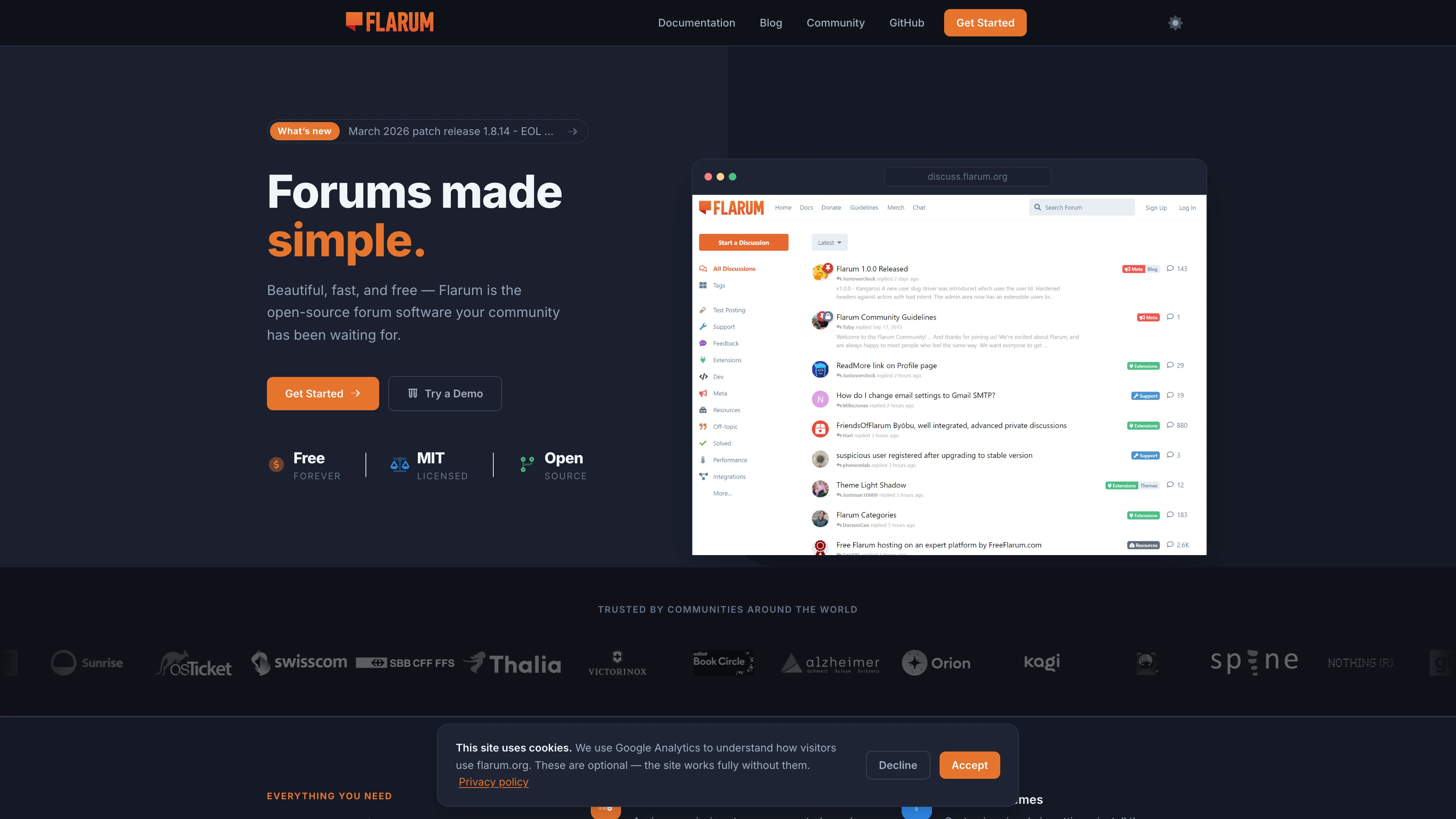
Flarum provides a clean discussion experience with topics, replies, tags, moderation tools, user groups, and an admin dashboard. Its extension system lets you add features such as Markdown formatting, file uploads, single sign-on, custom themes, and realtime behavior as your community grows.
This Sealos template provisions the Flarum application, a MySQL database, persistent /data storage, public HTTPS ingress, and a Sealos desktop app entry. The template waits for MySQL during startup and creates the flarum database automatically, so the forum can complete its first installation without a separate manual database step.
The deployment is tuned for small community forums and starter deployments. The Flarum container uses a compact 200m CPU and 256Mi memory limit, while the database keeps the Sealos Kubeblocks default profile for reliability.
Common Use Cases
- Community Forum: Host product, creator, or open-source community discussions with categories and moderation.
- Support Forum: Give users a searchable place to ask questions, share solutions, and track common issues.
- Knowledge Community: Build a lightweight Q&A and discussion layer around docs, courses, or internal knowledge.
- Membership Space: Use groups and permissions to separate public, member-only, and moderator workflows.
- Extension-Based Forum: Start small, then add Flarum extensions for uploads, authentication, formatting, or custom integrations.
Dependencies for Flarum Hosting
The Sealos template includes the required runtime and platform resources:
- Flarum application:
crazymax/flarum:1.8.10, serving HTTP on port 8000
- Database: ApeCloud MySQL
ac-mysql-8.0.30-1
- Persistent storage:
1Gi mounted at /data for Flarum assets, extensions, and storage
- Public access: HTTPS ingress and Sealos App link
- Startup bootstrap: Init container that waits for MySQL and creates the
flarum database with utf8mb4
Deployment Dependencies
Implementation Details
Architecture Components:
This template deploys the following services:
- Flarum StatefulSet: Runs the forum application with Nginx, PHP-FPM, and Flarum data mounted at
/data.
- MySQL Cluster: Stores discussions, users, permissions, extension state, and forum configuration.
- Init Container: Waits for the MySQL endpoint and creates the initial database before Flarum starts.
- Service and Ingress: Expose Flarum on port
8000 through the generated Sealos HTTPS domain.
- Sealos App Entry: Adds a clickable app shortcut that opens the forum URL.
Configuration:
FLARUM_FORUM_TITLE sets the initial forum title during the first installation.FLARUM_BASE_URL is generated from the Sealos domain: https://${{ defaults.app_host }}.${{ SEALOS_CLOUD_DOMAIN }}.- Database host, port, username, and password are read from the Sealos-managed MySQL connection secret.
- Flarum starts with debug mode disabled,
256M PHP memory, and 16M upload size.
- The container image creates the default first admin user
flarum with password flarum; change this password after first login.
License Information:
Flarum is released under the MIT license. This Sealos template is provided as part of the Sealos templates repository.
Why Deploy Flarum on Sealos?
Sealos is an AI-assisted Cloud Operating System built on Kubernetes. It lets you deploy and operate applications without manually writing Kubernetes manifests for every service.
- One-Click Deployment: Open the App Store template, configure the forum title, and deploy without hand-writing YAML.
- Managed Runtime Resources: Sealos creates the app, database, storage, ingress, and desktop entry from one template.
- Persistent Storage Included: Forum assets, extension files, and generated storage persist across restarts.
- Instant Public Access: Each deployment gets an HTTPS URL under your Sealos Cloud domain.
- Resource Efficiency: The template uses a tested small-footprint Flarum profile suitable for starter communities.
- Canvas + AI Ops: After deployment, use the Canvas, AI dialog, and resource cards to inspect or adjust resources.
- Kubernetes Foundation: You get Kubernetes scheduling, service discovery, and storage primitives without managing them directly.
Deployment Guide
- Open the Flarum template and click Deploy Now.
- Configure the parameters in the popup dialog:
FLARUM_FORUM_TITLE: Initial forum title. Default: Flarum.
- Wait for deployment to complete, typically 2-3 minutes. After deployment starts, Sealos redirects you to the Canvas. For later changes, describe the update in the AI dialog or click the relevant resource card to modify settings.
- Access your application via the provided URL:
- Forum URL:
https://${{ defaults.app_host }}.${{ SEALOS_CLOUD_DOMAIN }}
- Admin Panel:
https://${{ defaults.app_host }}.${{ SEALOS_CLOUD_DOMAIN }}/admin
- Log in with the initial administrator account and change the password immediately:
- Username:
flarum
- Password:
flarum
Configuration
After deployment, you can configure Flarum through:
- Flarum Admin Panel: Manage extensions, tags, permissions, mail settings, and appearance at
/admin.
- AI Dialog: Describe infrastructure changes and let Sealos help apply them.
- Resource Cards: Adjust the StatefulSet, MySQL cluster, ingress, and storage resources from the Canvas.
- Flarum Extensions: Install extensions from the admin dashboard or through container-level maintenance workflows.
For production communities, configure outbound mail, review registration settings, set forum permissions, and change the default administrator password before inviting users.
Scaling
To scale or resize Flarum on Sealos:
- Open the Canvas for your deployment.
- Click the Flarum StatefulSet resource card.
- Adjust CPU and memory resources based on traffic, extension count, and upload usage.
- Click the MySQL resource card if your forum needs more database capacity.
- Apply the changes in the dialog and monitor the application after rollout.
For most small forums, start with the template defaults. Increase memory first if you install many extensions or see PHP memory pressure.
Troubleshooting
First login uses default credentials
- Cause: The container image creates the initial administrator account on first launch.
- Solution: Log in with
flarum / flarum, then change the password immediately in the admin panel.
Forum does not finish startup
- Cause: MySQL may still be initializing, or database credentials may not be ready yet.
- Solution: Wait a few minutes and check the Flarum StatefulSet logs. The init container waits for MySQL before the app starts.
Uploads or extensions need more space
- Cause: Flarum stores assets, extensions, and generated files under
/data.
- Solution: Resize the persistent storage from the Canvas resource card before heavy upload or extension usage.
Getting Help
Additional Resources
License
This Sealos template is provided as part of the Sealos templates repository. Flarum and the crazymax/flarum container image are released under the MIT license.