Deploy and Host Uptime Kuma on Sealos
Uptime Kuma is a self-hosted monitoring dashboard for websites, APIs, network services, and infrastructure. This template deploys Uptime Kuma 2.4.0 with persistent storage and an optional dedicated MySQL-compatible database on Sealos Cloud.
About Hosting Uptime Kuma
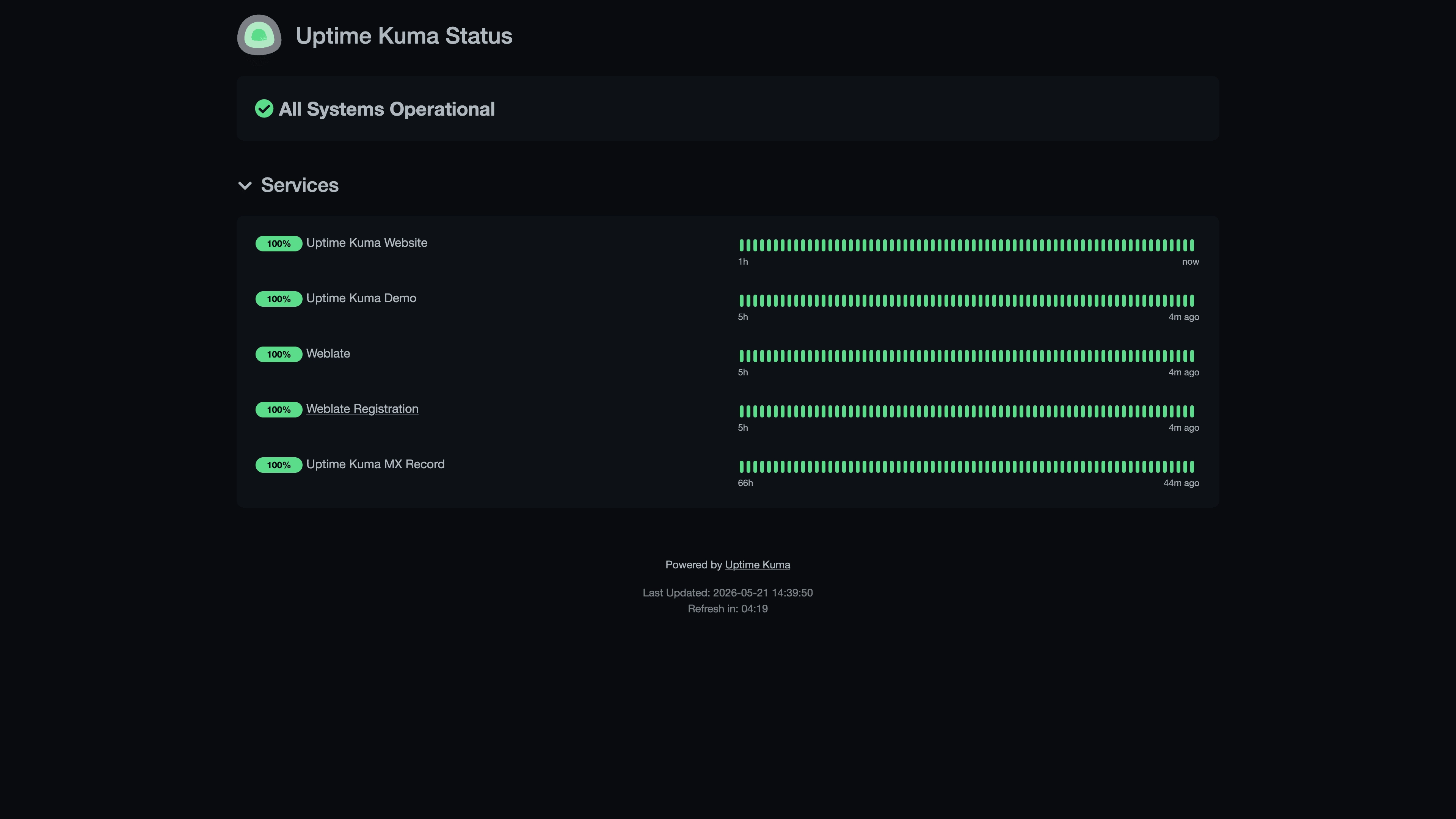
Uptime Kuma provides configurable HTTP, TCP, DNS, ping, database, WebSocket, and certificate monitors through a browser-based dashboard. It records heartbeat history, measures response times, sends notifications, and publishes public status pages.
The Sealos template provisions a single Uptime Kuma StatefulSet, a 1 GiB persistent data volume, a public HTTPS endpoint with WebSocket support, and health probes. SQLite is the lightweight default. A deployment option can provision a dedicated KubeBlocks MySQL-compatible database for installations that prefer an independent database service.
Common Use Cases
- Website and API Monitoring: Check availability, latency, status codes, certificates, and response content.
- Network Service Monitoring: Track TCP ports, DNS records, ping targets, and WebSocket endpoints.
- Incident Notifications: Send alerts through email, chat, webhook, and other supported providers.
- Public Status Pages: Publish service health and incident updates for customers or internal teams.
Dependencies for Uptime Kuma Hosting
The template includes the Uptime Kuma container, persistent storage, Service, WebSocket-enabled Ingress, health probes, and Sealos application entry. The optional database mode also provisions KubeBlocks MySQL and an initialization Job.
Deployment Dependencies
Implementation Details
Architecture Components:
- Uptime Kuma: A single StatefulSet serving the dashboard and running monitor checks on port 3001.
- Persistent Storage: A 1 GiB volume mounted at
/app/data for configuration, users, monitor history, and SQLite data.
- Public Endpoint: A Sealos-managed HTTPS Ingress configured for Socket.IO and WebSocket traffic.
- Optional Database: A KubeBlocks MySQL-compatible Cluster and initialization Job, enabled through
enable_external_database.
The application uses SQLite when enable_external_database is disabled. When enabled, the template injects Sealos-managed database credentials and creates the uptime_kuma database before Uptime Kuma starts.
Uptime Kuma is licensed under the MIT License.
Why Deploy Uptime Kuma on Sealos?
- One-Click Deployment: Provision the application, storage, network, and optional database from one template.
- Persistent Monitoring Data: Preserve users, monitors, settings, and heartbeat history across restarts.
- Instant HTTPS Access: Receive a public domain with TLS and WebSocket routing automatically configured.
- Kubernetes Operations: Inspect and adjust the deployment through Sealos Canvas, AI dialog, and resource cards.
- Efficient Resources: Start with validated personal low-load CPU and memory settings and scale when your monitor count grows.
Deployment Guide
- Open the Uptime Kuma template and click Deploy Now.
- Keep Enable a dedicated MySQL-compatible database disabled for SQLite, or enable it to provision an independent database service.
- Wait for deployment to complete, typically 2-3 minutes. Sealos then opens the Canvas, where the AI dialog and resource cards can apply later changes.
- Open the Uptime Kuma application URL shown in Sealos.
Register and Sign In
On the first visit, Uptime Kuma opens the account setup page:
- Select the dashboard language.
- Enter an administrator username and a strong password.
- Confirm the password and click Create.
Uptime Kuma signs the new administrator in and opens the Dashboard. On later visits, enter the same username and password on the login page. You create and manage these credentials, so store them securely.
Configuration
After signing in, click Add New Monitor, choose a monitor type, enter the target, and save it. Configure notification providers under Settings > Notifications, and create public service pages from Status Pages.
For deployment changes, use the Sealos Canvas AI dialog or open the StatefulSet, storage, network, and database resource cards directly.
Scaling
Increase CPU and memory through the Uptime Kuma StatefulSet card as the number or frequency of monitors grows. Keep one application replica because the persistent SQLite and scheduler topology is single-instance; the optional external database separates database storage while the Uptime Kuma scheduler remains a single replica.
Troubleshooting
The setup or login page does not load
Wait until the StatefulSet reports Ready and refresh the application URL. Check the Uptime Kuma Pod logs and confirm that the Service has a ready endpoint.
A monitor stays down
Verify that the target is reachable from the Uptime Kuma Pod, then review its URL, port, DNS, TLS, authentication, and accepted status-code settings.
Getting Help
License
This Sealos template follows the licensing terms of the templates repository. Uptime Kuma is distributed under the MIT License.