Deploy and Host TradingAgents on Sealos
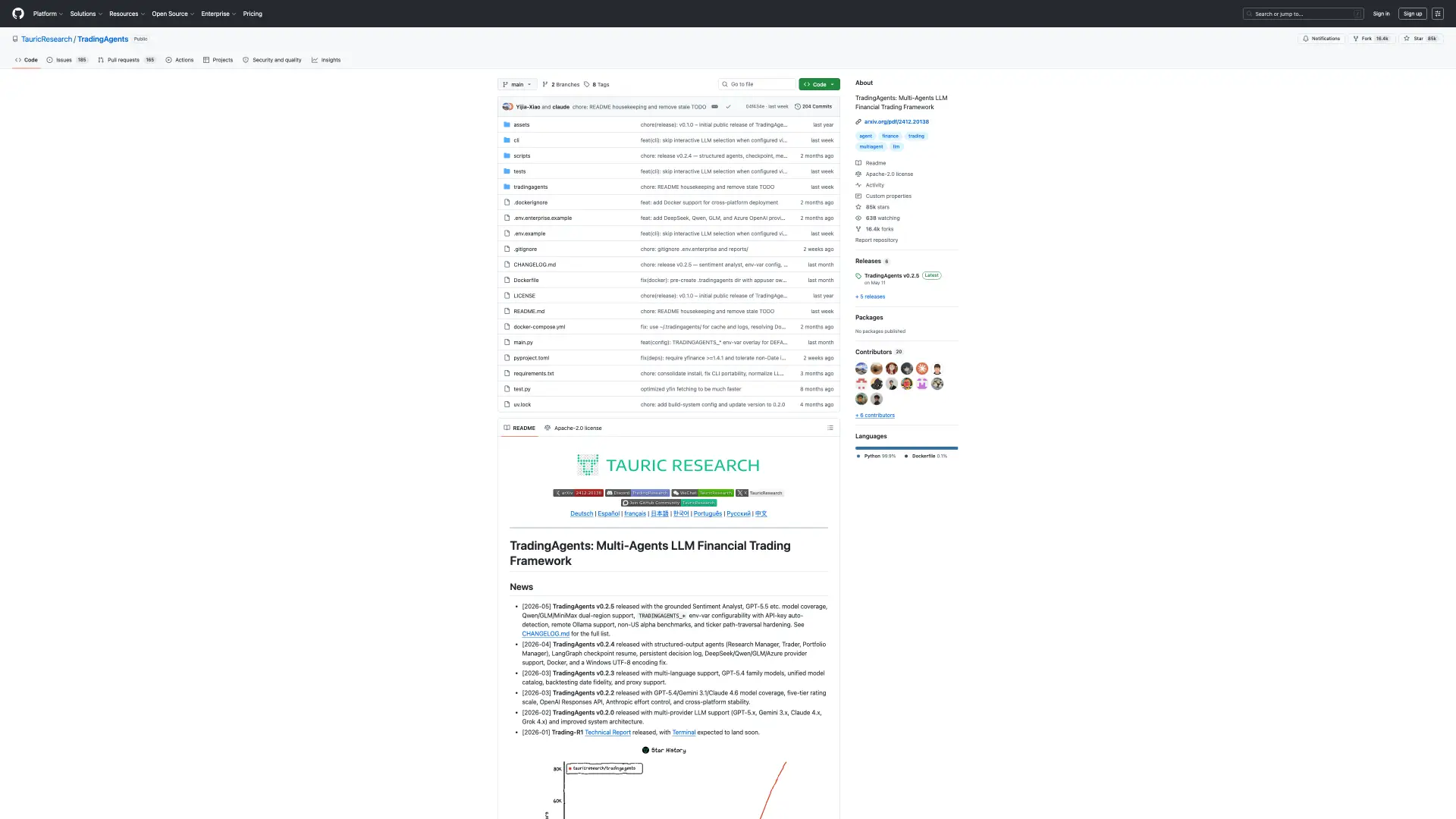
TradingAgents is a multi-agent LLM financial trading research framework. This template deploys TradingAgents with a browser-accessible Gradio launcher, persistent cache storage, and public HTTPS access on Sealos Cloud.
About Hosting TradingAgents
TradingAgents simulates a financial research team with specialized LLM agents for market, sentiment, technical, fundamental, risk, and portfolio analysis. The upstream project is CLI-first, so this template wraps it with a lightweight browser launcher for Sealos users.
The container installs the upstream v0.2.5 source into persistent storage, starts a Gradio UI, and saves cache and memory files under /home/appuser/.tradingagents. API keys are supplied during deployment through template inputs and exposed as the environment variables expected by TradingAgents.
Common Use Cases
- Ticker research experiments: Run multi-agent analysis for supported market symbols.
- LLM provider comparison: Test OpenAI, Gemini, Anthropic, DeepSeek, Qwen, GLM, MiniMax, or OpenRouter.
- Financial workflow demos: Demonstrate multi-agent research workflows in a browser.
- Persistent research cache: Keep TradingAgents checkpoint and memory files across restarts.
Dependencies for TradingAgents Hosting
The Sealos template includes a Python runtime StatefulSet, ConfigMap launcher, persistent volume, HTTPS Ingress, Service, and App resources. Real analysis requires at least one matching LLM provider API key.
Deployment Dependencies
Implementation Details
Architecture Components:
- Python StatefulSet: Installs and runs the TradingAgents
v0.2.5 source.
- Gradio Launcher: Provides a browser UI for ticker, date, depth, and runtime status.
- Persistent Volume: Stores source checkout, package cache, checkpoints, and memory logs.
- ConfigMap: Provides the launcher script and Gradio application.
- Ingress and App Entry: Exposes the UI through the generated Sealos HTTPS URL.
Configuration:
llm_provider selects the TradingAgents provider.- Provider API key inputs map to the official environment variables such as
OPENAI_API_KEY, GOOGLE_API_KEY, and ANTHROPIC_API_KEY.
alpha_vantage_api_key and finnhub_api_key can improve market data and news coverage.
License Information:
TradingAgents is licensed under the Apache-2.0 License. This Sealos template provides deployment configuration for running TradingAgents on Sealos Cloud.
Why Deploy TradingAgents on Sealos?
Sealos is an AI-assisted Cloud Operating System built on Kubernetes that unifies deployment and operations. By deploying TradingAgents on Sealos, you get one-click deployment, automatic HTTPS, persistent storage, resource controls, and Canvas-based updates for a research tool that normally starts from a local CLI.
Deployment Guide
- Open the TradingAgents template and click Deploy Now.
- Choose
llm_provider and provide the matching API key for real model-backed analysis.
- Wait for deployment to complete, typically 2-3 minutes. After deployment, you will be redirected to the Canvas. For later changes, describe your requirements in the AI dialog, or click the relevant resource cards to modify settings.
- Open the generated public URL.
- Use Refresh status to confirm which API keys are configured.
- Enter a ticker and date, then start an analysis from the page.
Configuration
After deployment, configure TradingAgents through:
- Gradio UI: Start ticker analysis and inspect runtime key status.
- AI Dialog: Update provider keys or model-related settings.
- Resource Cards: Increase CPU or memory for longer analysis runs.
- Persistent Volume: Keep checkpoint and memory data across restarts.
Scaling
TradingAgents runs one analysis process at a time by default. Increase CPU and memory when running deeper research levels, larger models, or longer ticker analyses.
Troubleshooting
Analysis fails immediately
- Cause: The selected provider key is missing or invalid.
- Solution: Confirm the matching API key is configured, then restart the StatefulSet.
Startup takes longer than expected
- Cause: The first boot clones the upstream repository and installs Python dependencies.
- Solution: Wait for the startup probe to pass; later restarts reuse persistent storage.
Analysis times out
- Cause: Deep research can exceed the default 30-minute launcher timeout.
- Solution: Increase resources or run a narrower analysis depth.
Additional Resources
License
This Sealos template is provided as deployment configuration for Sealos users. TradingAgents itself is licensed under the Apache-2.0 License.