Deploy and Host Steel Browser on Sealos
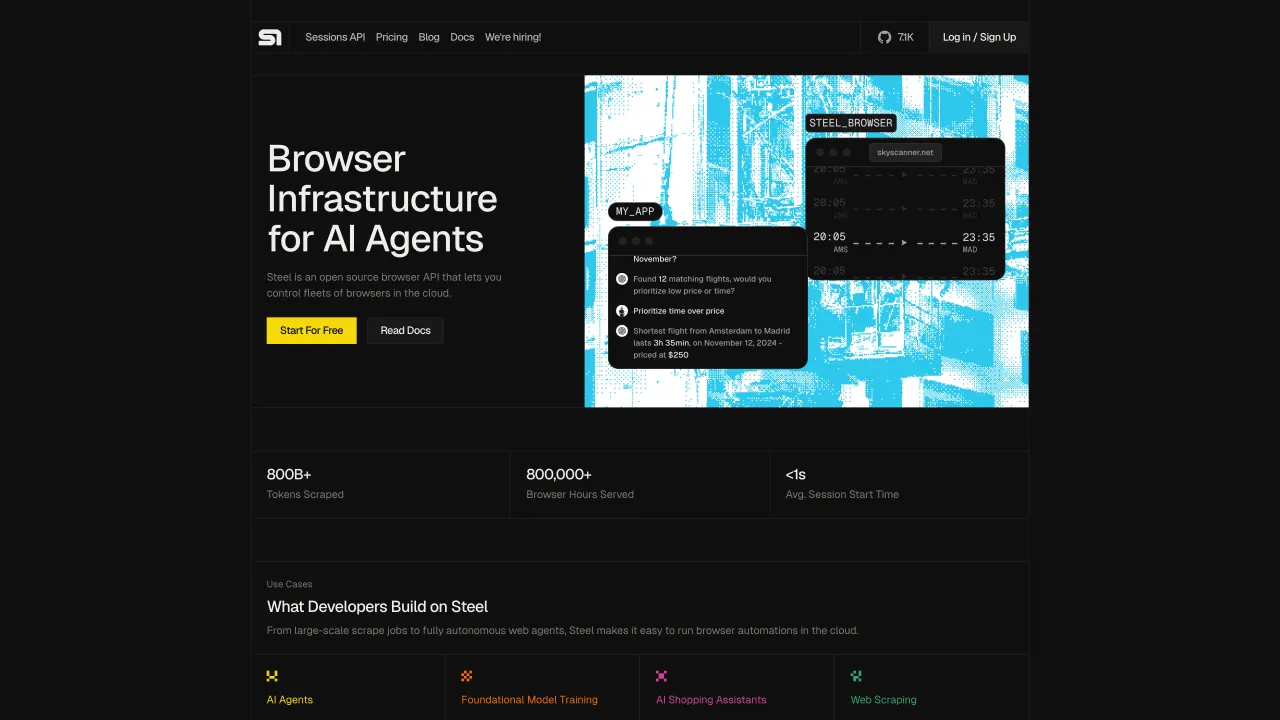
Steel Browser is an open-source browser API for AI agents and applications. This template deploys the combined Steel Browser API and UI container on Sealos Cloud with persistent browser file and cache storage.
About Hosting Steel Browser
Steel Browser exposes a REST API, Swagger documentation, a session debugging UI, and Chrome DevTools Protocol connectivity for browser automation. The template runs the official combined image so the API and web UI are served from one workload.
Sealos provisions HTTPS ingress, persistent volumes for generated files and browser cache data, and a public URL automatically. The browser debugger port stays internal to the Kubernetes service boundary.
Common Use Cases
- AI web agents: Give agents a controllable browser session for live web workflows.
- Scraping and extraction: Capture screenshots, PDFs, markdown, and readable page content through API calls.
- Automation debugging: Inspect browser sessions through the built-in UI and API documentation.
- SDK integration: Connect Node.js, Python, Playwright, Puppeteer, or Selenium clients to a self-hosted endpoint.
Dependencies for Steel Browser Hosting
The Sealos template includes the Steel Browser runtime container, persistent volumes, internal service discovery, and HTTPS ingress.
Deployment Dependencies
Implementation Details
Architecture Components:
- Steel Browser: Combined API and UI service using the pinned
ghcr.io/steel-dev/steel-browser image digest from the template. The workload keeps the official 4 GB memory recommendation available as the container limit because each session starts a real Chromium runtime.
- Persistent files volume: Stores generated browser artifacts under
/files.
- Browser cache volume: Stores Chromium and Puppeteer cache data under
/app/.cache.
- Ingress: Exposes the web UI and API on port
3000 with Sealos-managed TLS.
Configuration:
The public endpoint serves the UI at /ui, the health response at the generated Sealos base URL, API session metadata under /v1/sessions, and Swagger documentation at /documentation/. The container also exposes an internal debugger port, while user traffic goes through the HTTPS ingress.
The template sets SKIP_FINGERPRINT_INJECTION=true by default. This keeps self-hosted Sealos sessions reliable when the upstream fingerprint generator cannot produce a matching desktop Chrome fingerprint for the bundled browser runtime. Session creation, screenshots, PDF export, and automation APIs continue to work with the browser's native fingerprint.
License Information:
Steel Browser is licensed under the Apache License 2.0.
Why Deploy Steel Browser on Sealos?
Sealos is an AI-assisted Cloud Operating System built on Kubernetes that unifies the entire application lifecycle, from development in cloud IDEs to production deployment and management. It is perfect for building and scaling modern AI applications, SaaS platforms, and complex microservice architectures. By deploying Steel Browser on Sealos, you get:
- One-Click Deployment: Deploy browser automation infrastructure with a single click.
- Easy Customization: Configure resources and environment variables through the Sealos UI.
- Zero Kubernetes Expertise Required: Run a browser API on Kubernetes without managing manifests manually.
- Persistent Storage Included: Keep generated files and browser cache data available across restarts.
- Instant Public Access: Get an HTTPS endpoint for API and UI access automatically.
Deploy Steel Browser on Sealos and focus on agent workflows instead of browser infrastructure.
Deployment Guide
- Open the Steel Browser template and click Deploy Now.
- Configure the parameters in the popup dialog.
- Wait for deployment to complete. After deployment, you will be redirected to the Canvas.
- Access your application via the provided URL:
- Steel UI: Open
/ui on the generated URL.
- API Endpoint: Use the generated URL as your SDK
baseURL.
- API Documentation: Open
/documentation/ on the generated URL, or use the upstream API reference.
Configuration
Steel Browser does not require an initial admin account. API clients can connect to the generated Sealos URL as the baseURL. For public deployments, put Steel Browser behind an authentication layer such as a private network, gateway, or authenticated reverse proxy before sharing the endpoint with other users. Fingerprint injection is disabled by default for reliable self-hosted browser startup; advanced users can re-enable it from the StatefulSet environment variables after confirming their target image supports the requested fingerprint profile.
Scaling
Steel Browser is stateful because browser sessions and file outputs use local persistent volumes. Start with one replica and increase CPU, memory, or volume size as session concurrency and generated artifacts grow.
Troubleshooting
Browser sessions take time to start
- Cause: Chromium and Xvfb need memory and startup time.
- Solution: Increase the Steel Browser workload memory and wait for the startup probe to complete.
Session creation returns a fingerprint generation error
- Cause: The bundled fingerprint generator may fail to produce a consistent Chrome fingerprint for the current image and requested dimensions.
- Solution: Keep
SKIP_FINGERPRINT_INJECTION=true, then create sessions through the API or UI.
API clients cannot connect to CDP directly
- Cause: The debugger port is kept internal by the template.
- Solution: Use the Steel API and SDK endpoint from the public Sealos URL.
Additional Resources
License
This Sealos template is provided under the Apache License 2.0. Steel Browser itself is licensed under the Apache License 2.0.