sealos.io
AFFiNE
Build production-ready tools templates with Sealos.
https://affine.pro/deploy now
AFFiNE
Tools
A privacy-focused, local-first, open-source workspace for notes, docs, whiteboards, and team knowledge management.

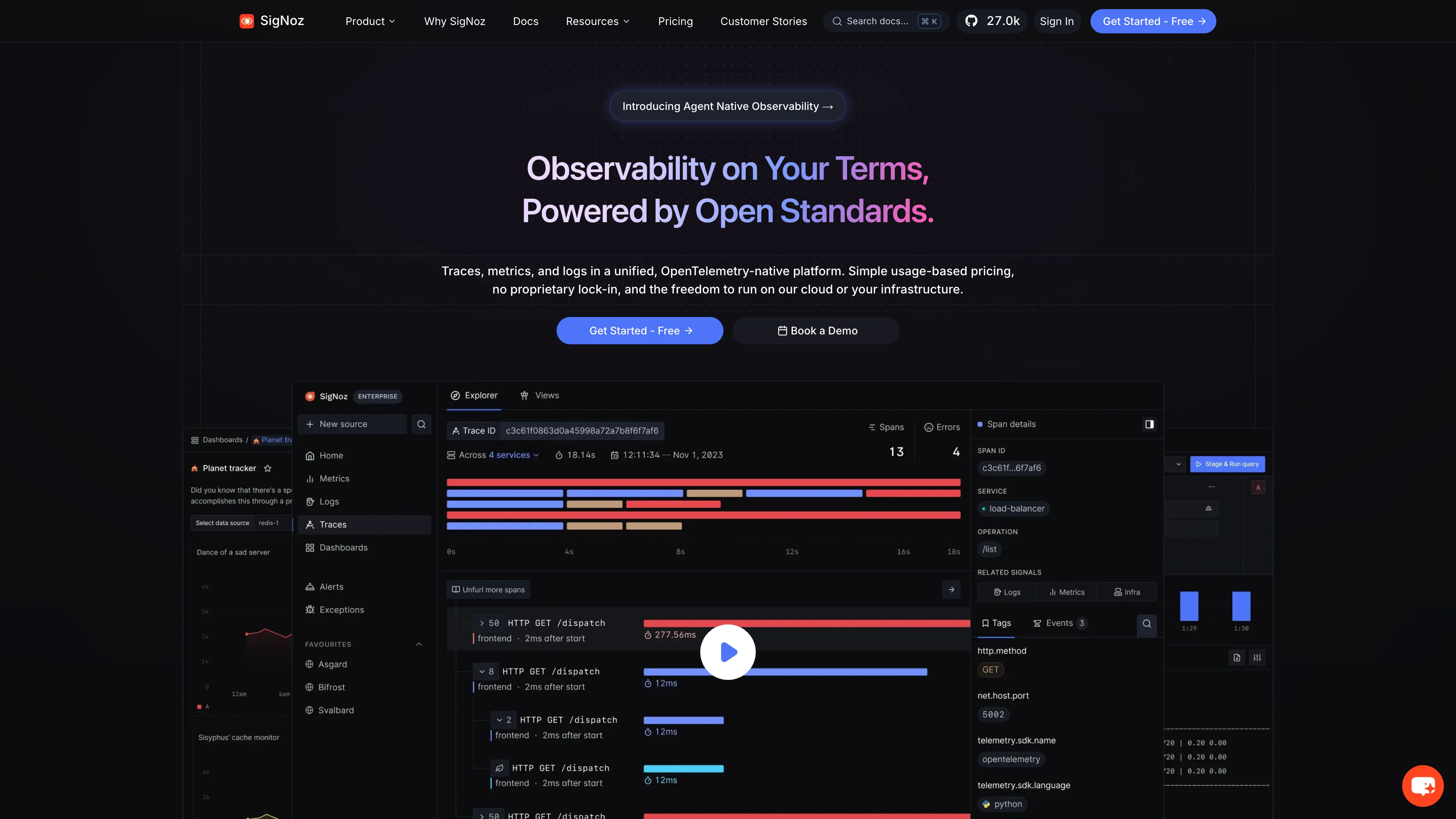
SigNoz is an open-source OpenTelemetry-native observability platform for logs, traces, and metrics.
Launch in your Sealos workspace.
Start with the resources defined by the SigNoz template. Review CPU, memory, persistent storage, and network allocations for every service in Canvas. Capacity needs depend on your data and workload; monitor usage as they grow.
Template configuration and setupUse the application URL or connection details shown in Canvas. Follow the deployment guide for first-time account setup or client configuration, and keep generated credentials available for that step.
Sealos monthly plans include compute, memory, storage, and traffic. Size your plan for all deployed services. Software licenses and external AI or API services may have separate terms and charges. Confirm the applicable plan and optional charges in Cost Center.
Compare Sealos resource plansFor current cloud charges, refer to Sealos plan pricing. Upstream documentation may reference earlier billing models.
SigNoz is an OpenTelemetry-native observability platform for logs, traces, metrics, dashboards, and alerts. This template deploys the official SigNoz self-hosted runtime as a persistent four-service stack on Sealos.
SigNoz gives application teams one interface for distributed tracing, application performance monitoring, log exploration, infrastructure metrics, dashboards, and alerting. Applications send OpenTelemetry data to the bundled collector, which writes telemetry into ClickHouse for querying through the SigNoz web console.
Sealos provisions the public HTTPS endpoint, persistent volumes, service discovery, health checks, and ordered migration gates. After deployment, SigNoz's first-user signup creates the initial administrator account.
The template includes the complete self-hosted runtime and its persistent data plane.
Architecture Components:
Persistent Data:
SigNoz stores users, organizations, sessions, and application settings in SQLite on the SigNoz volume. ClickHouse data and logs use separate volumes, and ZooKeeper has its own coordination-data volume.
Version Alignment:
The component images and configuration follow the official SigNoz v0.117.0 Docker deployment bundle, including SigNoz OpenTelemetry Collector v0.144.2, ClickHouse 25.5.6, and ZooKeeper 3.7.1.
License Information:
The SigNoz repository uses the MIT Expat license for code outside ee/ and cmd/enterprise/. Enterprise directories carry the separate SigNoz Enterprise License. Review the upstream license files for the terms that apply to your use.
Sealos is a Kubernetes-based cloud operating system that manages the application lifecycle through one interface.
Store the registered credentials in a secure password manager. Later users can sign in through the same application URL.
Applications inside the same Sealos namespace can send OTLP data to:
http://<app-name>-otel-collector:4317http://<app-name>-otel-collector:4318Replace <app-name> with the generated deployment name shown on Canvas. Follow the SigNoz instrumentation guides for language-specific SDK configuration.
The first telemetry-store migration creates many ClickHouse tables. Check the Telemetry Store Migrator Job and ClickHouse Pod on Canvas, then allow the migration to finish.
Use the email and password registered on the first visit. Confirm that the password satisfies the 12-character complexity policy and check the SigNoz Pod logs for authentication errors.
Open the SigNoz and ClickHouse resource cards and raise CPU or memory for the observed workload. Personal low-load defaults prioritize resource efficiency.
This Sealos template follows the license of the templates repository. SigNoz components retain their upstream licenses.
A shorter path from an app you want to an app you can run. Sealos brings deployment and ongoing operations into one place.
Start with a ready-made template. Review its configuration and launch from the Sealos console.
Run on managed infrastructure with built-in workload scheduling and recovery.
Give your application a public HTTPS endpoint with certificates managed for you.
Keep application data on persistent volumes across container restarts.
Adjust CPU, memory, and replicas from the console as your workload changes.
Sealos provisions the resources defined by your template and brings them together in your workspace.
Container workloads with configurable CPU, memory, and replicas.
An address for your app, with managed TLS certificates.
A database provisioned alongside your app when the template calls for one.
Storage for the files and data your application needs to keep.
Application settings and secrets configured in one place.
Inspect container logs and resource usage from the console.
Resources and their configuration vary by template. Review the deployment form for this app’s exact setup.
Explore more production-ready templates.
Build production-ready tools templates with Sealos.
A privacy-focused, local-first, open-source workspace for notes, docs, whiteboards, and team knowledge management.
Build production-ready tools templates with Sealos.

Google Chrome browser running in a LinuxServer.io Selkies container with a web-based desktop UI.
Build production-ready tools templates with Sealos.
Deploy the self-hosted DeeplX translation API on Sealos and connect applications to its HTTP endpoint. This independent gateway integrates with DeepL translation.