sealos.io
Chrome
Build production-ready tools templates with Sealos.

https://www.google.com/chrome/deploy now
Chrome
Tools
Google Chrome browser running in a LinuxServer.io Selkies container with a web-based desktop UI.

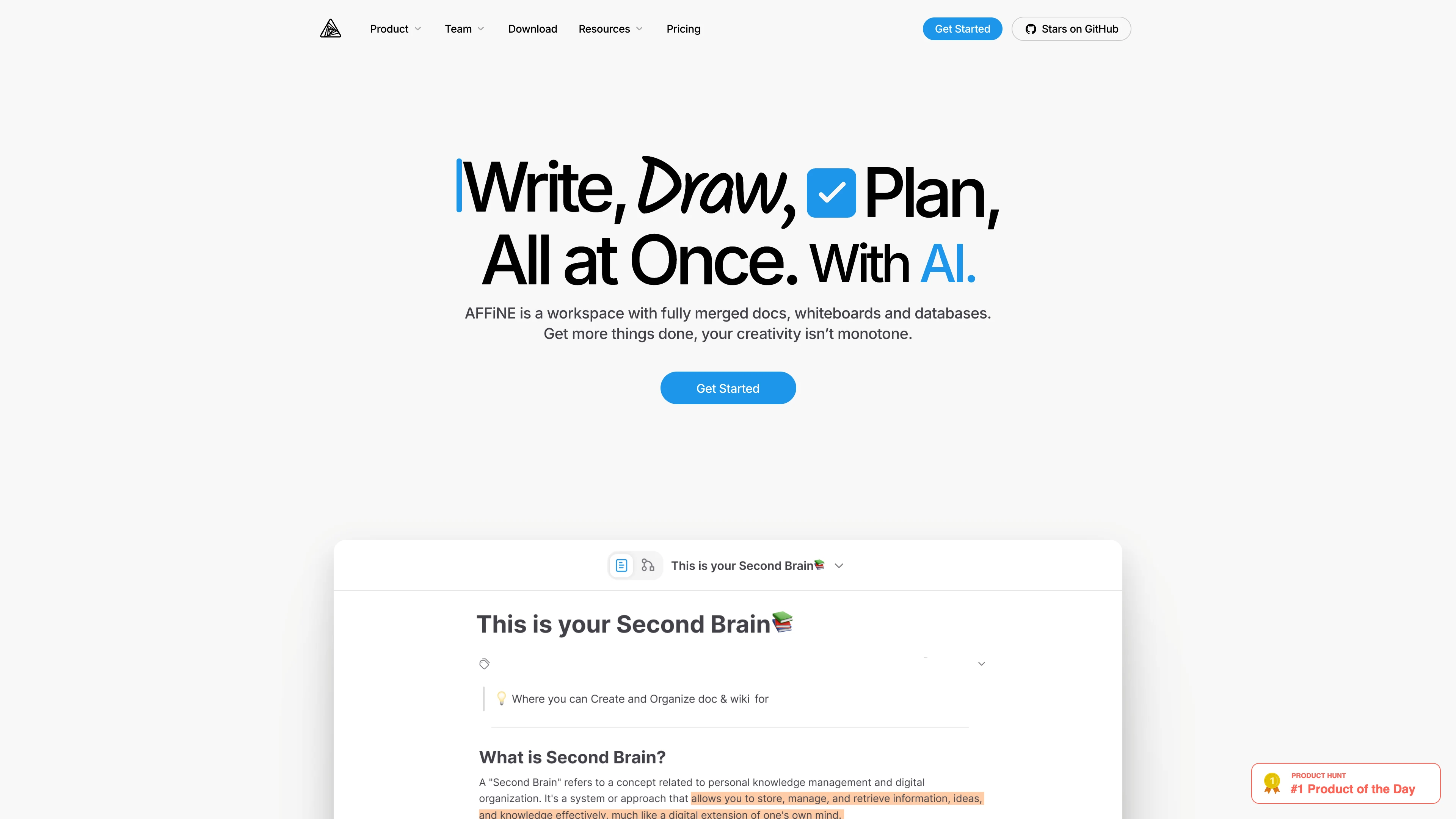
A privacy-focused, local-first, open-source workspace for notes, docs, whiteboards, and team knowledge management.
Launch in your Sealos workspace.
Start with the resources defined by the AFFiNE template. Review CPU, memory, persistent storage, and network allocations for every service in Canvas. Capacity needs depend on your data and workload; monitor usage as they grow.
Template configuration and setupUse the application URL or connection details shown in Canvas. Follow the deployment guide for first-time account setup or client configuration, and keep generated credentials available for that step.
Sealos monthly plans include compute, memory, storage, and traffic. Size your plan for all deployed services. Software licenses and external AI or API services may have separate terms and charges. Confirm the applicable plan and optional charges in Cost Center.
Compare Sealos resource plansFor current cloud charges, refer to Sealos plan pricing. Upstream documentation may reference earlier billing models.
AFFiNE is a local-first, privacy-focused workspace for notes, documents, whiteboards, and knowledge management. This template deploys AFFiNE 0.26.6 with PostgreSQL, Redis, persistent storage, HTTPS ingress, and first-run admin setup on Sealos Cloud.
AFFiNE runs in self-hosted all-in-one mode and serves the web UI, API, document collaboration, and background jobs from one application workload. The template also provisions managed PostgreSQL for workspace metadata and Redis for cache and job coordination, so the application can start without manual database wiring.
The deployment stores AFFiNE configuration and uploaded workspace files on persistent volumes mounted at /root/.affine/config and /root/.affine/storage. Sealos provides the public HTTPS endpoint, Kubernetes scheduling, resource controls, and Canvas-based operations for later updates.
The Sealos template includes all required runtime dependencies:
ghcr.io/toeverything/affine:0.26.6postgresql-16.4.0 cluster with a dedicated affine databaseredis-7.2.7 cluster for cache and background jobsArchitecture Components:
This template deploys the following services:
3010.node ./scripts/self-host-predeploy.js before the application serves traffic.affine database./root/.affine/config and /root/.affine/storage across restarts.Configuration:
DATABASE_URL is composed from the Kubeblocks PostgreSQL secret and points to the affine database.REDIS_SERVER_HOST, REDIS_SERVER_USER, and REDIS_SERVER_PASSWORD are wired from the Redis service and secret.AFFINE_SERVER_EXTERNAL_URL is set to the generated Sealos HTTPS URL so AFFiNE can build correct public links.AFFINE_INDEXER_ENABLED=false follows the upstream single-node self-hosting setup and avoids requiring an external search indexer.Resource Baseline:
The tested minimum baseline keeps the AFFiNE app at 500m CPU and 512Mi memory, PostgreSQL at 500m CPU and 512Mi memory, and Redis at 500m CPU and 512Mi memory for each Redis component. A 256Mi AFFiNE app limit booted but restarted once during startup, so the template uses 512Mi for a stable cold start.
License Information:
AFFiNE uses a mixed license model. The repository root declares MIT for most source code, while backend Enterprise Edition portions are governed by the AFFiNE EE license and Community Edition portions by MPL-2.0. Review the upstream license files before using the software in production.
Sealos is an AI-assisted Cloud Operating System built on Kubernetes that unifies deployment, storage, networking, and application operations. By deploying AFFiNE on Sealos, you get:
Deploy AFFiNE on Sealos to keep control of your workspace data while reducing infrastructure maintenance.
/admin/setup. Create the first administrator account with your name, email, and password.AFFiNE self-hosted mode requires an initial administrator before the workspace is usable.
https://<your-affine-domain>/admin/setup./admin.Use a strong password. AFFiNE expects an 8-32 character password, and it is best to include at least two character types such as uppercase letters, lowercase letters, numbers, or symbols.
After deployment, you can configure AFFiNE through:
/admin on your generated domain to manage self-hosted settings.SMTP and OAuth providers are not preconfigured by this template. Configure them later in AFFiNE admin settings or by adding the required environment variables according to the official documentation.
For most small AFFiNE workspaces, keep a single AFFiNE replica and scale vertically first:
Keep the application at one replica unless you have reviewed AFFiNE self-hosting behavior for multi-replica deployments.
Issue: The application redirects to /admin/setup
Issue: The app page is not ready immediately after deployment
Issue: Email invitations or password reset emails do not send
Issue: The pod restarts during cold start
This Sealos template is provided under the repository license. AFFiNE itself uses the upstream mixed license model described in its repository license files.
A shorter path from an app you want to an app you can run. Sealos brings deployment and ongoing operations into one place.
Start with a ready-made template. Review its configuration and launch from the Sealos console.
Run on managed infrastructure with built-in workload scheduling and recovery.
Give your application a public HTTPS endpoint with certificates managed for you.
Keep application data on persistent volumes across container restarts.
Adjust CPU, memory, and replicas from the console as your workload changes.
Sealos provisions the resources defined by your template and brings them together in your workspace.
Container workloads with configurable CPU, memory, and replicas.
An address for your app, with managed TLS certificates.
A database provisioned alongside your app when the template calls for one.
Storage for the files and data your application needs to keep.
Application settings and secrets configured in one place.
Inspect container logs and resource usage from the console.
Resources and their configuration vary by template. Review the deployment form for this app’s exact setup.
Explore more production-ready templates.
Build production-ready tools templates with Sealos.
Google Chrome browser running in a LinuxServer.io Selkies container with a web-based desktop UI.
Build production-ready tools templates with Sealos.

Deploy the self-hosted DeeplX translation API on Sealos and connect applications to its HTTP endpoint. This independent gateway integrates with DeepL translation.
Build production-ready tools templates with Sealos.

Run a remote Firefox browser on Sealos and use its graphical interface from your own browser through noVNC. Keep the browsing session in a hosted container.