sealos.io
AFFiNE
Build production-ready tools templates with Sealos.
https://affine.pro/deploy now
AFFiNE
Tools
A privacy-focused, local-first, open-source workspace for notes, docs, whiteboards, and team knowledge management.

Rocket.Chat 7.9.3 with independently scalable account, authorization, presence, DDP streaming, stream hub, and clustered NATS services.
Launch in your Sealos workspace.
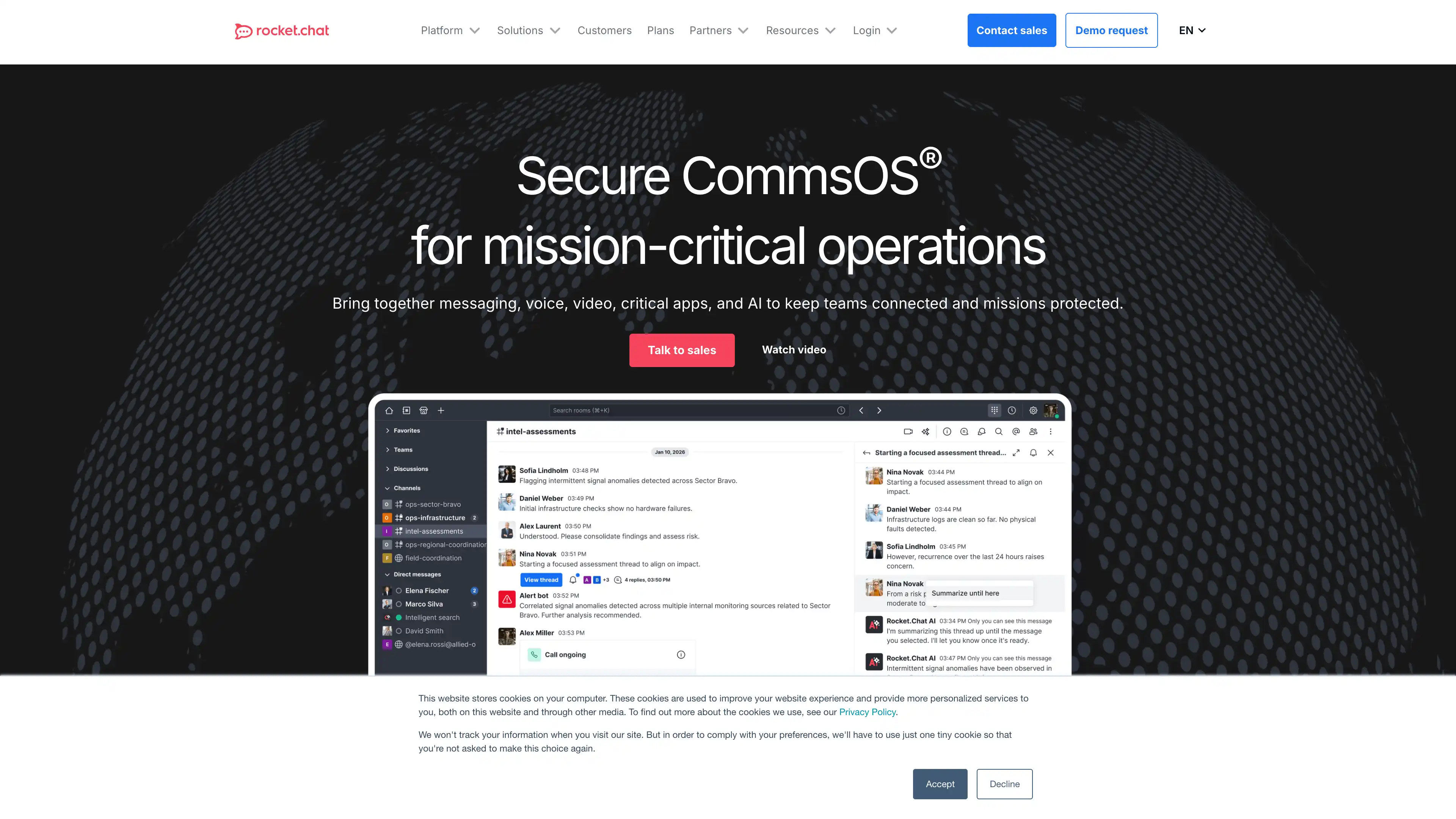
Start with the resources defined by the Rocket.Chat Microservices template. Review CPU, memory, persistent storage, and network allocations for every service in Canvas. Capacity needs depend on your data and workload; monitor usage as they grow.
Template configuration and setupUse the application URL or connection details shown in Canvas. Follow the deployment guide for first-time account setup or client configuration, and keep generated credentials available for that step.
Sealos monthly plans include compute, memory, storage, and traffic. Size your plan for all deployed services. Software licenses and external AI or API services may have separate terms and charges. Confirm the applicable plan and optional charges in Cost Center.
Compare Sealos resource plansFor current cloud charges, refer to Sealos plan pricing. Upstream documentation may reference earlier billing models.
Rocket.Chat is an open-source team communications platform for channels, direct messages, file sharing, and integrations. This template deploys Rocket.Chat 7.9.3 with its official microservice topology, MongoDB, clustered NATS, HTTPS routing, and an optional private Sealos Object Storage bucket. Rocket.Chat documents the microservices topology as a Premium/Enterprise capability, so each deployment requires a valid Rocket.Chat entitlement or license that covers microservices.
Rocket.Chat serves the web interface and core APIs from the main application while dedicated account, authorization, presence, DDP streaming, and stream hub services process focused workloads. NATS connects these services through an internal message bus, and MongoDB stores workspace, user, room, and message data.
The template preserves the upstream 7.9.3 microservice layout: one main Rocket.Chat instance, one replica of each of the five microservices, and two NATS replicas protected by pod anti-affinity and a disruption budget. Sealos provisions internal service discovery, startup coordination, WebSocket routing, and a generated public HTTPS endpoint.
File uploads use MongoDB GridFS by default. The optional S3 mode creates a private Sealos Object Storage bucket and configures Rocket.Chat to proxy protected files through the authenticated application endpoint.
The Sealos template includes the complete runtime stack:
rocketchat/rocket.chat:7.9.3rocketchat/account-service:7.9.3rocketchat/authorization-service:7.9.3rocketchat/ddp-streamer-service:7.9.3rocketchat/presence-service:7.9.3rocketchat/stream-hub-service:7.9.3nats:2.4.0-alpine replicas with config reloaders; the minimal profile uses the built-in monitor endpoint on port 8222 and keeps NATS exporter and nats-box disabled/sockjs and /websocketArchitecture Components:
3000.minAvailable: 1 disruption budget. An init container removes stale PID state before NATS starts.Storage Modes:
| Mode | Deployment input | Behavior |
|---|---|---|
| MongoDB GridFS | enable_s3_storage=false | Stores uploads in MongoDB and serves protected files through Rocket.Chat. |
| Sealos Object Storage | enable_s3_storage=true | Creates a private bucket, stores uploads in S3, and proxies authenticated downloads through Rocket.Chat. |
Choose the storage mode during deployment and keep that backend consistent for the workspace lifecycle.
Tested Resource Baseline:
| Workload | Replicas | Per-container limit |
|---|---|---|
| Rocket.Chat main | 1 | 200m CPU, 1024Mi memory |
| Account, authorization, DDP, presence, stream hub | 1 each | 100m CPU, 128Mi memory |
| NATS server | 2 | 100m CPU, 128Mi memory |
| NATS config reloader | 2 | 100m CPU, 128Mi memory |
| NATS runtime init container | 2 | 100m CPU, 128Mi memory |
| Startup init container | Per Rocket.Chat pod | 100m CPU, 128Mi memory |
| MongoDB | 1 | 500m CPU, 512Mi memory |
The 100m main CPU tier crossed the five-minute startup probe budget during a repeated cold start. The 512Mi main memory tier reached the Node.js heap limit. The template therefore uses 200m CPU and 1024Mi memory for repeatable startup.
License Information:
Rocket.Chat source outside the upstream apps/meteor/ee/ and ee/ directories is distributed under the MIT License. Enterprise Edition directories follow the separate license included in the Rocket.Chat repository.
Source-code licensing and the Premium/Enterprise product entitlement are separate requirements. The official microservices capability requires the applicable Rocket.Chat entitlement.
Sealos is an AI-assisted Cloud Operating System built on Kubernetes. It brings application deployment, networking, storage, and day-two operations into one workspace.
Keep the entitled Rocket.Chat organization or account and a valid administrator email available during registration. Rocket.Chat Cloud uses the workspace registration flow to associate the deployment and maintain its entitlement and license updates.
The first browser visit opens Rocket.Chat's four-step setup wizard:
The first account receives administrator and owner permissions. Later sessions use the same username or email and password from the generated Rocket.Chat URL. Add more users from Administration > Workspace > Users or through workspace invitations.
Workspace registration connects the instance to Rocket.Chat Cloud for entitlement recognition, license updates, and security notifications. Keep access to the administrator email during initial setup and use Resend or Change email from the confirmation page when required. The Premium/Enterprise microservices entitlement comes from the Rocket.Chat organization or subscription associated with the deployment.
After deployment, manage Rocket.Chat through these surfaces:
enable_s3_storage selects GridFS or private S3 storage during deployment.In S3 mode, the bucket remains private and Rocket.Chat proxies protected uploads. Sealos-generated access keys stay in Kubernetes Secrets referenced by the application pods.
Review Rocket.Chat's microservice documentation before changing service replica ratios. DDP streaming, presence, and authorization traffic can scale independently as concurrency increases.
The setup wizard is still loading after deployment
Workspace registration is waiting for confirmation
S3 uploads fail
enable_s3_storage=true was selected for the deployment.The main application restarts during cold start
200m CPU and 1024Mi memory limits as the minimum baseline.Messages reconnect repeatedly
/sockjs and /websocket ingress routes.This Sealos template follows the license of the templates repository. Rocket.Chat's community source uses the MIT License, while upstream Enterprise Edition directories use their included EE license.
A shorter path from an app you want to an app you can run. Sealos brings deployment and ongoing operations into one place.
Start with a ready-made template. Review its configuration and launch from the Sealos console.
Run on managed infrastructure with built-in workload scheduling and recovery.
Give your application a public HTTPS endpoint with certificates managed for you.
Keep application data on persistent volumes across container restarts.
Adjust CPU, memory, and replicas from the console as your workload changes.
Sealos provisions the resources defined by your template and brings them together in your workspace.
Container workloads with configurable CPU, memory, and replicas.
An address for your app, with managed TLS certificates.
A database provisioned alongside your app when the template calls for one.
Storage for the files and data your application needs to keep.
Application settings and secrets configured in one place.
Inspect container logs and resource usage from the console.
Resources and their configuration vary by template. Review the deployment form for this app’s exact setup.
Explore more production-ready templates.
Build production-ready tools templates with Sealos.
A privacy-focused, local-first, open-source workspace for notes, docs, whiteboards, and team knowledge management.
Build production-ready tools templates with Sealos.

Google Chrome browser running in a LinuxServer.io Selkies container with a web-based desktop UI.
Build production-ready tools templates with Sealos.
Deploy the self-hosted DeeplX translation API on Sealos and connect applications to its HTTP endpoint. This independent gateway integrates with DeepL translation.