Deploy and Host RAGFlow on Sealos
RAGFlow is an open-source retrieval-augmented generation engine for document understanding, knowledge bases, and AI agents. This template deploys RAGFlow 0.26.4 with managed MySQL, Redis, Infinity, and private S3-compatible object storage on Sealos.
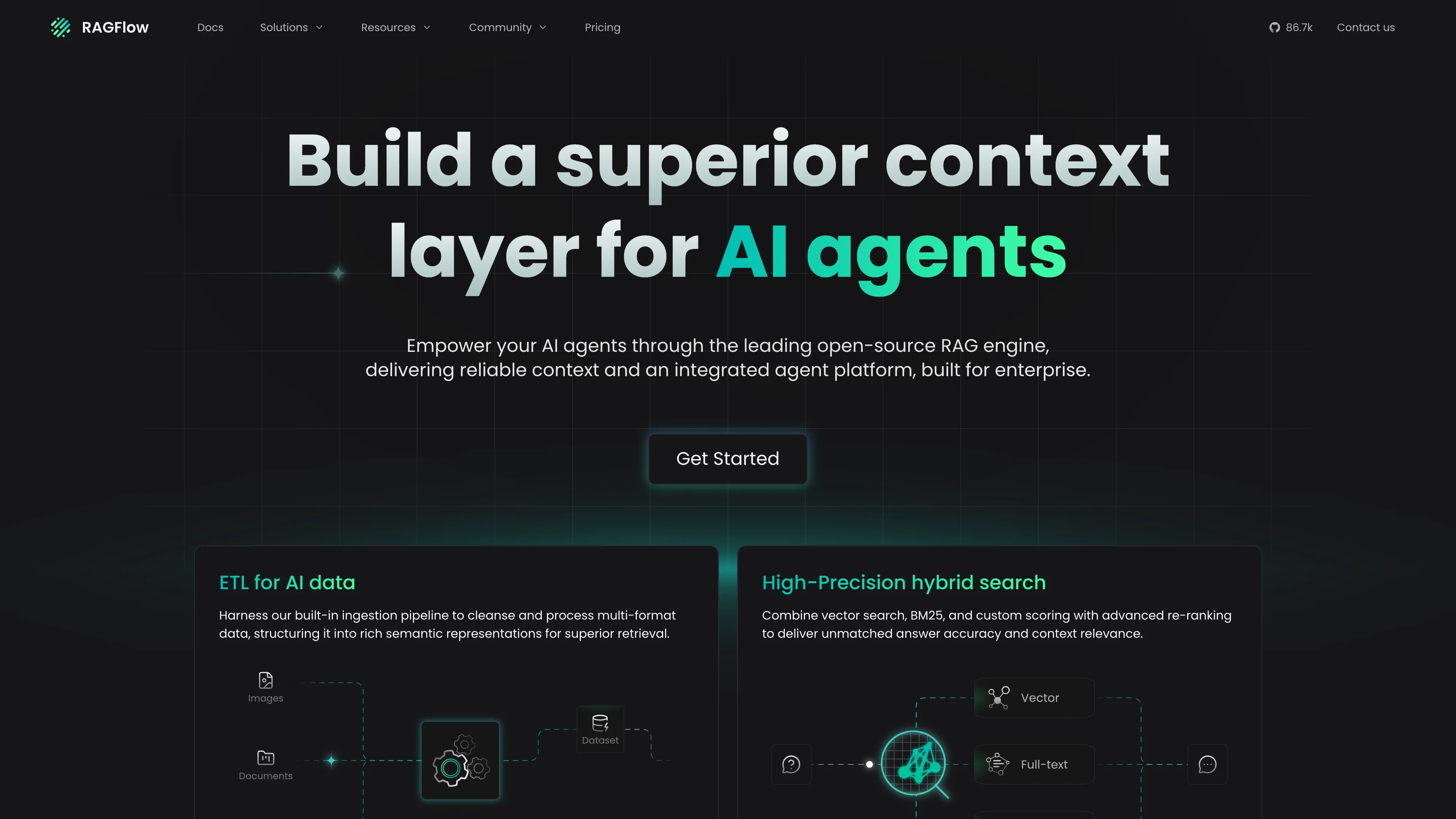
About Hosting RAGFlow
RAGFlow combines document ingestion, parsing, retrieval, agent workflows, and an interactive web interface. Users can organize files into knowledge bases, connect language and embedding models, and build applications that retrieve grounded context from uploaded content.
The template follows the official Infinity-based runtime topology. Sealos provisions MySQL and Redis through KubeBlocks, runs Infinity as the document engine, creates a private Object Storage bucket for uploaded files, and publishes the RAGFlow interface through an HTTPS endpoint.
Common Use Cases
- Document question answering: Build knowledge bases from manuals, reports, policies, and research material.
- Agent context layers: Give AI agents searchable, source-grounded context.
- Knowledge management: Centralize team files and retrieval workflows in a self-hosted interface.
- RAG prototyping: Compare parsing, chunking, retrieval, and model configurations.
- Private AI applications: Keep application data inside a dedicated Sealos deployment.
Dependencies for RAGFlow Hosting
The Sealos template includes the complete storage and service topology required by the selected RAGFlow release.
Deployment Dependencies
Implementation Details
Architecture Components:
- RAGFlow: Runs
infiniflow/ragflow:v0.26.4, serves the web UI and API, and executes ingestion tasks.
- Infinity: Runs
infiniflow/infinity:v0.7.0 with a persistent 1Gi data volume.
- MySQL: Uses a Sealos-managed KubeBlocks MySQL 8.0 cluster for application metadata.
- Redis: Uses a Sealos-managed KubeBlocks Redis 7.2 cluster with Sentinel.
- Object Storage: Uses a private Sealos S3-compatible bucket for uploaded file content.
- HTTPS Ingress: Publishes RAGFlow on a generated Sealos hostname with managed TLS.
Runtime Configuration:
- Registration is enabled through
REGISTER_ENABLED=1.
DOC_ENGINE=infinity selects the bundled Infinity service.- RAGFlow receives MySQL, Redis, and object-storage credentials from platform-managed Secrets.
- A durable generated
SECRET_KEY preserves browser sessions across Pod restarts.
- Startup, readiness, and liveness probes use
/api/v1/system/healthz.
- The Ingress accepts uploads up to
32Mi by default.
License Information:
RAGFlow and Infinity are available under the Apache License 2.0.
Why Deploy RAGFlow on Sealos?
- One-click topology: Provision RAGFlow, databases, the document engine, storage, and HTTPS from one template.
- Managed data services: Use KubeBlocks-backed MySQL and Redis with credentials injected automatically.
- Private object storage: Store uploaded files in a dedicated S3-compatible bucket with restricted anonymous access.
- Persistent document engine: Keep Infinity data on a persistent volume across Pod restarts.
- Visual operations: Inspect logs, health, networking, and resource usage from the Sealos Canvas.
- Validated starting resources: Begin with a live-tested personal low-load profile.
Deployment Guide
- Open the RAGFlow template and click Deploy Now.
- Review the generated application name and hostname, then start the deployment.
- Wait for every resource to become Ready. Sealos typically creates the application resources in 2-3 minutes, then the larger RAGFlow image pull and startup continue; end-to-end first deployment commonly takes 10-15 minutes. The RAGFlow Pod can spend about 7 minutes starting at the validated
200m CPU limit.
- Open the generated RAGFlow URL from the App resource.
- Create an account, sign in, and configure a model provider before creating a knowledge base or agent.
Register and Sign In
- Open the generated RAGFlow URL.
- Select Sign up on the login page.
- Enter a nickname, email address, and password, then submit the registration form.
- Use the same email address and password on the Sign in form.
- Select File in the navigation to upload and manage source documents.
Registration data is stored in the managed MySQL cluster. The generated application secret keeps authenticated sessions valid through normal RAGFlow Pod replacements.
Configure a Model Provider
RAGFlow starts with its application services and storage ready. Add a language model and an embedding model before running document parsing, retrieval, or chat workflows:
- Sign in to RAGFlow.
- Open the user menu and select Model providers.
- Choose a supported provider and enter its API credentials and endpoint.
- Add or select an embedding model and a chat model.
- Create a knowledge base, upload a document, configure parsing, and start ingestion.
Provider credentials remain part of the RAGFlow application state. Use a provider endpoint reachable from the Sealos cluster.
Default Resources
| Component | CPU limit | Memory limit | Persistent storage |
|---|
| RAGFlow | 200m | 4096Mi | Uploaded files use private object storage |
| Infinity | 100m | 128Mi | 1Gi |
| MySQL | 500m | 512Mi | 1Gi |
| Redis | 500m | 512Mi | 1Gi per data component |
Live validation established the RAGFlow boundary: 2048Mi produced an OOM termination, and 100m CPU exceeded the Deployment progress deadline. The selected 200m/4096Mi profile completed cold start, login, authenticated file listing, private object-storage upload and download with matching SHA-256, deletion, and a 60-second stability window with zero restarts.
Infinity passed cold start and repeated document-engine health checks at the lowest Sealos ladder tier, 100m/128Mi, with about 92Mi observed memory and zero restarts.
Storage and Lifecycle
RAGFlow writes uploaded file bytes to the private Sealos Object Storage bucket. MySQL stores accounts and application metadata, Redis provides runtime state, and Infinity persists document-engine data on its volume.
Deleting the complete template instance removes its managed resources, including the Object Storage bucket and persistent data. Export important knowledge-base content and configuration before deleting an instance.
Scaling
The default topology uses one RAGFlow replica and one Infinity replica, matching the selected official runtime profile. Increase CPU and memory through the Deployment and StatefulSet resource cards for faster startup, parsing, and retrieval. Keep the replica counts aligned with the official RAGFlow topology and validate shared-state behavior before introducing additional application replicas.
Troubleshooting
The public URL returns 502 during deployment
RAGFlow initializes Python services and model-provider tables before the health endpoint becomes ready. Keep the deployment running while the Pod remains in its startup-probe window. A cached cold start at the default CPU limit can take about 7 minutes, and the first image pull adds several minutes.
Sign-up or sign-in fails
Confirm the RAGFlow Pod, MySQL cluster, and Redis cluster are Ready. Inspect RAGFlow logs for database connectivity messages, then retry with a valid email address and the password used during registration.
File upload fails
The default Ingress upload limit is 32Mi. Increase nginx.ingress.kubernetes.io/proxy-body-size on the Ingress for larger files and keep the value within RAGFlow's application upload limit. Confirm the Object Storage bucket and its managed Secrets are Ready.
Knowledge-base parsing or chat cannot start
Configure reachable chat and embedding models in Model providers. Parsing and generation workflows require valid provider credentials and compatible model selections.
Responses are slow
The default resources target personal low-load use. Increase the RAGFlow CPU limit to 500m, 1, or higher for faster startup and ingestion, and increase Infinity resources for larger indexes or concurrent retrieval workloads.
Getting Help
Additional Resources
License
This template follows the upstream Apache License 2.0.