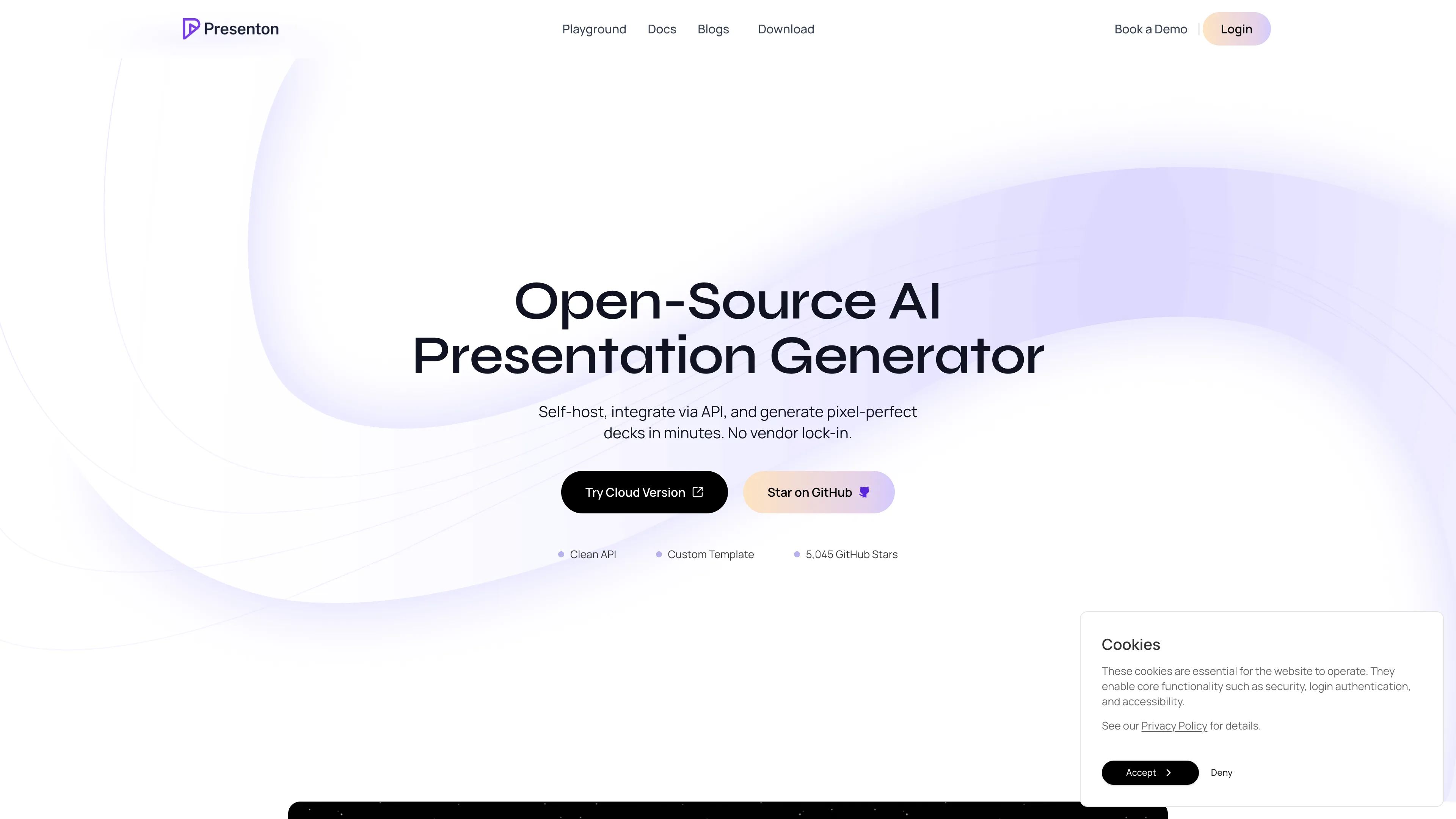
Deploy and Host Presenton on Sealos
Presenton is an open-source AI presentation generator and API for creating slide decks, reports, and documents from prompts, uploaded files, or reusable templates. This template deploys a self-hosted Presenton instance with persistent storage and HTTPS access on Sealos Cloud.
About Hosting Presenton
Presenton provides both a web interface and REST API for generating, editing, and exporting presentations. Users can create decks from plain-language prompts, upload existing content as source material, reuse templates, control tone and verbosity, and export results as editable PPTX files or shareable PDFs.
This Sealos template runs Presenton as a single StatefulSet backed by persistent storage at /app_data. The deployment stores application data, generated files, local configuration, uploaded assets, and the default local database on a persistent volume so your work survives restarts.
The template also provisions a Kubernetes Service, HTTPS Ingress, and Sealos App entry for public access. It keeps Ollama disabled by default (START_OLLAMA=false), so you can connect Presenton to your preferred LLM and image providers from the application settings or by updating environment variables after deployment.
Common Use Cases
- AI Slide Generation: Turn topics, outlines, briefs, or uploaded documents into structured slide decks.
- Report and Proposal Drafting: Generate business reports, pitch decks, training decks, and technical presentations faster.
- Presentation Automation API: Integrate deck generation into internal tools, CRM workflows, content pipelines, or automation agents.
- Reusable Brand Templates: Build presentations from existing PPTX or PDF templates to keep outputs on brand.
- Self-Hosted AI Workflows: Keep presentation generation under your own infrastructure and bring your own model/API keys.
Dependencies for Presenton Hosting
The Sealos template includes the Presenton application container, persistent storage, internal networking, HTTPS Ingress, and a Sealos App shortcut. It does not provision an external database, object storage bucket, or local Ollama model by default.
Deployment Dependencies
Implementation Details
Architecture Components
This template deploys the following resources:
- Presenton Application: A
ghcr.io/presenton/presenton:v0.8.2-beta container serving the web UI and API on port 80.
- Persistent Application Data: A 1Gi persistent volume mounted at
/app_data for generated decks, uploads, configuration, local data, and app state.
- ClusterIP Service: Internal service routing traffic to the Presenton container.
- HTTPS Ingress: Public HTTPS endpoint with automatic TLS certificate management, static asset caching, 32Mi request body limit, and 300-second proxy timeouts.
- Sealos App Entry: A clickable app link in the Sealos interface that opens your Presenton deployment.
Configuration
The deployment starts with these important defaults:
APP_DATA_DIRECTORY=/app_data stores application data on the persistent volume.MIGRATE_DATABASE_ON_STARTUP=true runs database migrations when the app starts.START_OLLAMA=false keeps the template lightweight and avoids starting an embedded local model server.MEM0_ENABLED=false disables memory features by default while preserving related configuration fields for later customization.- CPU is requested at
50m and capped at 500m; memory is requested at 204Mi and capped at 2Gi.
Presenton supports multiple LLM and image provider configurations. After deployment, configure provider credentials inside Presenton when available, or update environment variables through the Canvas resource cards. Keep API keys in Sealos-managed configuration and never commit private credentials to the template repository.
Scaling Considerations
The default deployment uses one StatefulSet replica because the template stores application data on a single persistent volume. For most personal, team, and internal automation workloads, vertical scaling through CPU and memory changes is the safest option.
If you need multiple replicas or higher-throughput API workloads, plan an architecture that uses external shared services such as a managed database and shared object storage. Those components are not provisioned by this template by default.
License Information
Presenton is licensed under the Apache-2.0 license. This Sealos template is provided as part of the Sealos templates repository; review the repository terms that apply to template distribution and modification.
Why Deploy Presenton on Sealos?
Sealos is an AI-assisted Cloud Operating System built on Kubernetes that unifies the entire application lifecycle, from development in cloud IDEs to production deployment and management. It is well suited for modern AI applications, internal tools, SaaS products, and microservice workloads. By deploying Presenton on Sealos, you get:
- One-Click Deployment: Deploy Presenton from a template page without writing Kubernetes YAML or manually wiring networking and storage.
- Built on Kubernetes: Run on a Kubernetes-based platform with service discovery, workload isolation, health checks, and standardized resource management.
- Persistent Storage Included: Keep generated presentations, uploads, and local app data across restarts with a mounted persistent volume.
- Instant Public Access: Receive an HTTPS URL with automatic TLS certificate provisioning after deployment.
- Easy Customization: Update environment variables, storage, and resource limits from Canvas resource cards or by describing changes in the AI dialog.
- Pay-as-You-Go Efficiency: Start with modest resources and adjust CPU, memory, and storage as usage grows.
- Zero Kubernetes Expertise Required: Manage the application visually while still benefiting from Kubernetes primitives under the hood.
Deploy Presenton on Sealos and focus on building presentation workflows instead of maintaining deployment infrastructure.
Deployment Guide
- Open the Presenton template and click Deploy Now.
- Configure the parameters in the popup dialog. The default
app_name and app_host values are generated automatically and are usually enough for a first deployment.
- Wait for deployment to complete, typically within 2-3 minutes. After deployment, you will be redirected to the Canvas. For later changes, describe your requirements in the dialog to let AI apply updates, or click the relevant resource cards to modify settings.
- Access your application via the provided URLs:
- Presenton Web UI: Open the generated HTTPS URL to create and manage presentations.
- Presenton API: Use the same base URL for REST API routes, such as
/api/v1/ppt/presentation/generate, when API usage is enabled and authenticated.
Configuration
After deployment, you can configure Presenton through:
- Presenton Settings: Add supported LLM, image, and generation settings from the application interface when those controls are available.
- AI Dialog: Describe the changes you want in the Canvas dialog and let AI apply supported updates.
- Resource Cards: Click the StatefulSet, Ingress, or storage resource cards to modify environment variables, resource limits, request size, timeout, or storage capacity.
- Persistent Data Volume: Keep generated content and local app state under
/app_data; increase storage if your team creates many decks or uploads large source files.
Common provider-related environment variables include model provider selection, API keys, image provider settings, and optional authentication controls. Use the official Presenton documentation for the current variable list before locking production settings.
Scaling
To scale your deployment:
- Open the Canvas for your Presenton deployment.
- Click the StatefulSet resource card.
- Adjust CPU and memory resources based on generation latency and concurrent usage.
- Apply the changes in the dialog.
- Increase the
/app_data storage volume if generated decks, uploads, or exports are growing quickly.
Keep the replica count at 1 unless you also redesign storage and database dependencies for shared, multi-replica operation.
Troubleshooting
Common Issues
Issue 1: Presentations fail because provider credentials are missing
- Cause: Presenton needs an LLM provider and, depending on image settings, an image provider key.
- Solution: Configure credentials in Presenton settings or update supported environment variables from the Canvas. Store secrets only in Sealos-managed configuration.
Issue 2: Large uploads fail or API requests return body-size errors
- Cause: The Ingress request body limit is configured to 32Mi by default.
- Solution: Compress the source file, split large inputs, or update the Ingress body-size annotation from the resource card.
Issue 3: Generation is slow or times out
- Cause: Slide generation can be CPU, memory, provider, and network dependent.
- Solution: Increase CPU and memory limits, reduce slide count, choose a faster model, or review provider latency. The template already sets 300-second proxy timeouts for long-running generation requests.
Issue 4: Data appears missing after restart
- Cause: The application may not be using the mounted data directory, or the persistent volume may be full.
- Solution: Confirm
APP_DATA_DIRECTORY=/app_data, check the StatefulSet volume mount, and expand the 1Gi volume if needed.
Getting Help
Additional Resources
License
This Sealos template is provided as part of the Sealos templates repository. Presenton itself is licensed under the Apache-2.0 license.