Deploy Vane (Perplexica) on Sealos
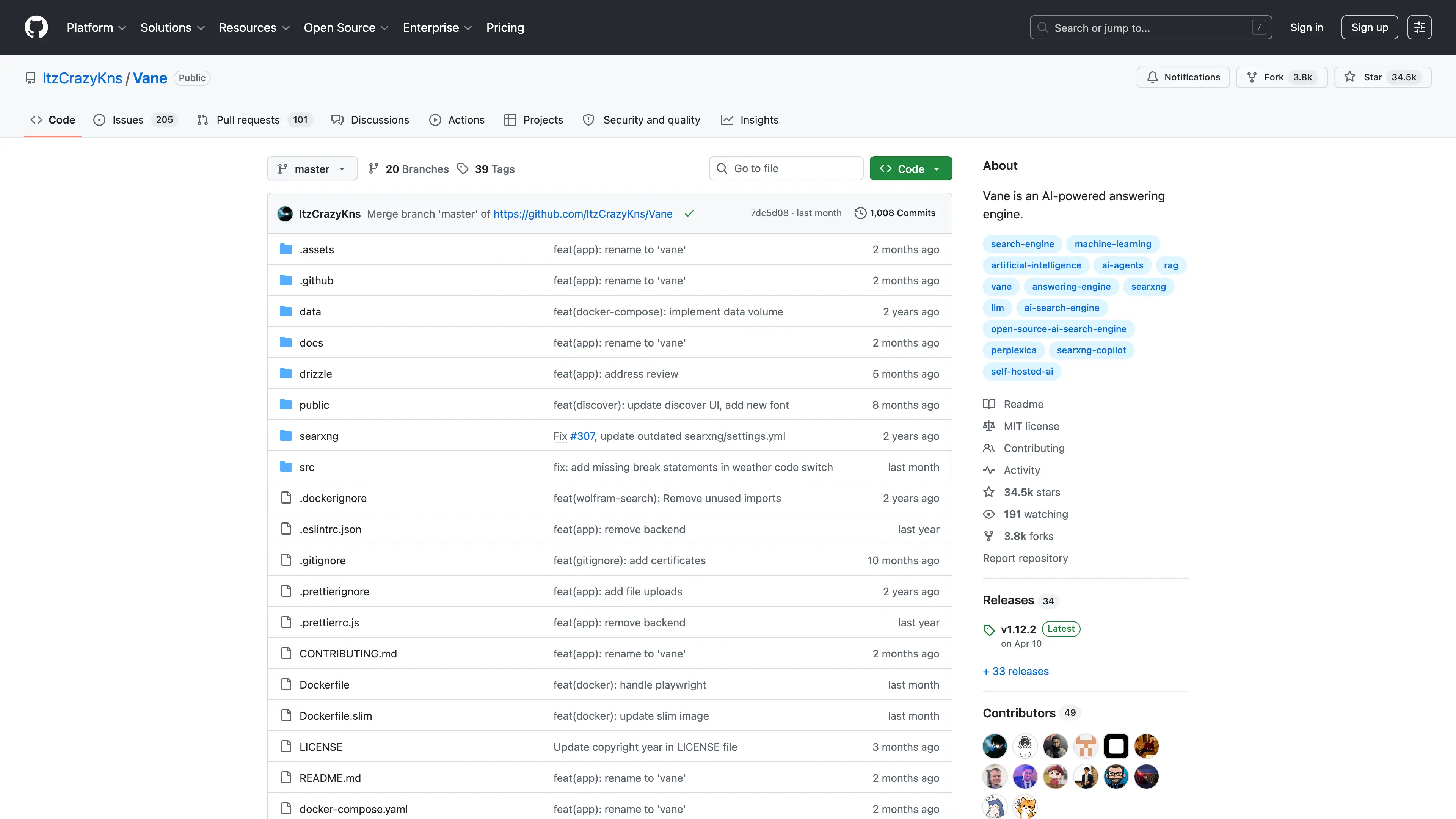
Vane, formerly Perplexica, is a privacy-focused AI answering engine that combines large language models with cited web search, images, videos, calculations, file analysis, and local conversation history.
What This Template Deploys
- Vane
v1.12.2 from the upstream slim image as a single-replica StatefulSet
- SearXNG
2026.4.10-7737a0da1 as a separate search Deployment
- SQLite, provider configuration, conversation history, and uploads on a
1Gi persistent volume
- Transformers embedding-model cache on the same persistent volume
- Public HTTPS through a Sealos-managed Service and Ingress
- Startup, readiness, and liveness probes for both workloads
The separate Vane and SearXNG workloads preserve the upstream slim-image architecture and make each component independently observable. SearXNG uses a reliability-tested engine set:
| Search capability | Engine |
|---|
| Web | Bing |
| Images | Bing Images |
| News | Bing News |
| Videos | Bing Videos and YouTube |
| Calculations and knowledge widgets | WolframAlpha |
Vane v1.12.2 stores its application database and uploaded files locally. This upstream release exposes no S3 or independent database backend, so the template provisions the supported persistent-volume topology.
Common Use Cases
- Cited AI answers based on current web results
- Image, video, and news discovery
- Calculation and quick-information widgets
- Research with uploaded documents
- Private search history for an individual or trusted team
- OpenAI and OpenAI-compatible model endpoints
Deployment
- Open the Vane template in the Sealos App Store.
- Enter an OpenAI or OpenAI-compatible API key and base URL, or leave the key empty and configure another provider in Vane.
- Click Deploy and wait for the Vane and SearXNG workloads to become ready.
- Open the HTTPS address shown by Sealos.
- Complete the model setup wizard.
Deployment Parameters
| Parameter | Default | Description |
|---|
OPENAI_API_KEY | Empty | Optional API key for OpenAI or an OpenAI-compatible provider |
OPENAI_BASE_URL | https://api.openai.com/v1 | API base URL used by the environment-configured OpenAI provider |
The API key is delivered to Vane as a server-side environment variable. Keep the Sealos application configuration and its persistent volume restricted to trusted administrators.
First-Run Model Setup
Vane opens its setup wizard on the first visit:
- Open the OpenAI provider card when the deployment parameters contain an OpenAI-compatible connection.
- For a custom compatible endpoint, open Chat Models, click Add, and enter a display name plus the exact model key accepted by that endpoint.
- Continue to model selection and choose the configured chat model.
- Select Transformers with
Xenova/all-MiniLM-L6-v2 for local embeddings. This choice works with compatible endpoints that do not expose an embeddings API.
- Click Finish and submit a test question.
You can also add Ollama, Anthropic, Gemini, Groq, LM Studio, Lemonade, or another supported provider from Vane settings. The selected provider must be reachable from the Sealos workload.
Access and Security
Vane v1.12.2 has no built-in user accounts, login flow, or access control. The deployed URL opens the application directly. Anyone with the URL can use configured model credentials, change settings, and view stored conversations.
Place the public endpoint behind an authenticated gateway, a private network, or an equivalent Sealos access policy before sharing it beyond a trusted group. Treat the URL, application configuration, and persistent data as sensitive.
Verify the Installation
After setup:
- Ask a current-information question and confirm that the answer contains clickable sources.
- Ask
What is 2+2? and confirm that the WolframAlpha calculation card returns 4.
- Open image or video search and confirm that media results appear.
- Open Library and confirm that the conversation is available.
- Upload a small supported document and ask a question about its contents when file analysis is part of the intended workflow.
Persistence
| Path | Purpose |
|---|
/home/vane/data/db.sqlite | Conversations, sources, and application records |
/home/vane/data/config.json | Provider and application configuration |
/home/vane/data/uploads | Uploaded files |
/home/vane/node_modules/@huggingface/transformers/.cache | Transformers model cache, stored through the data PVC |
The template uses a 1Gi openebs-backup volume. Monitor usage when storing many conversations, documents, or cached models.
Resource Defaults
The following limits passed cold-start, first-run provider setup, cited web search, WolframAlpha calculation, and image/video search tests:
| Component | CPU limit | Memory limit | CPU request | Memory request |
|---|
| Vane | 1 | 1024Mi | 100m | 102Mi |
| SearXNG | 100m | 256Mi | 10m | 25Mi |
Increase Vane CPU for concurrent searches and memory for large uploads or embedding workloads. Increase SearXNG CPU and memory when enabling more engines or serving concurrent queries.
Scaling
The template keeps one Vane replica because SQLite and uploaded files live on a ReadWriteOnce volume. Keep this topology for the supported v1.12.2 storage model. SearXNG also starts with one replica and can be sized independently for search traffic.
Backups and Upgrades
Back up the Vane persistent volume before an upgrade. It contains the database, provider configuration, uploads, and embedding cache.
For an upgrade:
- Review the target Vane and SearXNG release notes.
- Back up
/home/vane/data.
- Update the Vane slim image and SearXNG image pins.
- Verify that the configured SearXNG engines remain available.
- Repeat provider setup, cited search, calculation, media, upload, and Library checks.
Troubleshooting
The setup wizard has no usable chat model
For a custom OpenAI-compatible base URL, add the endpoint's exact model identifier under OpenAI → Chat Models. Confirm that the API key and base URL are valid from the Sealos workload.
Search returns no sources
Check the SearXNG workload and verify that its Service is reachable on port 8080. The template configures JSON output and the Bing/WolframAlpha engine set required by Vane.
Local embeddings take time on first use
The Transformers model downloads during the first embedding request. Its cache persists on the Vane data volume, so later starts can reuse it.
Conversations or uploads disappear after redeployment
Confirm that the Vane StatefulSet still references the original vn-homevn-vanevn-data claim. A new claim starts with an empty SQLite database and upload directory.
Documentation
License
Vane is distributed under the MIT License. This repository provides the Sealos deployment template and leaves the upstream license unchanged.