Deploy and Host Overleaf on Sealos
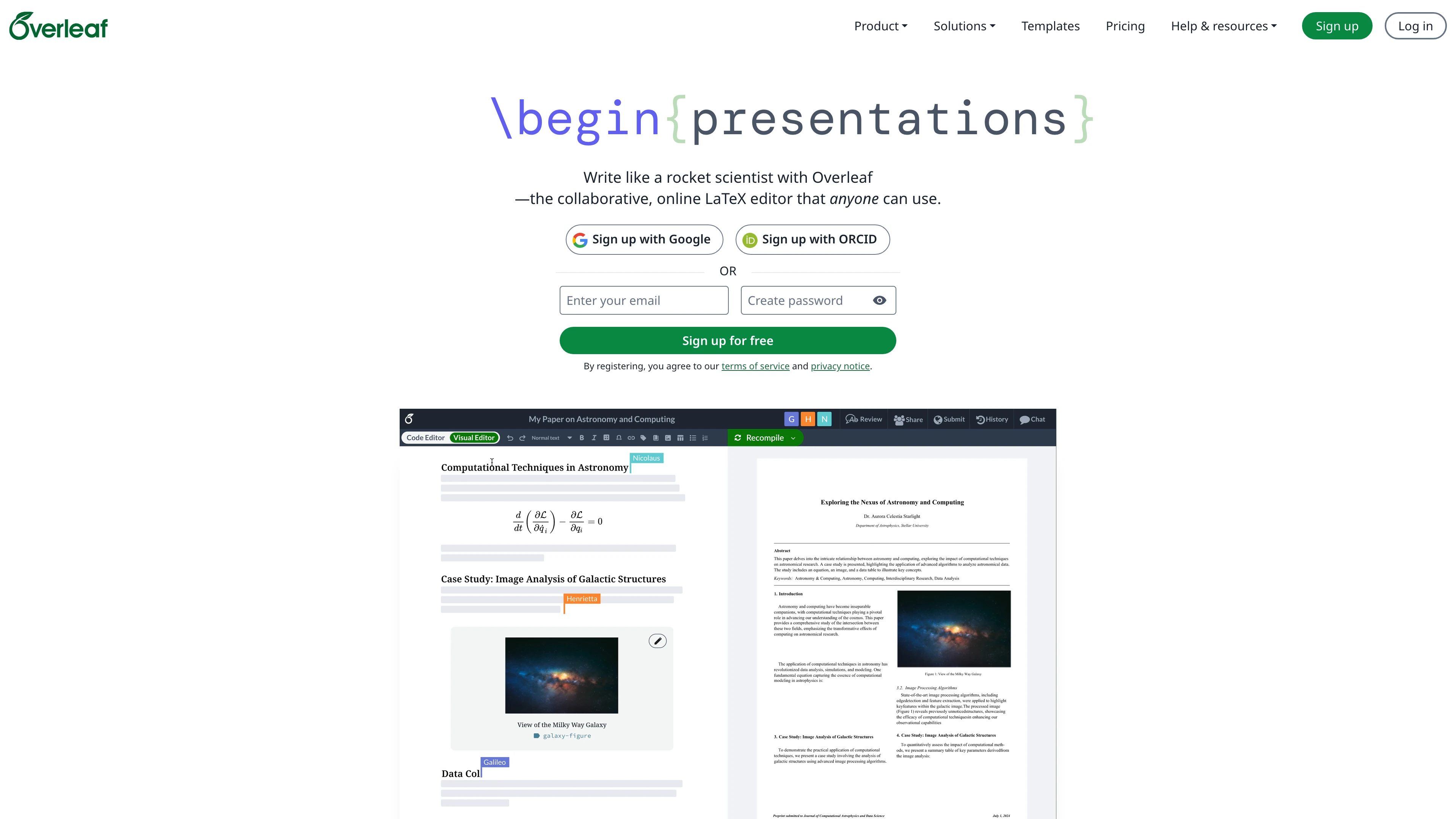
Overleaf is an open-source, real-time collaborative LaTeX editor. This template deploys Overleaf Community Edition 6.2.0 with KubeBlocks MongoDB, KubeBlocks Redis, persistent project storage, and an HTTPS public endpoint on Sealos Cloud.
About Hosting Overleaf
Overleaf provides a browser-based LaTeX workspace for writing papers, technical reports, books, and teaching materials. It combines source editing, project management, and PDF compilation in one web application, so teams can collaborate without installing a local TeX environment.
This Sealos template provisions the Overleaf web application, MongoDB for application metadata, Redis for realtime/session coordination, and persistent storage at /var/lib/overleaf for user data. Sealos manages the Kubernetes resources, public ingress, TLS certificate, and the App launch entry.
Common Use Cases
- Academic writing: Write and compile LaTeX papers, theses, and reports in a browser.
- Team collaboration: Let trusted users edit shared LaTeX projects in one workspace.
- Teaching environments: Provide students with a ready-to-use LaTeX editor without local setup.
- Technical documentation: Maintain structured LaTeX documents with persistent project storage.
Dependencies for Overleaf Hosting
The Sealos template includes all required runtime dependencies: Overleaf Community Edition, KubeBlocks MongoDB, KubeBlocks Redis, persistent storage, Service, Ingress, and Sealos App metadata.
Deployment Dependencies
Implementation Details
Architecture Components:
- Overleaf web service: Runs
sharelatex/sharelatex:6.2.0 and exposes the web UI on port 80.
- MongoDB: Stores users, projects, and Overleaf application metadata through KubeBlocks MongoDB 8.0.4.
- Redis: Provides Overleaf cache/realtime coordination through KubeBlocks Redis 7.2.7.
- Persistent project storage: Stores Overleaf data under
/var/lib/overleaf on a 1 GiB volume.
- Optional Sealos Object Storage: When
enable_external_files is enabled, four private S3-compatible buckets store user files, templates, project history blobs, and history chunks.
- Ingress and App entry: Publishes the HTTPS URL and integrates the deployment into the Sealos App launcher.
Configuration:
The template sets OVERLEAF_SITE_URL from the generated Sealos hostname, enables proxy-aware behavior, and keeps email confirmation disabled by default for first-run Community Edition setup. enable_external_files selects the optional Sealos S3-compatible backend for project files and history; the default uses the mounted /var/lib/overleaf volume. Overleaf Community Edition is intended for trusted users; isolated/sandboxed compiles are a Server Pro feature, not part of this template.
License Information:
This Sealos template is provided under the repository license. Overleaf Community Edition is distributed by the Overleaf project; review the upstream repository for application licensing details.
Why Deploy Overleaf on Sealos?
Sealos is an AI-assisted Cloud Operating System built on Kubernetes that unifies the application lifecycle from deployment to operation. By deploying Overleaf on Sealos, you get:
- One-Click Deployment: Create the Overleaf app, databases, storage, ingress, and App launcher entry from one template.
- Managed Dependencies: Use KubeBlocks MongoDB and Redis without hand-writing Kubernetes manifests.
- Persistent Storage Included: Keep Overleaf project data across restarts through the mounted data volume.
- Instant Public Access: Get an HTTPS URL managed by Sealos Ingress and certificates.
- Easy Resource Tuning: Adjust CPU, memory, and storage from Sealos resource cards as usage grows.
- Zero Kubernetes Expertise Required: Operate Overleaf from the Sealos UI while retaining Kubernetes-backed reliability.
Deployment Guide
- Open the Overleaf template and click Deploy Now.
- Configure the parameters in the popup dialog. The defaults are enough for a first test deployment; enable Enable External Files when project files and history should use Sealos S3-compatible storage.
- Wait for deployment to complete. The first cold start can take several minutes because Overleaf initializes MongoDB indexes and runs migrations.
- Open the generated Overleaf URL from the Sealos App entry. The ingress redirects the root path
/ to /launchpad.
- On
/launchpad, enter an email address and password, then click Register to create the first administrator account.
- Sign in from
/login, then open /project to start using Overleaf. Administrators can create additional users from /admin/register.
Configuration
Deployment parameters:
| Name | Description | Default |
|---|
OVERLEAF_SITE_LANGUAGE | Set the Overleaf interface language. | zh-CN |
OVERLEAF_APP_NAME | Set the displayed Overleaf site name. | Overleaf Community Edition |
ENABLED_LINKED_FILE_TYPES | Comma-separated linked file types enabled for projects. | project_file,project_output_file |
ENABLE_CONVERSIONS | Enable thumbnail generation with ImageMagick. | true |
EMAIL_CONFIRMATION_DISABLED | Disable email confirmation for first-run local account setup. | true |
enable_external_files | Provision four private Sealos S3-compatible buckets for project files and history. | false |
After deployment, open the root URL to continue to /launchpad and create the first administrator account. Sign in from /login after setup. Administrators can create additional users from /admin/register, while /register remains the Community Edition administrator-contact page.
With enable_external_files=true, the template injects the documented OVERLEAF_FILESTORE_* and OVERLEAF_HISTORY_* S3 variables, including path-style access for the Sealos endpoint. The four buckets are private and retain the MongoDB and Redis topology required by Overleaf.
Scaling
The template is tuned for a small Community Edition deployment. The default app allocation is 1 vCPU and 2 GiB memory for the Overleaf container, plus KubeBlocks MongoDB and Redis at 500 mCPU and 512 MiB memory per database component. Increase memory first if cold starts, migrations, or PDF compilation workloads become slow.
To scale resources, open the deployment Canvas, click the relevant resource card, adjust CPU, memory, storage, or replicas, and apply the change in the dialog.
Troubleshooting
First start takes several minutes
Overleaf runs database migrations on an empty MongoDB database. Wait until the Overleaf pod is Ready before opening the site.
/register says “Please contact to create an account”
This is the expected Community Edition account policy. Use /launchpad to create the first administrator, then sign in from /login. Administrators can create additional users from /admin/register.
/launchpad reports that setup is complete
The first administrator account already exists. Sign in from /login, then use /admin/register to create additional users.
Login succeeds but projects are slow to open
Check the Overleaf pod memory and database health in Sealos. Increase the Overleaf memory limit if the instance is used for larger documents or heavier compilation workloads.
S3-backed project files are unavailable
Check that all four ObjectStorageBucket resources are Ready, their generated Secrets exist, and the Overleaf pod restarted after enabling enable_external_files. Review the pod logs for endpoint, credentials, or bucket permission errors.
Getting Help
Additional Resources
License
This Sealos template is provided under the templates repository license. Overleaf Community Edition is licensed by the Overleaf project; review the upstream repository for current application license terms.