Deploy and Host Open WebUI on Sealos
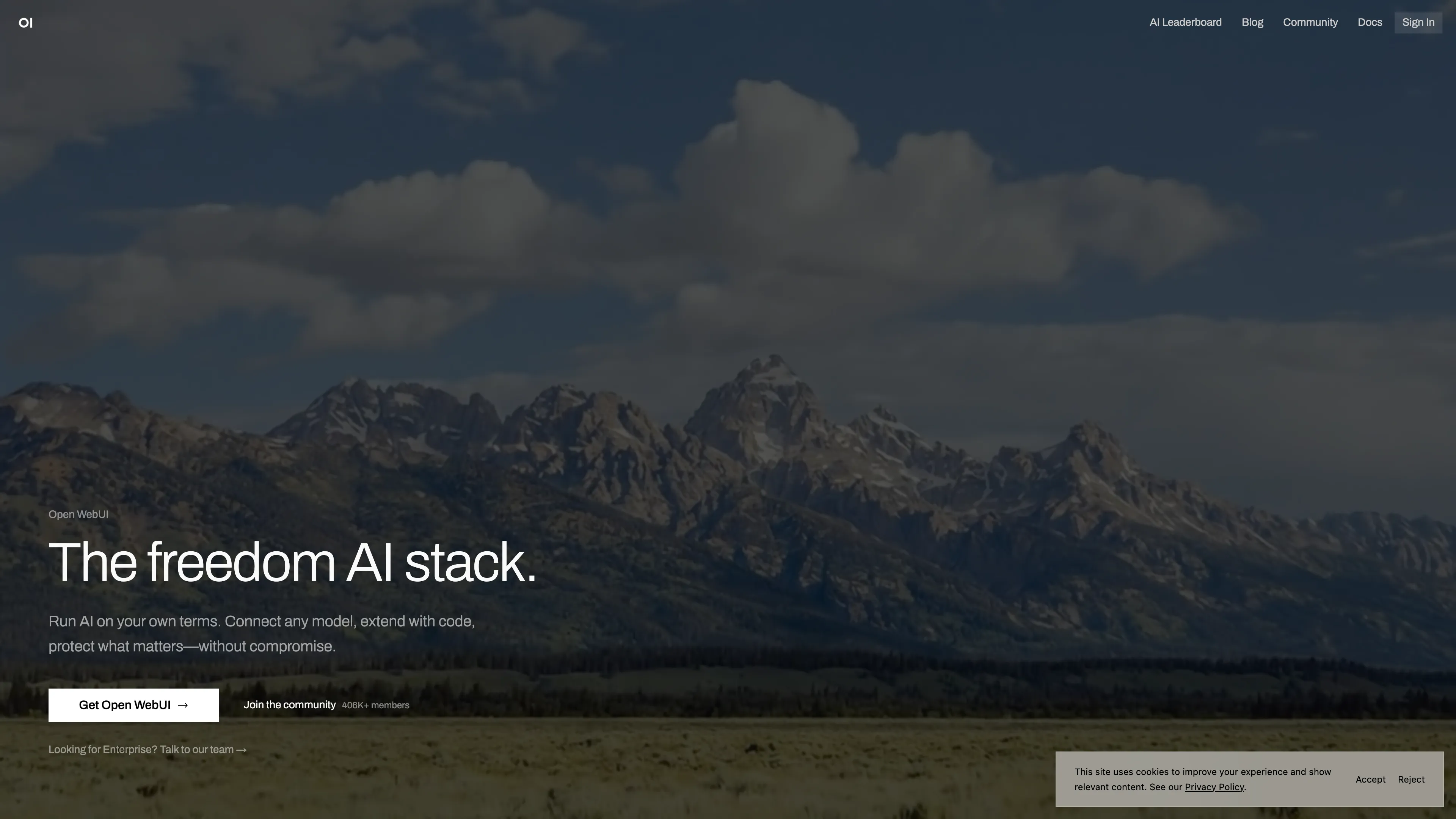
Open WebUI is a self-hosted AI workspace for Ollama, OpenAI-compatible APIs, RAG, tools, and multimodal workflows. This template deploys Open WebUI with PostgreSQL, persistent app data, optional Sealos Object Storage, and a public HTTPS endpoint on Sealos Cloud.
About Hosting Open WebUI
Open WebUI runs as a single application service that exposes the web interface and backend API on port 8080. The Sealos template provisions a managed PostgreSQL database, initializes the openwebui database, and mounts persistent storage at /app/backend/data for uploads, local cache, and runtime files.
The template follows Open WebUI's Kubernetes guidance by using PostgreSQL for the main database path. You can optionally enable Sealos Object Storage to store uploaded files through Open WebUI's S3-compatible storage provider.
Common Use Cases
- Team AI Portal: Provide a shared workspace for chats, prompts, knowledge bases, and model routing.
- Ollama Frontend: Connect Open WebUI to a reachable Ollama API endpoint for local or private models.
- OpenAI-Compatible Gateway: Use OpenAI, vLLM, LiteLLM, or other compatible APIs from one web interface.
- RAG Workspace: Upload documents, build knowledge collections, and query them from chat.
- Admin-Controlled Access: Let the first registered account become administrator and approve later users.
Dependencies for Open WebUI Hosting
The Sealos template includes the Open WebUI container, a KubeBlocks PostgreSQL cluster, persistent storage, ingress, and an optional Sealos-managed S3-compatible bucket.
Deployment Dependencies
Implementation Details
Architecture Components:
This template deploys the following services:
- Open WebUI: Web UI and backend API served from the official
openwebui/open-webui:0.10.2 image.
- PostgreSQL: Managed KubeBlocks PostgreSQL
16.4 cluster used for Open WebUI's main database.
- PostgreSQL Init Job: Creates the
openwebui database idempotently before application startup.
- Database Readiness Gate: Starts Open WebUI after the
openwebui database accepts queries.
- Persistent Data Volume: Stores uploaded files, caches, and local runtime files at
/app/backend/data.
- Optional Object Storage: Creates a private Sealos ObjectStorageBucket and injects S3-compatible credentials when enabled.
Configuration:
WEBUI_URL and CORS_ALLOW_ORIGIN are set to the Sealos public HTTPS URL.DATABASE_TYPE, DATABASE_HOST, DATABASE_PORT, DATABASE_USER, DATABASE_PASSWORD, and DATABASE_NAME connect Open WebUI to PostgreSQL.ENABLE_OLLAMA_API keeps Ollama polling disabled until an Ollama endpoint is configured; OPENAI_API_BASE_URL and OPENAI_API_KEY can be supplied during deployment or configured later in the admin panel.- Enabling
use_sealos_objectstorage sets STORAGE_PROVIDER=s3 and wires Sealos Object Storage credentials.
License Information:
Open WebUI is distributed under the Open WebUI license. This Sealos template is provided under the repository license for Sealos templates.
Why Deploy Open WebUI on Sealos?
Sealos is an AI-assisted Cloud Operating System built on Kubernetes that unifies deployment, scaling, storage, networking, and operations. By deploying Open WebUI on Sealos, you get:
- One-Click Deployment: Launch Open WebUI, PostgreSQL, storage, ingress, and HTTPS from one template.
- Kubernetes Foundation: Run the same container and health-probe model used by cloud-native deployments.
- Persistent Storage Included: Keep uploads and runtime files across restarts.
- Managed Database: Use a Sealos-managed PostgreSQL cluster instead of local SQLite on network storage.
- Optional Object Storage: Store uploads in a private S3-compatible Sealos bucket.
- Simple Operations: Use Canvas, AI dialog, and resource cards for post-deployment changes.
- Pay-As-You-Go Costs: Start with a small single-replica deployment and adjust resources as usage grows.
Deployment Guide
- Open the Open WebUI template and click Deploy Now.
- Configure the parameters in the popup dialog:
enable_ollama_api: Enable this together with a reachable Ollama API URL.ollama_base_url: Optional reachable Ollama API URL.openai_api_base_url: Optional OpenAI-compatible API base URL.openai_api_key: Optional OpenAI-compatible API key.use_sealos_objectstorage: Enable this when you want uploads stored in Sealos Object Storage.
- Wait for deployment to complete, typically 2-3 minutes. After deployment, you will be redirected to the Canvas. For later changes, describe your requirements in the dialog to let AI apply updates, or click the relevant resource cards to modify settings.
- Open the application URL from the Open WebUI App card.
- Register the first account from the sign-up screen. Open WebUI grants administrator privileges to the first created account.
- Log in with that first administrator account. Later sign-ups start in a pending state and can be approved from the administrator settings.
- Connect a model provider:
- For Ollama, enable the provider and provide its reachable base URL during deployment, or add the connection from Settings > Connections after login.
- For OpenAI-compatible APIs, open Settings > Connections and add the API base URL and key if they were left blank during deployment.
Configuration
After deployment, configure Open WebUI through:
- Open WebUI Admin Panel: Manage users, model providers, knowledge settings, and workspace behavior.
- Sealos AI Dialog: Describe configuration changes and let AI update the deployment.
- Resource Cards: Adjust environment variables, resource limits, storage, and replica settings from Canvas.
Scaling
This template starts as a single-replica deployment with PostgreSQL. When scaling replicas, review Open WebUI's scaling guidance for Redis, shared storage, external vector databases, and content extraction settings before increasing replicas.
To adjust resources:
- Open the Canvas for your deployment.
- Click the Open WebUI StatefulSet resource card.
- Adjust CPU, memory, or replica count.
- Apply the change in the dialog.
The Open WebUI container starts with 500m CPU and 4096Mi memory. Live cold-start validation reached the 2048Mi cgroup ceiling while loading the default embedding model; the 4096Mi tier completed with a peak near 1.90GiB and zero restarts.
Troubleshooting
First Account Already Exists
- Cause: The database already contains a user from a previous deployment or restored data.
- Solution: Log in with the existing administrator account or reset users from the database according to Open WebUI documentation.
No Models Available
- Cause: No Ollama or OpenAI-compatible provider is configured.
- Solution: Add a reachable provider in Settings > Connections or update the deployment inputs.
Uploads Need Shared Object Storage
- Cause: File uploads are stored locally unless S3 storage is enabled.
- Solution: Enable
use_sealos_objectstorage before deployment, or migrate uploads before changing storage mode.
Getting Help
Additional Resources
License
This Sealos template is provided under the Sealos templates repository license. Open WebUI itself is distributed under the license published by the Open WebUI project.