Deploy and Host nanobot on Sealos
nanobot is a self-hosted AI agent with a browser workspace, tools, memory, and scheduled tasks. This template deploys the nanobot gateway and its bundled WebUI with persistent storage on Sealos Cloud.
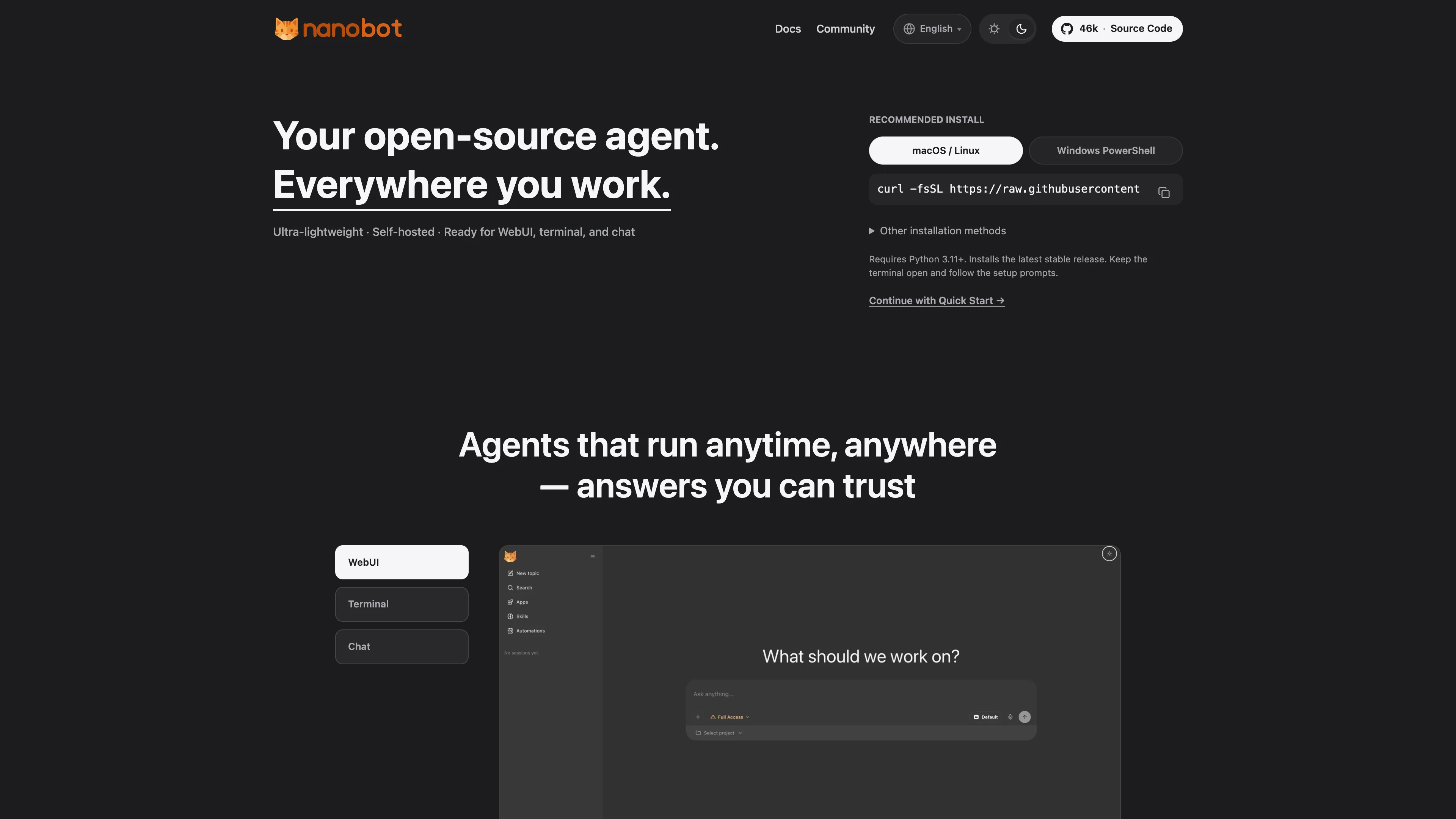
About Hosting nanobot
The gateway serves the WebUI and authenticated WebSocket connections together on port 8765. A single instance stores its configuration, conversations, memory, generated files, and automation state on a 1Gi persistent volume.
The template initializes the configuration once, prepares the tokenizer cache before startup, and preserves settings edited in the WebUI across restarts. Browser access uses the password you set in the deployment form. File tools start with workspace restrictions enabled.
Common Use Cases
- Personal AI workspace: Keep separate conversations for research, writing, and project tasks.
- File assistance: Ask the agent to create, inspect, and edit files in its persistent workspace.
- Repeatable tasks: Use built-in tools, skills, and scheduled automations for recurring work.
- Chat integrations: Connect supported chat channels with your own platform credentials.
Dependencies for nanobot Hosting
The template includes the Python runtime, bundled WebUI, built-in tools, and persistent storage. Provide an API key, an OpenAI-compatible API base URL, and an exact model ID from the same provider.
Deployment Dependencies
Implementation Details
| Component | Configuration |
|---|
| Release | nanobot v0.3.0 |
| Runtime | One gateway with the bundled WebUI, running as UID 1000 |
| Storage | 1Gi at /home/nanobot/.nanobot |
| Configuration | /home/nanobot/.nanobot/config.json, initialized on first start |
| Model provider | OpenAI-compatible endpoint selected by the deployment inputs |
| Public entry | HTTPS WebUI with WebSocket support on port 8765 |
| Health endpoint | Container-local port 18790 |
| Validated low-load limits | Gateway: 200m CPU / 256Mi memory; initialization: 100m CPU / 128Mi memory |
The image ghcr.io/yangchuansheng/sealos-template-init:nanobot-v0.3.0 is built from the unmodified upstream v0.3.0 Dockerfile and source. The selected upstream deployment stores data in local files; this template provisions the corresponding persistent volume. Keep one replica for this shared local-state runtime.
Why Deploy nanobot on Sealos?
Sealos provides Kubernetes scheduling, persistent storage, HTTPS routing, and pay-as-you-go resources for the gateway. After deployment, use the Canvas AI dialog or resource cards to adjust resources and inspect logs.
Deployment Guide
- Open the nanobot template and click Deploy Now.
- Enter your provider's API key, API base URL, and model ID. Include the provider's version path in the URL, such as
https://api.openai.com/v1.
- Fill in the required web_token (WebUI login password) with your own strong password, and save it privately before deploying.
- Wait for deployment to complete, typically 2-3 minutes. The Canvas shows the gateway and its persistent storage after deployment.
- Open the application's public URL, enter your
web_token value in Password, and click Connect. This shared-password flow opens the WebUI directly.
- Start a New topic and send a short message to verify your model. Ask the agent to create and read a small file to verify its workspace tools.
Configuration
Use Settings → Models to manage model settings and Settings → Channels for chat integrations. Configuration changes are stored on the persistent volume; follow any restart notice shown by the WebUI. Deployment provider values remain available through OPENAI_API_KEY, OPENAI_API_BASE, and NANOBOT_MODEL.
The browser remembers its access password locally. Enter the same deployment password when connecting from a new browser or after clearing browser storage. Its current value is available as NANOBOT_WEB_TOKEN in the gateway resource card. The gateway uses a shared access password, with each trusted user able to operate the same agent workspace.
Remote installation of optional Python packages starts disabled. The default image includes WhatsApp support; other channels may require an image rebuild with the upstream NANOBOT_CHANNELS build argument before enabling them.
Troubleshooting
- Password rejected: Copy the current
NANOBOT_WEB_TOKEN value from the gateway resource card and enter it without extra whitespace.
- Model request fails: Confirm the API key, base URL, and exact model ID belong to the same provider, then check its available quota.
- Gateway is starting: Inspect the initialization and gateway logs. The first run prepares the tokenizer cache before serving requests.
- More demanding workloads: Increase CPU, memory, or persistent storage from the Canvas resource card as conversations, attachments, and tool workloads grow.
License
This Sealos template follows the templates repository license. nanobot is licensed under the MIT License.