Deploy and Host mongo-express on Sealos
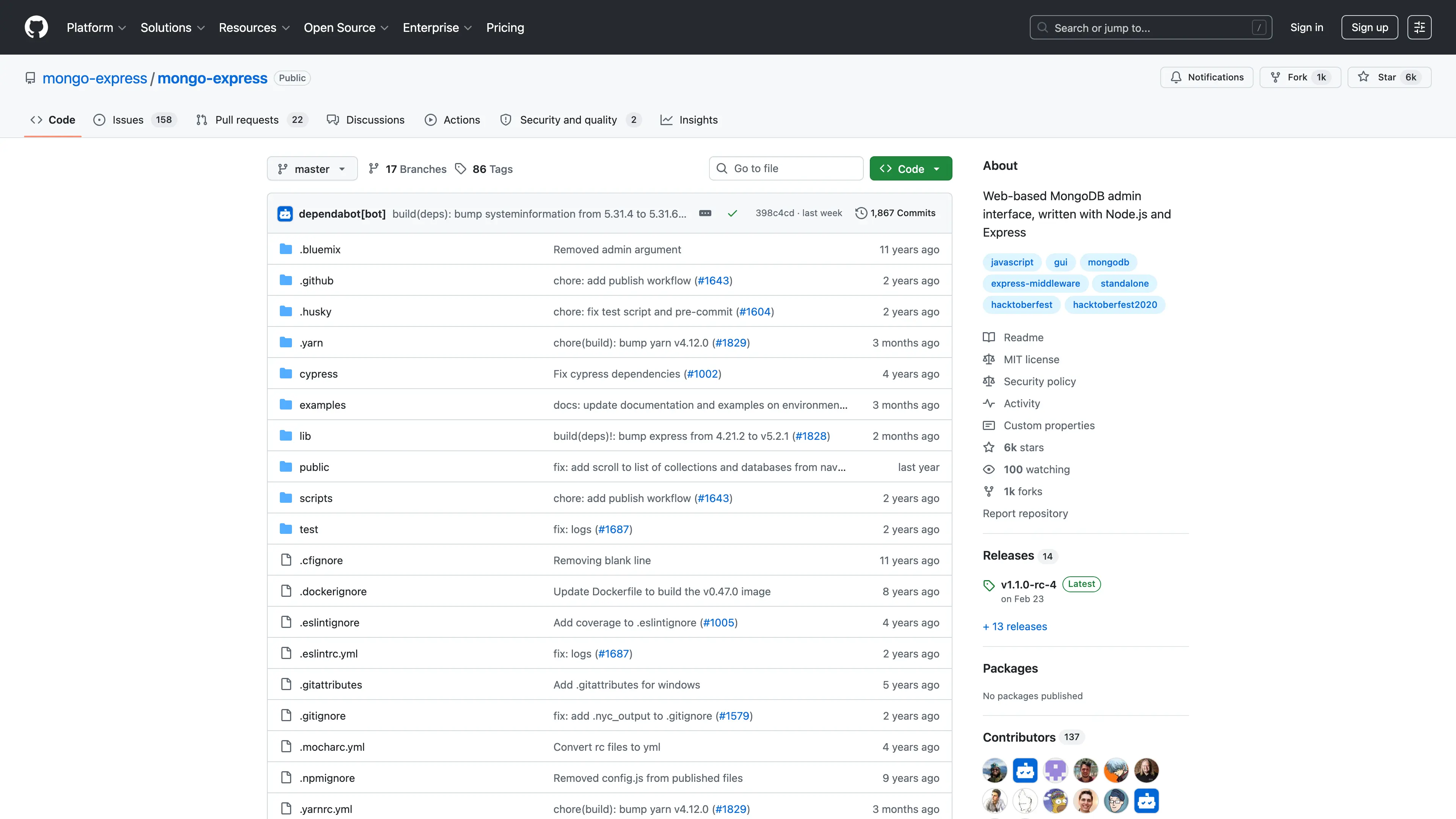
mongo-express is a web-based MongoDB administration interface built with Node.js, Express, and Bootstrap 3. This template deploys mongo-express with a Sealos-managed MongoDB instance, public HTTPS access, and Basic Authentication enabled by default.
About Hosting mongo-express
mongo-express provides a browser-based interface for browsing databases, collections, documents, indexes, and server metadata in MongoDB. It is useful for development, testing, internal administration, and lightweight database inspection when you need a visual UI instead of a command-line client.
This Sealos template provisions a dedicated MongoDB KubeBlocks cluster and a mongo-express Deployment. Sealos also creates the Service, Ingress, SSL-enabled public URL, and dashboard entry so you can open the admin UI directly after deployment.
Basic Authentication is enabled on the web UI. The default username is admin, and the password is generated automatically for each deployment. The MongoDB DSN is built from the managed MongoDB service and the KubeBlocks root password, so no external MongoDB connection string is required for the default template.
Common Use Cases
- MongoDB Administration: Browse databases, collections, indexes, and documents from a web interface.
- Development Debugging: Inspect application data while building or testing MongoDB-backed services.
- Internal Operations: Give trusted team members a simple UI for database maintenance.
- Schema Exploration: Review document structure and sample records without installing local tools.
Dependencies for mongo-express Hosting
The Sealos template includes all required runtime dependencies: mongo-express, a managed MongoDB database, a Kubernetes Service, an Ingress, and a Sealos App entry.
Deployment Dependencies
Implementation Details
Architecture Components:
This template deploys the following services:
- mongo-express: Web UI running
mongo-express:1.0.2-20-alpine3.19 on port 8081.
- MongoDB: Sealos-managed KubeBlocks MongoDB
8.0.4 cluster with persistent storage.
- Ingress and App Entry: Public HTTPS route and Sealos dashboard link for the UI.
Configuration:
ME_CONFIG_MONGODB_URL is composed as mongodb://root:<managed-password>@<managed-mongodb-service>:27017/admin?authSource=admin.- The managed MongoDB password comes from the KubeBlocks root account secret.
- Basic Authentication uses
ME_CONFIG_BASICAUTH_USERNAME and ME_CONFIG_BASICAUTH_PASSWORD.
- Health checks use the
/status endpoint exposed by mongo-express.
- The validated minimum app resource tier is
100m CPU and 128Mi memory, with requests derived as 10m CPU and 12Mi memory.
Login Information:
After deployment, open the application URL from the Sealos App details. Sign in with:
- Username:
admin
- Password: the generated
ME_CONFIG_BASICAUTH_PASSWORD value in the mongo-express Deployment environment
Keep this password private. Anyone with the web login can administer the MongoDB instance through mongo-express.
MongoDB DSN:
The default deployment does not ask for an external MongoDB DSN. It creates a managed MongoDB cluster and injects the internal DSN automatically through ME_CONFIG_MONGODB_URL. To connect mongo-express to another MongoDB server, edit the Deployment environment after deployment and replace ME_CONFIG_MONGODB_URL with your own MongoDB connection string.
License Information:
mongo-express is licensed under the MIT License. This Sealos template is provided under the repository license for Sealos templates.
Why Deploy mongo-express on Sealos?
Sealos is an AI-assisted Cloud Operating System built on Kubernetes that unifies the application lifecycle from deployment to operations. By deploying mongo-express on Sealos, you get:
- One-Click Deployment: Open the template page, configure the deployment, and let Sealos create the database and web UI resources.
- Managed Kubernetes Runtime: Run mongo-express on a Kubernetes-based platform without writing manifests manually.
- Persistent MongoDB Storage: The managed MongoDB cluster stores data on persistent storage.
- Instant Public Access: Sealos provisions an HTTPS URL and dashboard App entry automatically.
- Simple Operations: Use Canvas, AI dialog, and resource cards for later configuration or resource changes.
- Resource Efficiency: Start with a small validated resource profile and scale from the Sealos UI when needed.
Deployment Guide
- Open the mongo-express template and click Deploy Now.
- Review the generated defaults. Keep the generated
ME_CONFIG_BASICAUTH_PASSWORD value safe because it is used for the web login.
- Wait for deployment to complete, typically 2-3 minutes. After deployment, you will be redirected to the Canvas. For later changes, describe your requirements in the dialog to let AI apply updates, or click the relevant resource cards to modify settings.
- Access your application via the provided URL:
- mongo-express UI: Log in with username
admin and the generated ME_CONFIG_BASICAUTH_PASSWORD value from the Deployment environment.
Configuration
After deployment, you can configure mongo-express through:
- AI Dialog: Describe changes such as increasing CPU or memory and let AI apply updates.
- Resource Cards: Click the Deployment, MongoDB, Service, or Ingress cards to review and modify settings.
- Environment Variables: Advanced users can adjust
ME_CONFIG_MONGODB_URL, Basic Auth credentials, read-only mode, or editor options from the Deployment resource card.
Scaling
To scale resources for heavier database inspection workloads:
- Open the Canvas for your deployment.
- Click the mongo-express Deployment resource card.
- Adjust CPU and memory resources, then apply the change in the dialog.
- Click the MongoDB resource card if database capacity also needs to be increased.
Troubleshooting
Common Issues
Login prompt appears immediately
- Cause: Basic Authentication is enabled by design.
- Solution: Use username
admin and the generated ME_CONFIG_BASICAUTH_PASSWORD value from the Deployment environment.
The UI cannot connect to MongoDB
- Cause: The MongoDB cluster may still be starting, the DSN was changed, or credentials were changed manually.
- Solution: Wait for the MongoDB resource to become ready in Canvas. If credentials or DSN values were changed, redeploy or update
ME_CONFIG_MONGODB_URL and the related password environment value.
The UI is reachable but shows limited data
- Cause: mongo-express displays the data available to the configured MongoDB account.
- Solution: This template uses the managed root account for administration. Confirm that your target data exists in this deployed MongoDB instance.
Getting Help
Additional Resources
License
This Sealos template is provided under the repository license. mongo-express itself is licensed under the MIT License.