sealos.io
teable
Build production-ready database templates with Sealos.

https://teable.aideploy now
teable
Database
Teable is a Super fast, Real-time, Professional, Developer friendly, No-code database built on Postgres.

Open source business intelligence and analytics platform for dashboards, SQL exploration, and self-service reporting.
Launch in your Sealos workspace.
Start with the resources defined by the Metabase template. Review CPU, memory, persistent storage, and network allocations for every service in Canvas. Capacity needs depend on your data and workload; monitor usage as they grow.
Template configuration and setupUse the application URL or connection details shown in Canvas. Follow the deployment guide for first-time account setup or client configuration, and keep generated credentials available for that step.
Sealos monthly plans include compute, memory, storage, and traffic. Size your plan for all deployed services. Software licenses and external AI or API services may have separate terms and charges. Confirm the applicable plan and optional charges in Cost Center.
Compare Sealos resource plansFor current cloud charges, refer to Sealos plan pricing. Upstream documentation may reference earlier billing models.
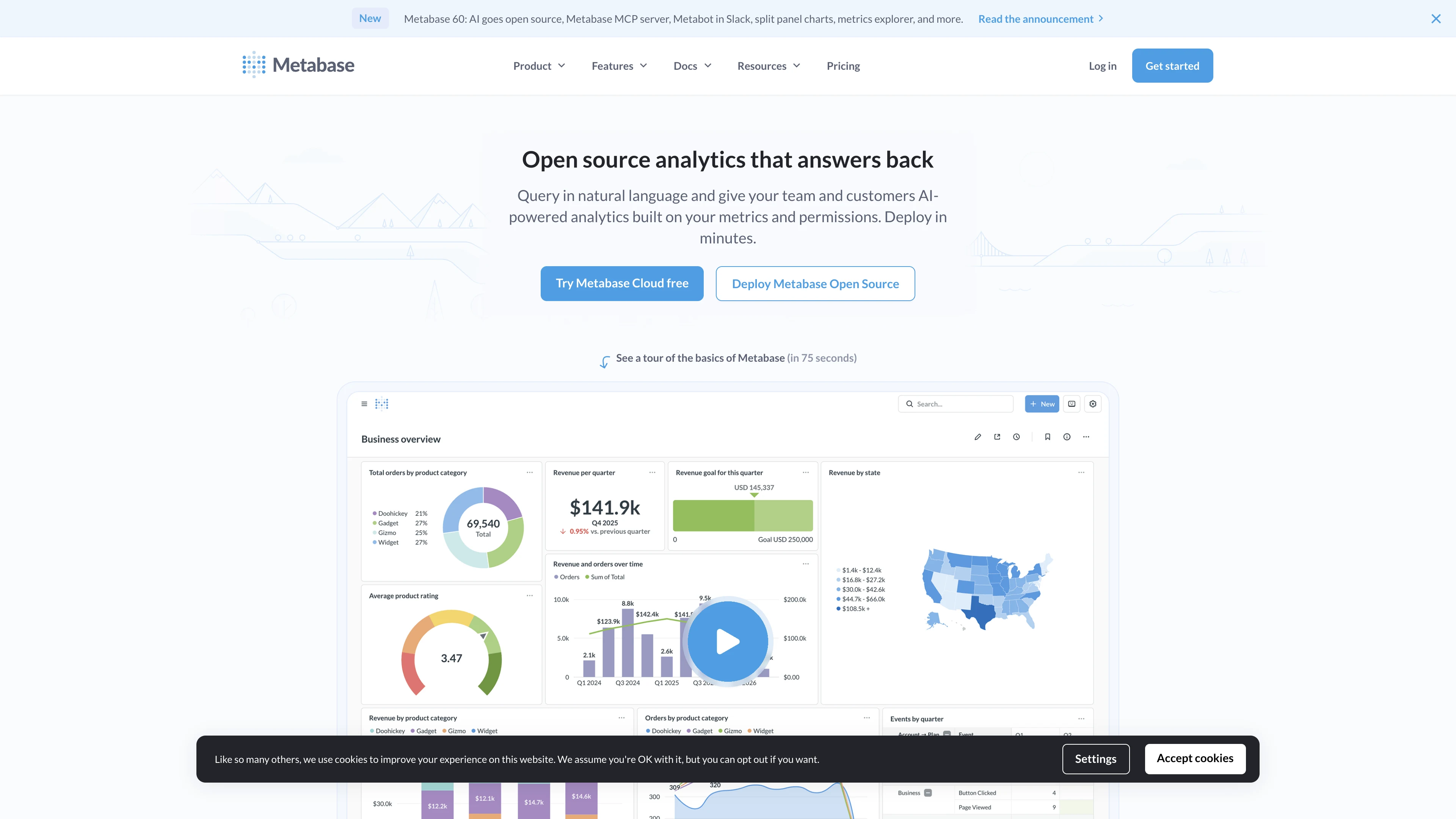
Metabase is an open source business intelligence platform for dashboards, SQL exploration, and self-service analytics. This template deploys Metabase 0.61.3 with PostgreSQL, persistent plugin storage, and a public HTTPS endpoint on Sealos Cloud.
Metabase helps teams connect to databases, ask questions, build dashboards, and share analytics without requiring every user to write SQL. It works well for internal reporting, product analytics, operational metrics, and lightweight embedded BI workflows.
This Sealos template runs Metabase as a StatefulSet and provisions a Kubeblocks PostgreSQL database for the Metabase application database. A persistent volume is mounted at /plugins so custom database drivers and plugin files can survive restarts.
Sealos also configures the Kubernetes Service, HTTPS Ingress, generated public URL, and App entry automatically. On first access, Metabase shows its setup flow so you can create the first administrator account and finish the workspace configuration.
The Sealos template includes the required runtime components: the Metabase container image, a PostgreSQL postgresql-16.4.0 database, a database initialization job for metabaseappdb, persistent plugin storage, a Kubernetes Service, an Ingress, and a Sealos App entry.
Architecture Components:
This template deploys the following services:
metabase/metabase:v0.61.3 on port 3000 and serves the web UI, API, and background application tasks.postgresql-16.4.0 stores Metabase users, permissions, dashboard metadata, questions, and saved settings.metabaseappdb database idempotently after PostgreSQL is ready.1Gi volume mounted at /plugins keeps custom drivers and plugin files across restarts.Configuration:
The template configures Metabase with PostgreSQL environment variables from the Kubeblocks connection Secret:
MB_DB_TYPE=postgresMB_DB_DBNAME=metabaseappdbMB_DB_HOST, MB_DB_PORT, MB_DB_USER, and MB_DB_PASS from ${{ defaults.app_name }}-pg-conn-credentialJAVA_OPTS=-XX:MaxRAMPercentage=75 -XX:InitialRAMPercentage=25 for stable JVM sizing inside the container limitNo required user inputs are needed during deployment. After the first administrator is created, database connections, users, SSO, email, and embedding settings are managed inside the Metabase admin interface.
License Information:
Metabase Open Source Edition is distributed under the AGPLv3 License. This Sealos template is provided as deployment configuration for Metabase and does not change the upstream application license.
Sealos is an AI-assisted Cloud Operating System built on Kubernetes that unifies the entire application lifecycle, from development in cloud IDEs to production deployment and management. By deploying Metabase on Sealos, you get:
Deploy Metabase on Sealos and focus on analytics instead of infrastructure management.
Metabase does not create a public self-registration flow in this template. The first user created during setup becomes the administrator.
After deployment, you can configure Metabase through:
If you add custom database drivers, upload the driver JAR to /plugins and restart the Metabase workload. Keep database credentials inside Metabase or Sealos-managed settings instead of committing them to the template repository.
To scale Metabase on Sealos:
The default application profile is 1 CPU and 2G memory. Live validation showed 1024Mi can fail during cold start or restart for Metabase 0.61.3, while 2G completed cold start, first-run setup, restart, and login checks.
This is expected on a fresh deployment. Complete the wizard to create the first administrator account. After setup, unauthenticated visitors will see the login page.
Metabase performs JVM startup and database migrations on cold start. Wait a few minutes during first deployment. If the workload restarts or dashboards are slow, increase memory first and then CPU from the StatefulSet resource card.
Verify the target database host, port, username, password, network access, and TLS requirements in Metabase Admin Settings. For databases that require custom JDBC drivers, place the driver file in /plugins and restart the workload.
This Sealos template is provided under the repository's template license. Metabase Open Source Edition itself is licensed under AGPLv3.
A shorter path from an app you want to an app you can run. Sealos brings deployment and ongoing operations into one place.
Start with a ready-made template. Review its configuration and launch from the Sealos console.
Run on managed infrastructure with built-in workload scheduling and recovery.
Give your application a public HTTPS endpoint with certificates managed for you.
Keep application data on persistent volumes across container restarts.
Adjust CPU, memory, and replicas from the console as your workload changes.
Sealos provisions the resources defined by your template and brings them together in your workspace.
Container workloads with configurable CPU, memory, and replicas.
An address for your app, with managed TLS certificates.
A database provisioned alongside your app when the template calls for one.
Storage for the files and data your application needs to keep.
Application settings and secrets configured in one place.
Inspect container logs and resource usage from the console.
Resources and their configuration vary by template. Review the deployment form for this app’s exact setup.
Explore more production-ready templates.
Build production-ready database templates with Sealos.
Teable is a Super fast, Real-time, Professional, Developer friendly, No-code database built on Postgres.
Build production-ready database templates with Sealos.

Bytebase is GitLab/GitHub for Database DevOps, built for developers, DBAs and platform teams.
Build production-ready database templates with Sealos.

Open-source, self-hosted SQL IDE. A web-based client to browse, query, and manage your SQL databases.