sealos.io
AFFiNE
Build production-ready tools templates with Sealos.

https://affine.pro/deploy now
AFFiNE
Tools
A privacy-focused, local-first, open-source workspace for notes, docs, whiteboards, and team knowledge management.

Generate short videos from a topic with AI scripts, footage, narration, subtitles, and background music.
Launch in your Sealos workspace.
Start with the resources defined by the MoneyPrinterTurbo template. Review CPU, memory, persistent storage, and network allocations for every service in Canvas. Capacity needs depend on your data and workload; monitor usage as they grow.
Template configuration and setupUse the application URL or connection details shown in Canvas. Follow the deployment guide for first-time account setup or client configuration, and keep generated credentials available for that step.
Sealos monthly plans include compute, memory, storage, and traffic. Size your plan for all deployed services. Software licenses and external AI or API services may have separate terms and charges. Confirm the applicable plan and optional charges in Cost Center.
Compare Sealos resource plansFor current cloud charges, refer to Sealos plan pricing. Upstream documentation may reference earlier billing models.
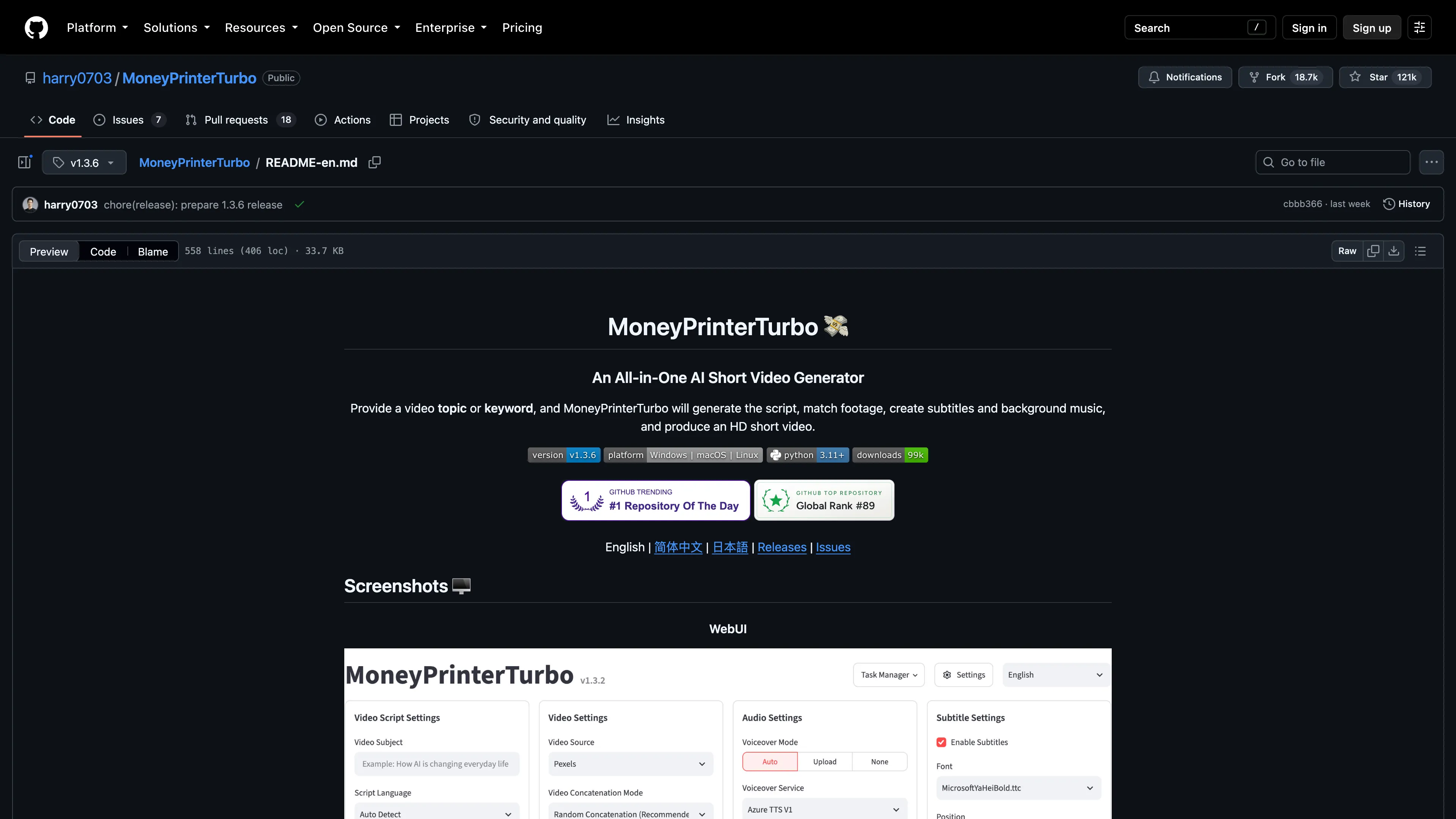
MoneyPrinterTurbo turns a topic or script into a short video with footage, narration, subtitles, and background music. This template runs the official v1.3.6 WebUI with persistent configuration and video storage on Sealos.
The Streamlit WebUI provides controls for script generation, material selection, voiceover, subtitles, and video export. Cloud providers supply optional AI services, while FFmpeg processes and combines videos inside the application container.
Sealos provisions one application instance, a persistent volume, and an HTTPS address. Saved settings, uploaded materials, and generated files share persistent storage and survive Pod replacement. The application uses shared, single-user settings.
The official image includes Python, Streamlit, FFmpeg, fonts, and application dependencies. Cloud script generation and online material providers require their own API keys, configured after deployment.
| Component | Configuration |
|---|---|
| Application | One StatefulSet replica using ghcr.io/harry0703/moneyprinterturbo:v1.3.6 |
| Web entry | Streamlit on port 8501, exposed through HTTPS |
| Application resources | Limits: 4 CPU, 4096Mi RAM; requests: 400m CPU, 409Mi RAM |
| Configuration initialization | Limits: 100m CPU, 128Mi RAM; requests: 10m CPU, 12Mi RAM |
| Persistent storage | One 1Gi volume mounted at /MoneyPrinterTurbo/storage |
| Saved configuration | /MoneyPrinterTurbo/storage/config.toml, loaded through /MoneyPrinterTurbo/config.toml |
The resource limits follow the upstream minimum of 4 CPU cores and 4 GB RAM. Live validation covered cold startup, settings changes, local material upload, and a 1080×1920 video render. Larger videos, batch jobs, or local Whisper models need additional capacity; increase storage before downloading large models.
This template preserves the existing WebUI-only topology. Its storage backend is the local filesystem; optional Redis task state and the separate upstream API service remain outside this deployment.
MoneyPrinterTurbo is licensed under the MIT License.
Sealos provides a Kubernetes foundation with one-click deployment, managed HTTPS, persistent storage, and resource monitoring. Pay-as-you-go billing and adjustable resource limits let you match capacity to your workload. After deployment, use the Canvas AI dialog or resource cards to manage the application.
For a provider-independent check, upload a clip at least 480×480 pixels using Video Source → Local file, enter a script, select Voiceover Mode → None and No Background Music, and clear Enable Subtitles. Click Generate Video and download the result. A 3-second 640×640 test clip was successfully rendered as a portrait 1080×1920 video.
Settings are saved automatically. The initialization container copies the official example only when the persistent configuration file is absent. The launcher places configuration temporary files on the same volume as the saved file so updates remain atomic.
Use Settings Preset to export or import video settings. Provider credentials can be backed up through Settings → Key Backup; keep exported key files private. Download videos you want to retain and manage the 1Gi storage allocation through the Canvas resource card.
For an existing deployment using the older volume claim name, back up configuration and video data before adopting this template. The normalized claim name creates a different PVC; transfer the backup to the new deployment and verify it before removing the old storage.
MoneyPrinterTurbo is distributed under the MIT License. This template follows the licensing terms of the Sealos templates repository.
A shorter path from an app you want to an app you can run. Sealos brings deployment and ongoing operations into one place.
Start with a ready-made template. Review its configuration and launch from the Sealos console.
Run on managed infrastructure with built-in workload scheduling and recovery.
Give your application a public HTTPS endpoint with certificates managed for you.
Keep application data on persistent volumes across container restarts.
Adjust CPU, memory, and replicas from the console as your workload changes.
Sealos provisions the resources defined by your template and brings them together in your workspace.
Container workloads with configurable CPU, memory, and replicas.
An address for your app, with managed TLS certificates.
A database provisioned alongside your app when the template calls for one.
Storage for the files and data your application needs to keep.
Application settings and secrets configured in one place.
Inspect container logs and resource usage from the console.
Resources and their configuration vary by template. Review the deployment form for this app’s exact setup.
Explore more production-ready templates.
Build production-ready tools templates with Sealos.
A privacy-focused, local-first, open-source workspace for notes, docs, whiteboards, and team knowledge management.
Build production-ready tools templates with Sealos.

Google Chrome browser running in a LinuxServer.io Selkies container with a web-based desktop UI.
Build production-ready tools templates with Sealos.

Deploy the self-hosted DeeplX translation API on Sealos and connect applications to its HTTP endpoint. This independent gateway integrates with DeepL translation.