App Store template
Mautic icon

Mautic

Mautic is an open source marketing automation platform for email campaigns, landing pages, lead management, and customer journeys.

Launch in your Sealos workspace.
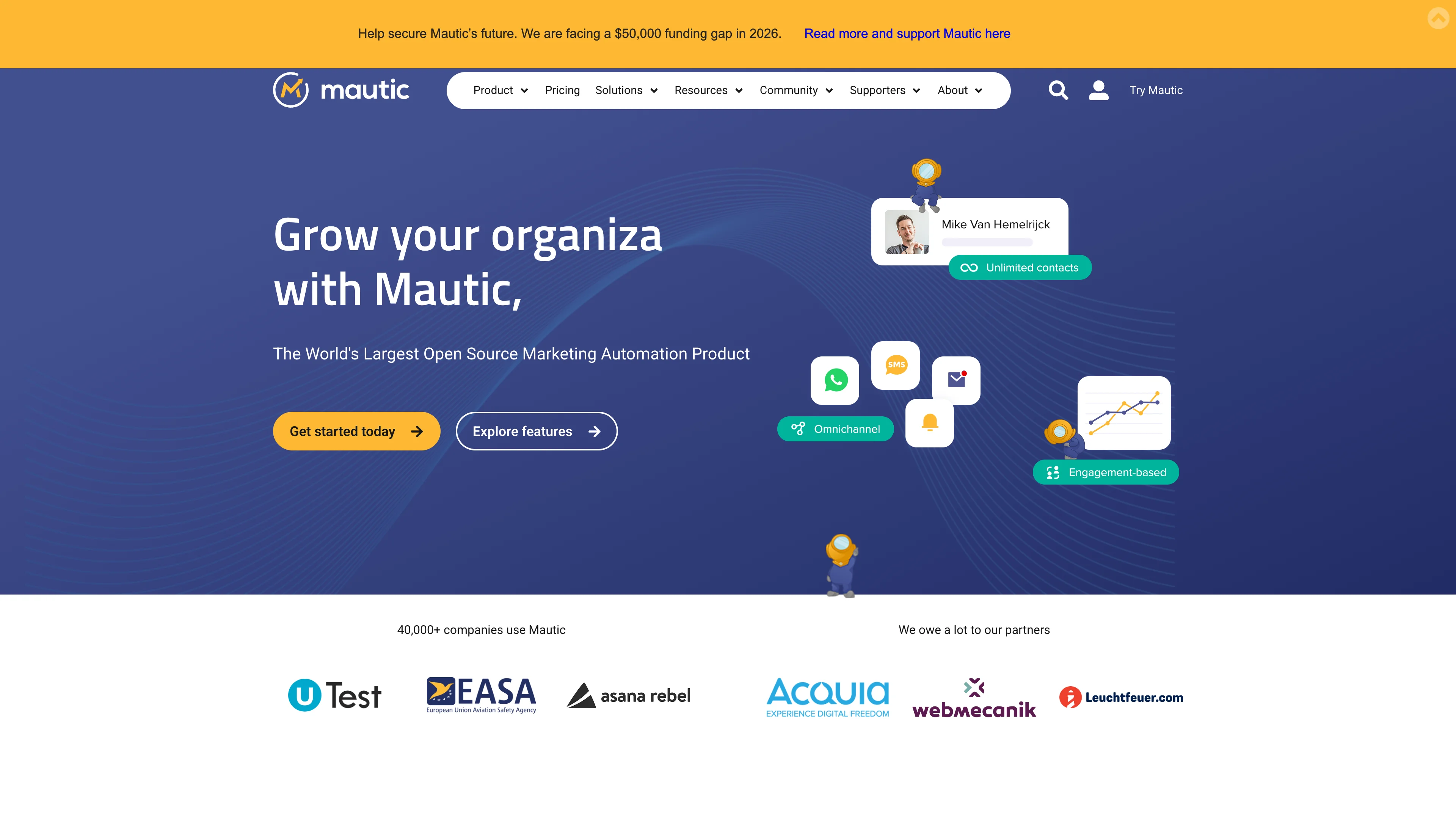
Mautic template preview
Template previewFull screenshot
Template deployments
45 on Sealos
Deployment
Your own instance
Category
Tools

About this template

Overview

Mautic is an open source marketing automation platform for email campaigns, landing pages, lead scoring, segmentation, and customer journeys.

From the documentation

This Sealos template deploys Mautic 7 with the official Apache image, a managed MySQL 8.4.2 database, persistent application storage, cron jobs, and queue workers.

How to deploy Mautic

  1. Choose Deploy now to start Mautic in your Sealos workspace.
  2. Review TIMEZONE in the deployment form.
  3. Launch the template, then inspect the application status and resource cards in Canvas.

Resources to plan for

Start with the resources defined by the Mautic template. Review CPU, memory, persistent storage, and network allocations for every service in Canvas. Capacity needs depend on your data and workload; monitor usage as they grow.

Template configuration and setup

Access after deployment

Use the application URL or connection details shown in Canvas. Follow the deployment guide for first-time account setup or client configuration, and keep generated credentials available for that step.

Hosting and billing

Sealos monthly plans include compute, memory, storage, and traffic. Size your plan for all deployed services. Software licenses and external AI or API services may have separate terms and charges. Confirm the applicable plan and optional charges in Cost Center.

Compare Sealos resource plans
Read full documentationCollapse documentation

For current cloud charges, refer to Sealos plan pricing. Upstream documentation may reference earlier billing models.

Deploy and Host Mautic on Sealos

Mautic is an open source marketing automation platform for email campaigns, landing pages, lead scoring, segmentation, and customer journeys.

This Sealos template deploys Mautic 7 with the official Apache image, a managed MySQL 8.4.2 database, persistent application storage, cron jobs, and queue workers.

Features

  • Mautic 7.1.2 using mautic/mautic:7.1.2-apache
  • Managed MySQL 8.4.2 database provisioned through KubeBlocks
  • Dedicated web, cron, and worker workloads
  • Persistent volumes for configuration, logs, uploaded files, and images
  • Public HTTPS ingress managed by Sealos

Deploy on Sealos

  1. Open the Mautic template on Sealos.
  2. Click Deploy Now.
  3. Keep the default generated app name and domain, or customize them if needed.
  4. Choose the TIMEZONE value for PHP and scheduled tasks.
  5. Click Deploy and wait until the application status is running.

First-run setup and login

Mautic does not ship with a default administrator account. On the first visit, open the generated public URL and complete the installer:

  1. On Environment Check, click Next Step.
  2. On Database Setup, keep the prefilled MySQL values from the template and click Next Step.
  3. On Administrative User, create your administrator username, password, and email address.
  4. After the installer finishes, sign in at /s/login with the administrator account you created.

If the installer or later settings page asks for a site URL, use the public Sealos HTTPS URL shown for your app.

Resource profile

The template was tuned with live Sealos deployment tests:

ComponentCPU limitMemory limitNotes
Mautic web200m256MiServes the UI and installer
Mautic cron100m256MiRuns scheduled Mautic jobs
Mautic worker100m512MiRuns Messenger queue consumers
MySQL1000m1024MiMinimum stable KubeBlocks MySQL 8.4.2 profile

The worker needs more memory than the web container after installation because Messenger consumers are started in parallel.

Configuration

NameDescriptionRequiredDefault
TIMEZONEPHP timezone used by Mautic and scheduled tasks.NoUTC

Email sending is configured inside Mautic after installation. Add your SMTP provider in Settings → Configuration → Email before running production campaigns.

Data persistence

The template persists:

  • /var/www/html/config
  • /var/www/html/var/logs
  • /var/www/html/docroot/media/files
  • /var/www/html/docroot/media/images
  • MySQL data volume

Deleting the Sealos app removes the application and database resources according to the template termination policy.

Official links

From launch to everyday operations

Why deploy
on Sealos

A shorter path from an app you want to an app you can run. Sealos brings deployment and ongoing operations into one place.

  1. One-click deployment

    Start with a ready-made template. Review its configuration and launch from the Sealos console.

  2. Managed Kubernetes

    Run on managed infrastructure with built-in workload scheduling and recovery.

  3. Automatic HTTPS

    Give your application a public HTTPS endpoint with certificates managed for you.

  4. Persistent storage

    Keep application data on persistent volumes across container restarts.

  5. Room to grow

    Adjust CPU, memory, and replicas from the console as your workload changes.

One template. Connected resources.

You Get the Whole Stack

Sealos provisions the resources defined by your template and brings them together in your workspace.

  • App Service

    Container workloads with configurable CPU, memory, and replicas.

  • Public HTTPS URL

    An address for your app, with managed TLS certificates.

  • Database

    A database provisioned alongside your app when the template calls for one.

  • Persistent Volume

    Storage for the files and data your application needs to keep.

  • Environment Variables

    Application settings and secrets configured in one place.

  • Logs & Metrics

    Inspect container logs and resource usage from the console.

Resources and their configuration vary by template. Review the deployment form for this app’s exact setup.

Explore more production-ready templates.

More