Deploy and Host MarkItDown MCP on Sealos
MarkItDown MCP is Microsoft's official MCP server for converting documents and remote resources to Markdown. This template runs the upstream Streamable HTTP and SSE server on Sealos Cloud and exposes the protocol endpoints through HTTPS.
About Hosting MarkItDown MCP
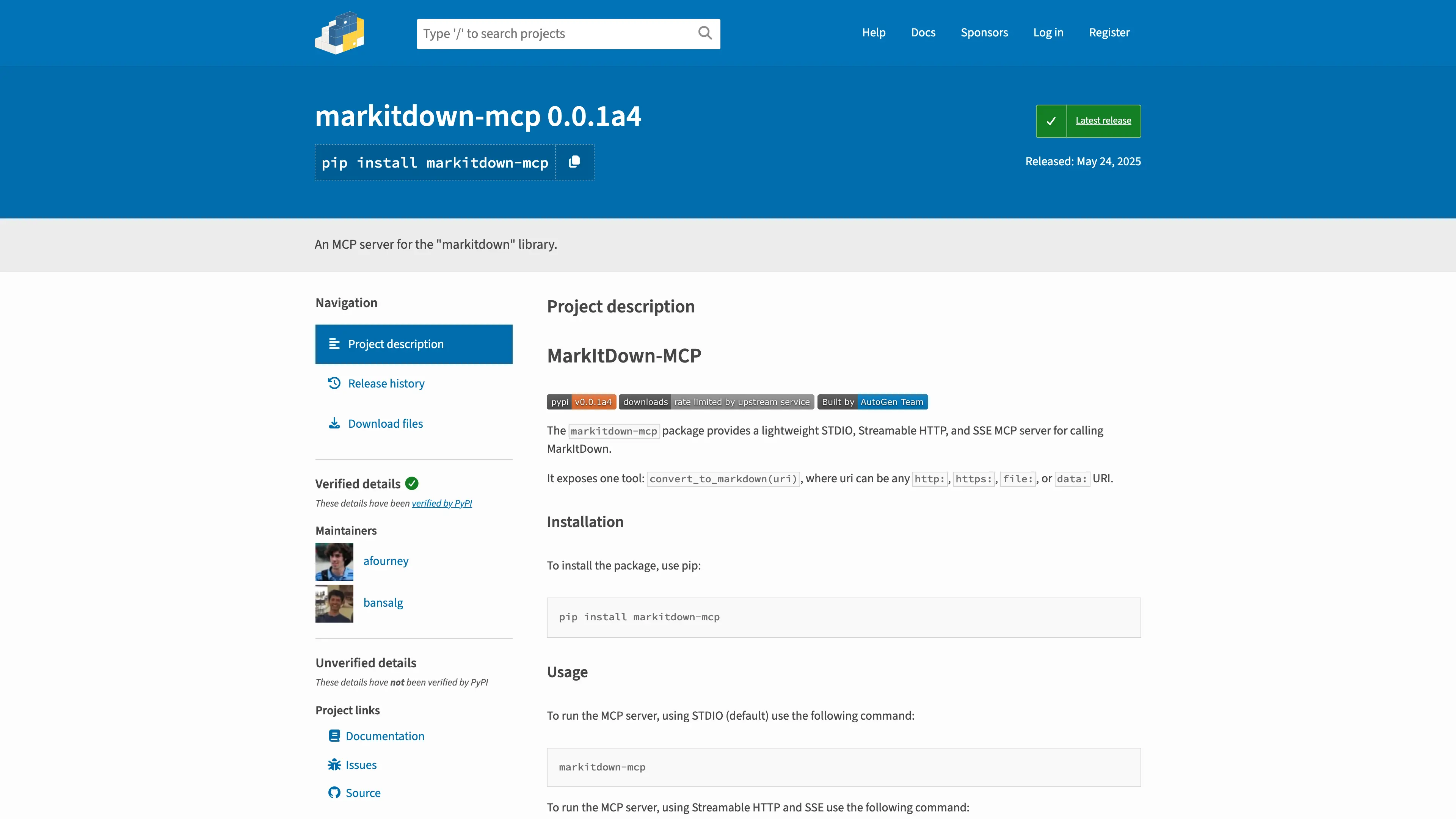
The markitdown-mcp package exposes one MCP tool, convert_to_markdown(uri), for http:, https:, file:, and data: URIs. The official container starts the server on port 3001 with Streamable HTTP and SSE transports.
The Sealos template keeps the upstream protocol surface intact. It provisions a 1 GiB /workdir volume for files that the MCP server must read, an HTTPS Ingress for /mcp/, /sse, and /messages/, and a Canvas App entry pointing to /mcp/. The server has no built-in authentication, so access must remain limited to trusted MCP clients and network controls.
Common Use Cases
- Agent document ingestion: Let an MCP client convert PDFs, Office files, HTML, CSV, and other supported formats.
- Remote resource conversion: Convert an HTTPS or data URI without adding a separate application wrapper.
- Local workspace conversion: Place trusted files under
/workdir and reference them with file: URIs.
- MCP Inspector testing: Inspect the official tool schema and run a conversion request through the Streamable HTTP endpoint at
/mcp/.
Dependencies for MarkItDown MCP Hosting
The template includes the Docker MCP Catalog image built from Microsoft's upstream packages/markitdown-mcp/Dockerfile, a StatefulSet, a persistent /workdir volume, a Service, an HTTPS Ingress, and a Canvas App entry.
Deployment Dependencies
Implementation Details
Architecture Components
- MCP server: Runs the upstream
markitdown-mcp --http --host 0.0.0.0 --port 3001 command.
- Persistent work directory: Mounts
/workdir for trusted local files.
- Service and Ingress: Exposes
/mcp/ for Streamable HTTP, /sse for SSE, and /messages/ for SSE message posts.
Configuration
The upstream image enables its documented MarkItDown plugins and includes ffmpeg and exiftool. There are no database, S3, or login inputs. The server intentionally has no authentication; use a private Sealos workspace, an additional authenticated proxy, or an allowlisted network before sending sensitive documents.
Resource Profile
| Component | Replicas | CPU limit | Memory limit | Storage |
|---|
| MarkItDown MCP | 1 | 100m | 256Mi | - |
| Work directory | 1 | - | - | 1Gi |
This is the initial personal low-load tier for protocol requests and small documents. Increase memory for large PDFs or conversions that include many embedded images.
License Information
MarkItDown and the official MCP package are licensed under the MIT License.
Why Deploy MarkItDown MCP on Sealos?
Sealos is an AI-assisted Cloud Operating System built on Kubernetes. Hosting the official MCP server on Sealos provides one-click provisioning, automatic HTTPS, persistent workspace storage, pay-as-you-go resources, and Canvas operations for a trusted agent environment.
- One-click deployment: Start from the App Store template and keep the official MCP command.
- Protocol-native endpoint: Connect MCP clients directly to
/mcp/ or /sse.
- Persistent workspace: Keep trusted local input files under
/workdir across restarts.
- Operational visibility: Use Canvas, the AI dialog, and resource cards to inspect logs and resource usage.
Deployment Guide
- Open the MarkItDown MCP template and click Deploy Now.
- Wait for deployment to complete, typically 2-3 minutes. After deployment, Sealos opens the Canvas.
- Copy the generated HTTPS host and choose a transport:
https://<host>/mcp/ for Streamable HTTP or https://<host>/sse for SSE.
- Configure your trusted MCP client with the selected endpoint and run
tools/list to verify the convert_to_markdown tool.
MCP Client Configuration
For a Streamable HTTP client, use:
https://<your-markitdown-host>/mcp/
For SSE clients, use:
https://<your-markitdown-host>/sse
The server has no login page and no built-in authentication. Treat the endpoint as a privileged document-fetching service: convert_to_markdown can read files available to the container and fetch network resources allowed by its runtime.
Configuration and Scaling
Place trusted local files in /workdir and reference them with file:///workdir/<name>. Use Canvas resource cards to adjust CPU, memory, and storage. Keep one replica while using a ReadWriteOnce work directory; scale only after providing an external shared file strategy and an access-control layer.
Troubleshooting
MCP client cannot connect
Confirm the client uses /mcp/ for Streamable HTTP or /sse for SSE, and that the Sealos URL includes HTTPS. Check the MCP container logs and Service endpoints in Canvas.
A local file cannot be converted
Upload the file into /workdir and use a file:///workdir/... URI. The container cannot see paths on your laptop unless the bytes are uploaded into its workspace.
Large documents time out
Increase the container memory tier and the Ingress read/send timeout from Canvas for large PDFs, embedded images, or audio conversions.
Security review
The upstream server does not support authentication. Restrict the public domain with network policy or an authenticated reverse proxy before using confidential documents, and keep the MCP endpoint limited to trusted clients.
Getting Help
Additional Resources
License
This Sealos template is provided for Sealos users under the templates repository license. MarkItDown itself is licensed under the MIT License.