For current cloud charges, refer to Sealos plan pricing. Upstream documentation may reference earlier billing models.
Deploy and Host Mage AI on Sealos
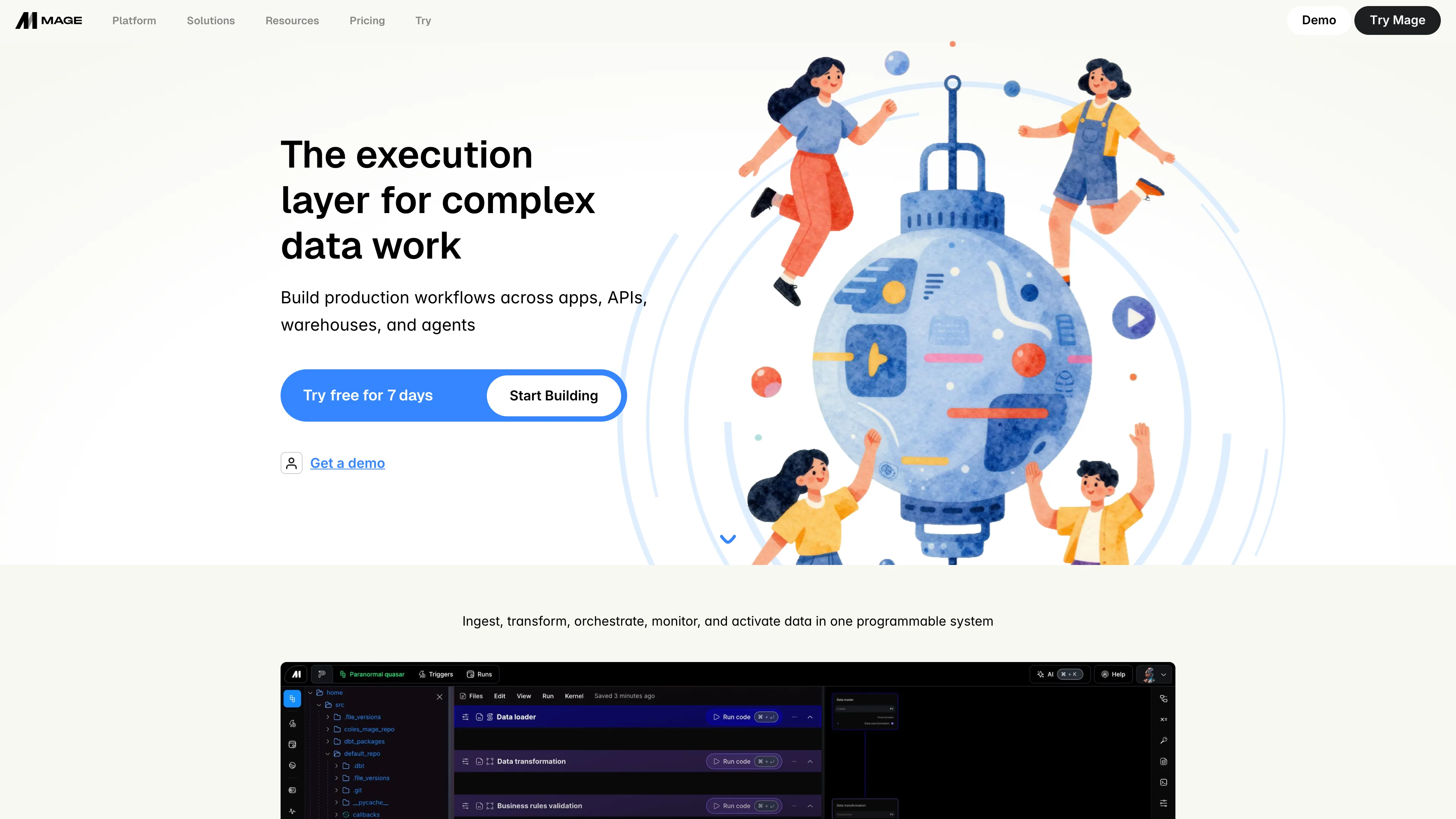
Mage AI is an open-source data pipeline tool for building and running data workflows. This template deploys Mage AI with a PostgreSQL database and persistent storage on Sealos Cloud.
About Hosting Mage AI
Mage AI provides a notebook-style environment to build, schedule, and monitor data pipelines. The template provisions a dedicated PostgreSQL cluster for metadata and a persistent volume for project files at /home/src.
The deployment includes a public HTTPS endpoint via Ingress, automatic SSL certificates, and managed networking on Sealos. You can manage resources and environment variables through the Canvas without touching YAML.
Common Use Cases
- ETL/ELT Pipelines: Ingest, transform, and load data from multiple sources
- Scheduled Data Workflows: Run recurring jobs with built-in scheduling
- Feature Engineering: Build reusable data transformations for ML pipelines
- API Data Ingestion: Pull data from third-party APIs and normalize it
- Data Quality Checks: Validate and monitor data integrity as part of pipelines
Dependencies for Mage AI Hosting
The Sealos template includes all required dependencies: Mage AI runtime, PostgreSQL database, and persistent storage.
Deployment Dependencies
Implementation Details
Architecture Components:
This template deploys the following services:
- Mage AI: A StatefulSet running
mage start magic on port 6789
- PostgreSQL Cluster: KubeBlocks PostgreSQL
16.4.0 for pipeline metadata
- PostgreSQL Init Job: Creates the
mage database on first boot
- Service + Ingress: Internal service with public HTTPS access
- Persistent Volume: 1Gi storage mounted at
/home/src for project files
Configuration:
- Admin Credentials: Set
DEFAULT_OWNER_EMAIL and DEFAULT_OWNER_PASSWORD during deployment
- Database: Connection details are injected automatically; database name is
mage
- Connection URL: Mage builds its PostgreSQL URL from
DB_USER, DB_PASS, DB_HOST, DB_PORT, and DB_NAME
License Information:
Mage AI is licensed under the Apache License 2.0. See the Mage AI GitHub repository for details.
Why Deploy Mage AI on Sealos?
Sealos is an AI-assisted Cloud Operating System built on Kubernetes that unifies the application lifecycle from development to production. By deploying Mage AI on Sealos, you get:
- One-Click Deployment: Launch Mage AI with PostgreSQL and storage in minutes
- Auto-Scaling Built-In: Adjust resources as workload grows without manual orchestration
- Easy Customization: Configure environment variables and storage in the Canvas
- Zero Kubernetes Expertise Required: Managed Kubernetes benefits without the complexity
- Persistent Storage Included: Data and projects survive restarts with built-in volumes
- Instant Public Access: Automatic HTTPS endpoint with SSL certificates
- Pay-as-You-Go Efficiency: Scale resources to control cost
Deploy Mage AI on Sealos and focus on building data workflows instead of managing infrastructure.
Deployment Guide
- Visit Mage AI Template Page
- Click the "Deploy Now" button
- Configure the parameters in the popup dialog:
- Default Owner Email: Admin login email
- Default Owner Password: Admin login password
- Wait for deployment to complete (typically 2-4 minutes). After deployment, you will be redirected to the Canvas. For later changes, describe your requirements in the dialog to let AI apply updates, or click the relevant resource cards to modify settings.
- Access your Mage AI instance via the provided URLs:
- Mage AI Web UI: open the provided URL or
/sign-in, then log in with your default owner credentials. Mage AI creates this owner account automatically during the first startup; no separate registration step is required.
Configuration
After deployment, you can configure Mage AI through:
- AI Dialog: Describe the changes you want and let AI apply updates directly
- Resource Cards: Click the relevant resource cards to modify settings
- Web UI: Log in at the provided URL or
/sign-in using the default owner credentials. Self-registration is not required for the initial owner account.
- Storage: Projects are stored in
/home/src on a persistent volume
Scaling
This template runs a single Mage AI replica by default. To scale resources:
- Open Canvas in Sealos
- Select your Mage AI deployment
- Adjust CPU/Memory limits and click "Update"
Troubleshooting
Common Issues
Issue: Cannot log in to Mage AI
- Cause: Incorrect default owner email or password
- Solution: Verify credentials in the deployment configuration and update in Canvas if needed
Issue: Database connection failed
- Cause: PostgreSQL is still initializing or the init job has not completed
- Solution: Wait a few minutes and check logs for the PostgreSQL cluster and init job
Issue: 502/Ingress not ready
- Cause: Mage AI service is still starting
- Solution: Wait for the StatefulSet to become ready, then refresh the URL
Getting Help
Additional Resources
License
This Sealos template follows the repository licensing terms. Mage AI itself is licensed under the Apache License 2.0; see the Mage AI GitHub repository for details.