Deploy and Host LLM Gateway on Sealos
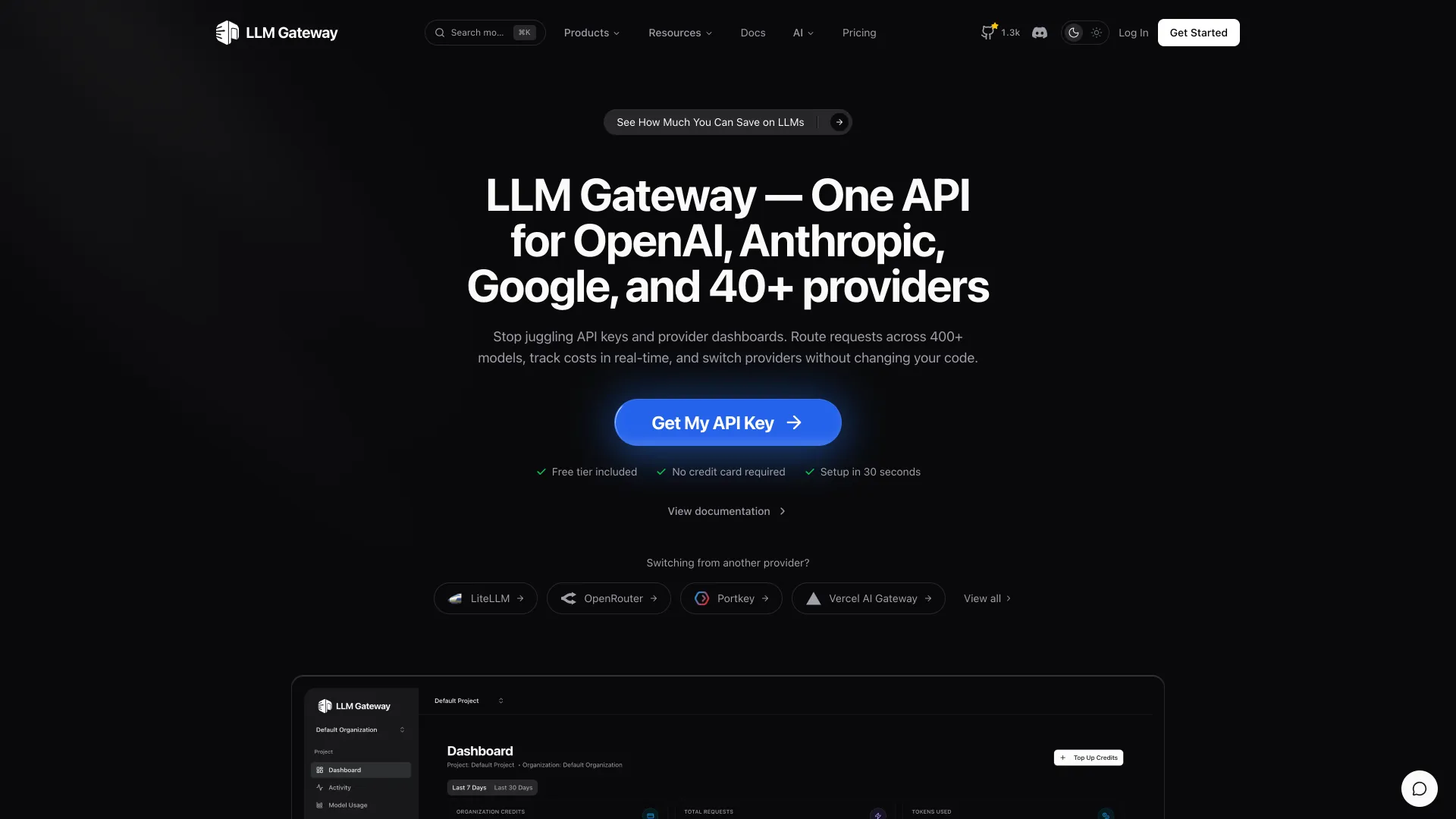
LLM Gateway is an open-source API gateway for routing, managing, and analyzing LLM requests across multiple providers. This template deploys LLM Gateway with a dashboard, API service, OpenAI-compatible gateway, background worker, documentation service, PostgreSQL, and Redis on Sealos.
About Hosting LLM Gateway
LLM Gateway provides one OpenAI-compatible API for many LLM providers, with routing, cost tracking, API keys, usage logs, and provider management in a web dashboard. The Sealos template follows the official split-service deployment model and uses dedicated services for the dashboard, REST API, gateway, worker, and docs.
Sealos provisions external PostgreSQL and Redis through KubeBlocks instead of using bundled database containers. PostgreSQL stores users, organizations, projects, API keys, and logs; Redis supports auth/session and gateway queue workflows.
After first signup, the self-hosted flow automatically verifies the account email, creates a default organization and project, and creates an auto-generated playground API key.
Common Use Cases
- Unified LLM API gateway: Route requests to multiple providers through one OpenAI-compatible endpoint.
- Cost and usage visibility: Track requests, tokens, model usage, and spend in one dashboard.
- Provider key management: Manage API keys and provider configuration for AI applications.
- Self-hosted AI infrastructure: Run gateway, API, worker, PostgreSQL, and Redis inside your Sealos workspace.
- Team API key workflows: Create project-scoped API keys and review activity for applications and agents.
Dependencies for LLM Gateway Hosting
The Sealos template includes all required runtime dependencies: LLM Gateway dashboard, API, gateway, worker, docs, KubeBlocks PostgreSQL postgresql-16.4.0, KubeBlocks Redis 7.2.7, Kubernetes Services, Ingresses, and a Sealos App entry.
Deployment Dependencies
Implementation Details
Architecture Components:
- Dashboard UI: The main web interface for signup, login, organizations, projects, API keys, provider keys, usage, and activity.
- API Service: Auth, dashboard API, project management, API key management, and database migrations.
- Gateway Service: OpenAI-compatible LLM gateway at
/v1/*.
- Worker: Background processing for logs, stats, and scheduled maintenance tasks.
- Docs Service: Self-hosted documentation UI.
- PostgreSQL: KubeBlocks-managed
postgresql-16.4.0 database with a dedicated llmgateway database.
- Redis: KubeBlocks-managed Redis
7.2.7 for cache, auth, and queue workflows.
Configuration:
- The API runs database migrations on startup with
RUN_MIGRATIONS=true.
- The template exposes separate public URLs for the dashboard, API, gateway, and docs.
- Optional OpenAI and Anthropic provider keys can be entered at deployment time.
- Provider keys and project API keys can also be managed in the dashboard after login.
- The self-hosted signup flow sets
HOSTED=false, so email verification is completed automatically.
License Information:
LLM Gateway is licensed under the Apache License 2.0.
Why Deploy LLM Gateway on Sealos?
Sealos is an AI-assisted Cloud Operating System built on Kubernetes that unifies the application lifecycle, from development in cloud IDEs to production deployment and management. It is well suited for building and scaling AI applications, SaaS platforms, and microservice systems. By deploying LLM Gateway on Sealos, you get:
- One-Click Deployment: Deploy the full multi-service stack with a single click.
- Managed Databases: Use KubeBlocks-managed PostgreSQL and Redis with persistent storage.
- Instant Public Access: Dashboard, API, gateway, and docs receive HTTPS URLs automatically.
- Easy Customization: Adjust environment variables, resource limits, domains, and replicas from the Sealos Canvas.
- Zero Kubernetes Expertise Required: Run a Kubernetes-native LLM gateway without hand-writing manifests.
- Integrated Operations: Inspect workloads, logs, storage, domains, and database resources in one workspace.
Deploy LLM Gateway on Sealos and focus on shipping AI applications instead of managing gateway infrastructure.
Deployment Guide
- Open the LLM Gateway template and click Deploy Now.
- Configure optional provider keys in the popup dialog:
- OpenAI API Key: Optional key for OpenAI-compatible routing.
- Anthropic API Key: Optional key for Anthropic model routing.
- Wait for deployment to complete. The first cold start can take several minutes because PostgreSQL, Redis, database initialization, and migrations are created before the API and gateway become ready.
- Access your application through the generated URLs:
- Dashboard UI: Create your first account, then manage organizations, projects, provider keys, API keys, and activity.
- API Endpoint: Use for authenticated dashboard and configuration API calls.
- Gateway Endpoint: Use as the OpenAI-compatible base URL for
/v1/chat/completions, /v1/models, and related gateway APIs.
- Docs: Read the bundled LLM Gateway documentation.
First Login and API Key Setup
- Open the Dashboard UI URL and go to
/signup.
- Create an account with email and password. In self-hosted mode, the account email is verified automatically.
- After the first session, LLM Gateway creates a Default Organization, a Default Project, and an Auto-generated playground key.
- Open the dashboard API key page to view the masked key or create a new project API key.
- Configure provider keys through the dashboard provider key settings, or redeploy with optional provider keys when you want environment-based provider credentials.
- Use the Gateway URL as your OpenAI-compatible base URL and pass a project API key as a bearer token.
Example:
curl "$GATEWAY_URL/v1/models" \
  -H "Authorization: Bearer $LLMGATEWAY_API_KEY"
Configuration
After deployment, you can configure LLM Gateway through:
- Dashboard UI: Manage organizations, projects, provider keys, API keys, routing, usage, and activity.
- AI Dialog: Describe the changes you want in Sealos and let AI apply updates.
- Resource Cards: Click workload, domain, ConfigMap, PostgreSQL, or Redis cards in the Canvas to adjust settings.
- Gateway URL: Configure your SDK base URL to
https://<your-gateway-domain>/v1.
Scaling
To scale your deployment:
- Open the Canvas for your LLM Gateway deployment.
- Click the relevant Deployment card, such as Dashboard UI, API, Gateway, Worker, or Docs.
- Adjust CPU, memory, or replica count.
- Apply the change and monitor readiness from the workload card.
The default template uses one replica for each service. Increase API and Gateway resources first when request volume grows.
Troubleshooting
First startup takes several minutes
- Cause: PostgreSQL, Redis, database initialization, and migrations must finish before the API and gateway become ready.
- Solution: Wait for the PostgreSQL and Redis cards to show healthy status, then check API and Gateway workload readiness.
Signup succeeds but API calls fail
- Cause: The API key may be missing from the Authorization header, or no provider key is configured for the requested upstream model.
- Solution: Create or copy a project API key from the dashboard, then configure provider credentials through the dashboard provider key settings.
Gateway returns provider authentication errors
- Cause: The selected provider key is missing, invalid, or rate-limited.
- Solution: Update provider credentials in the dashboard and retry with a supported model.
Getting Help
Additional Resources
License
LLM Gateway is licensed under the Apache License 2.0.