Deploy and Host listmonk on Sealos
listmonk is a fast, self-hosted newsletter and mailing list manager. This template deploys listmonk with a Kubeblocks-managed PostgreSQL database and persistent media storage on Sealos Cloud.
About Hosting listmonk
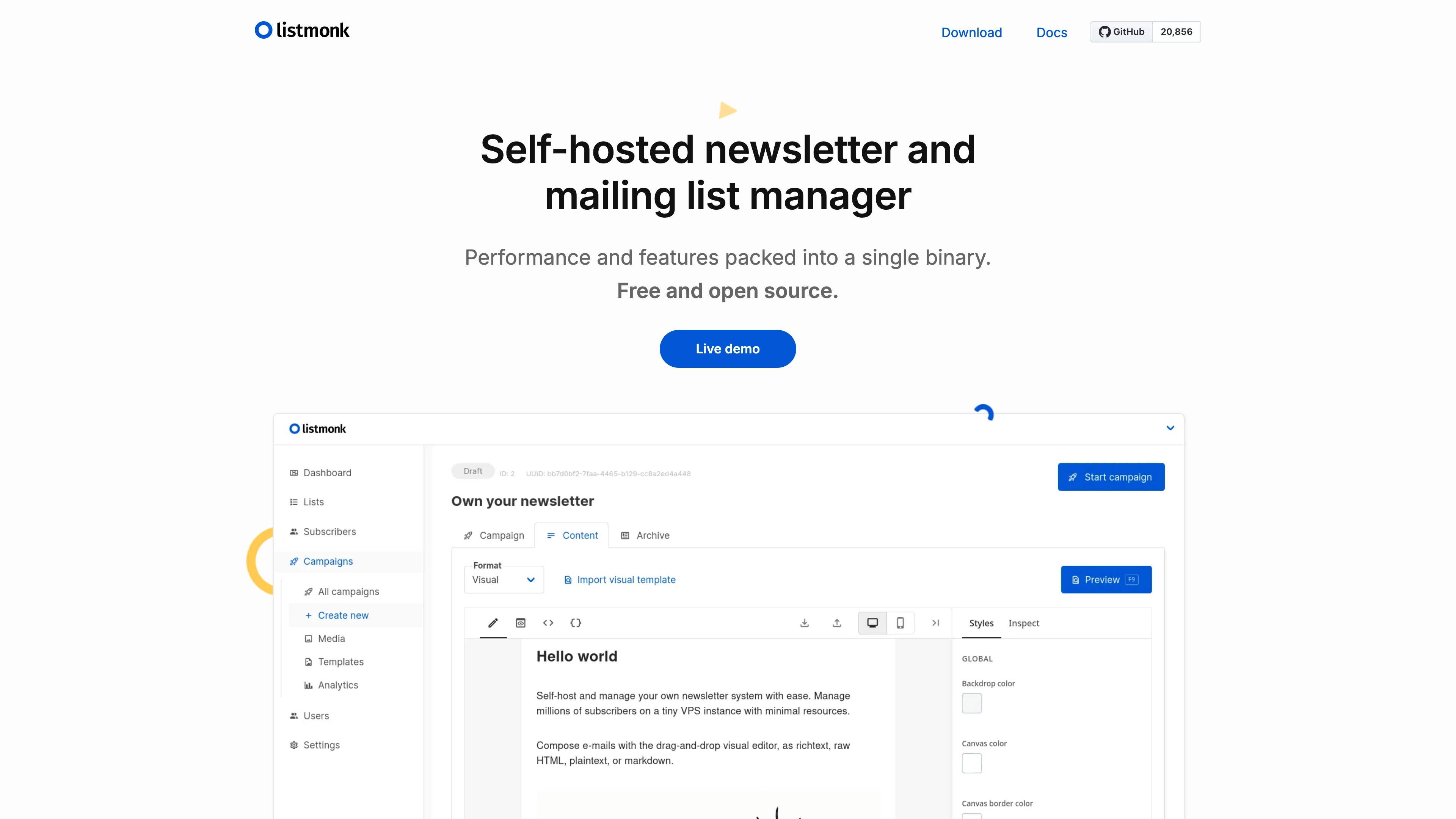
listmonk provides a web dashboard for managing subscribers, lists, campaigns, templates, and transactional messages. It runs as a single Go application backed by PostgreSQL, so the deployment stays lightweight while preserving mailing list data across restarts.
The Sealos template provisions PostgreSQL, a persistent volume for /listmonk/uploads, an internal service, HTTPS ingress, and a dashboard App entry. On first start, listmonk runs its idempotent installer and upgrade flow before serving the admin UI.
Common Use Cases
- Newsletter Publishing: Create and send recurring updates to product, community, or editorial audiences.
- Mailing List Management: Segment subscribers, manage opt-ins, and maintain reusable email lists.
- Campaign Analytics: Track campaign delivery, opens, clicks, and archive pages from one dashboard.
- Transactional Templates: Manage reusable transactional email templates alongside marketing campaigns.
Dependencies for listmonk Hosting
The Sealos template includes all required runtime dependencies: the listmonk container image, PostgreSQL, persistent upload storage, service discovery, and HTTPS ingress.
Deployment Dependencies
Implementation Details
Architecture Components:
This template deploys the following services:
- listmonk StatefulSet: Runs
listmonk/listmonk:v6.1.0, serves the admin UI and public campaign/subscription pages on port 9000.
- PostgreSQL Cluster: Kubeblocks-managed PostgreSQL
postgresql-16.4.0 stores users, lists, campaigns, settings, and analytics.
- Persistent Upload Volume: Stores uploaded media at
/listmonk/uploads so files survive restarts.
- Ingress and App Entry: Exposes listmonk through a Sealos-managed HTTPS URL.
Configuration:
The app uses listmonk environment variables and starts with --config '', which follows the official container recommendation for environment-only configuration. PostgreSQL connection values are read from Kubeblocks-managed secrets. The template also updates app.root_url to the generated public Sealos URL so campaign links and public pages use the deployed domain.
Initial Administrator:
During deployment, you may provide admin_username and admin_password. If both are provided, listmonk creates that Super Admin account during the first installation. If either field is left empty, open the deployed URL and use the first-time setup form at /admin/login to create the Super Admin account; the password must be at least 8 characters.
License Information:
listmonk is licensed under the AGPL-3.0 license. This Sealos template is maintained for deploying listmonk on Sealos Cloud.
Why Deploy listmonk on Sealos?
Sealos is an AI-assisted Cloud Operating System built on Kubernetes that unifies the entire application lifecycle, from development in cloud IDEs to production deployment and management. By deploying listmonk on Sealos, you get:
- One-Click Deployment: Open the template page, click Deploy Now, and let Sealos create the app, database, storage, network, and public URL.
- Persistent Data by Default: PostgreSQL and upload storage are provisioned with persistent volumes.
- Instant HTTPS Access: Each deployment receives a public HTTPS endpoint managed by Sealos.
- Easy Customization: Adjust resources, environment variables, and operational settings from the Canvas using the AI dialog or resource cards.
- Kubernetes Foundation: Run listmonk on Kubernetes without managing manifests, ingress, certificates, or database operators manually.
Deployment Guide
- Open the listmonk template and click Deploy Now.
- Configure the deployment parameters. To pre-create a Super Admin user, set
admin_username and admin_password; otherwise leave them empty and create the first administrator from the web setup page.
- Wait for deployment to complete, typically 2-3 minutes. After deployment, you will be redirected to the Canvas. For later changes, describe your requirements in the AI dialog or click the relevant resource cards to modify settings.
- Access listmonk via the provided URL:
- Admin dashboard: Open
/admin/login. Log in with the configured Super Admin credentials, or complete the first-time setup form if credentials were not provided.
- Public pages: Subscription, archive, and campaign links use the same generated HTTPS domain.
Configuration
After deployment, configure listmonk through:
- Admin Dashboard: Manage SMTP, templates, lists, subscribers, media uploads, privacy settings, and campaign defaults.
- Canvas AI Dialog: Describe operational changes and let Sealos apply updates.
- Resource Cards: Adjust CPU, memory, storage, and environment variables from the Canvas.
Before sending production email, configure SMTP or another supported messenger in the listmonk admin settings.
Scaling
listmonk is deployed as a single StatefulSet replica because it stores media on a mounted persistent volume and coordinates campaign work from one application process. To change resources:
- Open the Canvas for your deployment.
- Click the listmonk StatefulSet resource card.
- Adjust CPU or memory resources.
- Apply the change and wait for the pod to become ready again.
Troubleshooting
The admin login shows a setup form
This is expected when admin_username or admin_password was left empty during deployment. Complete the setup form with an email, username, and password to create the first Super Admin account.
Login fails after providing deployment credentials
Confirm that admin_username is at least 3 characters and admin_password is at least 8 characters. If invalid values were provided during the first boot, redeploy or create the first Super Admin account from the setup page if no user was created.
Email campaigns are not sent
Configure SMTP or another messenger in Admin → Settings. The template deploys listmonk itself but does not include a mail relay.
Getting Help
Additional Resources
License
This Sealos template is provided under the repository license. listmonk itself is licensed under AGPL-3.0.