Deploy and Host Langflow on Sealos
Langflow is a visual low-code builder for RAG, agentic workflows, and AI applications. This template deploys Langflow 1.10.2 as a persistent service on Sealos Cloud, with SQLite by default and optional PostgreSQL.
About Hosting Langflow
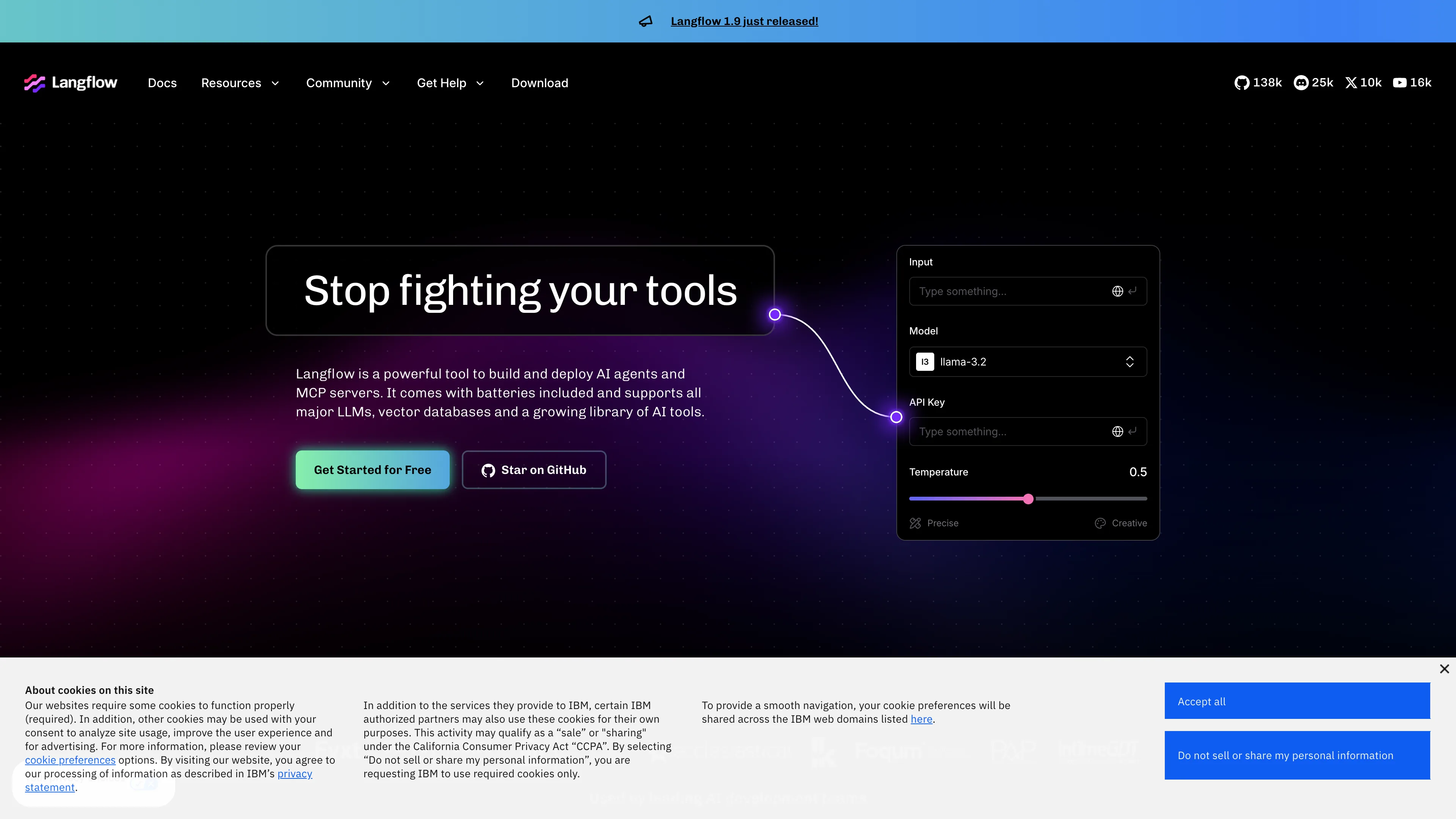
Langflow provides a browser-based canvas for building AI workflows from reusable components. You can connect language models, tools, vector stores, prompt chains, and agents, then test and iterate flows directly in the web interface.
This Sealos template runs the official langflowai/langflow container, exposes it through a managed HTTPS endpoint, and stores Langflow data on persistent volumes. Auto login is disabled for public deployments, so users sign in with the initial superuser credentials configured during deployment.
When enable_database is turned on, the template provisions PostgreSQL 16 through KubeBlocks and initializes a dedicated langflow database. If it is left off, Langflow uses the built-in SQLite database stored on the persistent data volume.
Common Use Cases
- RAG Prototyping: Build retrieval workflows that combine documents, embeddings, vector databases, and LLM responses.
- Agent Workflow Design: Compose multi-step agent workflows visually before moving them into production systems.
- AI App Experiments: Test prompts, model providers, tools, and data connectors from one interactive workspace.
- Team Demos and Education: Share a hosted Langflow instance for workshops, demos, and internal AI enablement.
Dependencies for Langflow Hosting
The Sealos template includes the Langflow application container, persistent storage for /app/data and /app/flows, a managed Ingress endpoint, and optional PostgreSQL.
Deployment Dependencies
Implementation Details
Architecture Components:
This template deploys the following resources:
- Langflow Service: Official Langflow 1.10.2 container serving the web UI and API on port 7860.
- Persistent Storage: Two persistent volumes for application data and exported flow files.
- PostgreSQL (Optional): KubeBlocks PostgreSQL 16.4.0 with an idempotent initialization Job when
enable_database is set to true.
- Ingress and App Entry: Sealos-managed HTTPS routing and a dashboard link for the deployed instance.
Configuration:
admin_username sets the initial Langflow superuser username and is required.admin_password sets the initial superuser password and is required.enable_database switches storage from persistent SQLite to PostgreSQL for larger or production-oriented deployments.LANGFLOW_AUTO_LOGIN is set to false, so the visual editor requires sign-in instead of anonymous superuser access.LANGFLOW_SECRET_KEY is generated per deployment for encryption-sensitive Langflow internals.
License Information:
Langflow is released under the MIT License. This Sealos template is provided under the license terms of the templates repository.
Why Deploy Langflow on Sealos?
Sealos is an AI-assisted Cloud Operating System built on Kubernetes that unifies deployment, networking, storage, and lifecycle operations. By deploying Langflow on Sealos, you get:
- One-Click Deployment: Launch Langflow from the App Store without writing Kubernetes YAML.
- Managed HTTPS Access: Each deployment receives a public HTTPS endpoint automatically.
- Persistent Storage Included: Langflow data and flows survive container restarts and upgrades.
- Optional Managed Database: Enable PostgreSQL when you need a managed database backend.
- Canvas + AI Operations: Adjust resources and configuration later through Canvas, resource cards, or the AI dialog.
- Pay-As-You-Go Resources: Start with the included resource profile and scale when your workloads need more capacity.
Deployment Guide
- Open the Langflow template and click Deploy Now.
- Configure the deployment parameters:
admin_username: Required initial superuser username.admin_password: Required initial superuser password used to sign in after deployment.enable_database: Set to true to use PostgreSQL, or keep false to use persistent SQLite.
- Wait for deployment to complete. Langflow can take several minutes on first start because the container initializes components and the web server.
- Access the application from the Sealos-provided URL and sign in with the configured
admin_username and admin_password.
- After sign-in, create your first flow from the welcome screen or upload an existing flow JSON file.
Configuration
After deployment, you can manage Langflow through:
- Langflow UI: Create flows, manage API keys, configure model providers, and run workflows.
- Sealos AI Dialog: Describe configuration or scaling changes and let Sealos apply them.
- Resource Cards: Open the StatefulSet, Service, Ingress, or PostgreSQL cards in Canvas to inspect or adjust runtime settings.
- Environment Variables: Update Langflow settings such as authentication, database, or feature flags from the workload resource card.
For public deployments, keep auto login disabled and use a strong superuser password. Configure provider API keys inside Langflow or through Sealos-managed environment variables when needed.
Scaling
Langflow is deployed as a single persistent StatefulSet. To scale resources:
- Open the Canvas for your deployment.
- Click the Langflow StatefulSet resource card.
- Increase CPU or memory if you run large flows, load many components, or use memory-heavy connectors.
- Apply the change and wait for the pod to restart and become ready.
The Langflow container uses a 500m CPU limit and a 4Gi memory limit. Validation measured a SQLite cold-start peak of about 1851Mi, steady SQLite usage of 1264-1279Mi, and steady PostgreSQL usage of about 1249Mi. The 4Gi tier preserves cold-start headroom for component loading.
Troubleshooting
The login page is shown after deployment
This is expected. Auto login is disabled, so use the admin_username and admin_password configured during deployment.
The pod restarts during startup
Langflow loads many Python components during cold start. If you manually reduce memory and the pod is OOMKilled, restore the template memory setting or choose a larger Sealos memory tier.
API provider calls fail from a flow
Confirm that the relevant API key is configured in Langflow and that the provider is reachable from your deployment.
Getting Help
Additional Resources
License
This Sealos template is provided under the templates repository license. Langflow is licensed under the MIT License.