sealos.io
AFFiNE
Build production-ready tools templates with Sealos.

https://affine.pro/deploy now
AFFiNE
Tools
A privacy-focused, local-first, open-source workspace for notes, docs, whiteboards, and team knowledge management.

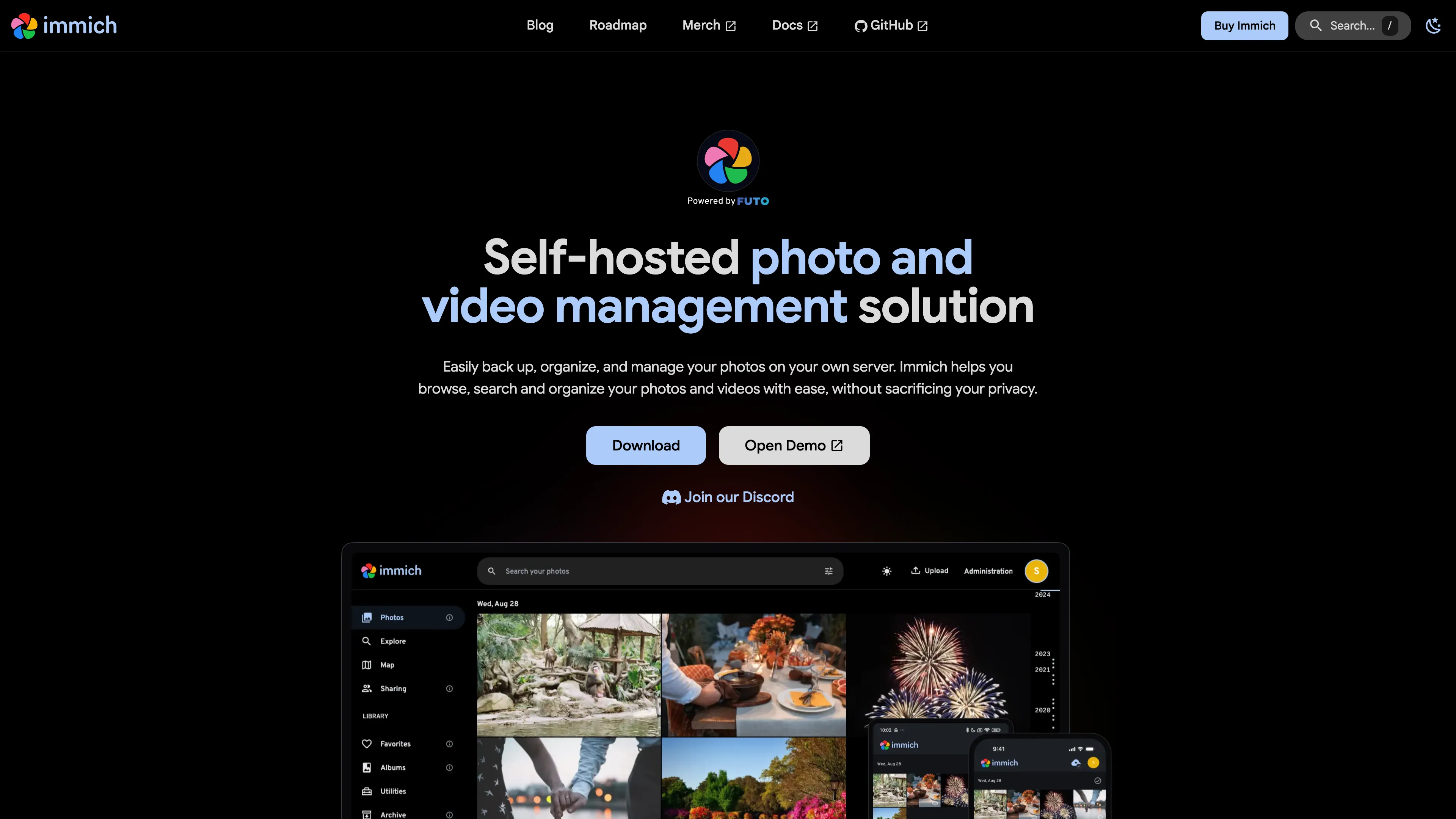
High performance self-hosted photo and video management solution. Store, organize, and share your memories with machine learning-powered features like face recognition and smart search.
Launch in your Sealos workspace.
Start with the resources defined by the Immich template. Review CPU, memory, persistent storage, and network allocations for every service in Canvas. Capacity needs depend on your data and workload; monitor usage as they grow.
Template configuration and setupUse the application URL or connection details shown in Canvas. Follow the deployment guide for first-time account setup or client configuration, and keep generated credentials available for that step.
Sealos monthly plans include compute, memory, storage, and traffic. Size your plan for all deployed services. Software licenses and external AI or API services may have separate terms and charges. Confirm the applicable plan and optional charges in Cost Center.
Compare Sealos resource plansFor current cloud charges, refer to Sealos plan pricing. Upstream documentation may reference earlier billing models.
Immich is a self-hosted photo and video management platform with mobile backup, albums, sharing, maps, face recognition, and semantic search. This template deploys Immich v3.0.3 with PostgreSQL, Redis, persistent media storage, HTTPS, and optional machine learning.
Immich keeps the application and media library under your control. The web interface and official mobile apps use one HTTPS endpoint, while PostgreSQL stores metadata and Redis coordinates background jobs.
This template follows the upstream container topology:
/data, the ML model cache, and database data.Immich Community Edition uses filesystem-backed media storage. Back up the /data volume together with PostgreSQL.
enable_machine_learning setting:
true enables smart search, OCR, face recognition, and object detection.false deploys the core photo and video library with a smaller resource footprint.A fresh Immich deployment starts with the administrator registration screen.
Immich creates no preset credentials. Store the administrator credentials in a password manager. Additional users can be created from Administration > Users.
Install the official Immich mobile app and enter the generated Sealos HTTPS URL as the server endpoint. Sign in with an Immich account, then configure mobile backup folders from the app.
The template uses the smallest resource tiers that completed a fresh deployment and an upload, thumbnail, download, album, and machine-learning workflow:
| Component | CPU limit | Memory limit | Initial storage |
|---|---|---|---|
| Immich Server | 500m | 2 GiB | 1 GiB media volume |
| PostgreSQL | 500m | 2 GiB | 1 GiB data volume |
| Redis | 500m | 512 MiB | 1 GiB data volume |
| Redis Sentinel | 500m | 512 MiB | 1 GiB data volume |
| Machine Learning | 500m | 4 GiB | 1 GiB model cache |
The 2 GiB server and PostgreSQL limits cover the first startup, schema migration, and media workflow peaks. The 4 GiB ML limit preserves operating headroom while OCR, face recognition, and visual search models are loaded together. Increase storage before importing a large library, and increase memory for large videos or concurrent ML jobs.
/data when changing the workload.nginx.ingress.kubernetes.io/proxy-body-size on the deployed Ingress before uploading larger media files.Create coordinated backups of the Immich /data volume and PostgreSQL database. The ML cache and Redis data can be regenerated, while media files and PostgreSQL metadata form the durable library state. Review the Immich backup and restore guide before upgrades.
Wait for the PostgreSQL, Redis, and Immich pods to become ready. A fresh database initialization and the first model downloads can take several minutes.
Confirm that enable_machine_learning was set to true and that the ML pod is ready. The first request downloads models into the persistent cache.
Increase nginx.ingress.kubernetes.io/proxy-body-size on the deployed Ingress, check free space on the /data volume, and increase the Immich Server resources for large videos or concurrent uploads.
Immich is licensed under the GNU Affero General Public License v3.0. This Sealos template follows the templates repository license.
A shorter path from an app you want to an app you can run. Sealos brings deployment and ongoing operations into one place.
Start with a ready-made template. Review its configuration and launch from the Sealos console.
Run on managed infrastructure with built-in workload scheduling and recovery.
Give your application a public HTTPS endpoint with certificates managed for you.
Keep application data on persistent volumes across container restarts.
Adjust CPU, memory, and replicas from the console as your workload changes.
Sealos provisions the resources defined by your template and brings them together in your workspace.
Container workloads with configurable CPU, memory, and replicas.
An address for your app, with managed TLS certificates.
A database provisioned alongside your app when the template calls for one.
Storage for the files and data your application needs to keep.
Application settings and secrets configured in one place.
Inspect container logs and resource usage from the console.
Resources and their configuration vary by template. Review the deployment form for this app’s exact setup.
Explore more production-ready templates.
Build production-ready tools templates with Sealos.
A privacy-focused, local-first, open-source workspace for notes, docs, whiteboards, and team knowledge management.
Build production-ready tools templates with Sealos.

Google Chrome browser running in a LinuxServer.io Selkies container with a web-based desktop UI.
Build production-ready tools templates with Sealos.

Deploy the self-hosted DeeplX translation API on Sealos and connect applications to its HTTP endpoint. This independent gateway integrates with DeepL translation.