Deploy and Host FreeLLMAPI on Sealos
FreeLLMAPI is a personal AI gateway that manages provider credentials and routes requests through an OpenAI-compatible API. This template deploys the official FreeLLMAPI v0.9.8 image with its web dashboard and persistent SQLite storage on Sealos Cloud.
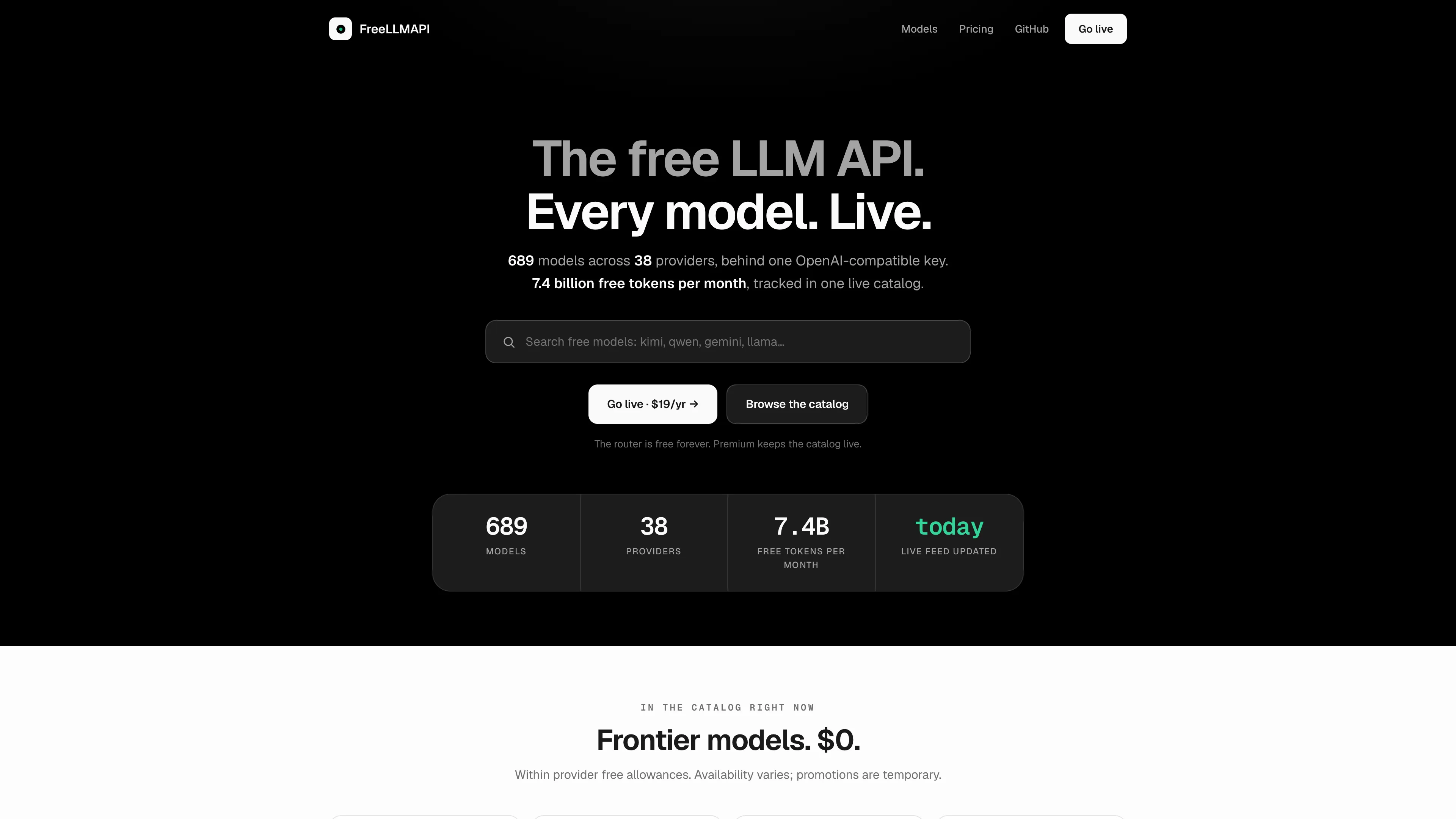
About Hosting FreeLLMAPI
FreeLLMAPI combines provider key management, model routing, fallback chains, a chat playground, and request analytics. Add your own provider credentials after creating your dashboard account, then connect compatible clients using the gateway's unified API key and /v1 base URL. Provider availability, quotas, and charges follow each provider's terms.
The official container serves the React dashboard and Express API together on port 3001. Sealos provisions one application replica, a 1 GiB persistent volume, and a public HTTPS address. The SQLite database, saved conversations, provider settings, and encryption key survive Pod restarts on that volume.
This deployment follows FreeLLMAPI's personal, single-user model. The first account claims the dashboard; its password protects dashboard access, and the separate unified API key authenticates inference clients.
Common Use Cases
- Personal coding assistants: Connect OpenAI-compatible tools to one gateway URL.
- Provider fallback: Route requests across configured providers and models as availability changes.
- Model evaluation: Try prompts in the Playground and inspect usage in Analytics.
- Credential management: Keep provider keys in your own deployment and give clients a unified API key.
Dependencies for FreeLLMAPI Hosting
The template includes Node.js, the built dashboard, the API server, SQLite, and persistent storage. Provider credentials are configured inside FreeLLMAPI after deployment.
Deployment Dependencies
Implementation Details
Architecture Components:
- Application: One StatefulSet running
ghcr.io/tashfeenahmed/freellmapi:v0.9.8, serving the dashboard and API.
- Initialization: A short initialization container creates and validates the persistent encryption key before the server starts.
- Storage: One 1 GiB persistent volume mounted at
/app/server/data; runtime state lives in its runtime subdirectory.
- Networking: A Service on port 3001 and Sealos Ingress with automatic HTTPS.
Configuration:
| Item | Template setting |
|---|
| Application replicas | 1 |
| Main container limits / requests | 100m CPU, 128Mi memory / 10m CPU, 12Mi memory |
| Initialization limits / requests | 100m CPU, 128Mi memory / 10m CPU, 12Mi memory |
| Database | /app/server/data/runtime/freeapi.db |
| Encryption key | /app/server/data/runtime/.encryption-key, owner-only 0600 permissions |
| Health endpoint | /api/ping |
| Runtime identity | Non-root UID/GID 1000 |
The encryption key is generated once from operating-system randomness, validated as 64 hexadecimal characters, and loaded as ENCRYPTION_KEY in production mode. Back up the database and its original encryption key together using a protected backup location. Keep one replica for this SQLite deployment and adjust CPU or memory as usage grows.
Private-network provider URLs are blocked with FREEAPI_BLOCK_PRIVATE_PROVIDER_URLS=true. Configure a publicly reachable HTTPS provider endpoint for custom providers.
License Information: FreeLLMAPI is licensed under the MIT License.
Why Deploy FreeLLMAPI on Sealos?
Sealos is built on Kubernetes and provides application management through Canvas, resource cards, and an AI dialog.
- One-click deployment: Provision the application, persistent storage, and HTTPS endpoint from one template.
- Resource efficiency: Pay-as-you-go resources start at the tested personal low-load configuration.
- Persistent state: Keep the account, provider configuration, conversations, and key across restarts.
- Operational visibility: Inspect logs and resource usage from the application's Canvas resource card.
Deployment Guide
- Open the FreeLLMAPI template and click Deploy Now.
- Review the deployment and confirm. Account and provider credentials are entered in the application after it starts.
- Wait for deployment to finish, typically 2-3 minutes. Sealos opens the Canvas; the application resource card provides logs, settings, and its public HTTPS address.
- Open the application address. On Create your account, enter a valid email address and a password of at least 8 characters, then click Create account.
- Remote setup reveals a Setup code field. In Canvas, open the FreeLLMAPI resource card and view the main container logs. Find the latest
First-run setup code: line, enter that code in the form, and submit again. The code changes when an unclaimed server restarts and is consumed after registration.
- Open Keys → Add key and configure your provider. For an OpenAI-compatible custom provider, supply its HTTPS base URL, API key, and supported model IDs.
- Open Playground, choose a configured model, and send a short message. The Keys → Unified API key tab provides the credential and base URL for compatible clients.
Sign In and Password Recovery
After registration, use the same email and password on Sign in. Account creation is available only until the first account has been created.
For password recovery, choose Forgot password? → Send reset code. Read the newly generated password reset code in the application's main container logs through Canvas, enter it with a new password of at least 8 characters, then sign in again. Log access is required for both remote first-run setup and password recovery.
Configuration and Scaling
Manage providers, models, routing, and client credentials inside FreeLLMAPI. For infrastructure changes, open Canvas and describe the change in the AI dialog or edit the application resource card. Increase CPU or memory for larger payloads or heavier concurrent use while retaining the single application replica.
Troubleshooting
The setup code is rejected: Read the latest First-run setup code: from the currently running main container. Restarting an unclaimed instance generates a fresh code.
A client receives an authentication error: Use the unified API key from Keys → Unified API key with this gateway. Configure the upstream provider's own key separately in Keys.
A model request fails: Check the provider's key, model ID, quota, and HTTPS base URL. A custom provider's model ID must match one that endpoint serves.
An existing database fails to start after its key was removed: Restore its original .encryption-key alongside the database. The initialization guard requires that original key to preserve access to encrypted provider credentials.
License
This Sealos template is provided under the template repository's license. FreeLLMAPI itself is distributed under the MIT License.