Deploy and Host Flowise on Sealos
Flowise is a visual platform for building AI agents and LLM workflows. This template deploys Flowise 3.1.2 on Sealos with persistent storage, automatic HTTPS, and optional managed PostgreSQL and private S3-compatible object storage.
About Hosting Flowise
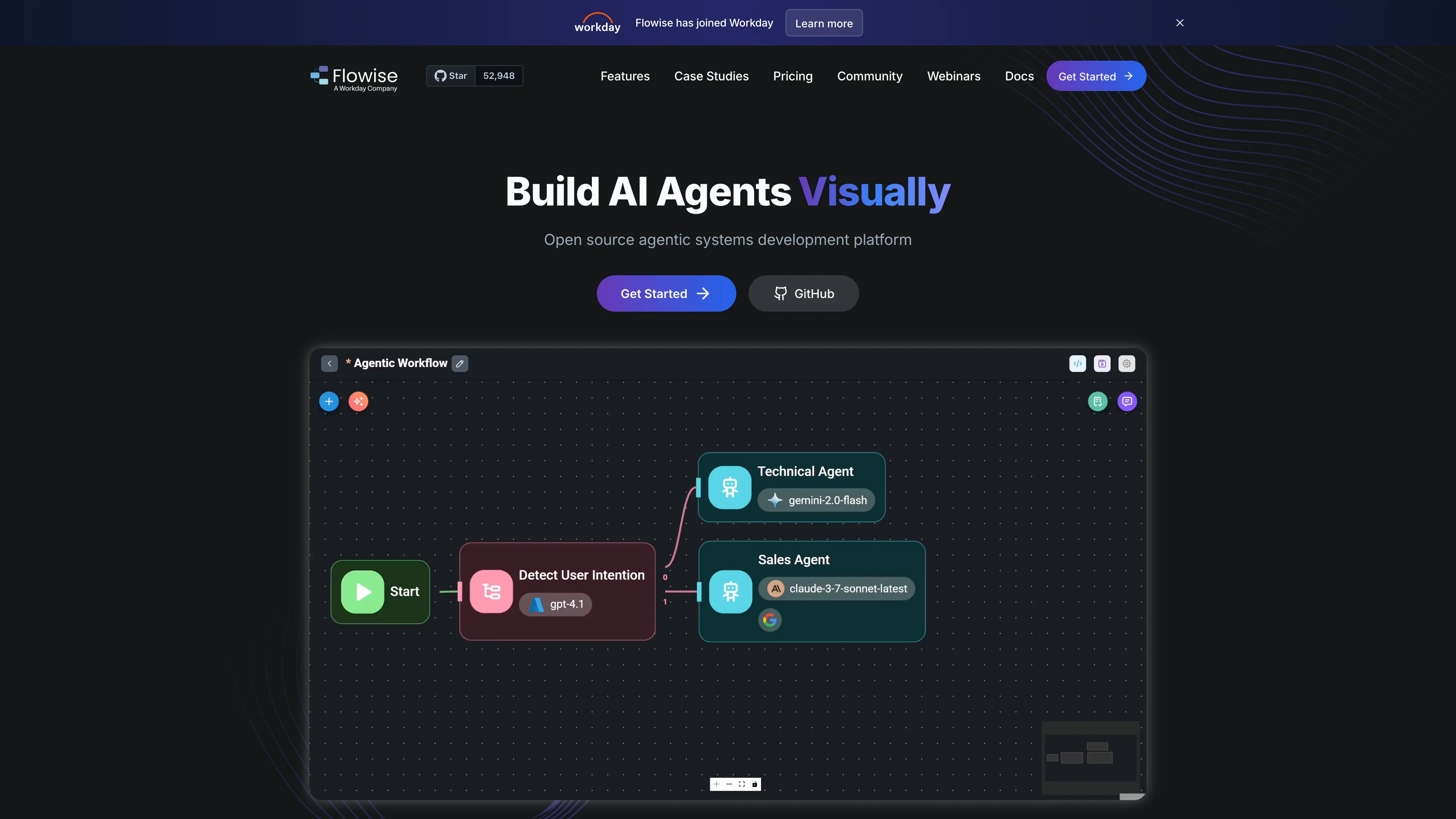
Flowise provides a drag-and-drop canvas for connecting language models, tools, memory, document loaders, and vector stores. It supports chatflows, agentflows, assistants, API access, and reusable credentials from one web interface.
The default deployment stores application data in SQLite on a 1 GiB persistent volume. PostgreSQL 16.4 can be enabled for a managed database, and Sealos Object Storage can be enabled for uploaded files. Each storage option is selected independently during deployment.
Common Use Cases
- AI assistants: Build conversational assistants with tools, memory, and retrieval.
- RAG pipelines: Load documents, split content, and connect vector databases.
- Agent workflows: Coordinate models and tools through visual multi-step flows.
- API backends: Publish saved flows through Flowise APIs for other applications.
Dependencies for Flowise Hosting
The template includes the Flowise application, a 1 GiB persistent volume, a public HTTPS endpoint, and generated authentication secrets. Optional dependencies are provisioned by Sealos when selected.
Deployment Dependencies
Implementation Details
Architecture Components:
- Flowise 3.1.2: Single StatefulSet serving the web UI and API on port 3000.
- Persistent volume: Stores SQLite data, secrets, logs, and local uploads.
- PostgreSQL 16.4: Optional KubeBlocks-managed database with a 1 GiB data volume.
- Sealos Object Storage: Optional private S3-compatible bucket for uploaded files.
- Ingress: Provides the generated public domain and TLS termination.
Deployment Options:
| Parameter | Default | Description |
|---|
USE_POSTGRESQL | false | Store application data in managed PostgreSQL instead of SQLite. |
USE_S3_STORAGE | false | Store uploaded files in a private Sealos Object Storage bucket. |
The application runs with a 100 millicore CPU limit and a 1 GiB memory limit. The persistent volume keeps account and workflow data across pod restarts.
License Information:
Flowise uses Apache 2.0 for its open-source components, with separately identified enterprise components covered by the upstream commercial license.
Why Deploy Flowise on Sealos?
- One-click provisioning: Create the application, storage, networking, and selected managed services together.
- Independent storage choices: Select SQLite or PostgreSQL and local files or S3 storage from the deployment form.
- Persistent data: Keep accounts, workflows, credentials, and uploaded content across restarts.
- Managed public access: Receive a generated HTTPS URL with ingress and TLS configuration.
- Resource controls: Adjust CPU, memory, and storage from the Sealos resource cards.
Deployment Guide
- Open the Flowise template and click Deploy Now.
- Select PostgreSQL and S3 storage when your workload needs those managed services, then confirm the deployment.
- Wait for the StatefulSet and any selected managed services to become ready. The first startup can take several minutes while Flowise initializes its database.
- Open the URL shown on the application card.
Create an Account and Sign In
The first visit opens the Flowise account setup screen. Enter your name, email address, and a strong password to create the administrator account.
Later visits open the sign-in screen. Use the same email address and password. The account remains available after pod restarts because Flowise data is stored on the persistent volume or in PostgreSQL.
Configuration
Use the Flowise interface to add model credentials, create chatflows or agentflows, and configure document stores. Credentials are encrypted with generated deployment secrets.
For infrastructure changes, open the deployment Canvas and use the AI dialog or resource cards. Keep the generated authentication secrets stable when updating an existing deployment.
Troubleshooting
The application is still starting
Flowise initializes nodes and database migrations before opening port 3000. Check the StatefulSet logs and wait for Flowise Server is listening at :3000.
S3 uploads fail
Confirm that USE_S3_STORAGE is enabled and the Object Storage bucket is ready. The template injects the bucket endpoint and credentials automatically.
Getting Help
License
This Sealos template is provided under the repository license. Flowise licensing details are available in the upstream license file.