Deploy and Host Firecrawl on Sealos
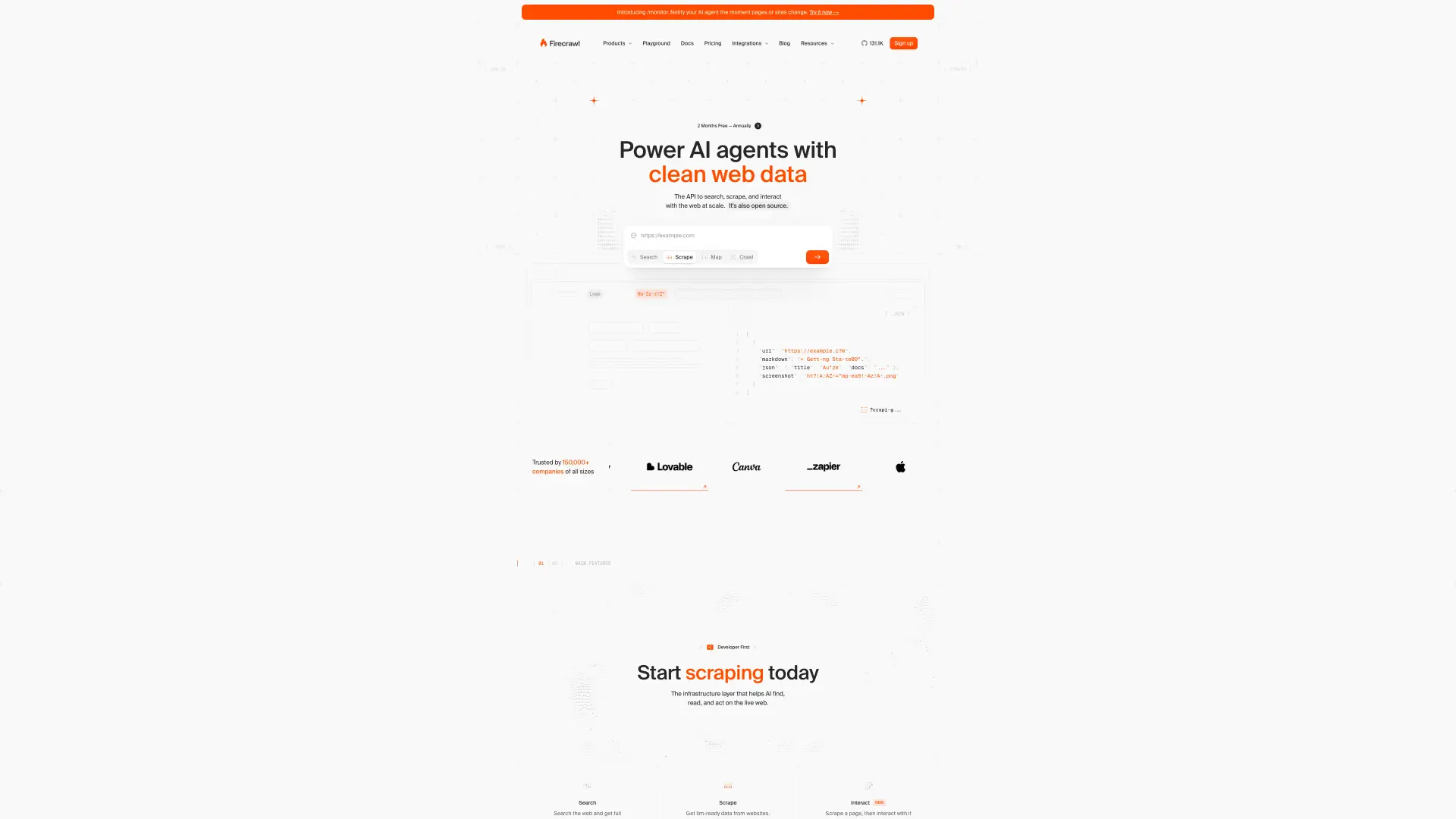
Firecrawl is a self-hosted web crawling and scraping API that turns websites into clean, LLM-ready data. This template deploys Firecrawl with managed PostgreSQL, managed Redis, RabbitMQ, a Playwright rendering service, and public HTTPS access on Sealos Cloud.
About Hosting Firecrawl
Firecrawl provides API endpoints for scraping pages, crawling sites, and extracting content for AI workflows. The API service runs Firecrawl's self-hosted API and worker harness, Redis stores queue and rate-limit state, RabbitMQ brokers background work, PostgreSQL stores Firecrawl and NUQ data, and Playwright handles browser-rendered pages.
This Sealos template follows the official self-hosted topology while using Kubernetes-native services and managed database resources. API authentication is disabled by default for self-hosted usage, matching Firecrawl's guidance that API keys are optional for SDKs that point at a self-hosted instance.
Common Use Cases
- LLM data ingestion: Convert webpages into clean markdown or structured data for AI pipelines.
- Research crawlers: Crawl sites for documentation, market research, and content analysis.
- Browser-rendered scraping: Use Playwright-backed rendering for JavaScript-heavy pages.
- Private scraping API: Run a controlled Firecrawl endpoint inside your own Sealos workspace.
Dependencies for Firecrawl Hosting
The Sealos template includes the Firecrawl API and worker harness container, Playwright service, PostgreSQL 16, Redis 7, RabbitMQ, internal Services, HTTPS Ingress, and App resources.
Deployment Dependencies
Implementation Details
Architecture Components:
- Firecrawl API and Worker Harness: Public API service on port
3002, running the official self-hosted harness with reduced internal worker concurrency for Sealos.
- Playwright Service: Internal rendering service used for browser-based scraping.
- PostgreSQL Cluster: Stores Firecrawl application data and the NUQ queue schema.
- Redis Cluster: KubeBlocks-managed Redis stores queue and rate-limit state.
- RabbitMQ StatefulSet: Provides the AMQP broker required by Firecrawl's job harness.
- Ingress and App Entry: Exposes the Firecrawl API through the generated Sealos HTTPS URL.
Configuration:
- Optional
openai_api_key, openai_base_url, and model_name inputs enable AI extraction features.
BULL_AUTH_KEY is generated automatically for the queue admin path.- PostgreSQL, Redis, RabbitMQ, and Playwright URLs are wired internally by the template with managed credentials.
- The PostgreSQL init step creates the NUQ schema required by Firecrawl's self-hosted queue workers.
- The Firecrawl API runs with
NUQ_WORKER_COUNT=1, a 1 CPU limit, and a 2048Mi memory limit based on live Sealos validation and the Sealos resource ladder.
- Object storage is not provisioned because the official Firecrawl self-hosted Docker and Kubernetes deployment docs do not define required S3-compatible runtime settings.
License Information:
Firecrawl is licensed under the AGPL-3.0 License. This Sealos template provides deployment configuration for running Firecrawl on Sealos Cloud.
Why Deploy Firecrawl on Sealos?
Sealos is an AI-assisted Cloud Operating System built on Kubernetes that unifies deployment and operations. By deploying Firecrawl on Sealos, you get one-click deployment, automatic HTTPS, managed data services, persistent storage, resource controls, and Canvas-based updates.
Deployment Guide
- Open the Firecrawl template and click Deploy Now.
- Configure optional OpenAI-compatible model settings if you need AI extraction.
- Wait for deployment to complete, typically 3-5 minutes while PostgreSQL, Redis, RabbitMQ, and Playwright become ready. After deployment, you will be redirected to the Canvas. For later changes, describe your requirements in the AI dialog, or click the relevant resource cards to modify settings.
- Use the generated public URL as your Firecrawl API base URL.
- Test API availability with a
/v1/scrape or /v1/crawl request from your client. The default template disables API authentication for self-hosted use, so SDK API keys are optional unless you later enable Firecrawl database-backed authentication.
Configuration
After deployment, configure Firecrawl through:
- API clients: Point SDKs or HTTP clients at the generated URL.
- AI Dialog: Update environment variables such as model settings or concurrency values.
- Resource Cards: Adjust API, Playwright, RabbitMQ, Redis, or PostgreSQL resources from the Canvas.
- Queue Admin Path: Use the generated
BULL_AUTH_KEY if you expose and inspect the Bull queue admin route.
- Login and API Keys: Firecrawl is an API-first service in this template. There is no browser login screen, and self-hosted SDK usage can omit API keys while
USE_DB_AUTHENTICATION=false.
Scaling
Start with the default single API and Playwright replica. For higher crawl volume, increase API CPU and memory first, then review Playwright, Redis, RabbitMQ, and PostgreSQL readiness and storage.
Troubleshooting
API requests time out
- Cause: The API may still be waiting for Redis, RabbitMQ, PostgreSQL, or Playwright.
- Solution: Check all workload logs and database readiness from the Canvas before changing API settings.
API logs show worker load warnings
- Cause: Firecrawl's bundled queue worker is close to the configured CPU limit during crawl bursts.
- Solution: Increase the Firecrawl API CPU limit from the Canvas before increasing worker concurrency.
Browser-rendered pages fail
- Cause: The Playwright service is unavailable or under-resourced.
- Solution: Check the Playwright Deployment logs and increase CPU or memory for browser-heavy workloads.
AI extraction fails
- Cause: OpenAI-compatible model credentials are missing or invalid.
- Solution: Set
openai_api_key, openai_base_url, and model_name for your provider, then restart the API Deployment.
Additional Resources
License
This Sealos template is provided as deployment configuration for Sealos users. Firecrawl itself is licensed under the AGPL-3.0 License.