sealos.io
AFFiNE
Build production-ready tools templates with Sealos.

https://affine.pro/deploy now
AFFiNE
Tools
A privacy-focused, local-first, open-source workspace for notes, docs, whiteboards, and team knowledge management.

Open-source WhatsApp API platform with Baileys, WhatsApp Cloud API, webhook, chat, bot, and media integrations.
Launch in your Sealos workspace.
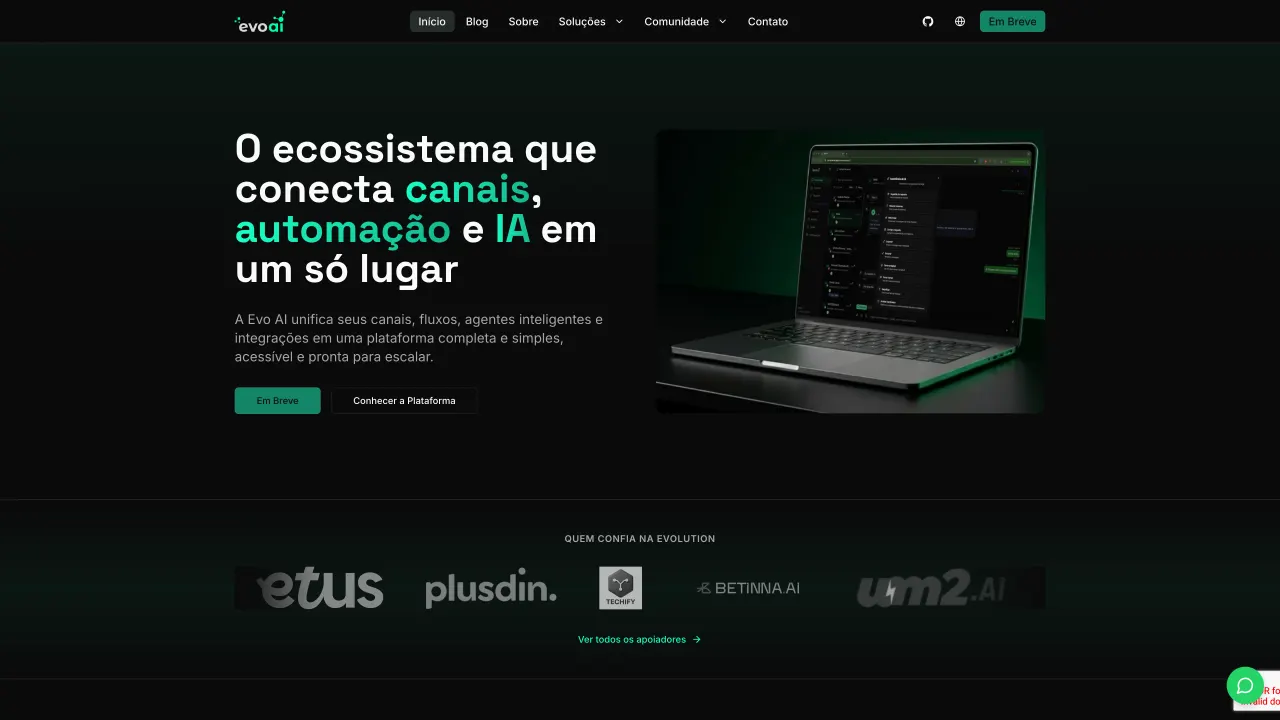
Start with the resources defined by the Evolution API template. Review CPU, memory, persistent storage, and network allocations for every service in Canvas. Capacity needs depend on your data and workload; monitor usage as they grow.
Template configuration and setupUse the application URL or connection details shown in Canvas. Follow the deployment guide for first-time account setup or client configuration, and keep generated credentials available for that step.
Sealos monthly plans include compute, memory, storage, and traffic. Size your plan for all deployed services. Software licenses and external AI or API services may have separate terms and charges. Confirm the applicable plan and optional charges in Cost Center.
Compare Sealos resource plansFor current cloud charges, refer to Sealos plan pricing. Upstream documentation may reference earlier billing models.
Evolution API is an open-source WhatsApp API platform for Baileys, WhatsApp Cloud API, webhooks, bots, chats, and media integrations. This template deploys Evolution API with PostgreSQL, Redis, persistent instance storage, and optional S3-compatible object storage on Sealos Cloud.
Evolution API exposes WhatsApp automation and integration features through HTTP APIs. It can manage WhatsApp instances, QR code pairing, message events, webhooks, chat integrations, and media workflows from a self-hosted backend.
The Sealos template runs Evolution API as a Kubernetes StatefulSet. KubeBlocks provisions PostgreSQL for persistent application data and Redis for cache and instance coordination. A persistent volume stores local WhatsApp instance state, and S3-compatible object storage can be enabled for media files.
Sealos handles public HTTPS access, service discovery, storage, database provisioning, and resource configuration so you can operate Evolution API without writing Kubernetes manifests manually.
The Sealos template includes the required runtime dependencies:
v2.3.716.4.0 through KubeBlocks7.2.7 through KubeBlocks/evolution/instancesArchitecture Components:
evoapicloud/evolution-api:v2.3.7 on port 8080.evolution_db database idempotently. The application uses the evolution_api PostgreSQL schema, matching the upstream example connection URI./evolution/instances.use_object_storage is enabled.Configuration:
The template generates the API key automatically as AUTHENTICATION_API_KEY. Evolution API has no registration flow in this template; use the generated API key for the Manager UI and HTTP API requests. The API manager is enabled by default and is available at the public application URL.
Object storage has two modes:
use_object_storage during deployment to create an S3-compatible bucket and configure S3_* environment variables.Resource Defaults:
200m256Mi500m512MiHealth Checks:
The template probes / on port 8080 for startup, readiness, and liveness. Live deployment should also verify logs and one authenticated API request with the generated API key.
License Information:
Evolution API is licensed under Apache License 2.0 with additional commercial and attribution conditions in the upstream repository license.
Sealos is an AI-assisted Cloud Operating System built on Kubernetes that unifies deployment, storage, networking, and operations. By deploying Evolution API on Sealos, you get:
AUTHENTICATION_API_KEY value from the workload environment, and use it in the Manager UI or API requests.After deployment, configure Evolution API through:
AUTHENTICATION_API_KEY.This Sealos template provides deployment configuration for running Evolution API on Sealos. Evolution API itself is distributed under Apache License 2.0 with additional conditions in the upstream license file.
A shorter path from an app you want to an app you can run. Sealos brings deployment and ongoing operations into one place.
Start with a ready-made template. Review its configuration and launch from the Sealos console.
Run on managed infrastructure with built-in workload scheduling and recovery.
Give your application a public HTTPS endpoint with certificates managed for you.
Keep application data on persistent volumes across container restarts.
Adjust CPU, memory, and replicas from the console as your workload changes.
Sealos provisions the resources defined by your template and brings them together in your workspace.
Container workloads with configurable CPU, memory, and replicas.
An address for your app, with managed TLS certificates.
A database provisioned alongside your app when the template calls for one.
Storage for the files and data your application needs to keep.
Application settings and secrets configured in one place.
Inspect container logs and resource usage from the console.
Resources and their configuration vary by template. Review the deployment form for this app’s exact setup.
Explore more production-ready templates.
Build production-ready tools templates with Sealos.
A privacy-focused, local-first, open-source workspace for notes, docs, whiteboards, and team knowledge management.
Build production-ready tools templates with Sealos.

Google Chrome browser running in a LinuxServer.io Selkies container with a web-based desktop UI.
Build production-ready tools templates with Sealos.
Deploy the self-hosted DeeplX translation API on Sealos and connect applications to its HTTP endpoint. This independent gateway integrates with DeepL translation.