Deploy and Host Ever Gauzy on Sealos
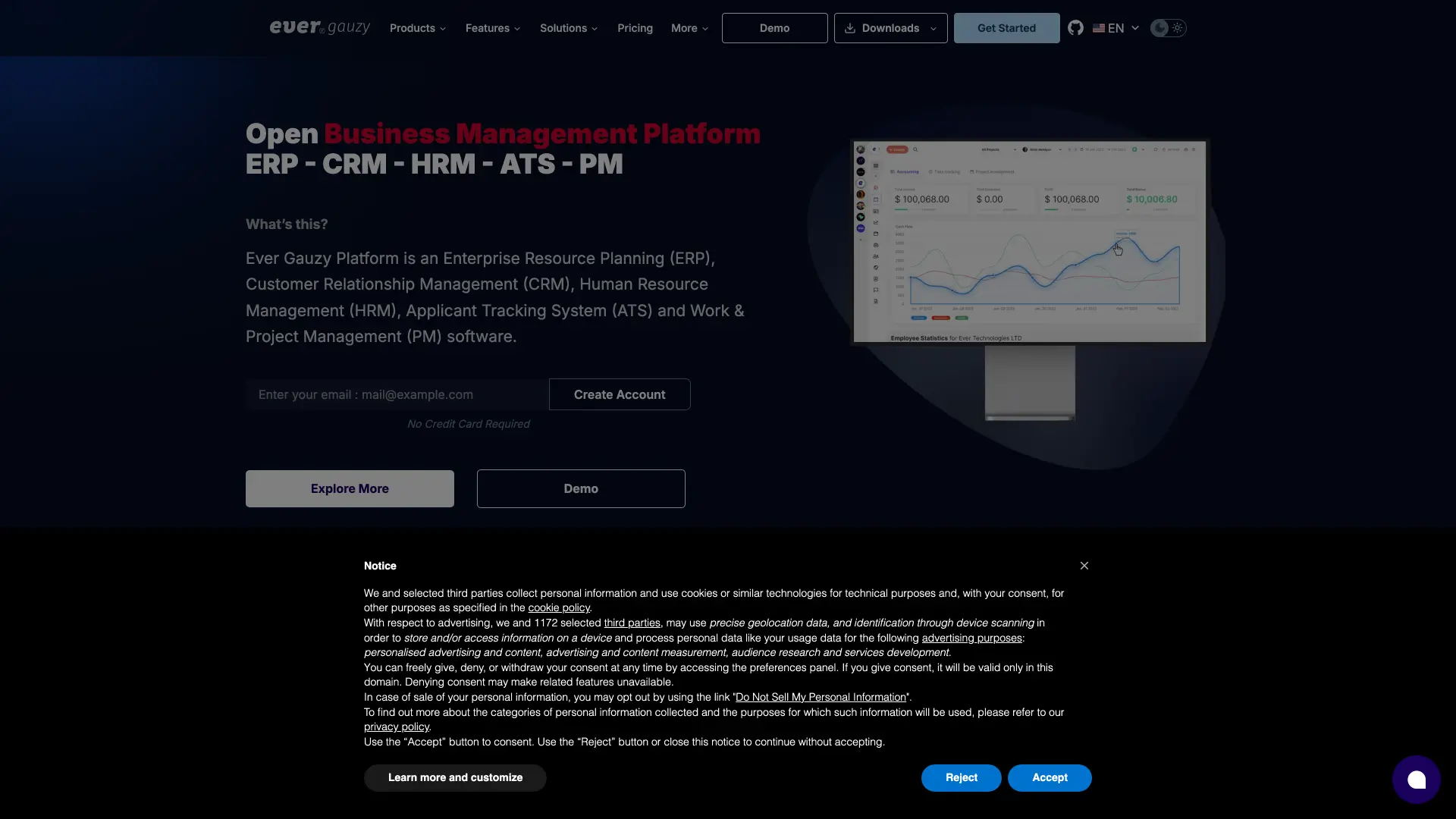
Ever Gauzy is an open-source business management platform for ERP, CRM, HRM, ATS, project management, and time tracking. This template deploys the official Ever Gauzy demo web application, API service, PostgreSQL database, and persistent public asset storage on Sealos.
About Hosting Ever Gauzy
Ever Gauzy runs as a multi-service application. The web application serves the browser UI, the API service handles authentication and business data, and PostgreSQL stores organizations, users, tasks, timesheets, projects, invoices, and other workspace records.
This Sealos template provisions a PostgreSQL 16.4 database through KubeBlocks, initializes the gauzy database, exposes separate public URLs for the web UI and API, and mounts persistent storage for API public assets. The API runs demo-mode migrations and seed data on first start, so the initial deployment can take several minutes before the login page is fully usable.
Common Use Cases
- Business operations workspace: Manage teams, organizations, clients, projects, tasks, and invoices in one application.
- HR and employee management: Track employees, teams, availability, roles, permissions, and internal workflows.
- Time tracking and project delivery: Use timesheets, dashboards, task views, and project modules for delivery teams.
- Recruiting and ATS workflows: Explore applicant tracking, candidate records, and interview scheduling features.
- Open-source ERP evaluation: Test Gauzy's modular ERP/CRM/HRM capabilities before planning a custom production setup.
Dependencies for Ever Gauzy Hosting
The Sealos template includes all required runtime dependencies for the demo deployment:
- Ever Gauzy Webapp: Browser UI served by the official demo web image.
- Ever Gauzy API: Backend API served by the official demo API image.
- PostgreSQL: KubeBlocks PostgreSQL 16.4 database with an initialized
gauzy database.
- Persistent API Assets: A 1 GiB persistent volume mounted for API public files and seeded integration assets.
Deployment Dependencies
Implementation Details
Architecture Components:
This template deploys four main components:
- Web UI: Serves the Gauzy browser interface on port 4200 and connects to the public API URL.
- API Service: Serves REST and application APIs on port 3000, runs database migrations, and seeds demo data.
- PostgreSQL: Stores Gauzy workspace, tenant, user, task, time tracking, and configuration data.
- Public Asset Volume: Persists API public assets copied during startup, including seeded integration icons and uploaded files.
Configuration:
The template runs Ever Gauzy in demo mode. It generates JWT and session secrets automatically, disables Redis-backed workers for a smaller single-instance deployment, and exposes separate public hosts for the web UI and API because the official production web container does not proxy API traffic internally.
The tested minimum resource profile is:
- API StatefulSet: 500m CPU and 768 MiB memory limit, with
--max-old-space-size=512
- Web Deployment: 200m CPU and 512 MiB memory limit
- PostgreSQL Cluster: 200m CPU and 256 MiB memory limit, following the Sealos KubeBlocks database baseline
License Information:
Ever Gauzy is licensed under AGPL-3.0. This Sealos template is provided for deployment convenience and does not change the upstream application license.
Why Deploy Ever Gauzy on Sealos?
Sealos is an AI-assisted cloud operating system built on Kubernetes. It helps you deploy and manage multi-service applications without manually writing Kubernetes manifests or operating cluster infrastructure.
By deploying Ever Gauzy on Sealos, you get:
- One-click deployment: Launch the web UI, API, database, storage, services, and ingresses from one template.
- Managed public access: Sealos provisions public HTTPS URLs for both the web UI and API endpoint.
- Persistent storage: Database data and API public assets survive pod restarts.
- Canvas-based operations: After deployment, use the Sealos Canvas, AI dialog, and resource cards to adjust resources or inspect services.
- Pay-as-you-go resources: Start with the tested minimum resource profile and scale up when your workload grows.
Deployment Guide
- Open the Ever Gauzy template and click Deploy Now.
- Keep the generated defaults or adjust the app name and hostnames if needed.
- Wait for deployment to complete. First startup can take 6-10 minutes because the API runs migrations and seeds demo data.
- Access your application via the provided URLs:
- Web UI: Open the web URL from the Ever Gauzy app card.
- API Endpoint: Use the API URL for health checks and API access.
- On the login page, use one of the seeded demo accounts:
- In demo mode, the login page may prefill the Super Admin account or show demo account buttons. You can click Log In directly when the demo credentials are already filled.
Configuration
After deployment, you can manage Ever Gauzy through:
- AI Dialog: Describe resource or configuration changes and let Sealos apply them.
- Resource Cards: Open the Web, API, PostgreSQL, Service, Ingress, or App cards on the Canvas to inspect or modify settings.
- Gauzy UI: Use the sidebar after login to access dashboards, tasks, employees, projects, timesheets, clients, invoices, and other modules.
This template is optimized for demo and evaluation use. For production, review SMTP, OAuth, Redis workers, backups, access control, and organization-specific security requirements before handling real business data.
Scaling
To scale the deployment:
- Open the Canvas for your Ever Gauzy deployment.
- Click the API StatefulSet or Web Deployment resource card.
- Increase CPU and memory resources if startup, imports, or active usage become slow.
- Apply the changes in the dialog and wait for the updated pods to become ready.
Troubleshooting
First startup takes several minutes
The API runs migrations and demo seed scripts on the first boot. Wait until the API pod is ready before logging in. If the login page loads before the API is ready, refresh the browser after a few minutes.
Login succeeds but pages load slowly
The demo dataset includes multiple ERP, HRM, ATS, project, and time tracking modules. Increase API memory through the Sealos resource card if dashboards or large modules feel slow under heavier usage.
API health checks fail during startup
Check the API pod logs from the Canvas or resource card. The API depends on PostgreSQL readiness and on the initialization job that creates the gauzy database.
Additional Resources
License
Ever Gauzy is licensed under AGPL-3.0. This Sealos template is provided for deployment convenience and follows the template repository conventions.