App Service
Your application is running and ready to serve requests.

Dify is an open-source LLM application development platform for building AI agents, workflows, and RAG applications.
Sealos makes deploying any app effortless, secure, and production-ready. From one-click launch to ongoing operations, we handle the heavy lifting so you can focus on what matters.

Deploy any app template in seconds. No compose setup, manual configure, and go live.

Built on Sealos Managed Kubernetes for high availability, auto-scaling, and self-healing by default.
Every deployment includes a secure domain with automatic SSL. We handle certificates and text protection for you.
Attach persistent volumes with ease. Your data stays safe, durable, and always accessible.
Adjust resources as your app grows, no downtime required.
Sealos provisions and connects every resource your application needs. Everything is ready to use.
Your application is running and ready to serve requests.
Secure, global endpoint to access your application.
Managed database instance for your application.
Durable storage for uploads and application data.
Configuration and secrets injected securely into your app.
Centralized logs and basic metrics are enabled.
Dify is an open-source LLM application development platform for building AI agents, workflows, chatbots, and RAG applications. This template deploys Dify 1.15.0 with PostgreSQL, Redis, Weaviate, sandbox execution, the plugin daemon, and an optional private Sealos Object Storage bucket.
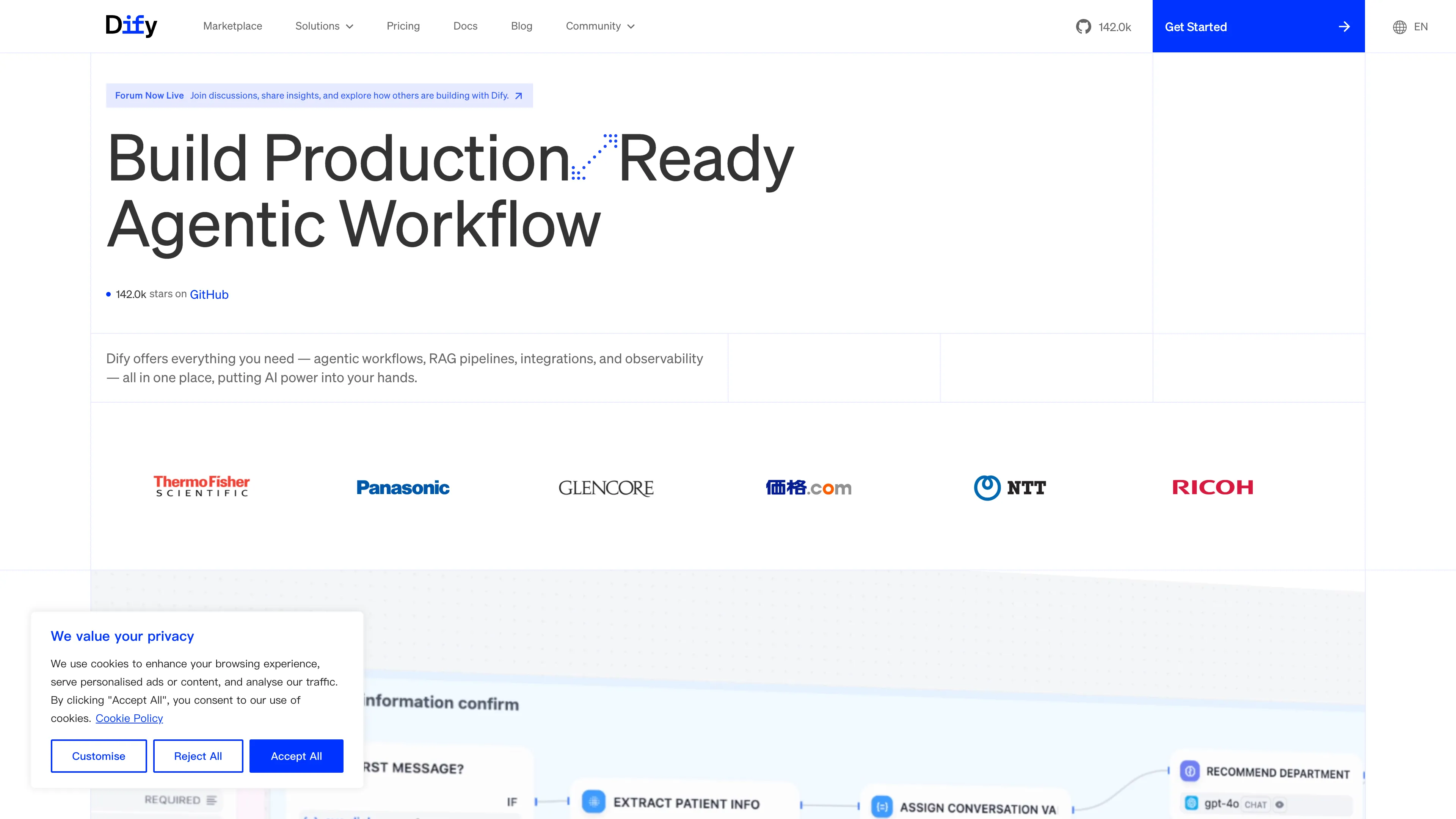
Dify runs as a multi-service AI application platform. The web service serves the console and public app UI, the API service handles backend requests, workers process asynchronous jobs, and the worker beat container schedules periodic tasks. Dify Sandbox isolates code execution, while the plugin daemon installs and runs marketplace plugins.
The template provisions PostgreSQL for application and plugin metadata, Redis for Celery queues, Weaviate for vector search, and an optional Sealos ObjectStorage bucket for uploaded files and plugin packages. Sealos also manages the public HTTPS endpoint through Ingress and exposes Dify as a dashboard App entry.
The Sealos template includes all required runtime services: Dify Web, Dify API, Celery worker, Celery beat, Dify Sandbox, Dify Plugin Daemon, PostgreSQL, Redis, Weaviate, and optional Sealos ObjectStorage.
Architecture Components:
enable_s3_storage is true, uploaded files and plugin packages use a private Sealos Object Storage bucket.Configuration:
init_password is required and unlocks the first Dify setup screen.enable_s3_storage defaults to false. Set it to true to provision a private Sealos Object Storage bucket and inject S3-compatible credentials.https://${{ defaults.app_host }}.${{ SEALOS_CLOUD_DOMAIN }} for console, API, app, and service endpoints.License Information:
Dify is licensed under the Dify Open Source License. This Sealos template is provided under the repository license for Sealos application templates.
Sealos is an AI-assisted Cloud Operating System built on Kubernetes that unifies application deployment, networking, storage, and operations. By deploying Dify on Sealos, you get:
init_password: Enter a required password that unlocks the initial setup page.enable_s3_storage: Keep false for persistent local storage, or set true for a private Sealos S3-compatible bucket.init_password on the Administrator initialization password screen and click Verify.init_password.After login, verify two core interactions:
Model providers are configured inside Dify after login. Add your provider API key in Dify settings before running model-backed chats or workflows.
After deployment, you can configure Dify through:
To scale Dify:
The validated application resource profile is:
| Component | CPU limit | Memory limit | Observed memory peak |
|---|---|---|---|
| API | 500m | 1Gi | 756Mi with two Gunicorn workers |
| Worker | 500m | 1Gi | 400Mi |
| Worker Beat | 500m | 1Gi | 390Mi |
| Web | 200m | 1Gi | 388Mi |
| Weaviate | 500m | 512Mi | 79Mi |
| Sandbox | 200m | 512Mi | 46Mi |
| Plugin Daemon | 200m | 512Mi | 15Mi |
The API runs two Gunicorn workers so console traffic and health checks remain responsive during plugin and workflow requests. Its probes use the same container-local /health check as the official Dify Compose deployment.
For larger workloads, scale the API and worker containers first, then increase PostgreSQL, Redis, and Weaviate resources based on observed bottlenecks.
enable_s3_storage mode matches the intended storage backend.This Sealos template is provided under the repository license for Sealos templates. Dify itself is licensed under the Dify Open Source License.
Explore more production-ready templates.
Build production-ready ai templates with Sealos.

Open Design is a local-first, open-source AI design workspace for generating prototypes, decks, images, videos, and design-system-driven artifacts.
Build production-ready ai templates with Sealos.

AI agent gateway for browser-based agent control and chat-channel automation
Build production-ready ai templates with Sealos.
AI API gateway platform for distributing and managing subscription quota across upstream AI services.