sealos.io
AFFiNE
Build production-ready tools templates with Sealos.

https://affine.pro/deploy now
AFFiNE
Tools
A privacy-focused, local-first, open-source workspace for notes, docs, whiteboards, and team knowledge management.

Open-source customer support platform with live chat, shared inboxes, contacts, automation, and omnichannel integrations.
Launch in your Sealos workspace.
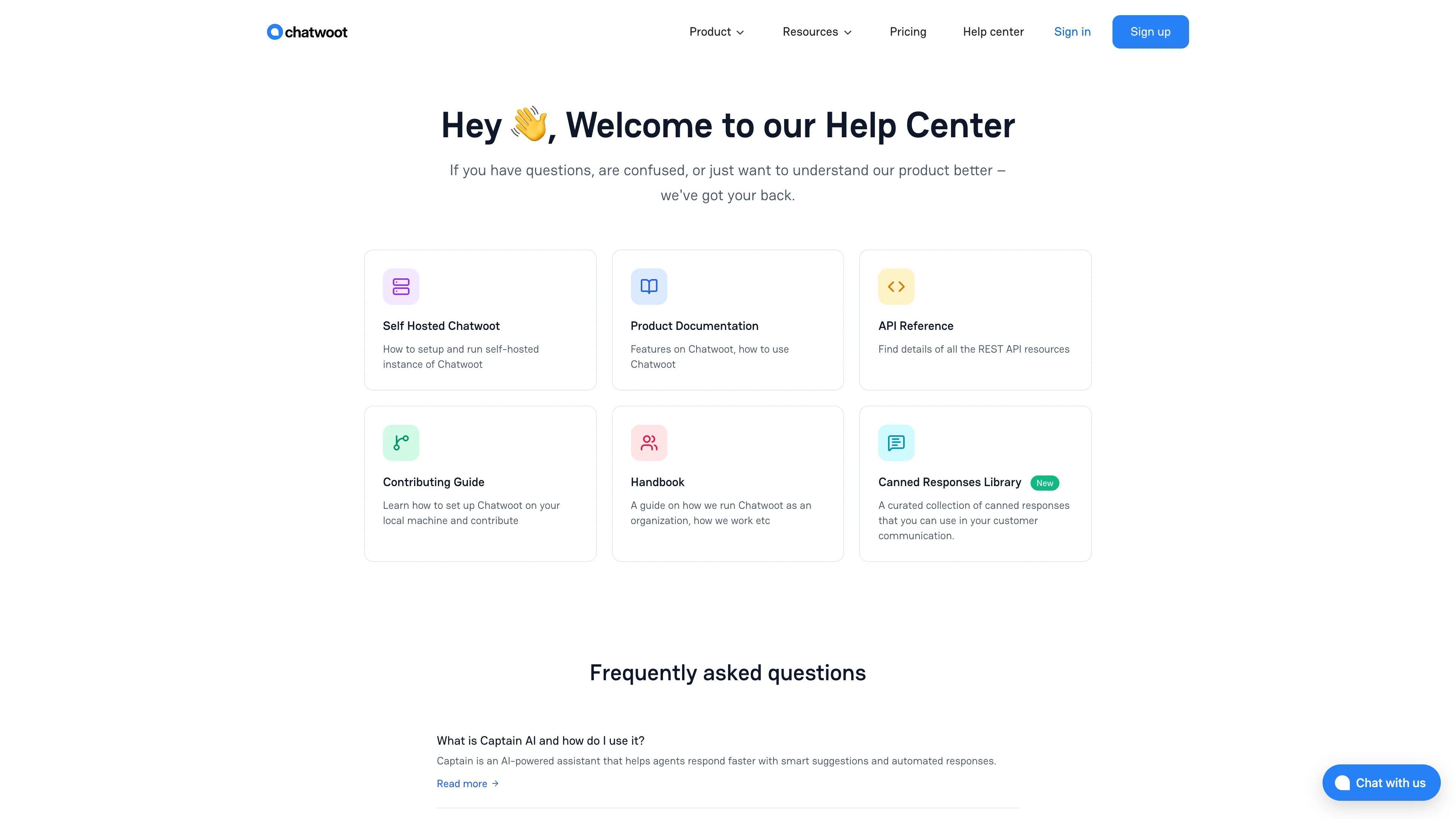
Start with the resources defined by the Chatwoot template. Review CPU, memory, persistent storage, and network allocations for every service in Canvas. Capacity needs depend on your data and workload; monitor usage as they grow.
Template configuration and setupUse the application URL or connection details shown in Canvas. Follow the deployment guide for first-time account setup or client configuration, and keep generated credentials available for that step.
Sealos monthly plans include compute, memory, storage, and traffic. Size your plan for all deployed services. Software licenses and external AI or API services may have separate terms and charges. Confirm the applicable plan and optional charges in Cost Center.
Compare Sealos resource plansFor current cloud charges, refer to Sealos plan pricing. Upstream documentation may reference earlier billing models.
Chatwoot is an open-source customer support platform for live chat, shared inboxes, contacts, automation, and omnichannel conversations. This template deploys Chatwoot with managed PostgreSQL and Redis, a background worker, HTTPS ingress, and a choice of persistent local attachment storage or private Sealos S3-compatible object storage.
v4.16.2 Web running the Rails application on port 3000v4.16.2 Sidekiq for background jobs16.4.0 with pgvector through KubeBlocks7.2.7 with Sentinel through KubeBlocksdb:chatwoot_prepare/health and /apiThe Rails server, Sidekiq worker, PostgreSQL, and Redis are all required by Chatwoot's production architecture. Email delivery uses an external SMTP or transactional email provider configured through Chatwoot environment variables.
| Parameter | Default | Description |
|---|---|---|
enable_account_signup | true | Enables the first-admin setup and account registration flow |
enable_s3_storage | false | Creates a private Sealos object-storage bucket for attachments |
The template generates SECRET_KEY_BASE automatically and reads database, Redis, and object-storage credentials from Sealos-managed Kubernetes Secrets.
The template contains zero preset user credentials. Create the first administrator from the Chatwoot setup screen:
After the required accounts exist, set enable_account_signup to false in the deployment configuration to close public account registration. Existing users and invited agents continue signing in with their stored credentials.
Password reset, agent invitations, and email-channel delivery require a working mail provider. Configure the relevant SMTP or transactional email environment variables in Sealos Canvas before relying on these email flows.
After signing in:
The public endpoint also exposes two useful checks:
/health returns {"status":"woot"} when the Rails process is healthy./api returns Chatwoot version and dependency status.With enable_s3_storage=false, attachments use a shared 1Gi persistent volume mounted at /app/storage by the Web and Sidekiq Pods. The template places both Pods on the same worker node so the ReadWriteOnce volume remains available to both processes.
Local mode fits evaluations and small single-replica deployments. Include the Chatwoot storage volume in the backup plan together with PostgreSQL.
With enable_s3_storage=true, the template creates a private ObjectStorageBucket and configures Chatwoot's official s3_compatible Active Storage service. Sealos injects the bucket, endpoint, access key, and secret key from managed Secrets. Web and Sidekiq share the same object backend, and the application workloads require no attachment PVC.
Direct anonymous object requests receive 403. Users download attachments through Chatwoot, where the application issues an authorized object-storage request.
Sealos S3 is the recommended option for durable attachment storage, independent backups, and future application scaling.
| Path or service | Purpose | Provisioned when |
|---|---|---|
| PostgreSQL volume | Accounts, inboxes, contacts, conversations, settings, and attachment metadata | Always |
| Redis volumes | Queues, cache, and runtime coordination | Always |
/app/storage | Local Active Storage attachments | enable_s3_storage=false |
| Private Sealos bucket | S3-compatible Active Storage attachments | enable_s3_storage=true |
Back up PostgreSQL and the selected attachment backend together. Restoring only one side can leave attachment metadata without files or files without matching records.
The application limits come from cold-start and representative workflow tests that covered administrator setup, inbox creation, a conversation, agent replies, and attachment upload/download:
| Component | CPU limit | Memory limit | CPU request | Memory request |
|---|---|---|---|---|
| Chatwoot Web | 100m | 1024Mi | 10m | 102Mi |
| Chatwoot Sidekiq | 100m | 1024Mi | 10m | 102Mi |
| Migration Job | 100m | 512Mi | 10m | 51Mi |
| PostgreSQL | 500m | 512Mi | 50m | 51Mi |
| Redis | 500m | 512Mi | 50m | 51Mi |
| Redis Sentinel | 500m | 512Mi | 50m | 51Mi |
| Gate and PostgreSQL initialization containers | 100m | 128Mi | 10m | 12Mi |
Increase Web and Sidekiq CPU for concurrent traffic, channel integrations, automations, bulk operations, and large teams. Watch PostgreSQL, Redis, queue latency, and object-storage traffic as usage grows.
The template starts one Web replica and one Sidekiq replica. A scaled deployment should use Sealos S3, keep all replicas on the same PostgreSQL and Redis services, preserve the same SECRET_KEY_BASE, and size workers for queue volume. PostgreSQL and Redis topology changes deserve their own backup and failover plan.
Chatwoot upgrades can include database migrations. Before changing the image tag:
bundle exec rails db:chatwoot_prepare./health, /api, sign-in, conversations, background jobs, and attachments.Deployments created from the earlier v4.7.0 template use different immutable StatefulSet storage definitions. Upgrade those installations with a side-by-side migration: back up PostgreSQL and both attachment PVCs, deploy this template under a new application name, move the database and attachments, validate the new deployment, then switch traffic. Select local storage or Sealos S3 during the new deployment; changing that storage mode also requires a data migration.
Open the Web, Sidekiq, PostgreSQL, Redis, and migration resource cards in Sealos Canvas. The gate containers wait for the schema and Redis before Chatwoot starts. A first database provision can take several minutes.
Deploy with enable_account_signup=true, then open the public Chatwoot URL again. Keep the work email and password created on that page for subsequent sign-in.
Configure Chatwoot's mailer environment variables for an SMTP or transactional email service and restart Web and Sidekiq.
403The bucket policy is private. Open the attachment from an authenticated Chatwoot conversation so the application can authorize the download.
Check Sidekiq readiness and logs, Redis health, and queue latency. Web requests can remain healthy while asynchronous jobs wait for the worker.
Chatwoot Community Edition is available under the MIT License. Review Chatwoot's repository and product terms for features distributed with other licensing conditions. This repository provides the Sealos deployment template and leaves the Chatwoot license unchanged.
A shorter path from an app you want to an app you can run. Sealos brings deployment and ongoing operations into one place.
Start with a ready-made template. Review its configuration and launch from the Sealos console.
Run on managed infrastructure with built-in workload scheduling and recovery.
Give your application a public HTTPS endpoint with certificates managed for you.
Keep application data on persistent volumes across container restarts.
Adjust CPU, memory, and replicas from the console as your workload changes.
Sealos provisions the resources defined by your template and brings them together in your workspace.
Container workloads with configurable CPU, memory, and replicas.
An address for your app, with managed TLS certificates.
A database provisioned alongside your app when the template calls for one.
Storage for the files and data your application needs to keep.
Application settings and secrets configured in one place.
Inspect container logs and resource usage from the console.
Resources and their configuration vary by template. Review the deployment form for this app’s exact setup.
Explore more production-ready templates.
Build production-ready tools templates with Sealos.
A privacy-focused, local-first, open-source workspace for notes, docs, whiteboards, and team knowledge management.
Build production-ready tools templates with Sealos.

Google Chrome browser running in a LinuxServer.io Selkies container with a web-based desktop UI.
Build production-ready tools templates with Sealos.
Deploy the self-hosted DeeplX translation API on Sealos and connect applications to its HTTP endpoint. This independent gateway integrates with DeepL translation.