Deploy and Host CowAgent on Sealos
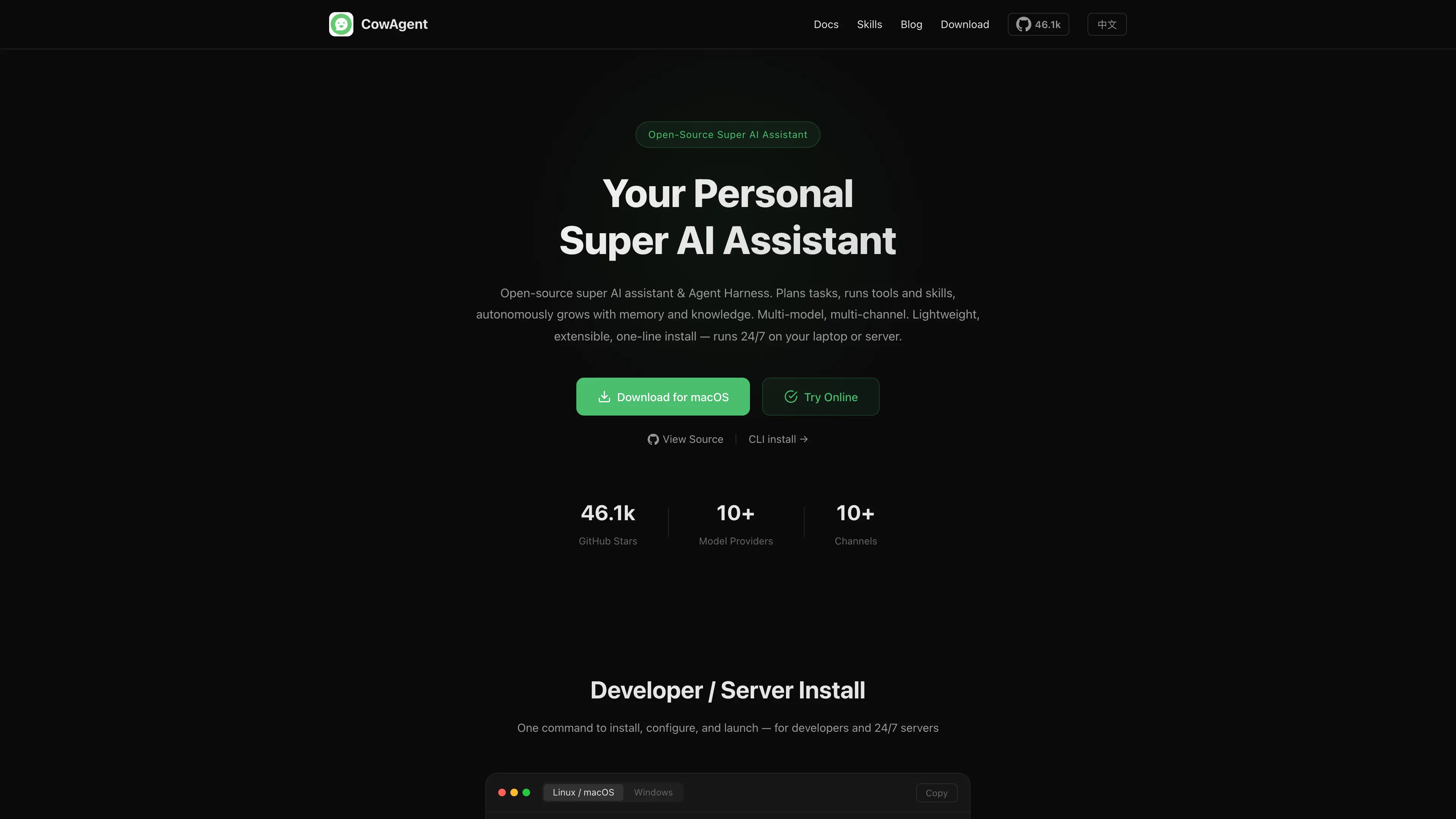
CowAgent is an open-source AI assistant and agent runtime with a web console, persistent memory, extensible skills, and multi-channel integrations. This template deploys CowAgent 2.1.3 with persistent storage and a public HTTPS endpoint on Sealos Cloud.
About Hosting CowAgent
CowAgent provides a browser-based console for configuring model providers, managing skills, chatting with an agent, and connecting messaging channels. Its workspace stores skills, runtime data, and local configuration across application restarts.
The Sealos template provisions a single CowAgent StatefulSet, a 1 GiB persistent volume mounted at /home/agent/cow, health probes, and a TLS-enabled public endpoint. The application runs as its dedicated agent user with a restricted container security context.
Common Use Cases
- Personal AI Assistant: Run an agent with persistent memory and reusable skills.
- Model Provider Console: Configure supported model APIs from one web interface.
- Messaging Integrations: Connect the agent to supported chat and collaboration channels.
- Skill Development: Inspect, enable, and manage built-in or custom agent skills.
Dependencies for CowAgent Hosting
The template includes the CowAgent container, persistent storage, Service, Ingress, health probes, and Sealos application entry. You provide a web-console password during deployment and configure a model provider after signing in.
Deployment Dependencies
Implementation Details
Architecture Components:
- CowAgent: A single StatefulSet serving the web console on port 9899.
- Persistent Workspace: A 1 GiB volume mounted at
/home/agent/cow for skills and runtime data.
- Public Endpoint: A Sealos-managed HTTPS Ingress connected to the CowAgent web service.
- Console Authentication: The required
WEB_PASSWORD input protects access to the web console.
The template enables the web channel, stores CowAgent data in the persistent workspace, and keeps one application replica so the local state and ReadWriteOnce volume have a single owner. CowAgent is licensed under the MIT License.
Why Deploy CowAgent on Sealos?
- One-Click Deployment: Provision the application, storage, network, and TLS endpoint from one template.
- Persistent Agent Data: Preserve skills and workspace data across Pod replacements and upgrades.
- Instant HTTPS Access: Receive a public application URL with a managed certificate.
- Kubernetes Operations: Inspect and adjust resources through Sealos Canvas, AI dialog, and resource cards.
- Efficient Resources: Start with validated personal low-load CPU and memory settings and scale as usage grows.
Deployment Guide
- Open the CowAgent template and click Deploy Now.
- Enter a strong value for
WEB_PASSWORD. This password becomes the CowAgent web-console password.
- Wait for deployment to complete, typically 2-3 minutes. Sealos then opens the Canvas, where the AI dialog and resource cards can apply later changes.
- Open the CowAgent application URL shown in Sealos.
Sign In and Configure a Model
- Enter the
WEB_PASSWORD value from the deployment form on the CowAgent sign-in page.
- Open Models in the console.
- Select a supported model provider, enter its API key and endpoint settings, and save the configuration.
- Open Chat to use the agent, or open Skills and Channels to configure additional capabilities.
CowAgent uses the deployment password for every later sign-in. Store the password in a password manager.
Configuration
Model credentials and channel settings are managed from the CowAgent console. Workspace files and skills remain on the persistent volume during Pod replacement.
For deployment-level changes, use the Sealos Canvas AI dialog or open the StatefulSet, storage, and network resource cards directly.
Scaling
Keep one CowAgent replica because the deployment uses a local workspace on a ReadWriteOnce volume. Increase CPU and memory through the StatefulSet card when model integrations, concurrent conversations, or skills require more capacity.
Troubleshooting
The console password is rejected
Enter the exact WEB_PASSWORD value supplied during deployment. Update the StatefulSet environment through Canvas when rotating the password, then wait for the Pod to become Ready.
Chat cannot send a model request
Open Models, confirm the selected provider, API key, base URL, and model name, then verify that the provider is reachable from the CowAgent Pod.
Skills or workspace data are missing
Confirm that the CowAgent persistent volume is Bound and mounted at /home/agent/cow. Review the Pod events and logs from the StatefulSet resource card.
Getting Help
License
This Sealos template follows the licensing terms of the templates repository. CowAgent is distributed under the MIT License.