For current cloud charges, refer to Sealos plan pricing. Upstream documentation may reference earlier billing models.
Deploy and Host NextChat on Sealos
NextChat is a lightweight AI assistant web UI for OpenAI-compatible providers, Azure OpenAI, Claude, DeepSeek, Gemini, and other model gateways. This template deploys the official NextChat container with HTTPS access on Sealos Cloud.
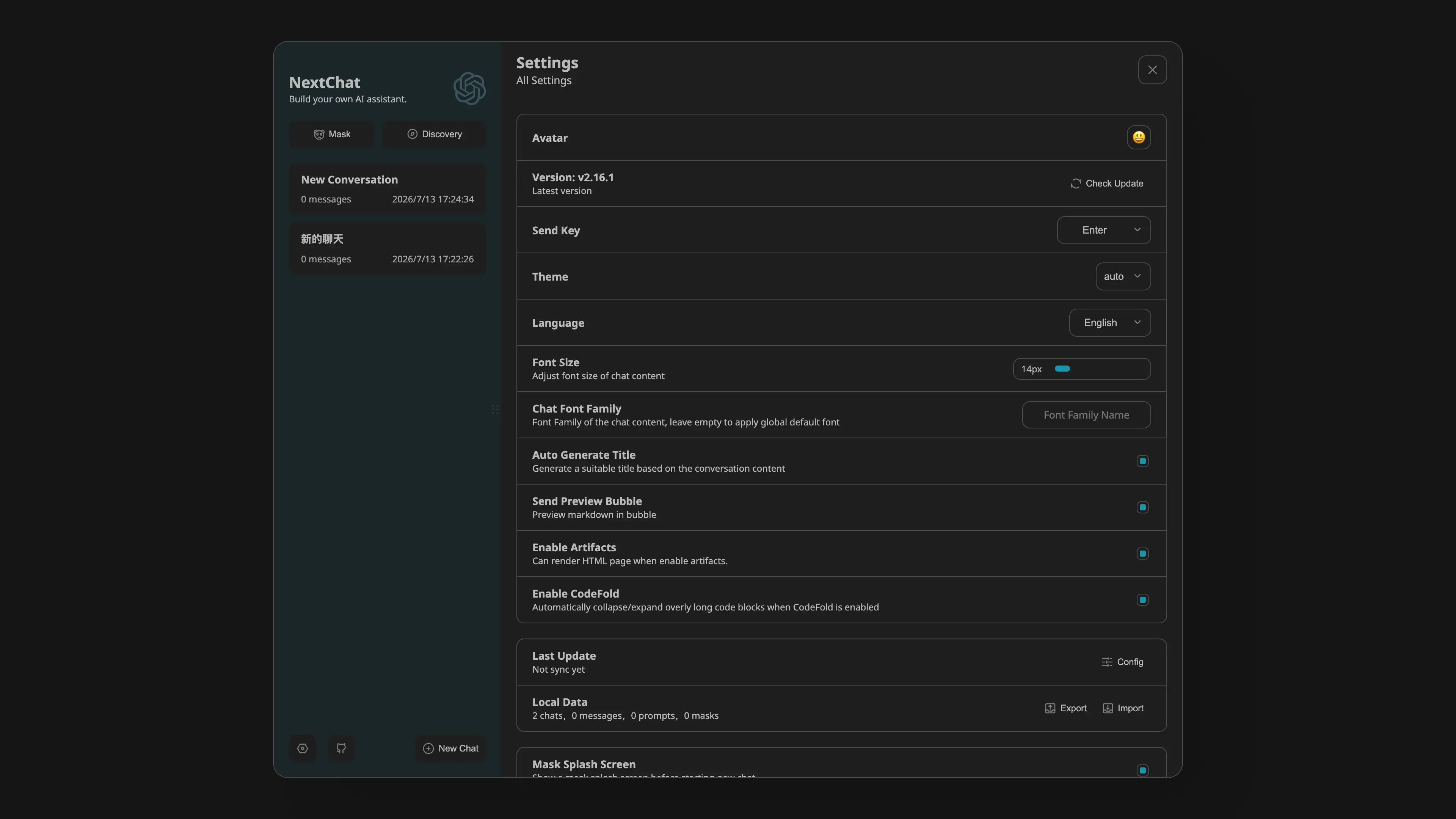
About Hosting NextChat
NextChat runs as a single web application and stores chat state in the browser. The Sealos template creates a Deployment, Service, Ingress, and App entry, then injects model-provider settings through deployment inputs.
Access control is handled by the required CODE input. The template generates a unique default code, and users enter one of the comma-separated access codes on the first screen.
Common Use Cases
- Private ChatGPT UI: Run a fast personal chat interface with your own API key.
- Team Access Code Gateway: Share one HTTPS endpoint protected by one or more access codes.
- OpenAI-Compatible Proxy UI: Point
BASE_URL to a compatible gateway or self-hosted endpoint.
- Azure OpenAI Frontend: Configure Azure deployment URL, key, and API version during deployment.
Deployment Guide
- Open the NextChat template and click Deploy Now.
- Enter
OPENAI_API_KEY. Use commas to rotate multiple keys.
- Keep the generated
CODE or replace it with a private comma-separated access password list.
- Optionally configure:
BASE_URL: OpenAI-compatible API base URLHIDE_USER_API_KEY: set to 1 to hide the user API key fieldDISABLE_GPT4: set to 1 to hide GPT-4 model choicesENABLE_BALANCE_QUERY: set to 1 to enable balance query featuresAZURE_URL, AZURE_API_KEY, AZURE_API_VERSION: Azure OpenAI settings
- Wait for the Deployment to become ready, then open the generated HTTPS URL from Sealos Canvas.
- Enter a value from
CODE on the access-code screen.
Configuration
| Name | Description | Required | Default |
|---|
OPENAI_API_KEY | OpenAI-compatible API keys, comma-separated when multiple keys should be rotated. | true | <redacted> |
CODE | Access codes for the web UI, comma-separated when multiple codes are allowed. | true | generated 16-character value |
BASE_URL | OpenAI-compatible API base URL for proxies or self-hosted endpoints. | false | https://api.openai.com |
OPENAI_ORG_ID | OpenAI organization ID. | false | `` |
HIDE_USER_API_KEY | Set to 1 to hide the user-provided API key field in the UI. | false | `` |
DISABLE_GPT4 | Set to 1 to disable GPT-4 model options. | false | `` |
ENABLE_BALANCE_QUERY | Set to 1 to enable balance query features. | false | `` |
AZURE_URL | Azure OpenAI deployment URL. | false | https://{azure-resource-url}/openai/deployments/{deploy-name} |
AZURE_API_KEY | Azure OpenAI API key. | false | <redacted> |
AZURE_API_VERSION | Azure OpenAI API version. | false | `` |
Store private API keys and access codes in Sealos-managed inputs. Keep CODE private because the public HTTPS endpoint uses the deployment's server-side model API key.
Scaling
The template is tuned for a small single-instance web UI. Increase CPU and memory from Sealos Canvas if many users share the same deployment or if the UI serves through a slower model gateway.
Troubleshooting
Access code is rejected
Check that the value entered in the browser matches one of the comma-separated values in CODE, then restart the Deployment after changing the input.
Model requests fail
Verify OPENAI_API_KEY, BASE_URL, Azure settings, and model-provider rate limits. For OpenAI-compatible gateways, confirm that the gateway supports the selected model names.
Balance query is unavailable
Set ENABLE_BALANCE_QUERY to 1 and restart the Deployment.
Additional Resources
License
This Sealos template is provided under the template repository license. NextChat is licensed by its upstream project.