Deploy and Host Cal.com on Sealos
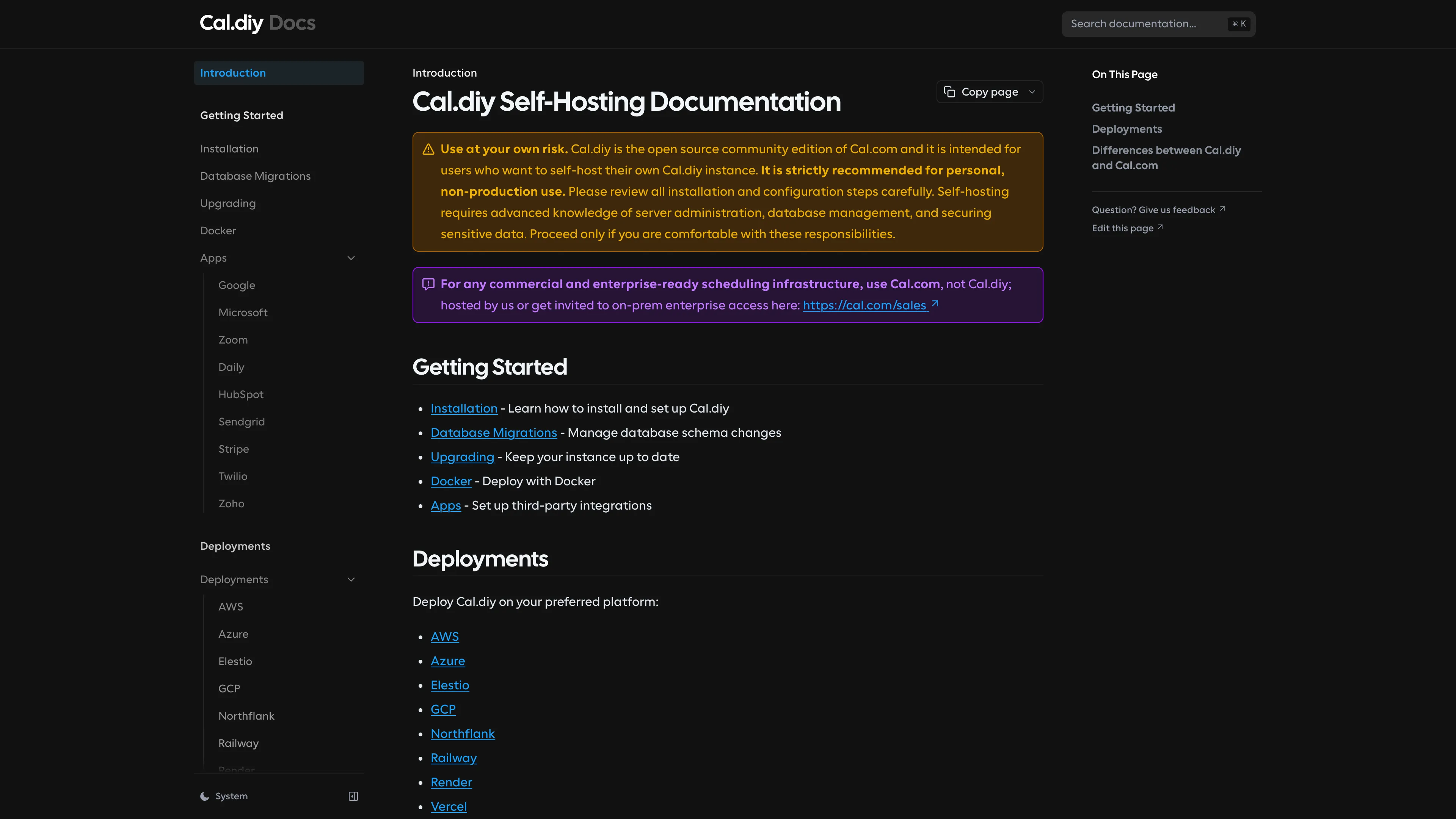
Cal.com is an open-source scheduling platform for booking meetings, routing availability, and managing team scheduling. This template deploys a self-hosted Cal.com web application with managed PostgreSQL on Sealos Cloud.
About Hosting Cal.com
Cal.com combines public booking pages, team scheduling, embeds, routing forms, and workflow automation in a single web application. The Sealos template follows the default upstream self-hosting path: one Cal.com web runtime backed by PostgreSQL.
Sealos automatically provisions the PostgreSQL cluster, creates the calendso database before first boot, configures public ingress with TLS, and injects the runtime secrets Cal.com needs for authentication and encryption. The startup flow also waits for PostgreSQL and retries Prisma migrations before exposing the web process, which prevents partially initialized deployments when the database takes longer to become reachable.
This template intentionally keeps the default deployment focused on the core booking product. Prisma Studio and the optional API v2 plus Redis stack are not included in the default path.
Common Use Cases
- Personal Booking Pages: Share a public scheduling link for demos, consultations, office hours, or coaching sessions.
- Team Scheduling: Run pooled, round-robin, or collective booking flows for sales, support, or success teams.
- Embedded Scheduling: Add Cal.com booking widgets to your product, website, or customer portal.
- Internal Operations: Coordinate interviews, onboarding sessions, partner meetings, and structured internal appointments.
- Customer-Facing Workflows: Replace manual back-and-forth scheduling with self-service meeting selection.
Dependencies for Cal.com Hosting
The Sealos template includes all required runtime dependencies for the default self-hosted deployment:
- Cal.com Web Runtime:
calcom.docker.scarf.sh/calcom/cal.com:v6.2.0
- PostgreSQL Cluster: Kubeblocks-managed
postgresql-16.4.0
- Database Init Job:
public.ecr.aws/docker/library/postgres:16.4-alpine creates the calendso database before the first web startup
- Service and Ingress: Internal service on port
3000 with Sealos-managed public HTTPS access
Deployment Dependencies
Implementation Details
Architecture Components
This template deploys the following components:
- Cal.com Web Deployment: Runs the Next.js application, performs Prisma migrations, seeds the app store, and serves the booking UI
- PostgreSQL Cluster: Stores users, bookings, event types, workflows, and application configuration
- PostgreSQL Init Job: Waits for PostgreSQL readiness and creates the
calendso database idempotently
- Ingress: Publishes Cal.com at
https://<app-host>.<domain> with Sealos-managed TLS
Configuration
NEXT_PUBLIC_WEBAPP_URL, NEXTAUTH_URL, NEXT_PUBLIC_WEBSITE_URL, and NEXT_PUBLIC_EMBED_LIB_URL are prewired to the Sealos ingress domainNEXTAUTH_SECRET, CALENDSO_ENCRYPTION_KEY, CRON_API_KEY, and CRON_SECRET are generated automatically during deployment- SMTP inputs are optional. If you leave them blank, the application still starts, but email verification and notification features may remain disabled
CALCOM_LICENSE_KEY is optional and only required for paid Cal.com features- The web workload is sized above the generic baseline because Cal.com runs migrations, seed tasks, and the application server during startup. The template defaults to a
2Gi memory limit to avoid common bootstrap OOM failures
License Information
Cal.com is released under AGPLv3. Commercial licensing is available directly from Cal.com for organizations that need alternative terms.
Why Deploy Cal.com on Sealos?
Sealos is a Kubernetes-based cloud operating system that packages databases, ingress, storage, and application workloads into a single deployable template. By deploying Cal.com on Sealos, you get:
- One-Click Deployment: Launch Cal.com and PostgreSQL together without manually composing Kubernetes resources
- Managed Database Provisioning: Use Kubeblocks-managed PostgreSQL with secret wiring and service discovery already configured
- Easy Customization: Update environment variables, resources, and runtime settings later from Canvas through the AI dialog or resource cards
- Public HTTPS by Default: Every deployment receives a public URL with TLS handled by the platform
- Kubernetes Without the Boilerplate: You keep the reliability and orchestration benefits of Kubernetes without writing YAML by hand
- Resource Efficiency: Scale resources to fit your workload and pay only for the compute and storage you actually use
Deploy Cal.com on Sealos and focus on scheduling workflows instead of infrastructure assembly.
Deployment Guide
- Open the Cal.com template and click Deploy Now.
- Configure the optional SMTP and license parameters in the popup dialog if you need them.
- Wait for deployment to complete, which typically takes 2-3 minutes. After deployment, you will be redirected to Canvas. For later changes, describe your requirements in the dialog to let AI apply updates, or click the relevant resource cards to modify settings.
- Access your application via the generated public URL.
- Cal.com Web UI: Complete the setup wizard and create the first administrator account
- Booking Pages: Publish personal or team scheduling links after the initial setup is complete
Configuration
After deployment, you can adjust Cal.com through:
- AI Dialog: Describe infrastructure or configuration changes and let Sealos apply them
- Resource Cards: Open the Deployment, PostgreSQL, or Ingress cards in Canvas to update resources and settings
- Cal.com Admin UI: Configure branding, users, availability, event types, teams, and workflow behavior after first login
Troubleshooting
First startup takes longer than expected
Cal.com performs database migrations and app-store seeding during the initial startup. Give the first deployment a few minutes before treating the workload as unhealthy.
The app starts but returns setup or database errors
This usually means PostgreSQL was slower than the web process during boot. The current template already waits longer and retries Prisma migrations before launching the server. If you customized the startup command later, restore the migration retry behavior.
The pod is OOMKilled during startup
Cal.com needs more memory than a lightweight static web app during bootstrap. The template defaults to a 2Gi memory limit; if you reduce it later, migrate or seed steps may fail.
Email features are not working
Set EMAIL_FROM, EMAIL_FROM_NAME, EMAIL_SERVER_HOST, EMAIL_SERVER_PORT, EMAIL_SERVER_USER, and EMAIL_SERVER_PASSWORD in the deployment inputs or later from Canvas.
Auth callbacks fail on a custom domain
Verify that your public domain still matches NEXTAUTH_URL and the ingress host used by the deployment.
Additional Resources
License
This README documents a Sealos application template for Cal.com. Cal.com itself is licensed under AGPLv3. Refer to the upstream repository for complete licensing details and commercial licensing options.