sealos.io
AFFiNE
Build production-ready tools templates with Sealos.

https://affine.pro/deploy now
AFFiNE
Tools
A privacy-focused, local-first, open-source workspace for notes, docs, whiteboards, and team knowledge management.

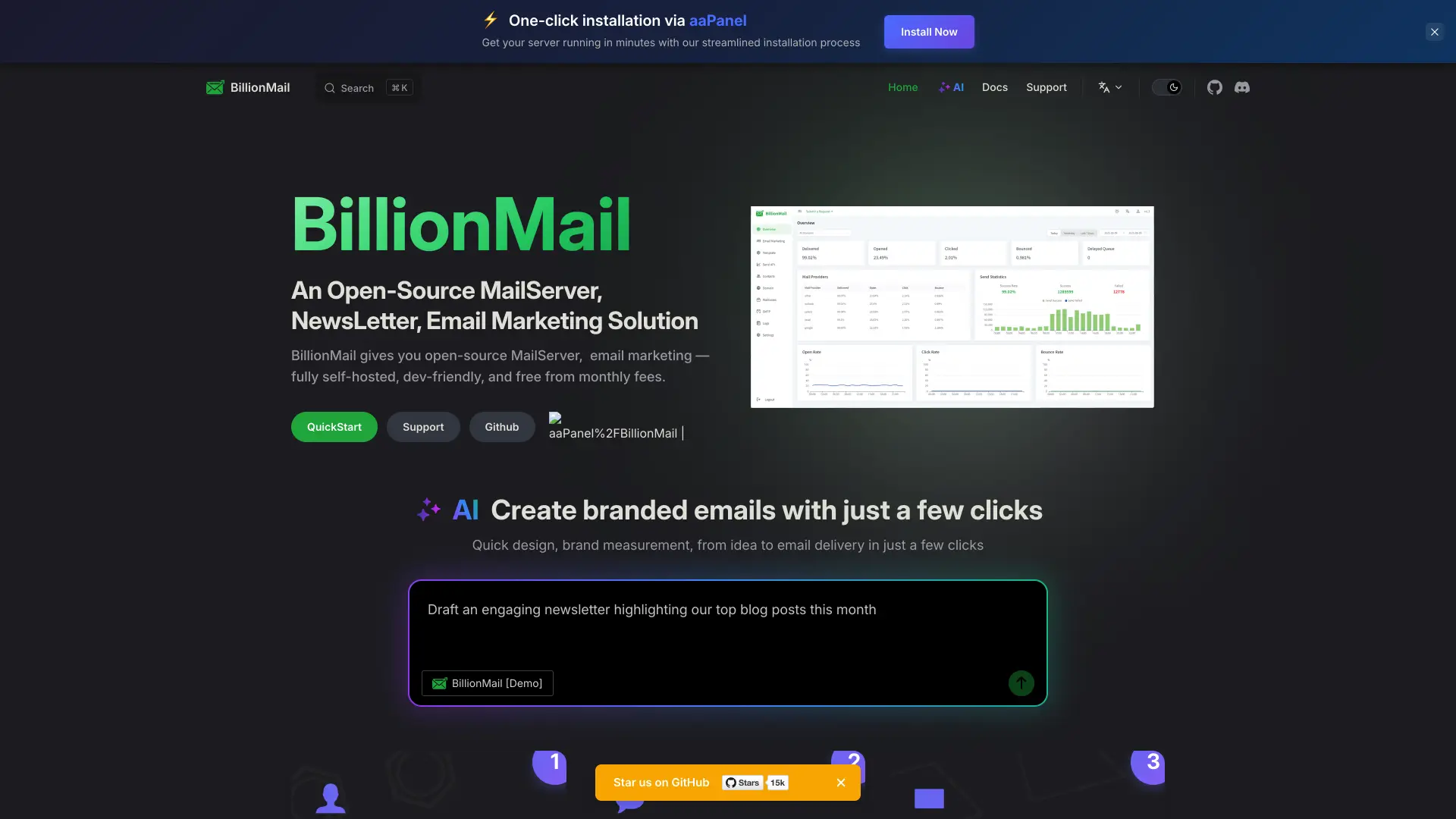
Open-source mail server, newsletter, and email marketing platform for self-hosted campaigns.
Launch in your Sealos workspace.
Start with the resources defined by the BillionMail template. Review CPU, memory, persistent storage, and network allocations for every service in Canvas. Capacity needs depend on your data and workload; monitor usage as they grow.
Template configuration and setupUse the application URL or connection details shown in Canvas. Follow the deployment guide for first-time account setup or client configuration, and keep generated credentials available for that step.
Sealos monthly plans include compute, memory, storage, and traffic. Size your plan for all deployed services. Software licenses and external AI or API services may have separate terms and charges. Confirm the applicable plan and optional charges in Cost Center.
Compare Sealos resource plansFor current cloud charges, refer to Sealos plan pricing. Upstream documentation may reference earlier billing models.
BillionMail is an open-source mail server, newsletter, and email marketing platform. This template deploys the BillionMail web console, mail services, PostgreSQL, Redis, and persistent storage on Sealos Cloud.
BillionMail provides a self-hosted control plane for domains, mailboxes, campaign sending, newsletter operations, and mail service management. The Sealos template runs the official BillionMail service set with a public HTTPS web console and internal mail service coordination.
The deployment includes the BillionMail core web/API service, Postfix for SMTP, Dovecot for IMAP/POP3 mailbox access, Rspamd for anti-spam processing, and Roundcube webmail under /roundcube. Sealos also provisions KubeBlocks PostgreSQL, KubeBlocks Redis, persistent storage, service discovery, ingress, and TLS for the web console.
The Sealos template includes all required runtime dependencies: BillionMail Core, Postfix, Dovecot, Rspamd, Roundcube, PostgreSQL 16.4, Redis 7.2, and a persistent data volume.
Architecture Components:
This template deploys the following services:
/roundcube.Configuration:
https://<app-host>.<sealos-domain>.admin_username and admin_password deployment parameters.mail_hostname is used by Postfix and DNS guidance, for example mail.example.com.timezone configures container time, and retention_days controls BillionMail log backup retention.License Information:
This Sealos template is provided under the templates repository license. Review the upstream BillionMail repository for the current application license terms before production use.
Sealos is an AI-assisted Cloud Operating System built on Kubernetes that unifies application deployment, operation, and resource management. By deploying BillionMail on Sealos, you get:
billion.mail.example.com.Etc/UTC.https://<app-host>.<sealos-domain>.Use the administrator username and password from the deployment parameters on the BillionMail login page. Keep the password in your own password manager because the template input is the source of the initial administrator credential.
Roundcube webmail is available at:
https://<app-host>.<sealos-domain>/roundcube
Create a domain and mailbox in the BillionMail console before signing in to Roundcube.
BillionMail exposes mail services inside Kubernetes for SMTP, SMTPS, Submission, IMAP, IMAPS, POP3, and POP3S. Public mail delivery also requires DNS and network planning:
mail_hostname.587 for authenticated sending when port 25 is restricted by your environment.For resource tuning, open the deployment Canvas and adjust CPU, memory, and storage on the relevant workload, database, or volume resource cards. Treat mail storage and delivery services as stateful components and validate mail flow after changing replicas or storage settings.
admin_username and admin_password values configured during deployment.mail_hostname points to the intended mail host.25./roundcube and use the mailbox credentials.This Sealos template is provided under the templates repository license. BillionMail is distributed by its upstream project; review the BillionMail GitHub repository for current license terms.
A shorter path from an app you want to an app you can run. Sealos brings deployment and ongoing operations into one place.
Start with a ready-made template. Review its configuration and launch from the Sealos console.
Run on managed infrastructure with built-in workload scheduling and recovery.
Give your application a public HTTPS endpoint with certificates managed for you.
Keep application data on persistent volumes across container restarts.
Adjust CPU, memory, and replicas from the console as your workload changes.
Sealos provisions the resources defined by your template and brings them together in your workspace.
Container workloads with configurable CPU, memory, and replicas.
An address for your app, with managed TLS certificates.
A database provisioned alongside your app when the template calls for one.
Storage for the files and data your application needs to keep.
Application settings and secrets configured in one place.
Inspect container logs and resource usage from the console.
Resources and their configuration vary by template. Review the deployment form for this app’s exact setup.
Explore more production-ready templates.
Build production-ready tools templates with Sealos.
A privacy-focused, local-first, open-source workspace for notes, docs, whiteboards, and team knowledge management.
Build production-ready tools templates with Sealos.

Google Chrome browser running in a LinuxServer.io Selkies container with a web-based desktop UI.
Build production-ready tools templates with Sealos.

Deploy the self-hosted DeeplX translation API on Sealos and connect applications to its HTTP endpoint. This independent gateway integrates with DeepL translation.