Deploy and Host AnythingLLM on Sealos
AnythingLLM is a self-hosted AI workspace for private chat, document ingestion, agents, and retrieval-augmented generation. This template deploys AnythingLLM 1.15.0 with persistent storage and an optional Sealos-managed PGVector database.
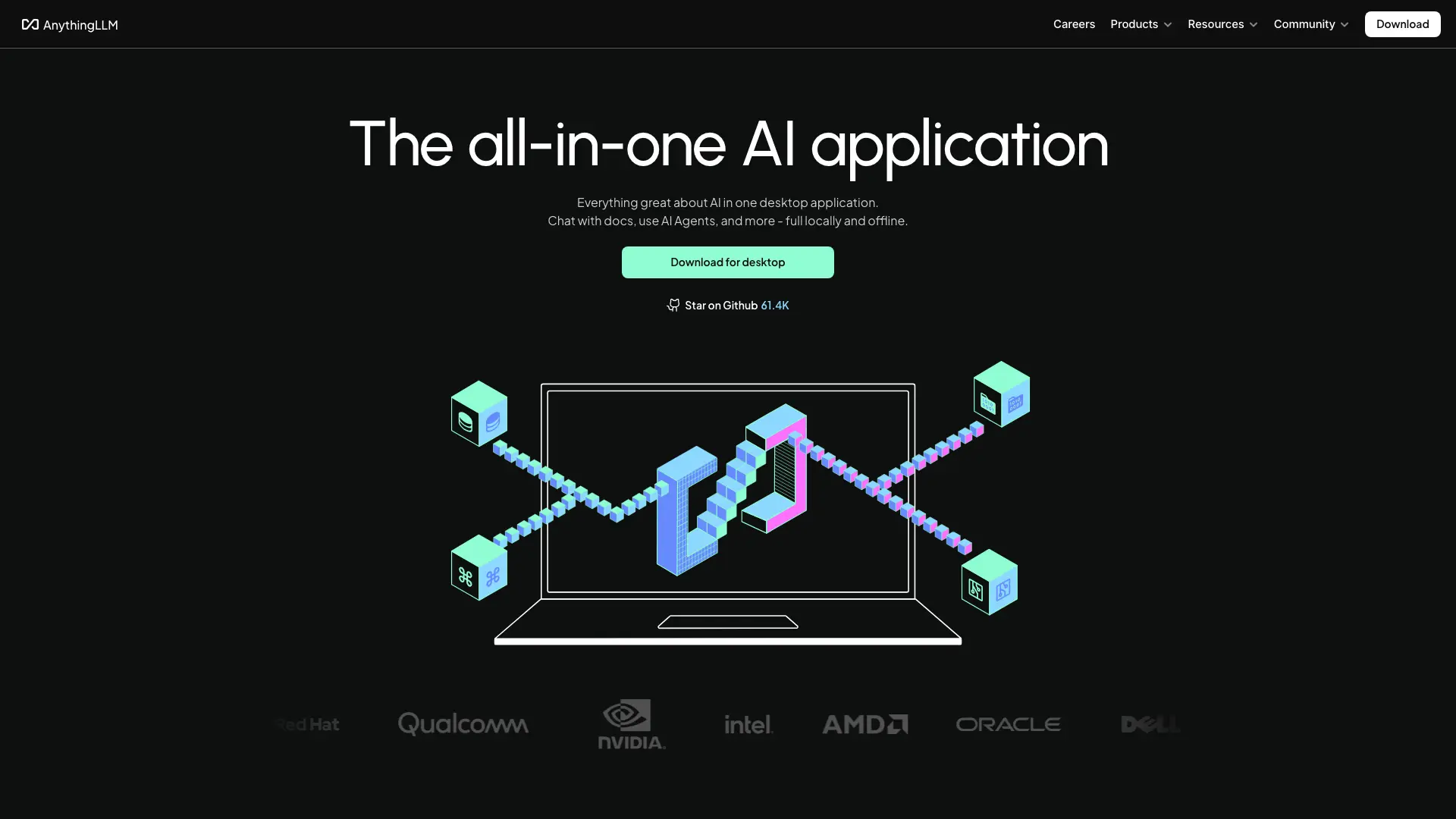
About Hosting AnythingLLM
AnythingLLM combines its web interface, API server, document collector, and agent runtime in one container. The template persists application data, uploaded documents, and collector output across restarts.
LanceDB is the default vector backend and stores vectors on the application volume. Selecting PGVector provisions a PostgreSQL 16.4 cluster through KubeBlocks, creates the anythingllm database, enables the vector extension, and waits for the database before starting AnythingLLM.
Common Use Cases
- Private AI chat: Connect a preferred model provider and keep conversations in a self-hosted workspace.
- Document Q&A: Upload files, embed their content, and retrieve relevant context during chat.
- Agent workflows: Use built-in tools, agent skills, and scheduled tasks from one interface.
- Team knowledge spaces: Organize documents, prompts, and conversations by workspace.
Dependencies for AnythingLLM Hosting
The template includes the AnythingLLM container, HTTPS ingress, and three persistent volumes. The PGVector option also includes a Sealos-managed PostgreSQL cluster and an idempotent initialization job.
Deployment Dependencies
Implementation Details
Architecture Components:
- AnythingLLM: Serves the web UI and API, processes documents, runs agents, and connects to the selected vector backend.
- Persistent Storage: Stores server state in
/app/server/storage and collector data in /app/collector/hotdir and /app/collector/outputs.
- LanceDB: Provides the default embedded vector backend through the AnythingLLM storage volume.
- Optional PGVector: Provisions PostgreSQL through KubeBlocks and enables the
vector extension when pgvector is selected.
Authentication:
The template enables AnythingLLM single-user password authentication. Set Single-user password during deployment, then enter the same password on the AnythingLLM login page. Account registration is part of AnythingLLM multi-user mode and is outside this single-user template flow.
Configuration:
vector_database selects lancedb or the managed pgvector branch.pgvector_table_name sets the embedding table name when PGVector is selected.openai_api_key optionally preconfigures an OpenAI API key; model providers can also be configured after login.
License Information:
AnythingLLM is licensed under the MIT License.
Why Deploy AnythingLLM on Sealos?
Sealos provides one-click deployment, automatic HTTPS, persistent volumes, and Kubernetes-backed lifecycle management. The conditional PGVector option creates and wires the database while the platform injects database credentials directly into the workload, and pay-as-you-go resources keep personal deployments efficient.
Deployment Guide
- Open the AnythingLLM template and click Deploy Now.
- Set Single-user password. Keep Vector Database as
lancedb for embedded storage, or select pgvector for a Sealos-managed PostgreSQL vector backend. Add an OpenAI API key when you want it available immediately.
- Wait for deployment to complete, typically 2-3 minutes for LanceDB. PGVector may take several additional minutes while PostgreSQL initializes. After deployment, you will be redirected to the Canvas.
- Open the generated AnythingLLM URL and sign in with the single-user password from Step 2.
- Configure an LLM provider, create a workspace, and upload documents from the AnythingLLM interface.
Configuration
After login, open Settings to configure LLM and embedding providers, agent tools, appearance, and security. Use the Sealos Canvas AI dialog or resource cards for later changes to compute, storage, environment variables, and networking.
Additional Resources
License
This template follows the upstream AnythingLLM MIT License.