App Store
The App Store is a feature in the Sealos cloud operating system for managing application installation, updates, deletion, and other operations.
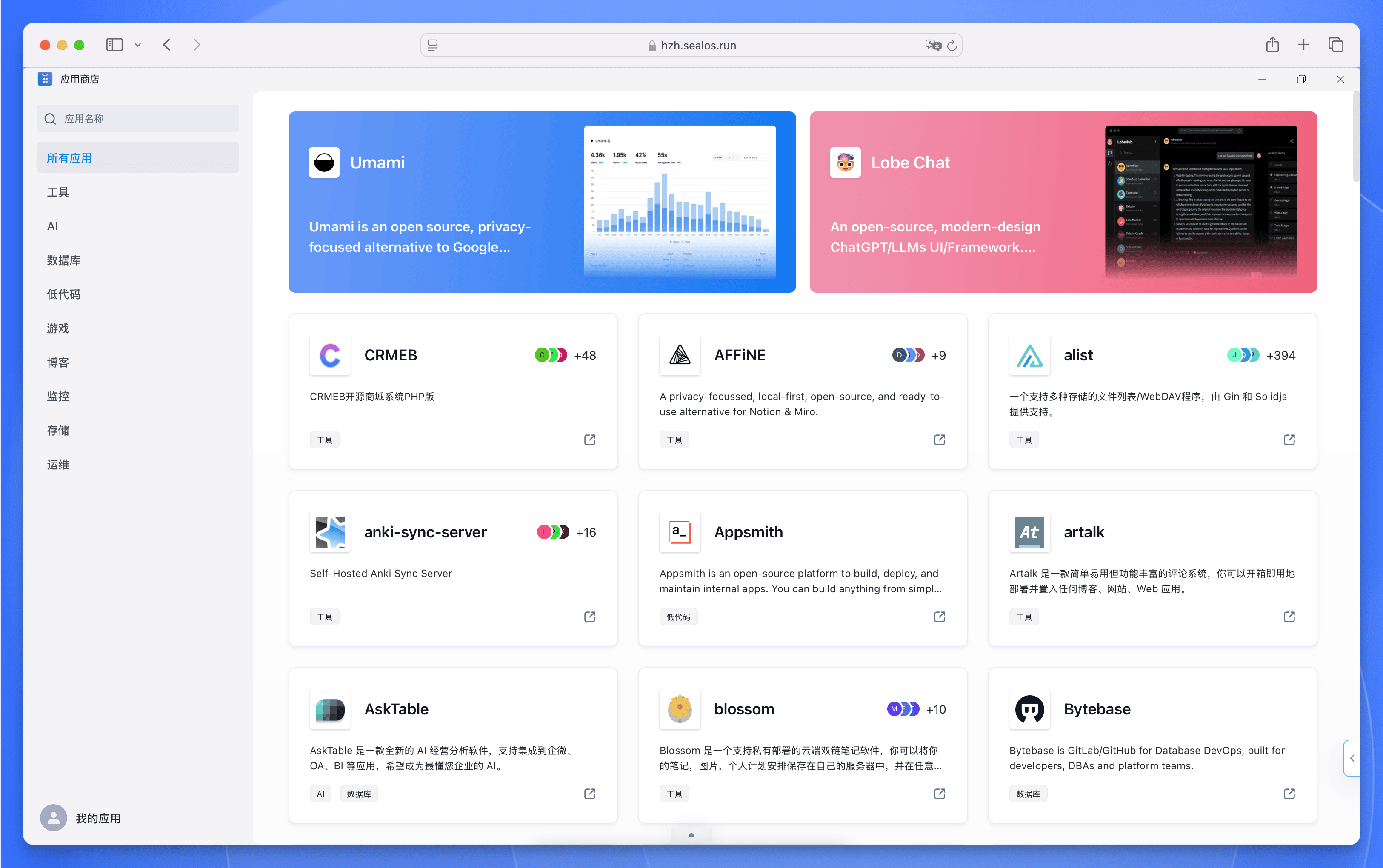
The App Store provides a collection of ready-to-use application templates that enable rapid deployment of websites and applications. These templates span blogs, AI applications, low-code platforms, cloud storage, instant messaging tools, middleware, and more—designed to streamline development by eliminating the need to build projects from scratch or manually manage application dependencies.
Submitting an App
All applications in the Sealos App Store are synchronized in real-time from the following GitHub repository:
To submit an application to the Sealos App Store, simply open a Pull Request (PR) in the Sealas Application Repository.
For new application submissions, refer to the template.yaml file as a starting point. The system includes numerous built-in environment variables and functions available for use in templates. These features enable you to write templates using GitHub Actions-style syntax—for example, setting template parameters with environment variables like ${{SEALOS_NAMESPACE}}. For detailed information about built-in environment variables, consult the Template Documentation.
If you're unfamiliar with writing YAML application templates, you can also submit an Issue in the Issues section describing the application you'd like to add. Our maintenance team will help you prepare and submit the application template. When creating an Issue, please include as much detail as possible:
- Application name and brief description
- Official website or GitHub repository URL
- Deployment requirements (e.g., required environment variables, storage needs, etc.)
- Any other relevant information
This helps us better understand your requirements and accelerates the template creation process.
Explore with AI
Get AI insights on this article
Share this article
Last updated on