Deploy and Host Typebot on Sealos
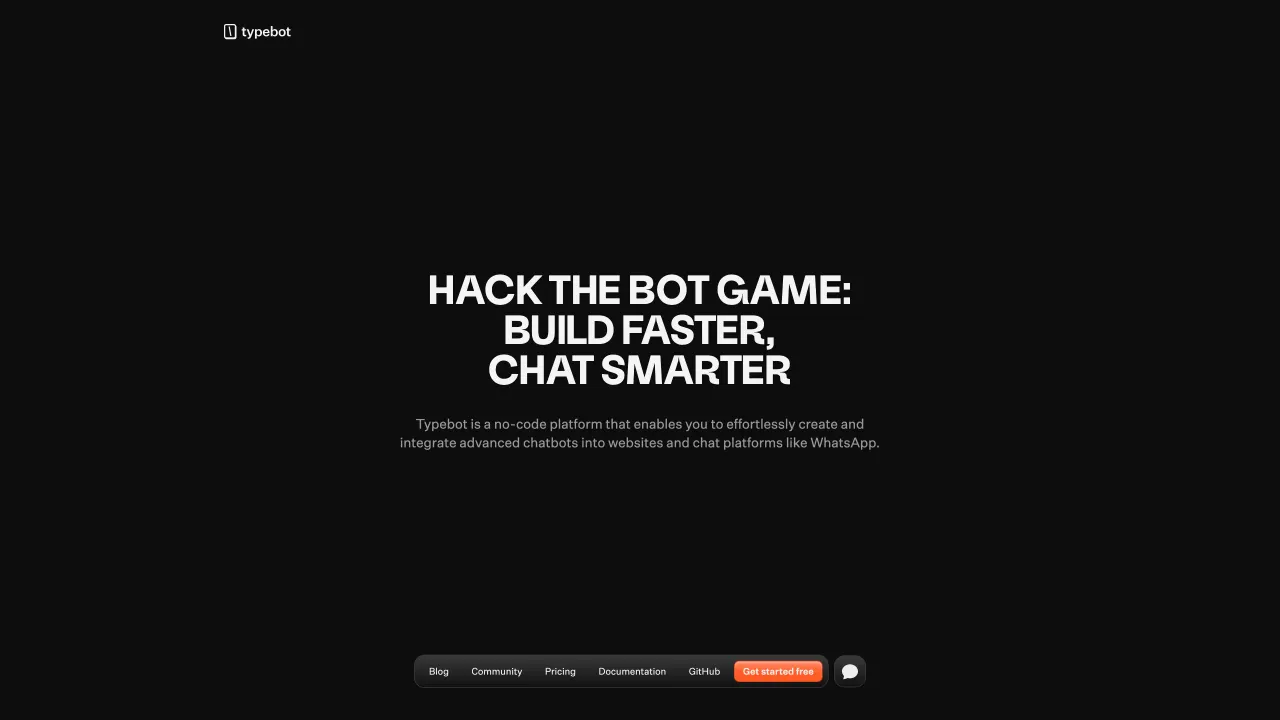
Typebot is an open-source conversational form builder for creating chat-style forms, lead capture flows, surveys, and embedded assistants. This template deploys Typebot Builder and Typebot Viewer with KubeBlocks PostgreSQL, KubeBlocks Redis, optional Sealos Object Storage, and a built-in Mailpit inbox on Sealos Cloud.
About Hosting Typebot
Typebot separates the authoring experience from the public bot runtime. The Builder service hosts the dashboard where users sign in, create workspaces, design typebots, and review results. The Viewer service hosts published typebots on a separate public URL.
This template provisions PostgreSQL 16.4.0 for Typebot data, Redis 7.2.7 for rate limiting and upload-related runtime features, optional S3-compatible object storage for uploaded files, and a built-in Mailpit inbox for the default email login flow. The same generated encryption secret is shared by Builder and Viewer so sessions and encrypted credentials remain readable across both services.
Common Use Cases
- Lead capture forms: Build conversational landing-page forms and qualification flows.
- Customer support intake: Collect context before routing a user to support.
- Surveys and feedback: Publish chat-style surveys with analytics.
- Embeddable assistants: Add Typebot widgets to websites and apps.
Dependencies for Typebot Hosting
The Sealos template includes Typebot Builder, Typebot Viewer, KubeBlocks PostgreSQL 16.4.0, KubeBlocks Redis 7.2.7, optional Sealos Object Storage, a Mailpit email inbox for the default login path, HTTPS ingress for each public service, and App launcher entries for Builder and Mailpit when built-in email is selected.
Deployment Dependencies
Implementation Details
Architecture Components:
- Typebot Builder: Dashboard and editor service at the main app URL.
- Typebot Viewer: Public bot runtime at the viewer URL.
- PostgreSQL: KubeBlocks PostgreSQL 16.4.0 with a
typebot database.
- Redis: KubeBlocks Redis 7.2.7 for rate limiting and runtime cache features.
- Object Storage: Optional Sealos S3-compatible bucket for file uploads.
- Mailpit: Built-in SMTP catcher and inbox used by the default email authentication path.
Configuration:
NEXTAUTH_URL points to the Builder URL.NEXT_PUBLIC_VIEWER_URL points to the Viewer URL.ADMIN_EMAIL grants the matching signed-up user an UNLIMITED workspace plan.- Built-in email authentication sends login links to the template-managed Mailpit inbox.
- External SMTP, GitHub, Google, or custom OpenID Connect authentication can be selected during deployment.
- S3 variables are injected only when object storage is enabled.
License Information:
Typebot is open source. Review the upstream repository for the current license and edition details.
Why Deploy Typebot on Sealos?
Sealos is an AI-assisted Cloud Operating System built on Kubernetes that unifies the entire application lifecycle, from development in cloud IDEs to production deployment and management. It is perfect for building and scaling modern AI applications, SaaS platforms, and complex microservice architectures. By deploying Typebot on Sealos, you get:
- One-Click Deployment: Deploy Builder, Viewer, PostgreSQL, Redis, storage, HTTPS ingress, and App launcher together.
- Managed Dependencies: KubeBlocks provisions the database and Redis resources for you.
- Easy Customization: Configure email auth, OAuth, storage, resources, and environment variables from Canvas.
- Persistent Data: Typebot data, sessions, and uploads survive restarts.
- Instant Public Access: Builder and Viewer both receive HTTPS URLs.
Deploy Typebot on Sealos and focus on building conversational workflows.
Deployment Guide
- Open the Typebot template and click Deploy Now.
- Enter the admin email address. Enable object storage for file uploads if your typebots need file, image, video, or export storage.
- Select the login provider:
- Built-in Email: use the included Mailpit inbox to receive the first login link.
- Email: configure
smtp_host, smtp_port, smtp_from, and SMTP credentials when your provider requires authentication.
- GitHub:
https://[builder-url]/api/auth/callback/github
- Google:
https://[builder-url]/api/auth/callback/google
- Custom OAuth: configure
custom_oauth_issuer; use https://[builder-url]/api/auth/callback/custom-oauth as the callback URL.
- Wait for deployment to complete. After deployment, you will be redirected to the Canvas. For later changes, describe your requirements in the dialog to let AI apply updates, or click the relevant resource cards to modify settings.
- Open the Typebot App URL from Canvas. This is the Builder.
- Sign up or sign in with the configured auth flow. With Built-in Email, open the Typebot Mailpit App URL from Canvas, copy the login link from the latest message, and complete the login in Builder. The user whose email matches
admin_email receives the UNLIMITED workspace plan.
- Publish a typebot and use the Viewer URL for public bot access.
Configuration
After deployment, you can configure Typebot through:
- AI Dialog: Describe email auth, OAuth, resource, or storage changes and let AI apply updates.
- Resource Cards: Click Builder, Viewer, Mailpit, PostgreSQL, Redis, Object Storage, Service, or Ingress cards to modify settings.
- Builder Dashboard: Create workspaces, typebots, integrations, themes, and result exports.
- Viewer URL: Share published typebots from the public runtime domain.
Scaling
Builder and Viewer are separate Deployments. Increase Viewer resources or replicas when public bot traffic grows. Keep Builder and Viewer on the same ENCRYPTION_SECRET, DATABASE_URL, and NEXTAUTH_URL/NEXT_PUBLIC_VIEWER_URL pair.
Troubleshooting
Login Page Shows an Error
- Cause: Auth provider settings, SMTP settings, callback URL, or
NEXTAUTH_URL mismatch.
- Solution: Built-in Email uses the Mailpit App URL from Canvas. For external SMTP login, confirm
SMTP_HOST, SMTP_PORT, NEXT_PUBLIC_SMTP_FROM, and credentials when required by your provider. For OAuth login, update the provider callback URL to the deployed Builder URL and confirm NEXTAUTH_URL matches it.
Admin User Has the Free Plan
- Cause: The signed-up email does not match
ADMIN_EMAIL.
- Solution: Sign up with the configured admin email or update
ADMIN_EMAIL and create a matching user.
File Uploads Fail
- Cause: S3 variables or bucket policy are missing.
- Solution: Enable object storage and confirm
S3_ACCESS_KEY, S3_SECRET_KEY, S3_BUCKET, S3_ENDPOINT, and S3_PUBLIC_CUSTOM_DOMAIN are populated.
Additional Resources
License
Typebot is open source. Review the upstream repository for the current license and usage terms.