Deploy and Host PostHog on Sealos
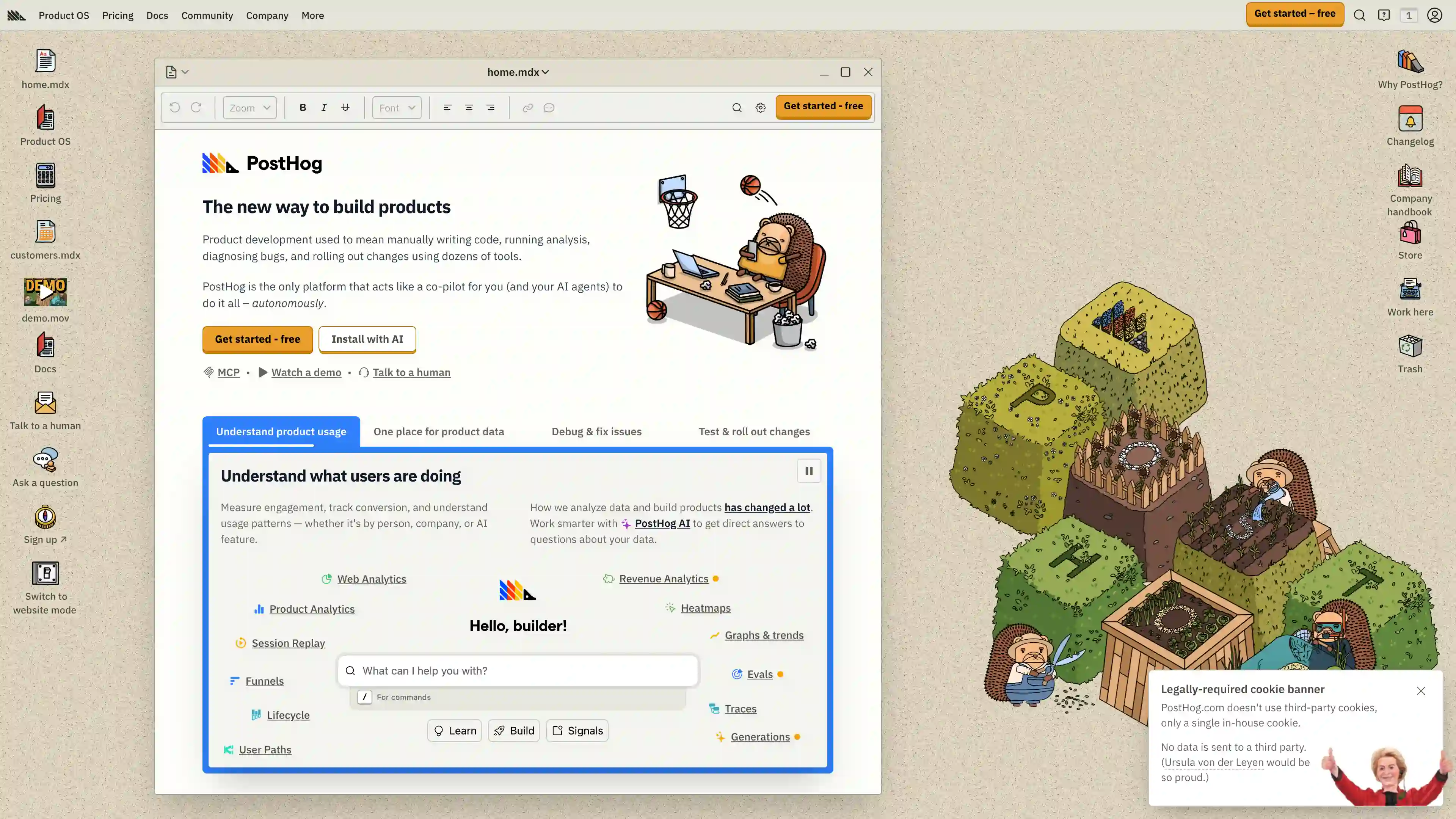
PostHog is an open-source product analytics platform for event tracking, session replay, feature flags, and experimentation. This template deploys a self-hosted PostHog stack with PostgreSQL, Redis, Kafka-compatible queueing, ClickHouse, object storage, and background workers on Sealos Cloud.
About Hosting PostHog
PostHog runs as a multi-service analytics system: the main Django web service handles UI and API traffic, while worker services process async jobs, ingestion, plugin execution, and feature flag evaluation. Analytics and ingestion rely on queueing and stream processing, then store high-volume event data in ClickHouse and relational metadata in PostgreSQL.
This Sealos template provisions the core runtime and stateful dependencies in one deployment, including PostgreSQL and Redis (via KubeBlocks), a Kafka-compatible broker, Zookeeper, ClickHouse, and S3-compatible object storage integration. It also creates TLS ingress and a public URL automatically.
Common Use Cases
- Product Analytics for SaaS: Track user events, funnels, retention, and feature adoption in a single platform.
- Session Replay and Debugging: Investigate behavior and frontend issues with replay data tied to event context.
- Feature Flag Rollouts: Ship gradual releases and A/B style rollouts with server-side and client-side flags.
- Conversion and Experimentation: Run experiments and evaluate impact on key product and growth metrics.
- Internal Event Platform: Centralize event ingestion, storage, and analysis for multiple internal applications.
Dependencies for PostHog Hosting
The Sealos template includes all required dependencies: PostHog runtime services, PostgreSQL, Redis, Kafka-compatible messaging, ClickHouse, Zookeeper, object storage bucket integration, and HTTPS ingress.
Deployment Dependencies
Implementation Details
Architecture Components:
This template deploys the following services and resources:
- PostHog Web (Deployment): Main application service on port
8000, including startup migrations.
- PostHog Worker (Deployment): Runs Celery worker + scheduler for background tasks.
- PostHog Plugins (Deployment): Runs the plugin server with a heartbeat sidecar and MMDB init container.
- Capture Services (Deployments): Dedicated
capture and replay-capture ingestion workers.
- Feature Flags Service (Deployment): Dedicated low-latency feature flag evaluation service.
- PostgreSQL (KubeBlocks Cluster): Primary relational database with a startup init job that ensures
posthog database creation.
- Redis (KubeBlocks Cluster): Cache and queue support with Redis + Sentinel topology.
- Kafka-Compatible Queue (StatefulSet): Message broker used for ingestion and plugin/event pipelines.
- ClickHouse + Zookeeper: Analytics storage engine and coordination dependency for high-volume event data.
- Object Storage Bucket: S3-compatible storage integration for session recording and related blobs.
- Ingress + App Resource: Public HTTPS endpoint and Sealos app card URL publishing.
Configuration:
- Database and cache credentials are injected from managed Kubernetes secrets.
- Internal services communicate over cluster DNS service names and fixed internal ports.
- Default deployment is single-replica per service for cost-efficient startup and can be scaled in Canvas.
License Information:
PostHog is open source; see the upstream LICENSE for current licensing terms.
Why Deploy PostHog on Sealos?
Sealos is an AI-assisted Cloud Operating System built on Kubernetes that simplifies both deployment and day-2 operations. By deploying PostHog on Sealos, you get:
- One-Click Deployment: Launch a multi-component analytics stack without manual Kubernetes orchestration.
- Managed Runtime Foundations: Use Kubernetes reliability with easier operational workflows.
- Easy Customization: Adjust environment variables and compute/storage settings via Canvas dialogs and resource cards.
- Instant HTTPS Access: Get a public URL with TLS for the PostHog web interface.
- Persistent Data Services: Keep analytics data durable with managed stateful components and persistent volumes.
- Pay-as-You-Go Efficiency: Start small and scale resource usage with traffic.
- AI-Assisted Operations: Use the Sealos AI dialog for post-deployment updates and tuning.
Deploy PostHog on Sealos to focus on analytics outcomes instead of infrastructure plumbing.
Deployment Guide
- Open the PostHog template page and click Deploy Now.
- Configure deployment parameters in the popup dialog (for example
app_name and app_host).
- Wait for deployment to complete (typically 2-3 minutes). After deployment, you will be redirected to Canvas. For later changes, describe your requirements in the dialog to let AI apply updates, or click relevant resource cards to modify settings.
- Access your application via the generated public URL:
- PostHog Web UI:
https://<your-domain>
- First Login: Complete the initial onboarding in the UI to create the first admin account.
Configuration
After deployment, you can configure PostHog through:
- AI Dialog: Describe desired changes (resources, env vars, scaling) and let AI apply updates.
- Resource Cards: Tune Deployments/StatefulSets, storage, and networking settings in Canvas.
- PostHog Admin UI: Configure projects, ingestion keys, feature flags, and data retention policies.
Typical post-deployment tasks:
- Create your first organization and admin user in the onboarding flow.
- Add your product SDK keys and start sending events.
- Review retention and storage settings based on expected event volume.
- Configure domains/security settings for production usage.
Scaling
To scale this deployment:
- Open the deployment in Canvas.
- Select the target workload (for example
web, worker, plugins, or capture services).
- Increase CPU/memory and replica count according to ingestion and query load.
- Apply changes and monitor pod readiness and queue backlog.
For most workloads, scale ingestion and worker components first, then scale web and ClickHouse capacity as traffic grows.
Troubleshooting
Common Issues
Issue: Web is up but background processing is delayed
- Cause: Worker or queue components are still initializing.
- Solution: Check
worker, plugins, and queue service pod logs and wait for all dependencies to become ready.
Issue: Plugin server validation fails in PostHog UI
- Cause: Plugin service cannot reach Redis or Kafka-compatible broker.
- Solution: Verify plugin pod environment and connectivity to Redis/queue services, then restart the plugins deployment.
Issue: Database connection errors during startup
- Cause: PostgreSQL cluster or init job has not completed.
- Solution: Ensure PostgreSQL is
Running and the init job completed successfully before restarting app pods.
Issue: Public URL is temporarily unavailable
- Cause: Ingress propagation or TLS issuance is still in progress.
- Solution: Wait briefly, then re-check ingress and certificate status in Canvas.
Getting Help
Additional Resources
License
This Sealos template follows the repository licensing terms. PostHog itself follows upstream licensing terms documented in the official PostHog repository.