Deploy and Host Budibase on Sealos
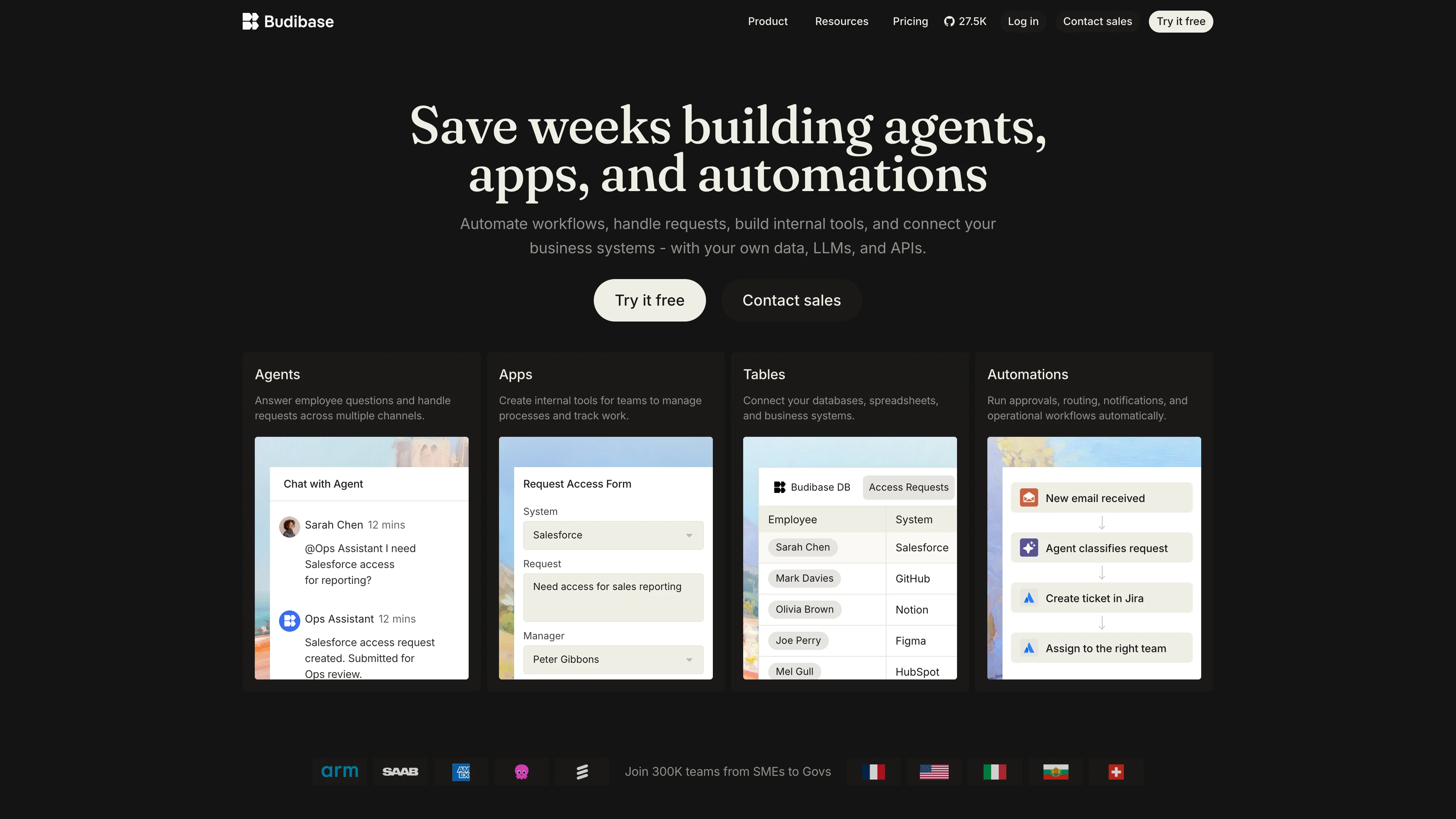
Budibase is an open-source low-code platform for building internal tools, forms, portals, and workflow applications. This template deploys Budibase 3.41.1 with its application server, worker, proxy, CouchDB-compatible database, Redis, and private S3-compatible storage on Sealos Cloud.
About Hosting Budibase
Budibase provides a visual builder, data connections, automation tools, user management, and APIs in one workspace. The public proxy routes browser and API traffic to the application and worker services, while Redis coordinates runtime jobs and the Budibase database stores workspace metadata.
Budibase requires object storage for application assets, attachments, plugins, templates, temporary files, and backups. This template provisions a private Sealos Object Storage bucket and configures Budibase to access it through the S3-compatible API. Downloads use signed URLs, and the bucket remains private.
CouchDB data is persisted at /data on a dedicated volume. Redis and Redis Sentinel each use persistent KubeBlocks storage. Sealos also provisions the HTTPS ingress, public domain, service discovery, and generated runtime credentials.
Common Use Cases
- Internal Operations Tools: Build admin panels, approval tools, and operational dashboards.
- Forms and Portals: Create data-entry workflows, customer portals, and employee self-service applications.
- Database Frontends: Connect business databases and APIs to a controlled visual interface.
- Workflow Automation: Trigger actions, notifications, and integrations from application events.
- Rapid Prototyping: Validate business workflows with a working application before a larger implementation.
Dependencies for Budibase Hosting
The template includes all runtime dependencies required by Budibase:
- Budibase Apps, Worker, and Proxy 3.41.1
- Budibase Database 2.1.0 with persistent storage
- Redis 7.2.7 and Redis Sentinel managed by KubeBlocks
- Private Sealos S3-compatible Object Storage
- Kubernetes Services, Ingress, and automatic TLS
Deployment Dependencies
Implementation Details
Architecture Components
This template deploys the following components:
- Proxy: Public entry point on port
10000; routes builder and API traffic across the Budibase services and carries the official external object-storage upstream configuration.
- Apps: Serves the Budibase builder, workspace APIs, authentication, and application runtime on port
4002.
- Worker: Processes background work and runtime jobs on port
4003.
- Budibase Database: Runs the official
budibase/database:2.1.0 image and persists all database state under /data.
- Redis: Provides caching, queues, and coordination through a KubeBlocks-managed Redis service.
- Redis Sentinel: Monitors the Redis service and provides the topology expected by the managed database cluster.
- Object Storage: Stores every Budibase object-storage class in one private Sealos bucket.
The Apps and Worker services wait for both Redis and the Budibase database before starting. Runtime credentials and service endpoints are injected through Sealos-managed values, KubeBlocks account secrets, and Object Storage secrets.
Tested Resource Floor
| Component | Replicas | CPU limit | Memory limit | Persistent storage |
|---|
| Apps | 1 | 200m | 1Gi | - |
| Worker | 1 | 100m | 256Mi | - |
| Proxy | 1 | 100m | 128Mi | - |
| Budibase Database | 1 | 200m | 1Gi | 1Gi |
| Redis | 1 | 500m | 512Mi | 1Gi |
| Redis Sentinel | 1 | 500m | 512Mi | 1Gi |
These values passed cold-start, authenticated builder, object upload and download, and persistence checks for a fresh deployment. Production workloads may require higher limits as application count, users, automations, and attachment traffic grow.
Configuration
Configure these values in the deployment dialog:
| Input | Purpose | Required | Default |
|---|
admin_email | Initial administrator email and login name | Yes | User supplied |
admin_password | Initial administrator password, at least 8 characters | Yes | User supplied |
enable_analytics | Enables Budibase analytics | No | false |
smtp_enabled | Enables outbound email | No | false |
smtp_host | SMTP server hostname | When SMTP is enabled | Empty |
smtp_port | SMTP server port | When SMTP is enabled | 587 |
smtp_user | SMTP username and sender address | When SMTP is enabled | Empty |
smtp_password | SMTP password | When SMTP is enabled | Empty |
Sealos generates the internal API key, JWT secret, API encryption key, CouchDB credentials, and database cookies for every deployment.
Why Deploy Budibase on Sealos?
- One-Click Deployment: The template creates the complete multi-service topology from one deployment dialog.
- Managed Dependencies: KubeBlocks Redis, persistent volumes, private S3-compatible storage, networking, and TLS are provisioned together.
- Kubernetes Foundation: Each component has explicit health checks, service discovery, and independently adjustable resources.
- Canvas Operations: Use the AI dialog or resource cards after deployment to inspect and update the application.
- Pay-as-You-Go Resources: Start with the tested resource floor and increase capacity as usage grows.
- Private Application Storage: Budibase assets and attachments remain in a private bucket and are served through signed access.
Deployment Guide
- Open the Budibase template and click Deploy Now.
- Enter the initial administrator email and a password with at least 8 characters. Configure analytics or SMTP when needed.
- Wait for deployment to complete, typically 2-3 minutes. Sealos then opens the Canvas for the new application.
- Open the public URL shown on the Budibase application card. The root URL routes to the Budibase builder.
Sign In and Start Building
The deployment bootstraps the initial administrator from the admin_email and admin_password values.
- Open the generated public URL. The browser routes to
/builder.
- Enter the administrator email and password configured during deployment.
- Select Create, choose App, and enter an application name and URL path.
- Use Add component in the builder to create the first screen.
Additional creators and application users can be added from Invite users after the administrator signs in.
Post-Deployment Operations
- AI Dialog: Describe a resource or configuration change in the Canvas dialog.
- Resource Cards: Open Apps, Worker, Proxy, Database, Redis, or Object Storage cards to inspect their settings.
- SMTP: Enable SMTP during deployment to support email invitations and notifications.
- Application Backups: Use Budibase backup features; backup objects are stored in the private Sealos bucket.
- Monitoring: Review component logs, restarts, and resource consumption from the Canvas.
Scaling
The template starts each Budibase service with one replica, matching its established topology. Increase Apps, Worker, and Proxy capacity after measuring real traffic, and keep database and queue consistency in view when changing stateful replicas.
For resource changes:
- Open the deployment Canvas.
- Select the relevant resource card.
- Adjust CPU, memory, storage, or replica count.
- Apply the change and confirm that all health checks return to Ready.
Troubleshooting
The builder is still starting
Apps and Worker wait for Redis and the Budibase database. Review those resource cards first and allow the stateful services to become Ready.
Administrator login fails
Use the exact admin_email and admin_password values entered during deployment. The login page is available under /builder/auth/login.
Email invitations are unavailable
Redeploy or update the application with smtp_enabled set to true, then provide the SMTP host, port, username, and password.
Attachment uploads fail
Confirm that the Object Storage bucket and its generated access secrets are Ready. Budibase uses this bucket for attachments and all other object-storage classes.
Getting Help
License
Budibase is generally licensed under GPLv3. Client and component libraries use MPL 2.0, and paid features use the Business Source License according to the Budibase licensing guidelines.