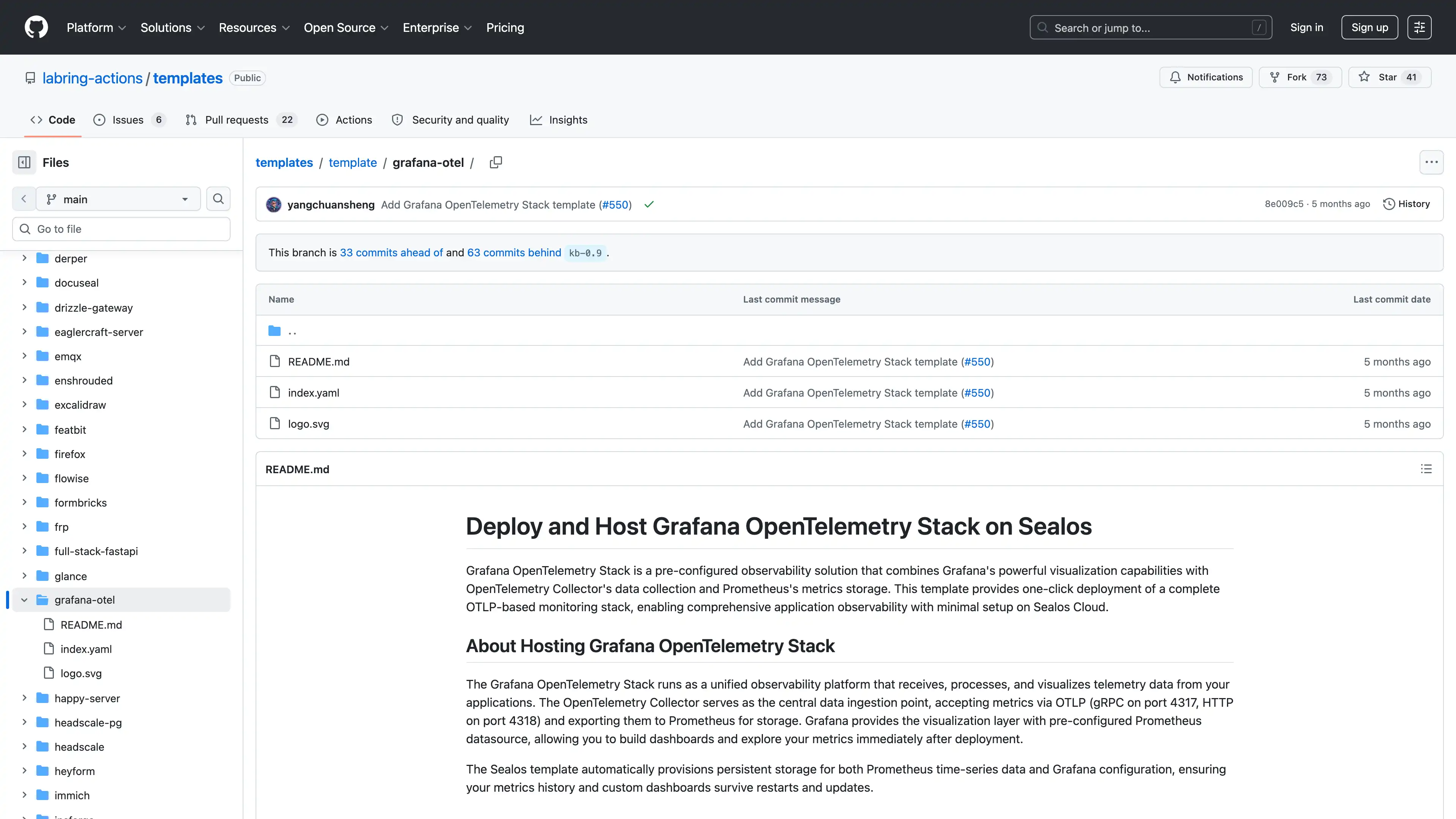
Deploy and Host Grafana OpenTelemetry Stack on Sealos
Grafana OpenTelemetry Stack is a pre-configured observability solution that combines Grafana's powerful visualization capabilities with OpenTelemetry Collector's data collection and Prometheus's metrics storage. This template provides one-click deployment of a complete OTLP-based monitoring stack, enabling comprehensive application observability with minimal setup on Sealos Cloud.
About Hosting Grafana OpenTelemetry Stack
The Grafana OpenTelemetry Stack runs as a unified observability platform that receives, processes, and visualizes telemetry data from your applications. The OpenTelemetry Collector serves as the central data ingestion point, accepting metrics via OTLP (gRPC on port 4317, HTTP on port 4318) and exporting them to Prometheus for storage. Grafana provides the visualization layer with pre-configured Prometheus datasource, allowing you to build dashboards and explore your metrics immediately after deployment.
The Sealos template automatically provisions persistent storage for both Prometheus time-series data and Grafana configuration, ensuring your metrics history and custom dashboards survive restarts and updates.
Common Use Cases
- Application Performance Monitoring: Collect and visualize application metrics from services instrumented with OpenTelemetry SDKs
- Microservices Observability: Monitor distributed systems with centralized metrics collection and correlation
- Infrastructure Monitoring: Track system-level metrics from containerized workloads
- Custom Metrics Dashboards: Build tailored visualizations for business-specific KPIs and operational metrics
- Development and Testing: Quickly spin up observability infrastructure for development environments
Dependencies for Grafana OpenTelemetry Stack Hosting
The Sealos template includes all required components: OpenTelemetry Collector, Prometheus, and Grafana with pre-configured datasources.
Deployment Dependencies
Implementation Details
Architecture Components
This template deploys three interconnected services:
-
OpenTelemetry Collector: Central telemetry data receiver and processor
- OTLP gRPC endpoint: Port 4317
- OTLP HTTP endpoint: Port 4318
- Prometheus metrics export: Port 8889
- zPages debugging: Port 55679
-
Prometheus: Time-series database for metrics storage
- HTTP API: Port 9090
- 365-day data retention
- Persistent storage: 100Mi
-
Grafana: Visualization and dashboarding platform
- Web UI: Port 3000 (exposed via Ingress with SSL)
- Pre-configured Prometheus datasource
- Persistent storage: 100Mi
Resource Allocation:
| Component | CPU Request | CPU Limit | Memory Request | Memory Limit |
|---|
| OTel Collector | 200m | 1000m | 400Mi | 2Gi |
| Prometheus | 20m | 200m | 25Mi | 256Mi |
| Grafana | 20m | 200m | 25Mi | 256Mi |
Configuring Your Applications
To send telemetry data to this stack, configure your applications with these environment variables:
# For OTLP HTTP protocol
OTEL_EXPORTER_OTLP_ENDPOINT="http://<app-name>.<namespace>.svc.cluster.local:4318"
OTEL_EXPORTER_OTLP_PROTOCOL="http/protobuf"
OTEL_TRACES_EXPORTER="otlp"
OTEL_METRICS_EXPORTER="otlp"
OTEL_SERVICE_NAME="your-service-name"
# For OTLP gRPC protocol
OTEL_EXPORTER_OTLP_ENDPOINT="http://<app-name>.<namespace>.svc.cluster.local:4317"
OTEL_EXPORTER_OTLP_PROTOCOL="grpc"
Replace <app-name> with your deployment's app name and <namespace> with your Sealos namespace.
Example: Java Application with OpenTelemetry Agent
FROM openjdk:17-jdk-slim
ARG OTEL_VERSION=v1.32.0

WORKDIR /app
COPY target/*.jar app.jar

RUN apt-get update && \
    apt-get install -y curl && \
    curl -L https://github.com/open-telemetry/opentelemetry-java-instrumentation/releases/download/${OTEL_VERSION}/opentelemetry-javaagent.jar \
    -o opentelemetry-javaagent.jar && \
    apt-get purge -y --auto-remove curl && \
    rm -rf /var/lib/apt/lists/*

CMD ["java", "-javaagent:opentelemetry-javaagent.jar", "-jar", "app.jar"]
Why Deploy Grafana OpenTelemetry Stack on Sealos?
Sealos is an AI-assisted Cloud Operating System built on Kubernetes that unifies the entire application lifecycle, from development in cloud IDEs to production deployment and management. By deploying Grafana OpenTelemetry Stack on Sealos, you get:
- One-Click Deployment: Deploy a complete observability stack with Grafana, Prometheus, and OpenTelemetry Collector in seconds. No complex configuration or Kubernetes expertise required.
- Pre-Configured Integration: All components are pre-wired together. Prometheus automatically scrapes metrics from the collector, and Grafana comes with the Prometheus datasource ready to use.
- Persistent Storage: Built-in persistent storage ensures your metrics history and Grafana dashboards survive restarts and updates.
- Secure Public Access: Grafana gets automatic public URL with SSL certificate, allowing secure access from anywhere.
- Easy Scaling: Adjust resources through intuitive forms as your monitoring needs grow.
- Internal Service Discovery: Your applications can easily send telemetry to the collector using Kubernetes internal DNS.
Deploy Grafana OpenTelemetry Stack on Sealos and focus on building great applications instead of managing monitoring infrastructure.
Deployment Guide
- Visit Grafana OpenTelemetry Template Page
- Click the "Deploy Now" button
- Wait for deployment to complete (typically 1-2 minutes)
- Access Grafana via the provided URL (shown in the canvas)
- Default Grafana credentials: admin / admin (you'll be prompted to change on first login)
Configuration
After deployment, you can customize your stack tin the canvas:
- Resource Scaling: Adjust CPU and Memory for each component based on your telemetry volume
- Storage Expansion: Increase Prometheus storage for longer retention periods
- Grafana Dashboards: Import community dashboards or create custom ones for your specific needs
Service Endpoints
| Service | Internal Endpoint | Purpose |
|---|
| OTel Collector | <app-name>.<namespace>.svc.cluster.local:4317 | OTLP gRPC ingestion |
| OTel Collector | <app-name>.<namespace>.svc.cluster.local:4318 | OTLP HTTP ingestion |
| Prometheus | <app-name>-prometheus.<namespace>.svc.cluster.local:9090 | Metrics query API |
| Grafana | https://<app-host>.<domain> | Web UI (public) |
Troubleshooting
Common Issues
Issue 1: Metrics Not Appearing in Grafana
- Cause: Application not sending data to the correct endpoint
- Solution: Verify your application's OTEL_EXPORTER_OTLP_ENDPOINT points to the collector service. Check that your application is properly instrumented with OpenTelemetry SDK.
Issue 2: Prometheus Storage Full
- Cause: High cardinality metrics or extended retention period
- Solution: Increase storage allocation in the canvas, or adjust the retention period in Prometheus configuration.
Issue 3: Cannot Access Grafana
- Cause: Ingress or certificate issues
- Solution: Verify the Ingress resource is created and the SSL certificate is provisioned. Check App Launchpad for the correct public URL.
Getting Help
Additional Resources
License
This Sealos template is provided under MIT License. The included components (OpenTelemetry Collector, Prometheus, Grafana) are provided under their respective licenses - Apache 2.0 for OpenTelemetry and Prometheus, AGPL-3.0 for Grafana.