Deploy and Host ZITADEL on Sealos
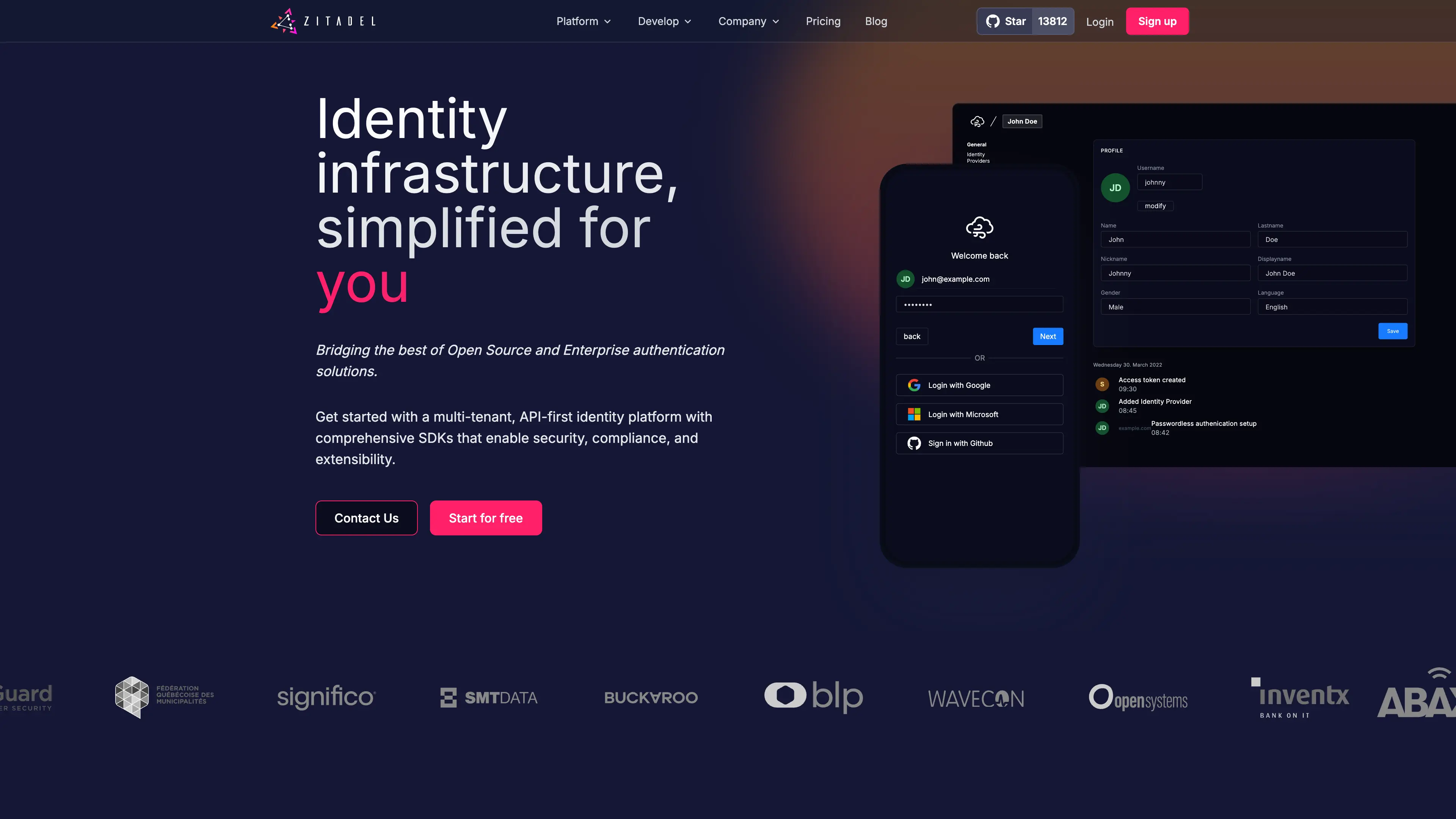
ZITADEL is an open-source identity and access management (IAM) platform for authentication and authorization. This template deploys ZITADEL with a managed PostgreSQL backend on Sealos Cloud.
About Hosting ZITADEL
ZITADEL provides centralized identity services including SSO, OAuth 2.0, OIDC, SAML, user and organization management, and policy-based access controls. It is commonly used as an identity layer for SaaS platforms, internal tools, and API ecosystems.
This Sealos template deploys ZITADEL as a production-oriented stack with HTTPS ingress and persistent PostgreSQL storage (via KubeBlocks). The application is exposed through a public TLS endpoint, and database credentials are injected from managed Kubernetes secrets.
For first-time bootstrapping, the template provisions the initial human user from deployment inputs. Based on ZITADEL's first-instance model in the official Kubernetes documentation, the login identifier format should be <username>@zitadel.<domain>.
Common Use Cases
- Workforce SSO: Centralize login for internal dashboards, admin systems, and enterprise tools.
- Customer Identity (CIAM): Manage end-user sign-up, sign-in, and account lifecycle for SaaS applications.
- API and Service Authentication: Issue and validate tokens for backend services and machine-to-machine workflows.
- B2B Multi-Organization Access: Isolate users, roles, and permissions across organizations/tenants.
- Policy-Driven Access Control: Enforce secure access patterns with configurable identity policies.
Dependencies for ZITADEL Hosting
The Sealos template includes all required runtime dependencies: ZITADEL application service, managed PostgreSQL cluster, ingress, service exposure, and persistent storage.
Deployment Dependencies
Implementation Details
Architecture Components
This template deploys the following resources:
- ZITADEL (StatefulSet): Runs
ghcr.io/zitadel/zitadel:v4.10.1 and starts with start-from-init.
- PostgreSQL Cluster (KubeBlocks): Provisions PostgreSQL
16.4.0 with persistent storage and managed credentials.
- Service + Ingress: Exposes ZITADEL over HTTPS with NGINX ingress annotations and TLS integration.
- App Resource: Publishes the external access URL to Sealos app cards.
Runtime Configuration
Primary deployment parameters:
admin_username: Initial first-instance human username.admin_password: Initial first-instance human password.
Database connection fields (host, port, username, password) are injected from the KubeBlocks-generated secret ${{ defaults.app_name }}-pg-conn-credential.
Default Resources and Storage
| Component | CPU Request | CPU Limit | Memory Request | Memory Limit | Storage |
|---|
| ZITADEL | 20m | 200m | 25Mi | 256Mi | Managed by runtime + DB persistence |
| PostgreSQL | 50m | 500m | 51Mi | 512Mi | data 1Gi |
License Information
ZITADEL is licensed under GNU AGPL v3.
Why Deploy ZITADEL on Sealos?
Sealos is an AI-assisted Cloud Operating System built on Kubernetes that simplifies deployment and operations. By deploying ZITADEL on Sealos, you get:
- One-Click Deployment: Launch IAM infrastructure without manual Kubernetes YAML management.
- Managed Database Provisioning: PostgreSQL is provisioned and wired automatically.
- Easy Customization: Tune environment variables and compute/storage resources from Canvas.
- Secure Public Access: HTTPS ingress with TLS support out of the box.
- Persistent Storage Included: Durable storage for database state.
- AI-Assisted Operations: Update configuration using AI dialog or resource cards.
- Pay-as-You-Go Efficiency: Scale resources based on actual workload demand.
Deploy ZITADEL on Sealos and focus on identity design instead of infrastructure plumbing.
Deployment Guide
- Open the ZITADEL template and click Deploy Now.
- Configure deployment parameters:
- App Host and App Name
- Admin Username and Admin Password
- Keep Master Key as generated unless you need a custom value
- Wait for deployment to complete (typically 2-3 minutes). After deployment, you will be redirected to Canvas. For later changes, describe your requirements in the dialog to let AI apply updates, or click relevant resource cards to modify settings.
- Access ZITADEL console and sign in:
- Console URL:
https://<domain>/ui/console
- Login Name:
<username>@zitadel.<domain>
- Password: your configured
admin_password
Where <domain> is your deployed public domain (normally ${app_host}.${SEALOS_CLOUD_DOMAIN}).
Example:
- Domain:
zitadel-ab12cd34.usw-1.sealos.app
- Username:
zitadel-admin
- Login Name:
[email protected]
Configuration
After deployment, you can configure ZITADEL through:
- AI Dialog: Describe desired changes and let AI apply updates.
- Resource Cards: Adjust StatefulSet resources, environment variables, and ingress settings.
- ZITADEL Console: Manage organizations, users, applications, and identity flows.
Recommended post-deployment actions:
- Verify the first admin can sign in.
- Rotate/bootstrap credentials according to your security policy.
- Configure OIDC/SAML applications and token settings.
- Enable MFA and additional security policies.
Scaling
To scale your deployment:
- Open your deployment Canvas.
- Select the ZITADEL StatefulSet resource card.
- Increase CPU/Memory based on workload.
- Apply changes and verify readiness/liveness probes stay healthy.
For higher availability and performance, also plan PostgreSQL sizing and backup strategy according to traffic and retention requirements.
Troubleshooting
Common Issues
Issue: Pod enters CrashLoopBackOff during initialization
- Cause: Initial admin password does not satisfy password policy requirements.
- Solution: Use a strong password containing uppercase, lowercase, number, and special character.
Issue: Login fails even with correct password
- Cause: Login identifier format is incorrect.
- Solution: Use
Login Name = <username>@zitadel.<domain>.
Issue: Cannot access /ui/console
- Cause: Ingress/TLS provisioning is still in progress.
- Solution: Wait for ingress and certificate readiness, then retry.
Issue: Database connection errors on startup
- Cause: PostgreSQL not yet ready or temporary startup race.
- Solution: Verify PostgreSQL cluster health and retry once dependencies are ready.
Getting Help
Additional Resources
License
This Sealos template follows repository licensing terms. ZITADEL itself is licensed under GNU AGPL v3.