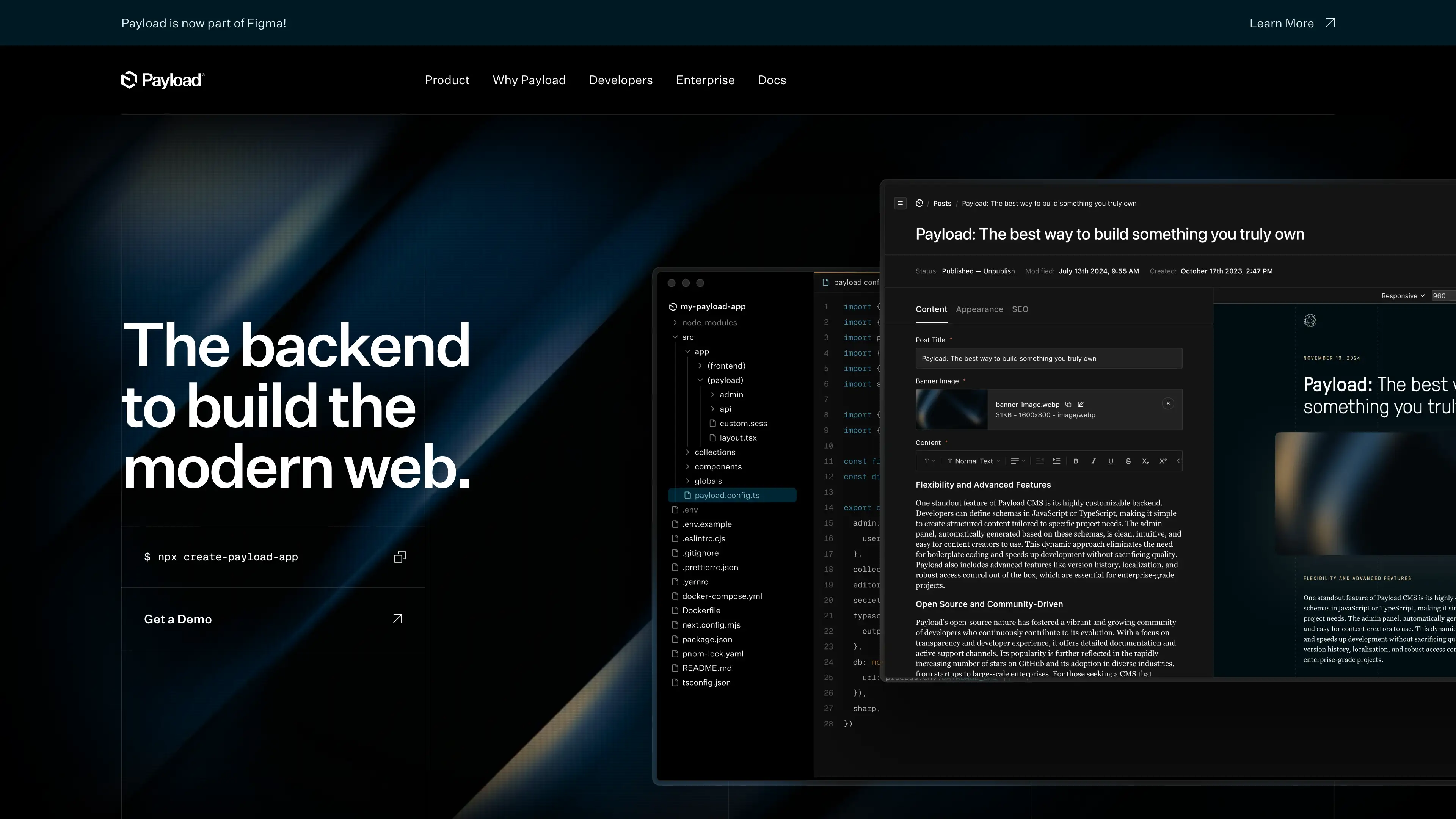
Deploy and Host Payload on Sealos
Payload is a Next.js-native headless CMS with an extensible admin panel, REST and GraphQL APIs, authentication, and media management. This template deploys Payload with PostgreSQL, persistent media storage, and a public HTTPS endpoint on Sealos Cloud.
About Hosting Payload
Payload runs as a Node.js application that combines content modeling, admin workflows, and API delivery in one service. It is a strong fit when you want a CMS that can power websites, apps, internal tools, or custom products without separating the admin backend from the API layer.
The Sealos template provisions a PostgreSQL database cluster for structured content data, a one-time initialization job that creates the payload database, and a persistent volume mounted at /app/src/media for uploaded assets. It also publishes the application through an Ingress with SSL, upload-friendly proxy settings, and the environment variables required for production startup.
Common Use Cases
- Headless CMS for Websites: Manage structured content for Next.js, Nuxt, Astro, or any frontend that consumes APIs.
- API-First Product Backends: Use Payload as the content and auth layer for web or mobile applications.
- Editorial Workflows: Let teams manage drafts, media assets, and published content from a single admin interface.
- Internal Portals: Build internal tools, knowledge bases, or operational dashboards on top of custom collections.
- Media-Rich Content Platforms: Store documents, images, and other uploaded assets alongside content models and APIs.
Dependencies for Payload Hosting
The Sealos template includes all required dependencies: the Payload application, a PostgreSQL 16.4 database cluster, a database initialization job, persistent media storage, and an HTTPS ingress.
Deployment Dependencies
Implementation Details
Architecture Components:
This template deploys the following services:
- Payload Application: A StatefulSet that serves the app on port
3000, including the admin interface and API layer
- PostgreSQL Database: A KubeBlocks-managed PostgreSQL 16.4 cluster with 1Gi of persistent storage
- Database Init Job: A one-time job that waits for PostgreSQL readiness and creates the
payload database automatically
- Media Storage Volume: A 1Gi persistent volume mounted at
/app/src/media for uploaded files
- Ingress and Public App Link: HTTPS exposure through Sealos with SSL certificates and an app card pointing to the public URL
Configuration:
The application starts in NODE_ENV=production and uses DATABASE_URL to connect to PostgreSQL. Payload-specific configuration is passed through PAYLOAD_SECRET and PAYLOAD_CONFIG_PATH=src/payload.config.ts, while media uploads are stored on the attached persistent volume instead of inside the container filesystem.
The template defaults to a single application replica. That is the safest setup for local file uploads because the media directory is backed by a single ReadWriteOnce volume. If you need multiple replicas, move uploads to shared object storage or another shared filesystem before scaling horizontally.
Platform Notes:
- Public URL:
https://<app-host>.<domain>
- Admin UI: typically available at
/admin
- Upload proxy limit:
32m
- Default media storage:
1Gi
License Information:
Refer to the Payload repository for the current upstream license terms that apply to the version bundled by this template.
Why Deploy Payload on Sealos?
Sealos is an AI-assisted Cloud Operating System built on Kubernetes that unifies deployment, operations, and scaling in one workflow. By deploying Payload on Sealos, you get:
- One-Click Deployment: Launch Payload and PostgreSQL together without writing Kubernetes manifests or wiring services manually.
- Managed Database Provisioning: PostgreSQL is created, initialized, and connected to Payload automatically.
- Persistent Media Storage: Uploaded files are stored on a dedicated volume so your assets survive restarts and upgrades.
- Automatic HTTPS Access: Sealos assigns a public URL and provisions SSL certificates for secure access.
- AI-Assisted Operations: After deployment, you can describe changes in the dialog or use resource cards in Canvas to update configuration.
- Pay-As-You-Go Efficiency: Start with modest CPU, memory, and storage settings, then increase only when usage grows.
- Kubernetes Reliability Without Kubernetes Overhead: You get service discovery, workload isolation, and infrastructure automation without having to operate the cluster directly.
Deploy Payload on Sealos and focus on building your content model instead of managing infrastructure.
Deployment Guide
- Open the Payload template and click Deploy Now.
- Configure the parameters in the popup dialog:
- App Name: Name used for the deployed resources
- App Host: Public subdomain prefix for the deployment URL
- Payload Secret: Secret used by Payload for application security
- Wait for deployment to complete (typically 2-3 minutes). After deployment, you will be redirected to the Canvas. For later changes, describe your requirements in the dialog to let AI apply updates, or click the relevant resource cards to modify settings.
- Access your application via the provided URLs:
- Primary URL:
https://<app-host>.<domain>
- Admin UI:
https://<app-host>.<domain>/admin
- APIs: Exposed from the same deployment URL through Payload's configured API routes
Configuration
After deployment, you can configure Payload through:
- AI Dialog: Describe infrastructure or runtime changes and let AI apply them
- Resource Cards: Modify compute, storage, networking, or environment settings from Canvas
- Payload Admin UI: Create collections, globals, access rules, users, and media settings
For schema-level changes inside Payload, update your Payload project configuration and redeploy the application resources.
Scaling
To scale your application:
- Open the Canvas for your deployment.
- Click the relevant Payload resource card.
- Increase CPU and memory if admin operations or API traffic grow.
- Increase the media storage volume if uploaded assets exceed the default
1Gi.
- Keep the app at one replica unless you have moved media storage to shared storage that supports multi-instance deployments.
Troubleshooting
Common Issues
Issue 1: The application URL opens, but the admin interface is not ready yet
- Cause: Payload may still be starting while the application container finishes booting.
- Solution: Check the application logs in Canvas and wait for the container to become ready.
Issue 2: Database connection errors during startup
- Cause: PostgreSQL may still be initializing, or the database init job may not have completed.
- Solution: Verify that the PostgreSQL cluster is healthy and that the
pg-init job completed successfully before restarting the application.
Issue 3: Large file uploads fail
- Cause: The ingress is configured with a
32m upload limit.
- Solution: Keep uploads within that size or adjust the ingress configuration through the relevant resource card.
Issue 4: Horizontal scaling causes inconsistent media files
- Cause: Uploaded media is stored on a single
ReadWriteOnce volume.
- Solution: Use a shared storage backend for uploads before increasing replicas beyond one.
Getting Help
Additional Resources
License
This Sealos template is provided as template source for deployment on Sealos. Payload itself is licensed under its upstream terms; see the Payload repository for the current license details.