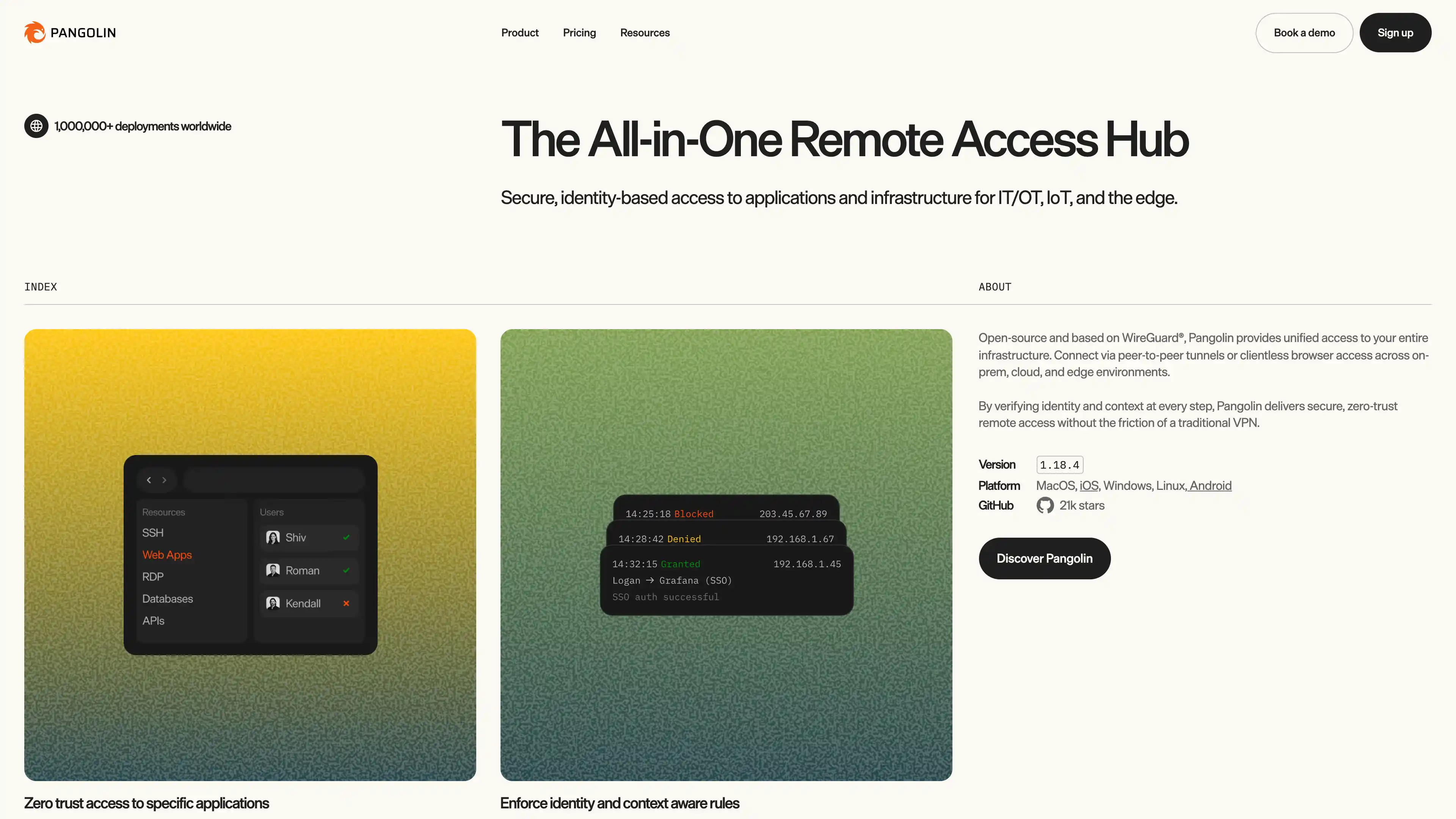
Deploy and Host Pangolin on Sealos
Pangolin is an open-source, identity-aware remote access platform built on WireGuard. This template deploys the Pangolin control plane on Sealos Cloud with persistent configuration storage and HTTPS ingress, while keeping an integration entrypoint for an external Gerbil node.
About Hosting Pangolin
Pangolin acts as a control server for identity, policy, and resource access. In this Sealos template, Pangolin runs as a Kubernetes Deployment behind Sealos ingress, with a persistent volume mounted at /app/config to preserve runtime configuration.
This template intentionally removes built-in Traefik and built-in Gerbil from the official Docker topology. Traffic is terminated by Sealos ingress, and tunnel/egress work is expected to be handled by an external Gerbil deployment that connects back to Pangolin.
Common Use Cases
- Self-hosted Zero-Trust Access: Protect internal web apps and services with identity-aware access control.
- Team Access Gateway: Manage user and role-based access for engineering, ops, and support teams.
- Homelab or SMB Remote Access: Expose selected internal resources safely without opening broad network access.
- WireGuard-based Private Connectivity: Pair Pangolin with external Gerbil for secure network paths and policy enforcement.
Dependencies for Pangolin Hosting
The Sealos template includes all required runtime dependencies for Pangolin control plane hosting: application workload, persistent storage, service discovery, ingress routing, and Sealos App integration.
Deployment Dependencies
Implementation Details
Architecture Components:
This template deploys the following resources:
- Pangolin Deployment:
docker.io/fosrl/pangolin:1.15.2 with ports 3000/3001/3002/3003.
- ConfigMap + PVC: Runtime config is mounted from ConfigMap and persisted under
/app/config.
- Service: Internal service exposing Pangolin ports for ingress and cluster access.
- Ingress:
Path / -> Pangolin frontend (3002)
Path /api/v1 -> Pangolin API (3000)
- App CR: Sealos application entry card with public URL.
Configuration:
gerbil_base_endpoint is the public endpoint that external Gerbil advertises to Pangolin.server_secret is generated by default and injected into Pangolin config.- Built-in Traefik is removed; Sealos ingress provides external HTTP(S) entry.
- Built-in Gerbil is removed due to Sealos user workload privilege constraints (
NET_ADMIN / SYS_MODULE).
Initial Admin Bootstrap (Important):
After the app starts, Pangolin prints a one-time setup token in container logs. You must use this token to create the first admin account.
- Open your deployment in Canvas.
- Click the Pangolin Deployment resource card and open Logs.
- Find the latest line starting with
Token: and copy that setup token.
- Open
https://<app_host>.<SEALOS_CLOUD_DOMAIN>/auth/initial-setup.
- Enter email, password, and the setup token from logs.
- Sign in at
https://<app_host>.<SEALOS_CLOUD_DOMAIN>/auth/login.
Without this setup token step, admin account creation will fail.
Why Deploy Pangolin on Sealos?
Sealos is an AI-assisted Cloud Operating System built on Kubernetes that unifies application deployment and operations. By deploying Pangolin on Sealos, you get:
- One-Click Deployment: Deploy Pangolin without manually stitching Docker and ingress resources.
- Kubernetes Reliability: Use production-grade orchestration and service networking out of the box.
- Easy Customization: Update environment and resource settings from Canvas dialogs and resource cards.
- Persistent Storage Included: Keep Pangolin config across restarts with built-in PVC support.
- Instant Public Access: Automatic HTTPS domain exposure through Sealos ingress.
- Built-in Ops Workflow: Use Canvas and AI dialog for iterative post-deployment changes.
Deployment Guide
- Open the Pangolin template and click Deploy Now.
- Configure deployment parameters:
gerbil_base_endpoint (required)- Optional defaults such as
app_name, app_host, and server_secret
- Wait for deployment to finish (typically 2-3 minutes). After deployment, Sealos redirects you to Canvas.
- Open the generated app URL and complete the Initial Admin Bootstrap with the setup token from the Canvas logs view.
- After initial setup, log in and continue configuration from the Pangolin dashboard.
Configuration
| Parameter | Description | Default |
|---|
app_name | Resource name prefix | pangolin-<random> |
app_host | Public hostname prefix | pangolin-<random> |
server_secret | Pangolin server secret | Random 32-character string |
gerbil_base_endpoint | Public endpoint advertised by external Gerbil | pangolin.example.com |
Post-deployment updates can be applied through:
- AI Dialog in Canvas for intent-driven changes.
- Resource Cards for direct edits to Deployment, Service, Ingress, and ConfigMap.
Scaling
To scale Pangolin resources:
- Open your deployment Canvas.
- Select the Pangolin Deployment resource card.
- Adjust CPU/memory or replica settings.
- Apply changes and monitor rollout status.
Troubleshooting
Common Issues
Issue: Cannot create first admin account
- Cause: Setup token was not provided or is invalid.
- Solution: Open the Pangolin Deployment resource card in Canvas, read the latest
Token: from logs, and complete /auth/initial-setup.
Issue: API returns 403 for write operations
- Cause: Missing CSRF header for API writes.
- Solution: Include header
x-csrf-token: x-csrf-protection for non-GET API calls.
Issue: External Gerbil cannot register or sync
- Cause: Incorrect remote config endpoint or base endpoint mismatch.
- Solution: Use
--remoteConfig=https://<app_host>.<SEALOS_CLOUD_DOMAIN>/api/v1/ on Gerbil and set gerbil_base_endpoint to Gerbil's public endpoint.
Getting Help
Additional Resources
License
This Sealos template is provided under the templates repository license. Pangolin itself is licensed under AGPL-3.0.